ARCore Depth Lab vVARY
Google Samples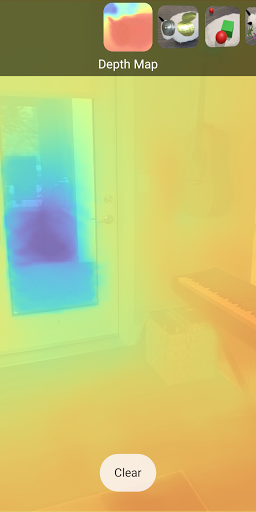


About this app
Developer Description
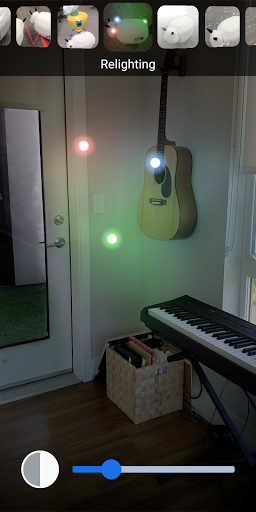
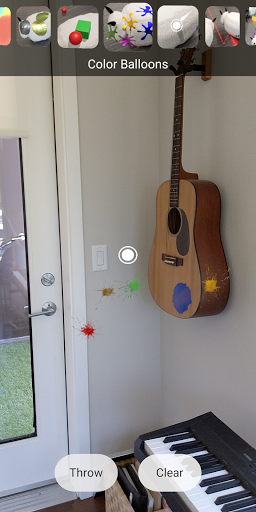
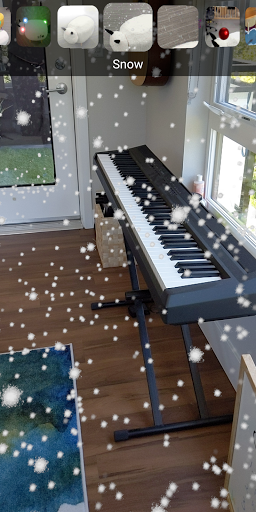
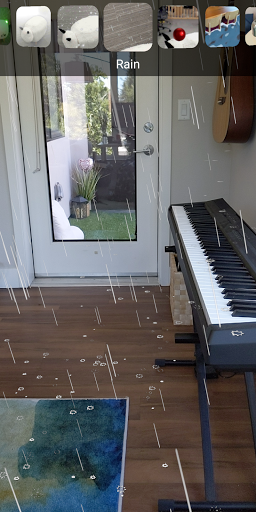
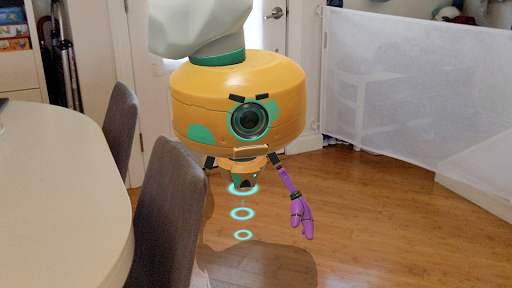
Experience geometry-aware AR in your own space with ARCore Depth API.
Depth API is supported on a subset of ARCore-certified devices. Please look for Supports Depth API in the Notes column of each listed device here: https://developers.google.com/ar/discover/supported-devices
You may have to restart your device after installing the latest version of Google Play Services for AR (ARCore) in case Depth Lab does not work properly.
If you’re a developer hoping to build experiences like this with the ARCore Depth API, head over to GitHub to access the source code for this app, or visit the ARCore developer documentation and ARCore Depth API documentation.
GitHub source code: https://github.com/googlesamples/arcore-depth-lab
ARCore developer documentation: https://developers.google.com/ar
ARCore Depth API documentation: https://developers.google.com/ar/develop/unity/depth/overview
Version Information
- Version
- -
- Downloads
- 100K+
- Updated on
- -
- Released
- Jun 25, 2020
- Requires
- Android Varies with device
Statistics
Google Play Rating History
Rating Distribution
Downloads Over Time
ARCore Depth Lab has been downloaded times. Over the past 30 days, it averaged downloads per day.
Shaded area shows 30-day prediction based on historical trends
Historical data collection started recently. More data points will be available over time.
ARCore Depth Lab users say on Google Play
 Eli Smith
This app has blown my mind. I work with depth based object tracking on the side using pictures and videos which takes hours to process on my beast of a rig, exactly what this app can do in real time. Incredible demo, blows my mind!
 Ola Gatner
Raw lidar (rgbd) data saving is missing :( I like this app, but I'd like to have an option to save raw data frames like depth, confidence, rgb and IMU.
 Piero FilippIN
Amazing and disappointing at the same time. Very promising but also shows the many shortcomings of the technology.
 Banu Ozden
Using Object Placement sample on Pixel 4a 5g, when I try to place a virtual object behind a physical object in the environment, a white box covering virtual object is seen through the physical object. Is this the intended behavior? Also, many times, the virtual object appears in front of the physical objects, as it would be without depth API. Does the object placement work properly for anyone on Google Pixel versions supporting ARCore Depth API? Or does it only work properly with phones with ToF sensors?
 Hariprasanth Giri K
By using this depth api not fully used in oppo f19 pro+ , 3D space is not working as mentioned in the app. After gothrowing doc on "ARcore Supported Devices" I bought. But not satisfied.
ApkTrusted Ratings & Reviews
More from Google Samples
See more apps



Scan this QR code to download

Forwarding you to the page at Google Play market in seconds...
Open Google Play market now