
GYD024 | Halloween Dracula vVARY
GY.watchface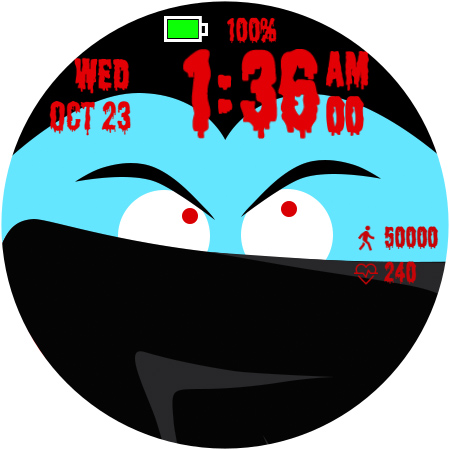
/
About this app
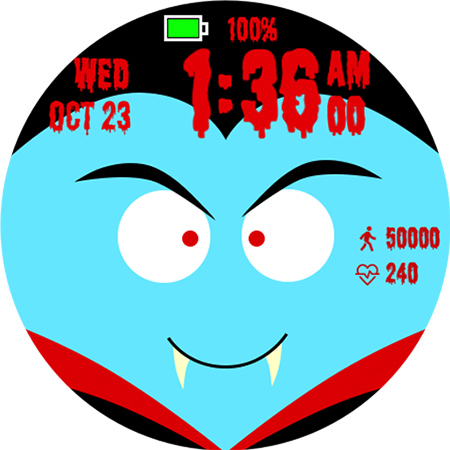
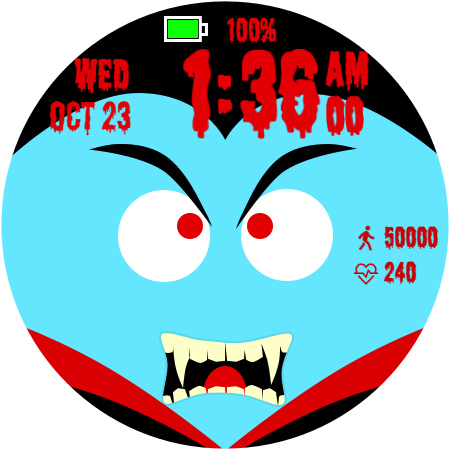
Halloween friends "Dracula" watch face
Watch face for Halloween.
This watch face supports Wear OS devices with Android API level 30+.
[Watch face installation instructions]
Written by Tony Morelan, the instructions will vary depending on your device and OS version, but are generally similar. You can also follow the instructions below for Galaxy Watch 6+ or One UI 5.0.
1) Galaxy Watch 4 and One UI 4.0
https://developer.samsung.com/sdp/blog/en/2022/04/05/how-to-install-wear-os-powered-by-samsung-watch-faces
2) Galaxy Watch 5 and One UI 4.5
https://developer.samsung.com/sdp/blog/en/2022/11/15/install-watch-faces-for-galaxy-watch5-and-one-ui-watch-45
* Installation issues due to compatibility messages
If you only see a compatibility message in Google Play like "Not Compatible with This Device" and don't see an Install button, expand the "View details" or "Install on more devices" dropdown menu below to see if your paired smartwatch will be installed. You can see it and install it on your watch through the install button.
[function]
- Animation effects
- 12 hour/24 hour time format
- Date and day of the week
- steps
- heart rate
- Battery level and percentage
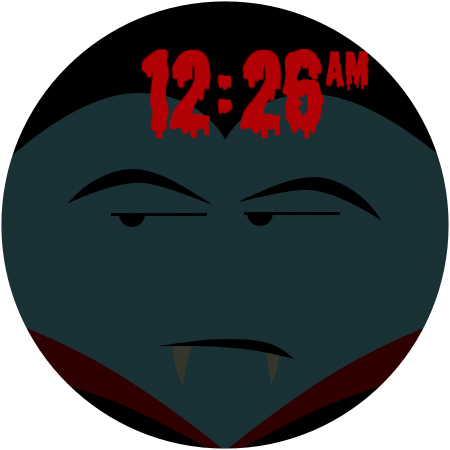
- AOD mode
- 3 editable complications
* Follow us to get our news and promotions quickly:
- Instagram:
https://www.instagram.com/gywatchface
- Facebook:
https://www.facebook.com/gy.watchface
[caution]
* Does not run on Tizen OS, including Samsung Gear and Galaxy Watch 3 and earlier versions.
* If the developer updates the watch face, the screenshots in the store may differ slightly from the watch face actually installed on the watch.
This watch face supports Wear OS devices with Android API level 30+.
[Watch face installation instructions]
Written by Tony Morelan, the instructions will vary depending on your device and OS version, but are generally similar. You can also follow the instructions below for Galaxy Watch 6+ or One UI 5.0.
1) Galaxy Watch 4 and One UI 4.0
https://developer.samsung.com/sdp/blog/en/2022/04/05/how-to-install-wear-os-powered-by-samsung-watch-faces
2) Galaxy Watch 5 and One UI 4.5
https://developer.samsung.com/sdp/blog/en/2022/11/15/install-watch-faces-for-galaxy-watch5-and-one-ui-watch-45
* Installation issues due to compatibility messages
If you only see a compatibility message in Google Play like "Not Compatible with This Device" and don't see an Install button, expand the "View details" or "Install on more devices" dropdown menu below to see if your paired smartwatch will be installed. You can see it and install it on your watch through the install button.
[function]
- Animation effects
- 12 hour/24 hour time format
- Date and day of the week
- steps
- heart rate
- Battery level and percentage
- AOD mode
- 3 editable complications
* Follow us to get our news and promotions quickly:
- Instagram:
https://www.instagram.com/gywatchface
- Facebook:
https://www.facebook.com/gy.watchface
[caution]
* Does not run on Tizen OS, including Samsung Gear and Galaxy Watch 3 and earlier versions.
* If the developer updates the watch face, the screenshots in the store may differ slightly from the watch face actually installed on the watch.
Version Information
- Version
- -
- Downloads
- 1+
- Updated on
- -
- Released
- Oct 7, 2024
- Requires
- Android Varies with device
Ratings & Reviews
Developer Response
More from GY.watchface
See more apps
GYA009: Minimal watchface
Free

GYA001: Analog watchface
Free
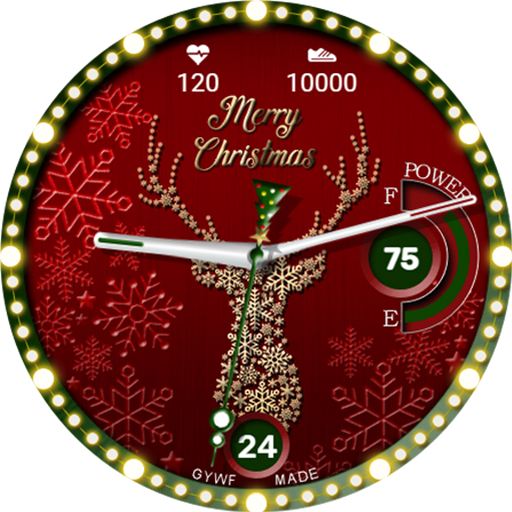
GYA010:X-mas classic watchface
Paid
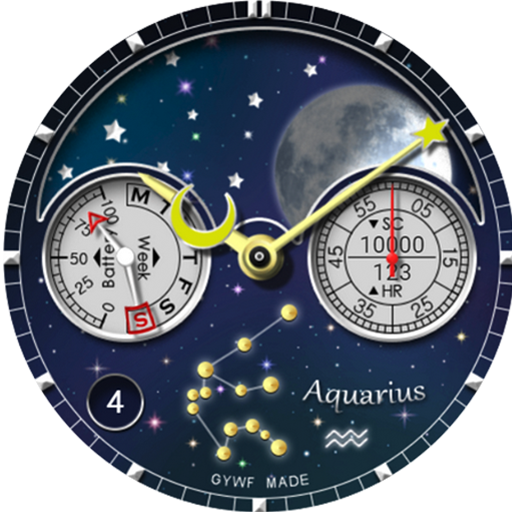
GYA011 Moon&Star : All-in-One
Paid
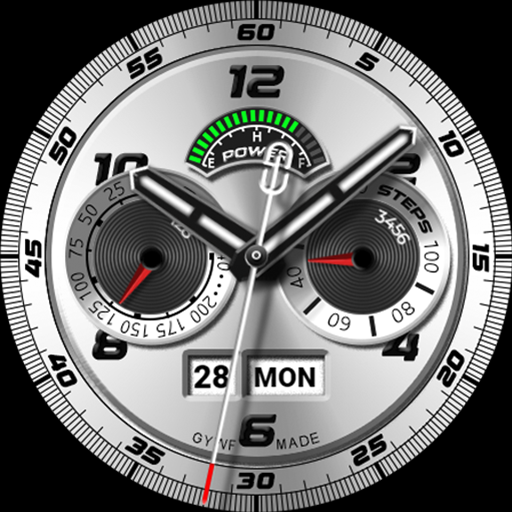
GYA005: Analog watchface
Paid

GYA007: Retro Table Clock
Free
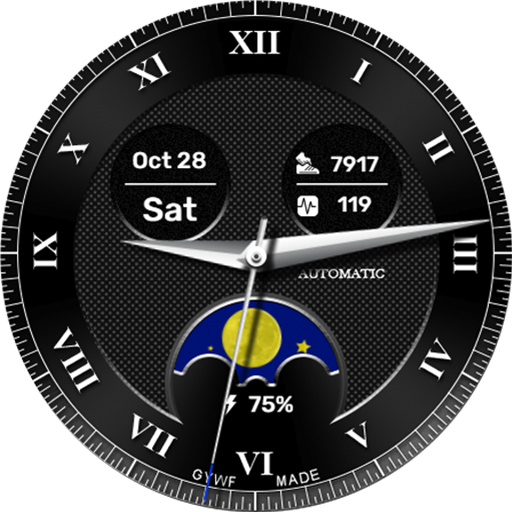
GYA008: Analog watchface
Free

GYA002: Watchface for women
Paid

FACEPICK 페이스픽 Watch Faces
Free

GYA004: Artistic watchface
Paid

GYA011: Moon&Star - Aquarius
Free
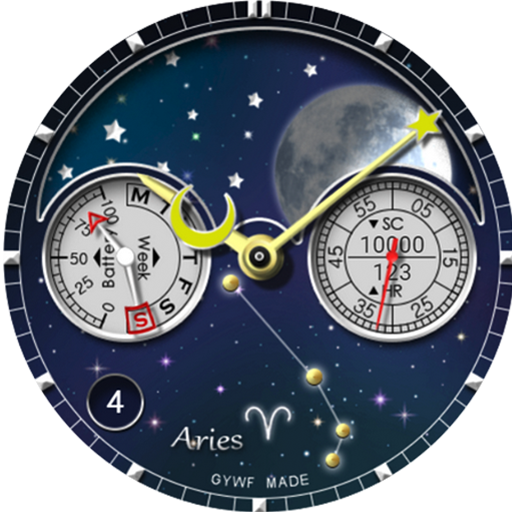
GYA011: Moon&Star - Aries
Paid

GYA011: Moon&Star - Cancer
Paid
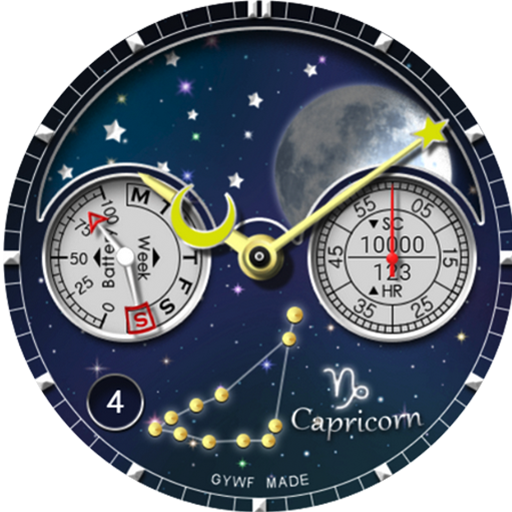
GYA011: Moon&Star - Capricorn
Free
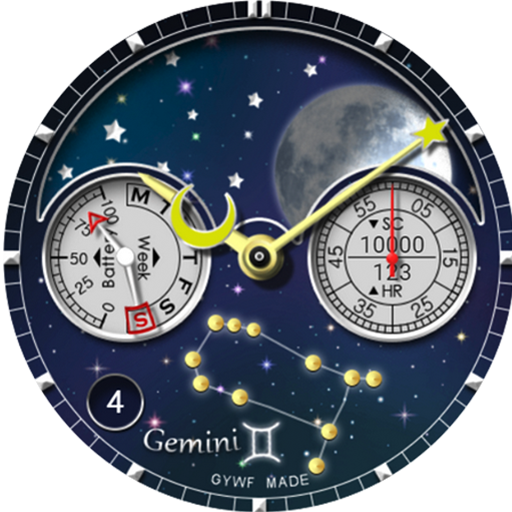
GYA011: Moon&Star - Gemini
Paid
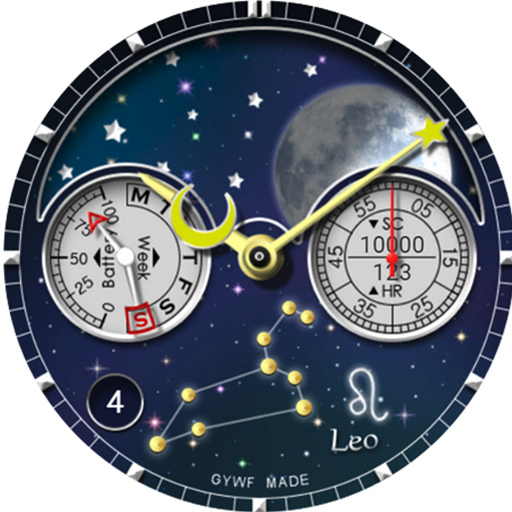
GYA011: Moon&Star - Leo
Paid