Audio Tag Editor - Mp3 Tagger vVARY
HitroLab - Mp3 Audio Editor and Ringtone Maker Dev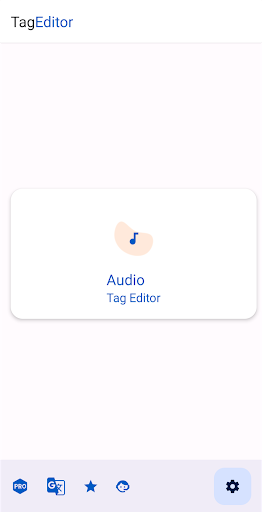
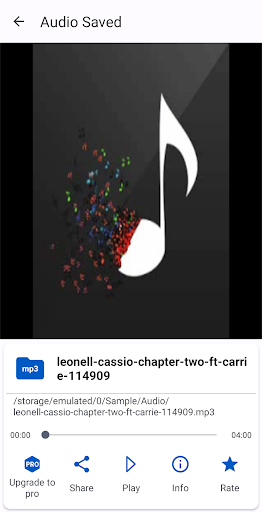
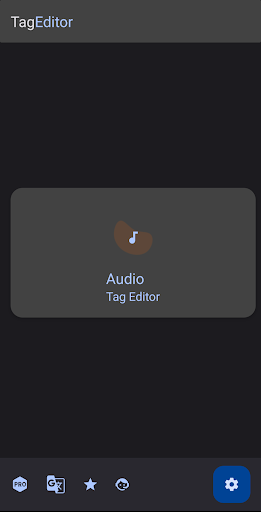
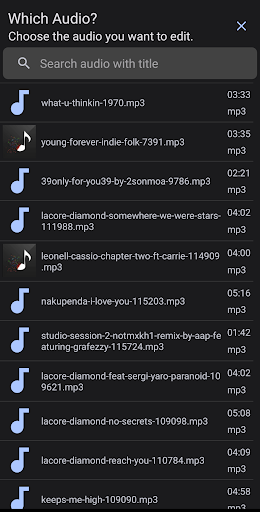
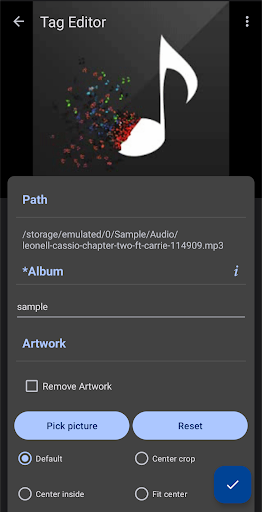


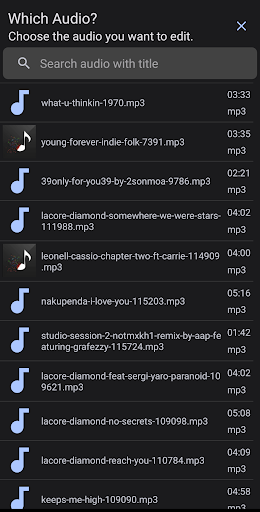

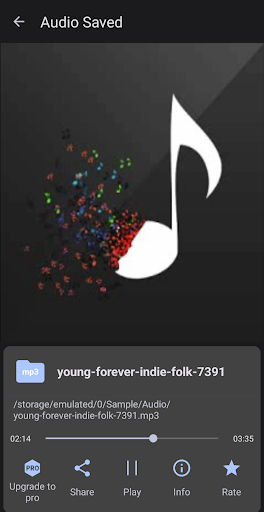
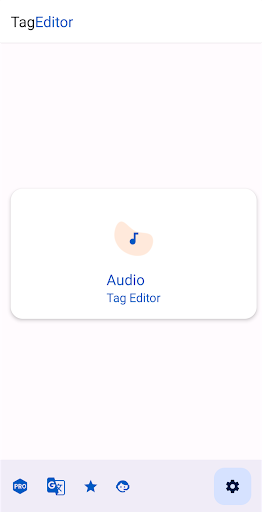
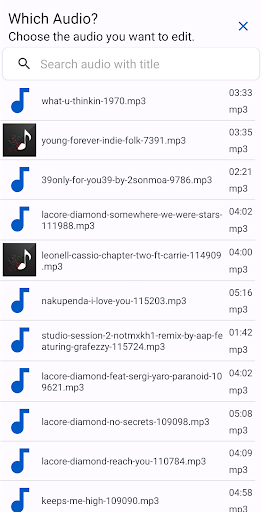


About this app
Developer Description
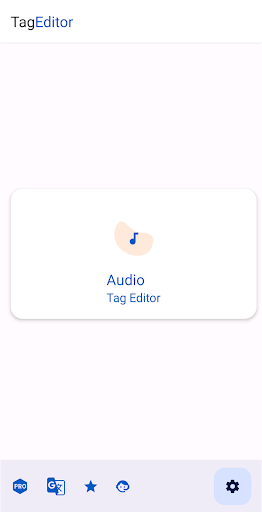
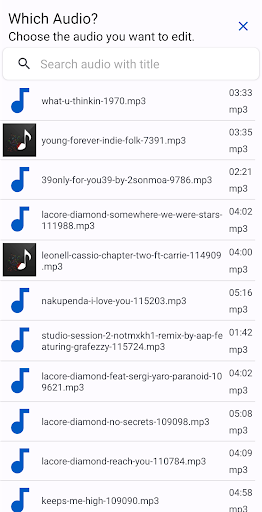
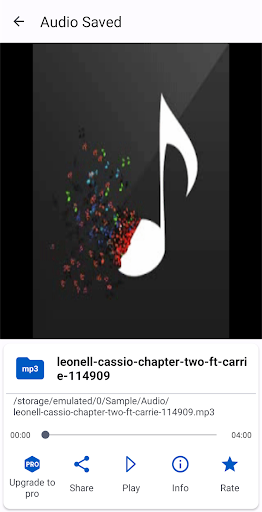
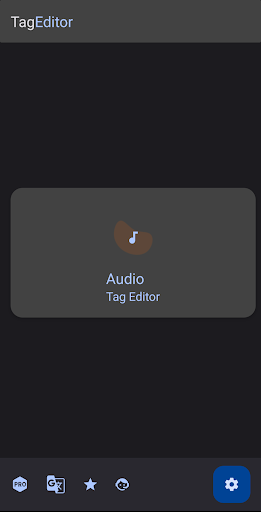
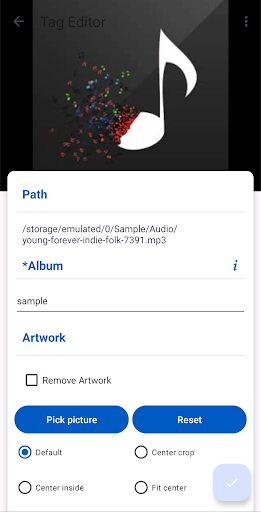
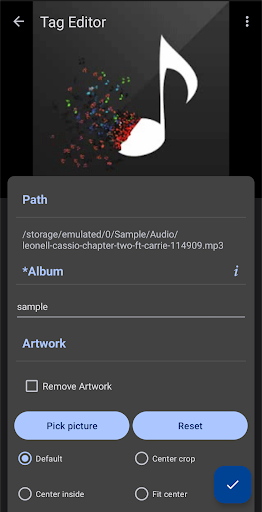
Universal tag editor for audio meta tagging, mp3 music tag editor, cover editor
Unleash the power of Audio Tag Editor, the most comprehensive and user-friendly music tag editor on Google Play. Say goodbye to disorganized music libraries and hello to perfectly tagged tracks that enhance your listening experience.
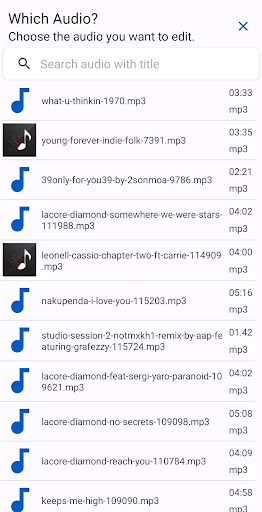
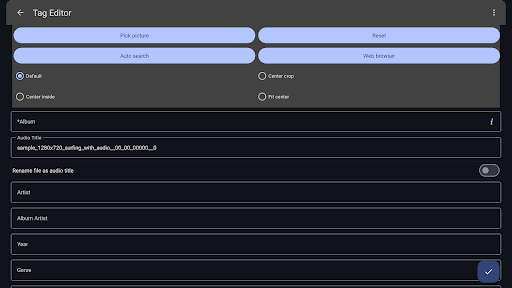
Editing song title, cover art, artist, album, album artist, year, genre, track number, disc number, comment, lyrics.
Audio Tag Editor - Mp3 Tagger supports tag editing of ID3v1, ID3v2.3, ID3v2.4, MP4, WMA, Vorbis and a variety of audio formats.
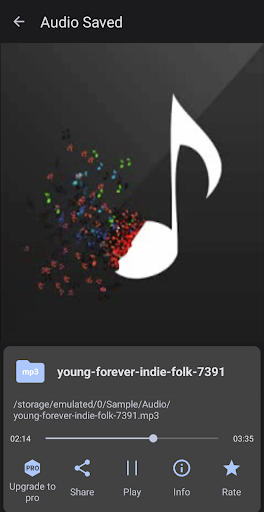
Music tags and cover art are written directly into files and don't disappear after files are moved or the device rebooted.
Seamlessly Edit Every Detail
Effortlessly edit all essential tag information, including song title, album art, artist, album, year, genre, track number, and more. Our advanced tag editor supports ID3v1, ID3v2.3, ID3v2.4, MP4, WMA, Vorbis, and a wide range of audio formats.
Stunning Album Art
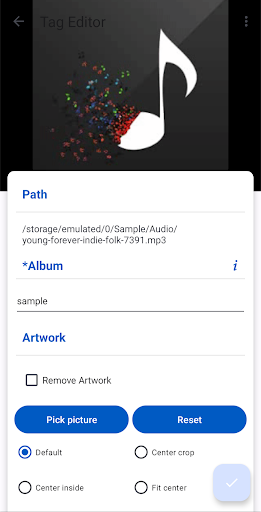
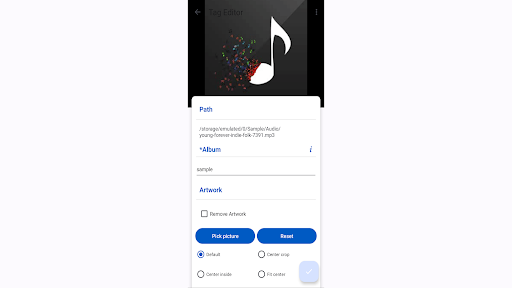
Add or modify album covers with ease, giving your music library a visually appealing touch. With Audio Tag Editor, your music will stand out with beautiful and accurate artwork.
Edit all the most known tag information
‣ Cover Art
‣ Album
‣ Audio Title
‣ Artist
‣ Album artist
‣ Year
‣ Genre
‣ Disc number
‣ Track number
‣ Encoder
‣ Language
‣ BPM
‣ Key
‣ Composer
‣ Comment
‣ Lyrics
Comprehensive Features
- Support for Cover Art Add and modify album covers to your audio
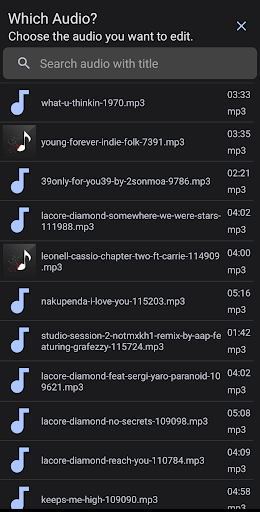
- Support for editing music on SD cards
- Delete tag option for a clean slate
- Save audio artwork for future use
- Lyrics search to complete your music metadata
- Album art auto and web search
Supported Audio Formats -
- Mpeg Layer 3 (mp3)
- Windows Media Audio (wma)
- Ogg Vorbis (ogg)
- Opus (opus, oga)
- MPEG-4 (mp4, m4a, m4b, m4p)
- Free Lossless Audio Codec (flac)
- Audio Interchange File Format (aif / aifc / aiff)
- Direct Stream Digital Audio (dsf, dff)
- WAV (wav)
Perfect for Music Tag Editors
Audio Tag Editor is the perfect companion for anyone looking to organize their music library. Whether you're a music enthusiast, a DJ, or a musician, our app empowers you to create a perfectly tagged music collection that enhances your listening experience.
In-app purchases
$0.49 - $11.99 per item
Version Information
- Version
- -
- Downloads
- 100K+
- Updated on
- -
- Released
- Jan 16, 2026
- Requires
- Android Varies with device
Statistics
Google Play Rating History
Rating Distribution
Downloads Over Time
Audio Tag Editor - Mp3 Tagger has been downloaded times. Over the past 30 days, it averaged downloads per day.
Shaded area shows 30-day prediction based on historical trends
Historical data collection started recently. More data points will be available over time.
ApkTrusted Ratings & Reviews
More from HitroLab - Mp3 Audio Editor and Ringtone Maker Dev
See more apps
AudioLab Audio Editor Recorder
Free

Audio Video Mp3 Converter
Free

SnapShot: Photo Editor Collage
Free

NoiseLab - Audio Noise Remover
Free

SplitLab Audio Video Splitter
Free

ImageLite Compress Resize Crop
Free

TelePrompter Smart Prompter
Free
Voice Lab - Text To Speech TTS
Free

AI Vocal Stem Extractor Studio
Free

Splitify - Music Vocal Remover
Free

White Noise Audio Sleep Sound
Free
Scan this QR code to download

Forwarding you to the page at Google Play market in seconds...
Open Google Play market now