
@Voice Floating Button Plugin v1.5.1
Hyperionics Technology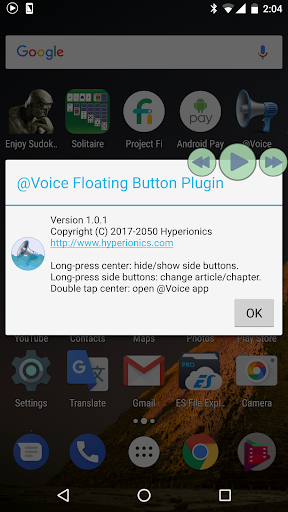
About this app
Developer Description
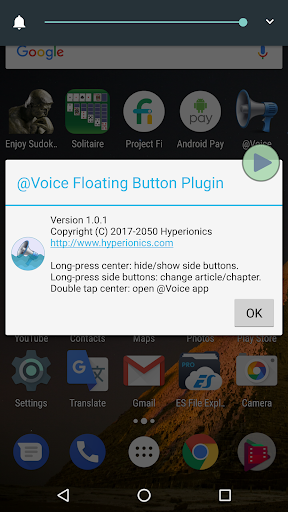
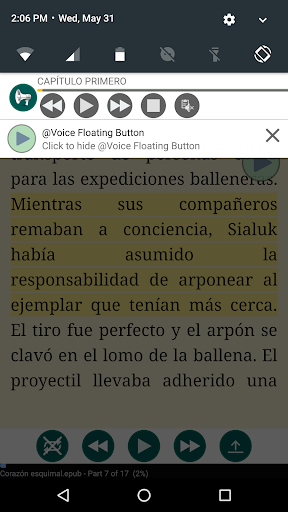
Controls @Voice app reading aloud from any screen in the system
In the main @Voice app, activate this button through the Settings menu - Screen and sleep timer settings - Show @Voice floating button... checkbox.
What's New
Updated app target API level, per Google requirements.
Version Information
- Version
- 1.5.1
- Downloads
- 100K+
- Updated on
- Jul 6, 2024
- Released
- May 31, 2017
- Requires
- Android 5.0
Statistics
Google Play Rating History
Rating Distribution
Downloads Over Time
@Voice Floating Button Plugin has been downloaded times. Over the past 30 days, it averaged downloads per day.
Shaded area shows 30-day prediction based on historical trends
Historical data collection started recently. More data points will be available over time.
@Voice Floating Button Plugin users say on Google Play
 A Google user
Really love your app! a bit feedback from me, please add choice to change speed rate on each language. because as a non English speaker, I feel the speed rate on my native language seems to slow because I can understand it more than English
A Google user
Heavy duty soft, needs updates & bug and other fixes!
A Google user
I loved this button, but the last two days it's been glitching - sometimes when I tap it it increases drastically in size and will not revert back to a small manageable size. I have to uninstall it, reinstall it, and then reset settings to use it, and then it happens again. I love this plugin, but it needs to be fixed before I'll try this again because I'm super frustrated!!!
A Google user
IMO, this app is useless. All it does is open the main @voice app which already puts a notification panel with better controls. A floating button should allow you to select text from any app on the screen (such as a pdf reader) and read it out loud.
A Google user
I love the float-over buttons and it reads really well. However, it reads whatever it wants to read, not what I want it to read. For example, I have it over my browser screen, but it reads from the Kindle book. Once I finally get it out of the Kindle book by randomly stopping and restarting, it starts reading the browser screen, but not the active window. but rather another one that I closed couple hours ago. Does anyone else has the same experience?
ApkTrusted Ratings & Reviews
More from Hyperionics Technology
See more apps

Scan this QR code to download

Forwarding you to the page at Google Play market in seconds...
Open Google Play market now