
MobileHMI v25.3
Mitsubishi Electric Iconics Digital Solutions, Inc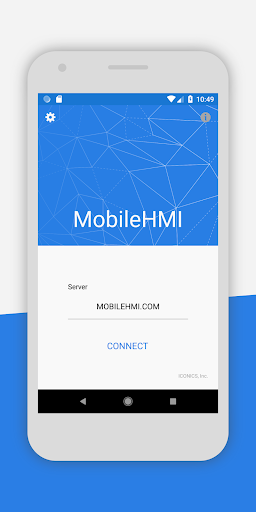
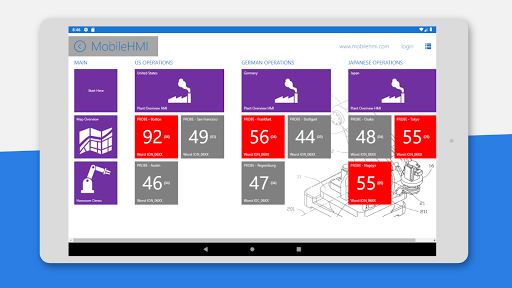
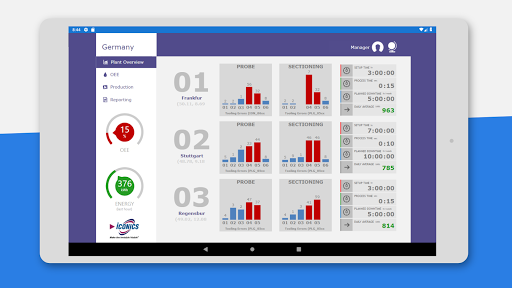
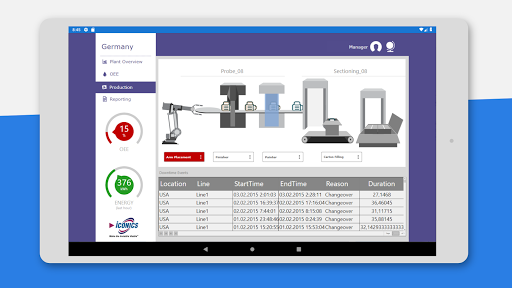
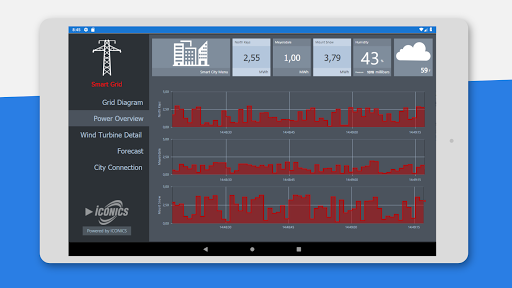
About this app
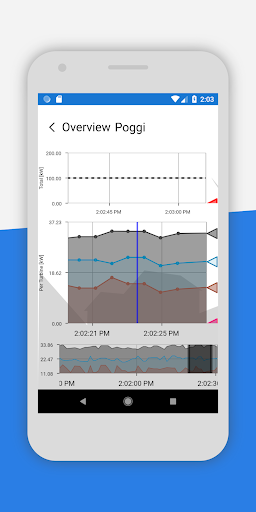
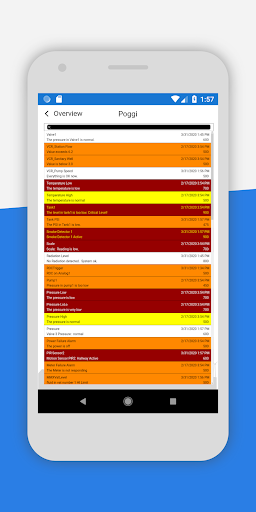
MobileHMI solves the problem of remotely accessing and monitoring industrial systems in real-time, benefiting professionals in the manufacturing and automation sectors. Compared to other business apps, MobileHMI stands out with its excellent user rating and top-tier app status, indicating a high level of user satisfaction. However, its limited download numbers may raise concerns about its market reach and compatibility with various devices. Overall, MobileHMI's secure delivery of real-time graphics, trends, and alerts makes it a valuable tool for optimizing efficiency in industrial settings.
Pros
- With an excellent user rating of 5.0/5, MobileHMI demonstrates a high level of user satisfaction, indicating a well-designed and functional app.
- Having no permissions requests, MobileHMI ensures a high level of user privacy and security, which is crucial for business and industrial applications.
- The app's free model with no ads or in-app purchases provides an uninterrupted user experience, allowing professionals to focus on their work without distractions.
- MobileHMI's developer, Mitsubishi Electric Iconics Digital Solutions, Inc., is a reputable company with a strong presence in the industrial automation sector, ensuring a high level of expertise and support.
Cons
- The limited download numbers of 10,000+ may indicate that MobileHMI has not yet gained widespread adoption, potentially limiting its compatibility with various devices and systems.
- The app's requirement of Android 5.0 or higher may exclude some users with older devices, limiting its accessibility.
- There is limited information available about the app's update frequency and long-term support, which may raise concerns about its future development and maintenance.
Best for: The ideal user for MobileHMI is a professional in the manufacturing or automation sector, likely with a technical background and experience in industrial systems, who requires a secure and efficient way to remotely access and monitor their systems in real-time, and values the app's excellent user rating, top-tier status, and high level of privacy and security.
Developer Description
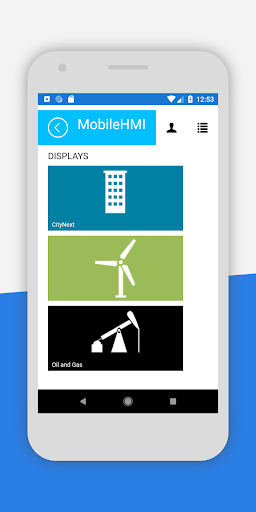
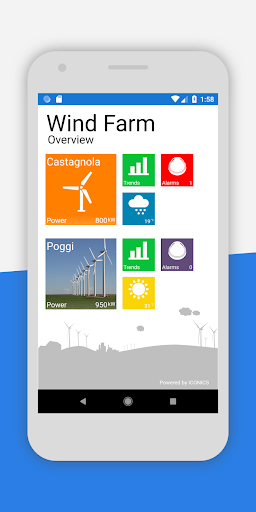
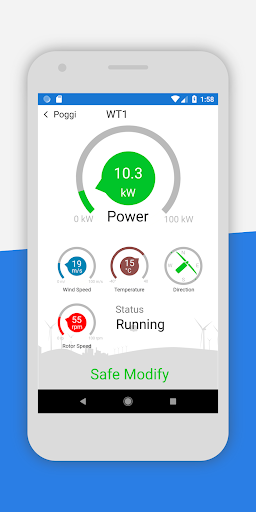
Securely delivers real-time graphics, trends and alerts to optimize efficiency.
Privacy
Given that MobileHMI requests no permissions, it appears to be a very secure app, minimizing the risk of data collection and privacy breaches. However, users should still be cautious when accessing and transmitting sensitive industrial data, ensuring that their devices and networks are secure. It is recommended to use MobileHMI on a secure, password-protected device and network to maximize its safety benefits.
Tips
To get the most out of MobileHMI, users should first familiarize themselves with the app's interface and features, exploring its real-time graphics, trends, and alerts capabilities. For optimal performance, users should also ensure that their devices meet the recommended system requirements and have a stable internet connection. Additionally, users can customize the app's settings to optimize its performance and data usage, ensuring a seamless and efficient experience.
What's New
- Migration to MAUI 9 framework
- App functions used for Connected Field Worker integration can now connect to GENESIS 11.02 and later (reference number: 18474)
Version Information
- Version
- 25.3
- Downloads
- 10K+
- Updated on
- Nov 6, 2025
- Released
- Jun 7, 2013
- Requires
- Android 5.0
Statistics
Google Play Rating History
Rating Distribution
Downloads Over Time
MobileHMI has been downloaded times. Over the past 30 days, it averaged downloads per day.
Shaded area shows 30-day prediction based on historical trends
Historical data collection started recently. More data points will be available over time.
MobileHMI users say on Google Play
 Sutthipong Senatee
Beautiful advance animation. Easy to use. Control/Monitor anywhere anytime.
ApkTrusted Ratings & Reviews
More from Mitsubishi Electric Iconics Digital Solutions, Inc
See more apps
Scan this QR code to download

Forwarding you to the page at Google Play market in seconds...
Open Google Play market now