Sailing Marine Ocean vibes vVARY
Inspire Watch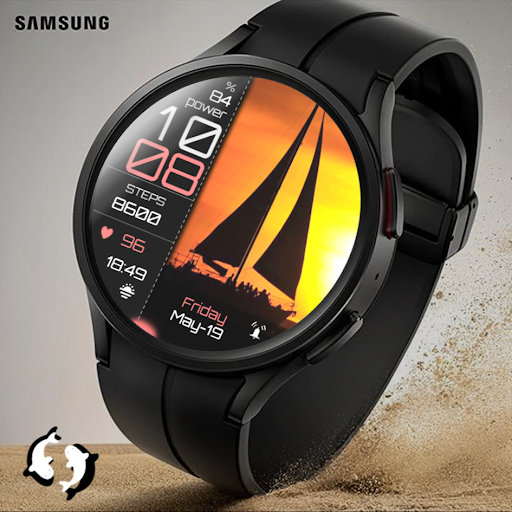




/
About this app
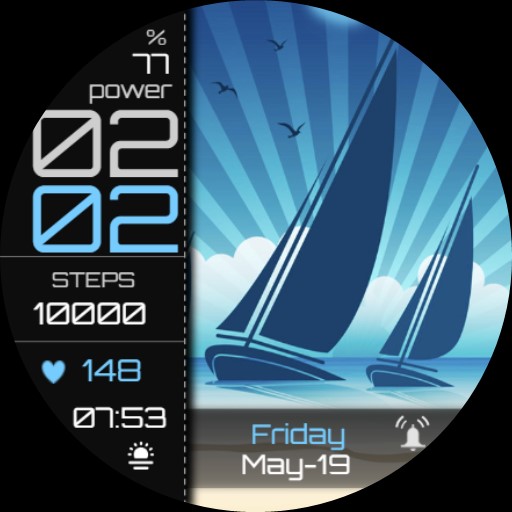
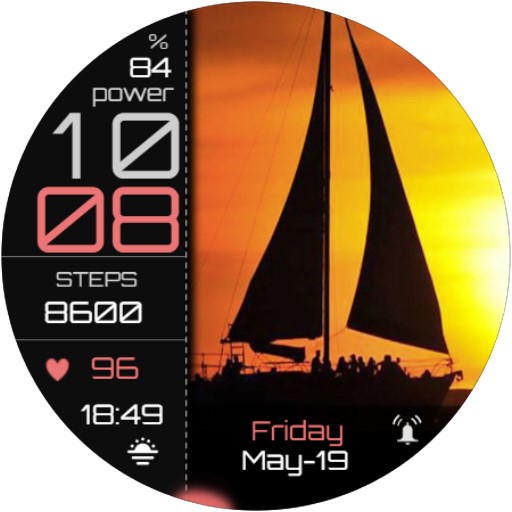
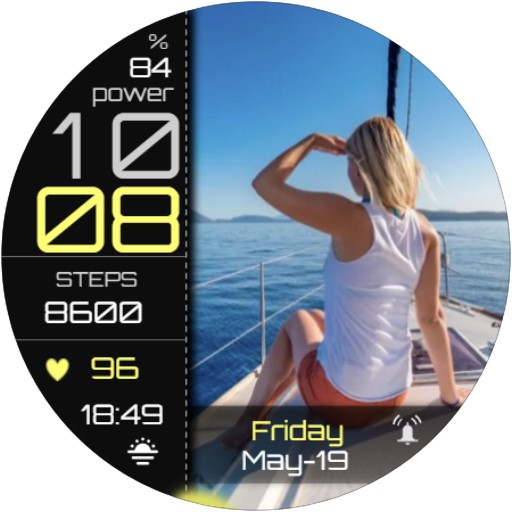
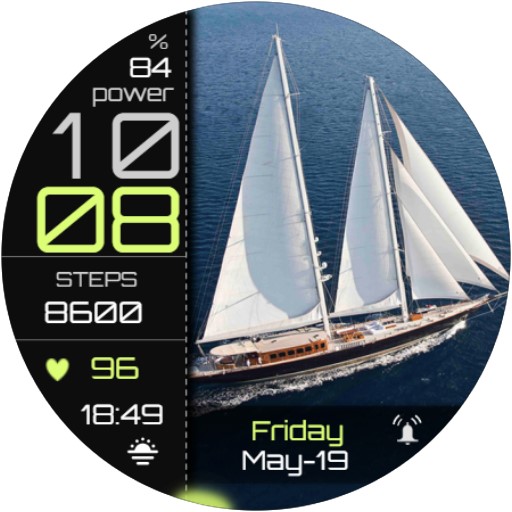
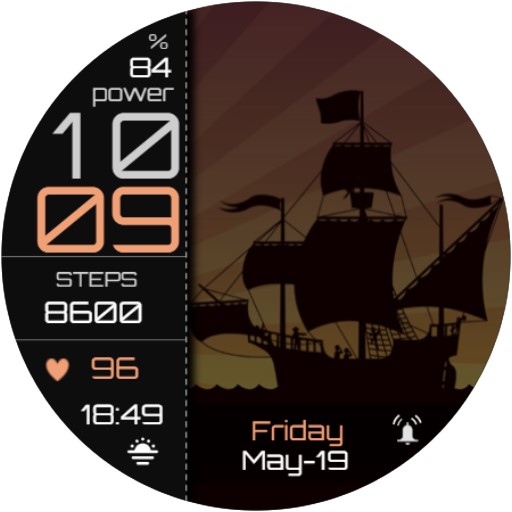
Sailing Marine Ocean Vibes Summer Watch Face with beautiful Sailing Themes
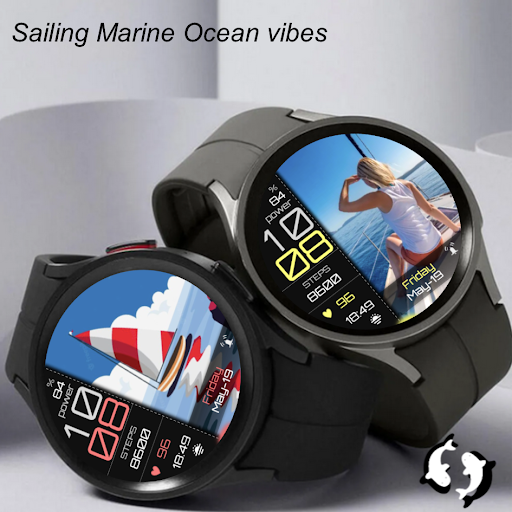
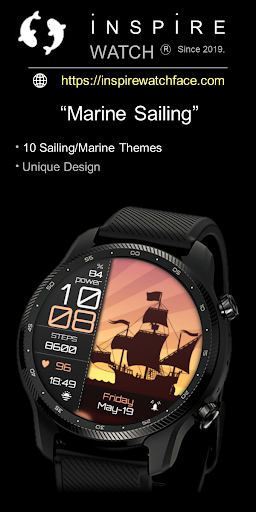
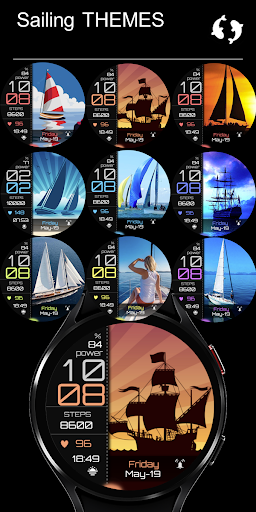
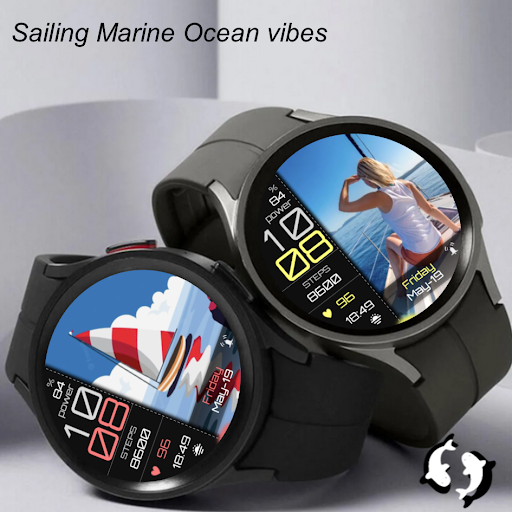
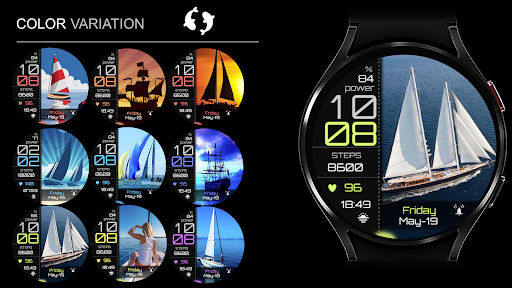
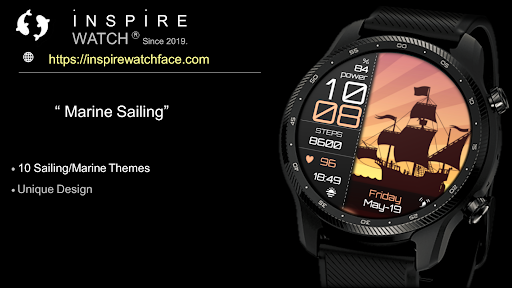
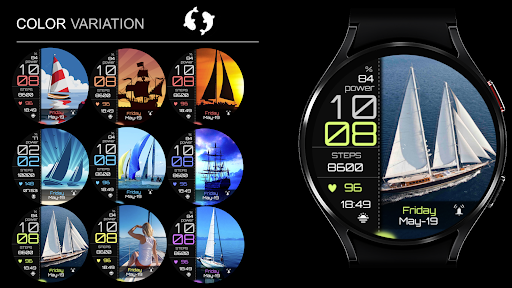
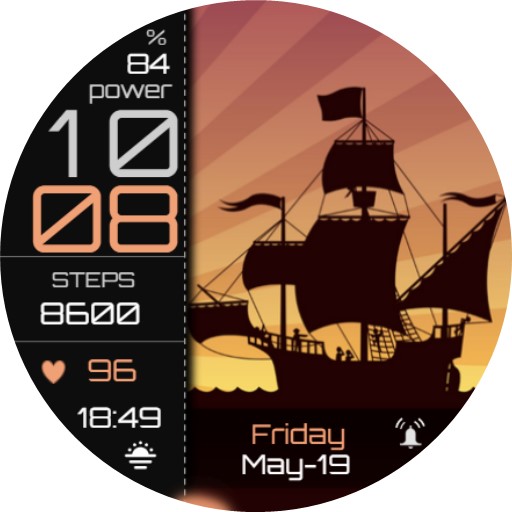
🥳 Beautiful Illustrative watchface in Theme Sailing & Marine. For all who love summer fresh background with ocean- Sailing themes. Unique piece of art on your wrist. Watch face all feature for daily use, Digital Time, Date information, Heart rate measure, Battery percentage, Steps count and 1 Customizable application launcher
My name is Milos Fedak and in case you have questions before or after purchasing contact me via email inspirewatch@gmail.com or Visit https://inspirewatchface.com
Or via social media links pasted on the bottom of product description.
INSTALLATION NOTES: if you face issue with installation read note at the end of product description or write on supportive email inspirewatch@gmail.com
==========================
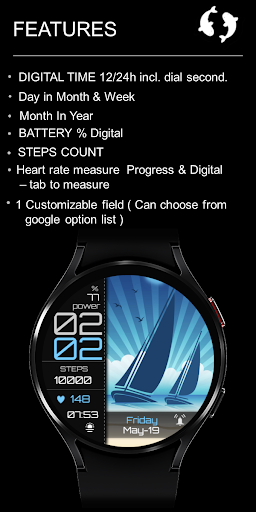
Watch face features:
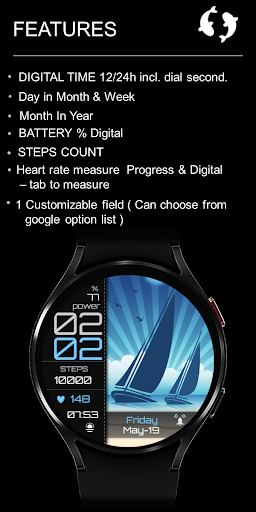
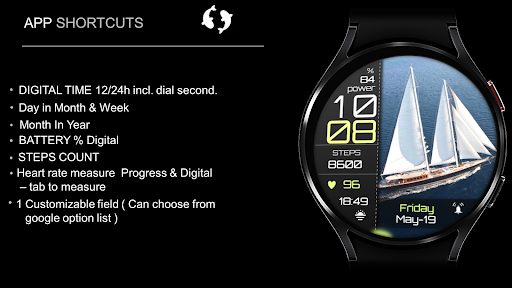
- Digital Time including dial second
- Day in Month
- Day in Week
- Month in Year
- Battery percentage Digital
- Steps count
- Heart rate measure digital & Heart rate zone ( Tab on this field to measure current HR)
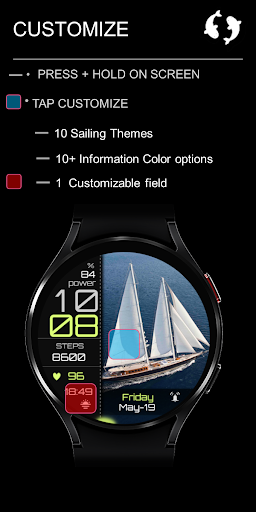
1 Customizable application ( you can choose from google option list)
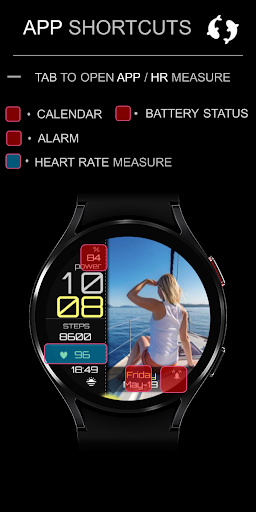
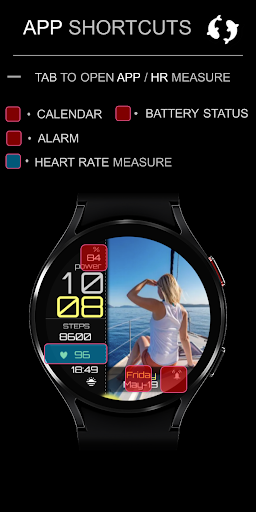
Direct Application Launchers
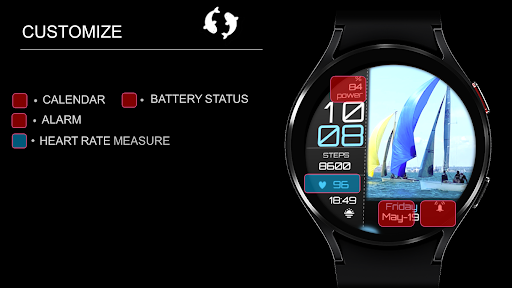
- Calendar
- Battery Status
- Alarm
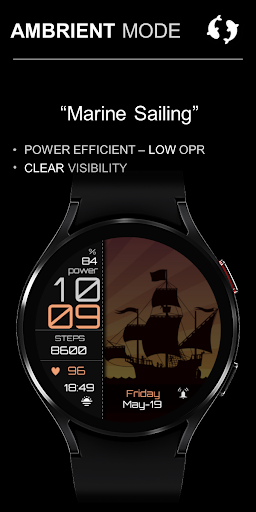
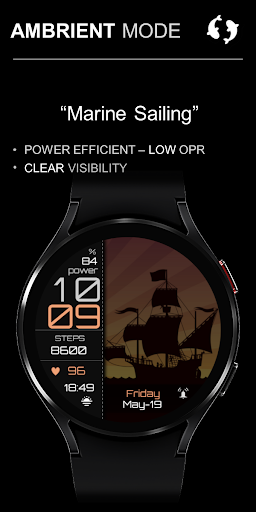
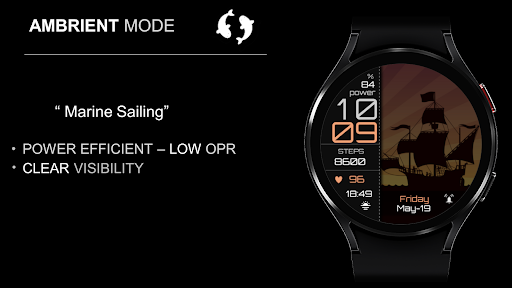
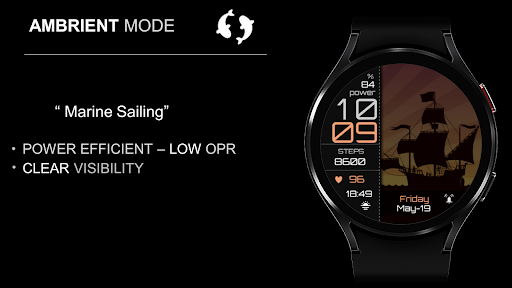
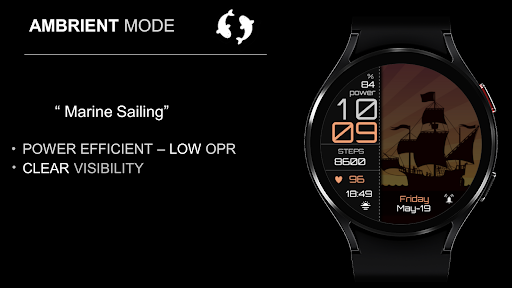
- Always ON Display supported - LOW OPR and unique look
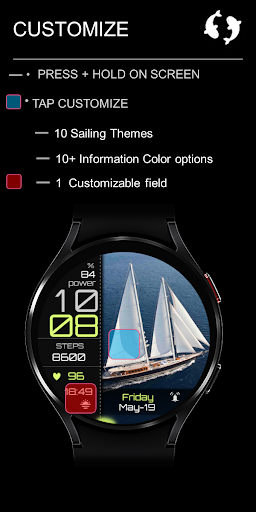
Customization:
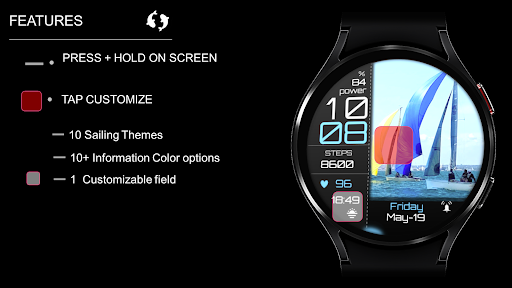
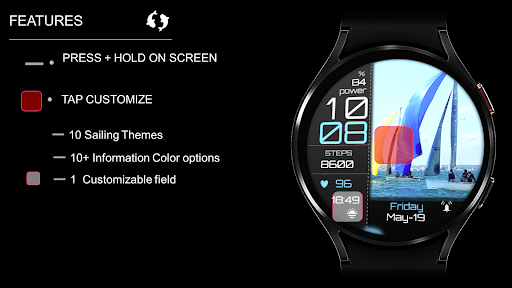
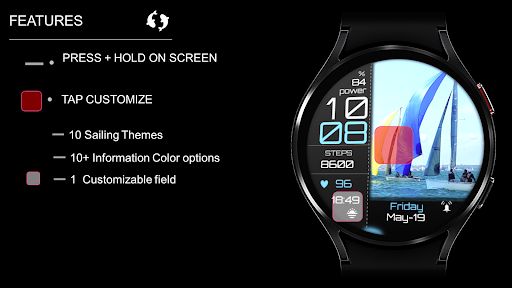
1 - Touch and hold display
2 - Tap on customize option
- 10+ Display information color options
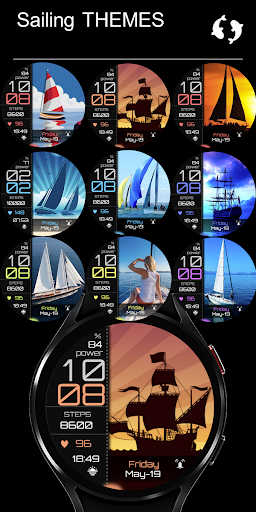
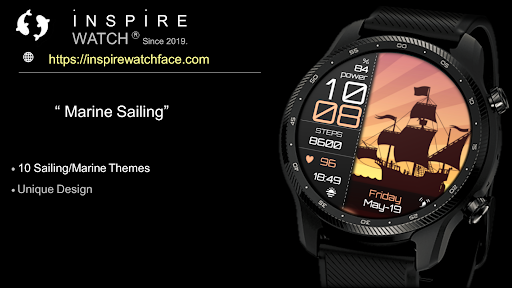
- 10 Sailing/Marine background Themes
*some features may not be available on some watches.
Heart rate:
Heart rate is automatically measured every 10 minutes by tabbing on HR area you will get measure your current HR
Please make sure that the screen is turned on and that the watch is worn correctly on the wrist.
==========================
I am Developer since 2019 with with over 400 watchface experience. My Faces can be found on Galaxy Store, Playstore, and Huawei Health store!
Achievements:
Huawei Store:
Best of Huawei Themes Award 2021- 1st. Place Best Hybrid Watchface Style (Top 10 Seller)
Award Ceremony video link:
https://www.youtube.com/watch?v=4ZY5kq7vBL4
Galaxy Store: ( TOP 50 seller)
SOCIAL MEDIA LINKS:
Web PAGE: https://inspirewatchface.com
TELEGRAM:
https://t.me/WearOswatchfaces
FACEBOOK:
https://www.facebook.com/Digital.Unity.Watch/
INSTAGRAM:
https://www.instagram.com/digital.unity.watch/
===========================
Installation Notes:
In case you face issue with installing this watchface follow notes below or Installation guide made by Samsung:
Installation Guide link:
99) Install Wear OS™ Powered by Samsung Watch Faces - YouTube https://www.youtube.com/watch?v=vMM4Q2-rqoM&t=2s
1 - Ensure that the watch is properly connected to the phone
After a few minutes the watch face was transferred on watch : check the watch faces installed by the Wearable app on the phone.
or
2 - If you are having synchronization issues between your phone and Play Store, install the app directly from watch: search "Analog Neon" from Play Store on watch and hit on install button.
3 - The last option is to install the watch face from web browser on your PC.
Please consider that any issues on this side are NOT developer dependent. The developer has no control over the Play Store from this side.
Million times Thank you !
My name is Milos Fedak and in case you have questions before or after purchasing contact me via email inspirewatch@gmail.com or Visit https://inspirewatchface.com
Or via social media links pasted on the bottom of product description.
INSTALLATION NOTES: if you face issue with installation read note at the end of product description or write on supportive email inspirewatch@gmail.com
==========================
Watch face features:
- Digital Time including dial second
- Day in Month
- Day in Week
- Month in Year
- Battery percentage Digital
- Steps count
- Heart rate measure digital & Heart rate zone ( Tab on this field to measure current HR)
1 Customizable application ( you can choose from google option list)
Direct Application Launchers
- Calendar
- Battery Status
- Alarm
- Always ON Display supported - LOW OPR and unique look
Customization:
1 - Touch and hold display
2 - Tap on customize option
- 10+ Display information color options
- 10 Sailing/Marine background Themes
*some features may not be available on some watches.
Heart rate:
Heart rate is automatically measured every 10 minutes by tabbing on HR area you will get measure your current HR
Please make sure that the screen is turned on and that the watch is worn correctly on the wrist.
==========================
I am Developer since 2019 with with over 400 watchface experience. My Faces can be found on Galaxy Store, Playstore, and Huawei Health store!
Achievements:
Huawei Store:
Best of Huawei Themes Award 2021- 1st. Place Best Hybrid Watchface Style (Top 10 Seller)
Award Ceremony video link:
https://www.youtube.com/watch?v=4ZY5kq7vBL4
Galaxy Store: ( TOP 50 seller)
SOCIAL MEDIA LINKS:
Web PAGE: https://inspirewatchface.com
TELEGRAM:
https://t.me/WearOswatchfaces
FACEBOOK:
https://www.facebook.com/Digital.Unity.Watch/
INSTAGRAM:
https://www.instagram.com/digital.unity.watch/
===========================
Installation Notes:
In case you face issue with installing this watchface follow notes below or Installation guide made by Samsung:
Installation Guide link:
99) Install Wear OS™ Powered by Samsung Watch Faces - YouTube https://www.youtube.com/watch?v=vMM4Q2-rqoM&t=2s
1 - Ensure that the watch is properly connected to the phone
After a few minutes the watch face was transferred on watch : check the watch faces installed by the Wearable app on the phone.
or
2 - If you are having synchronization issues between your phone and Play Store, install the app directly from watch: search "Analog Neon" from Play Store on watch and hit on install button.
3 - The last option is to install the watch face from web browser on your PC.
Please consider that any issues on this side are NOT developer dependent. The developer has no control over the Play Store from this side.
Million times Thank you !
Version Information
- Version
- -
- Downloads
- 50+
- Updated on
- -
- Released
- May 3, 2023
- Requires
- Android Varies with device
Ratings & Reviews
Developer Response
More from Inspire Watch
See more apps
Floral Luxury Botanical Face
Paid

Weather Yin Yang Minimal IW104
Paid

Business Circular Analog Watch
Paid

Animated Weather Day & Night
Paid

Game Joystick - Ready to Play
Paid

Weather Day & Night Digital 03
Paid

Christmas Watch Face & Santa
Paid

Halloween Pumpkin Bat & Ghosts
Paid

Weather Day & Night Big BOLD
Free

Weather Forecast Meteo Radar
Free
Autumn Vibes & Spring
Paid

Inspire 17 - Analog Watch Face
Free

Anime illustrative Japan Style
Free

Minimal Modern Sport Km & Mile
Free
Digital Aurora Modern Dark 63
Free

Astronomical Lunar Earth IN66
Free