Teladoc Health Patient v4.0.1
Teladoc, Inc.









About this app
Developer Description
Teladoc Health Patient is a telehealth platform.
This App allows patients to:
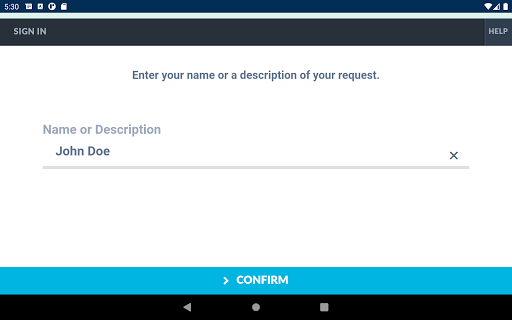
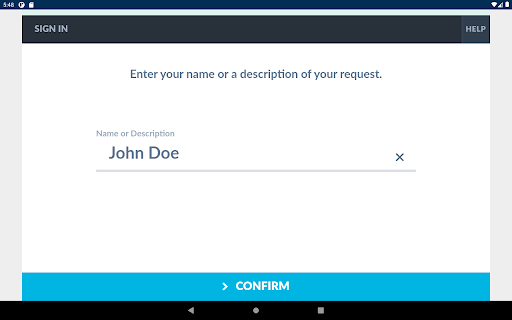
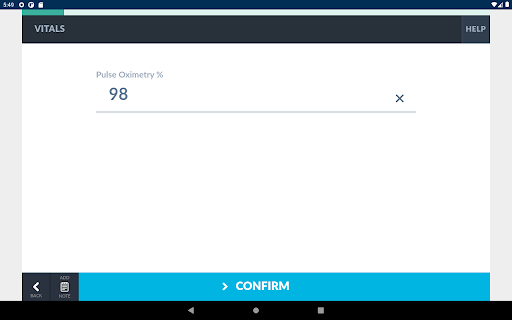
- Click a link from an appointment invitation of a visit now URL to input demographic information and complete the intake process associated with a specific visit.
This process can include:
- Medical questionnaires
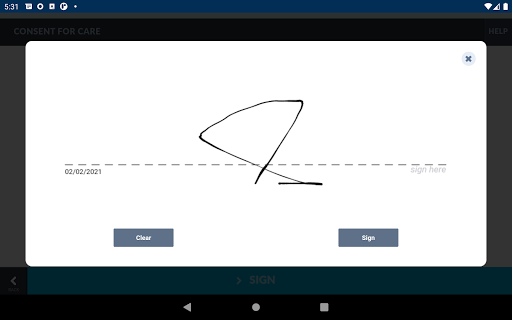
- Consent forms
- Payment
- Insurance processing
- Video consult with a medical provider
- Patient survey, which will be available for the provider to review as a part of the visit encounter.
What's New
- Updated user interface layout comprising participant thumbnails and one or two video streams selected for the large view area.
- An option to blur background.
- In-session chat using a side panel.
- Live captions.
Healthcare providers control availability of the advanced in-session features, so you may not have access to all features in each visit.
Version Information
- Version
- 4.0.1
- Downloads
- 100K+
- Updated on
- Nov 27, 2025
- Released
- Sep 2, 2019
- Requires
- Android 7.0
Statistics
Google Play Rating History
Rating Distribution
Downloads Over Time
Teladoc Health Patient has been downloaded times. Over the past 30 days, it averaged downloads per day.
Shaded area shows 30-day prediction based on historical trends
Historical data collection started recently. More data points will be available over time.
Teladoc Health Patient users say on Google Play
 Charmaine Ijeoma
This was easy 2 use & convenient, especially 4 someone who is ill. The video & audio were great. Dr. Jiang asked relevant questions & gave useful advice in terms of what I may have. She also explained the differences between various illnesses this could b as well as what it may not based on symptoms. Dr. Jiang also suggested a throat spray med that would help soothe my sore throat. Will use this again in the future. Thx. Charmaine
 Darrell Rowe
Worked great,,1st. time using,was able to converse with my doctor for 25 minutes. Clear voice and video.
 Drew Dehel
I tested ahead of time in the app that my microphone camera and speakers were all working properly, but the moment the call started I was forced to use the phone's tiny speaker as if I was on a call with the phone to my head, instead of the louder speakerphone. While I was in the call I was unable to find any method to switch from having to put my ear up to the phone to the speakerphone setting. Otherwise the video and audio was okay, but I really couldn't hear my doctor. that's a real problem
 Cindy Rivera
Mic issues. I had to end my telehealth appointment and had to do a regular over the phone conversation with my doctor.
 D Walter
I went to download the app for a telehealth dr appt. This app is huuuuge. I would need to delete other apps and files to make it fit on my phone. As a patient, I really don't need a fancy app. I need something like an "Adobe Reader." I opted to try the website version. It failed. My doctor ended up using Zoom in a last ditch effort to have a meeting.
ApkTrusted Ratings & Reviews
More from Teladoc, Inc.
See more apps


Scan this QR code to download

Forwarding you to the page at Google Play market in seconds...
Open Google Play market now