
Samepage: Team Collaboration v2.20260105
Paylocity
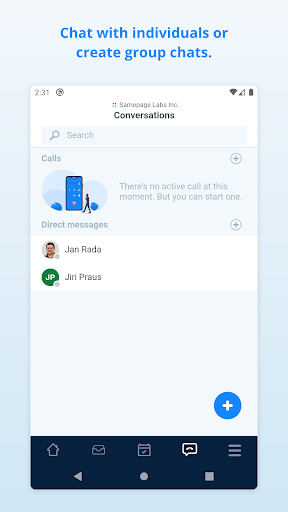
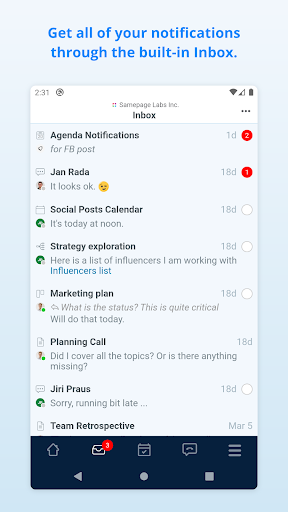
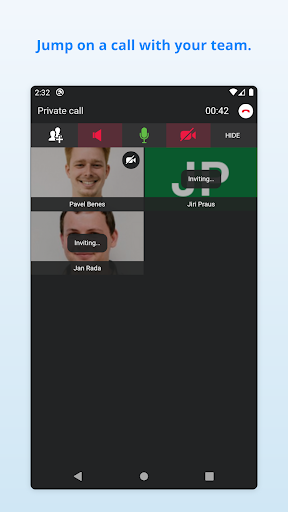
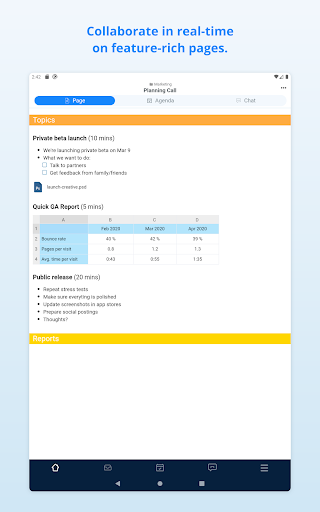


About this app
Developer Description
Work gets better on Samepage for teams across the globe.
Samepage facilitates communication, project management, running meetings, online collaboration, and more by combining team chat, video conferencing, screen sharing, task management, file sharing, and real-time team document collaboration in a single cloud-based collaborative workspace.
Teams use Samepage to coordinate marketing campaigns, run meetings, plan events, organize product development, run customer support departments, and connect offices around the globe.
Use Samepage to:
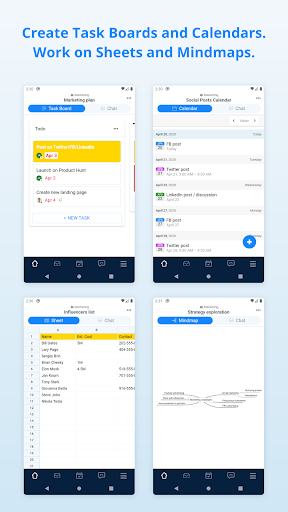
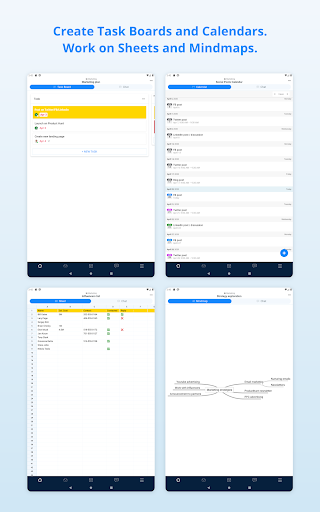
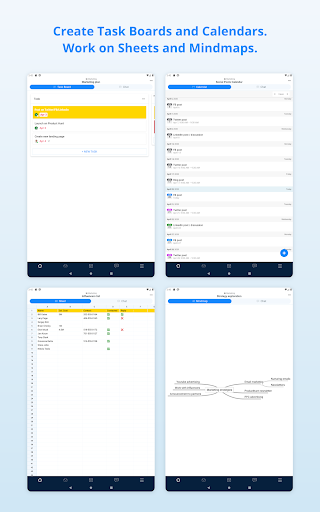
· Work with your team on various types of content. Pages, Task boards, Sheets, Calendars, and more.
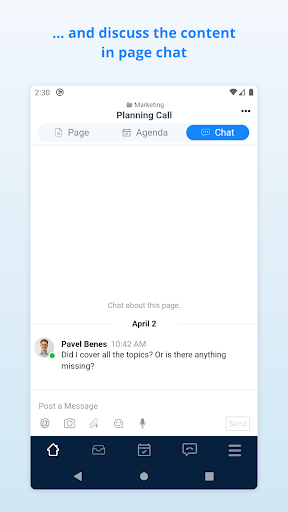
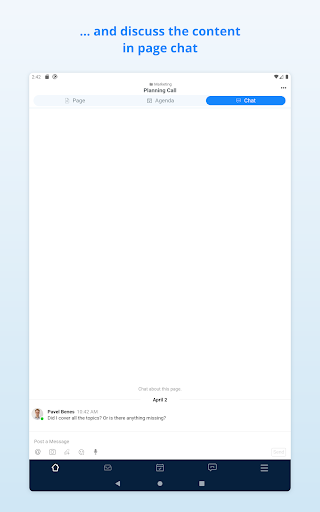
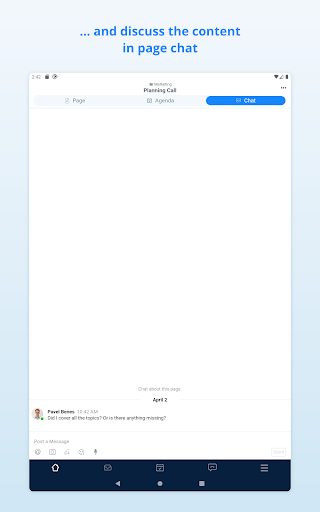
· Discuss in context. Each page has it's own chat, and so you'll never lose a context for your conversation.
· Manage tasks and projects with Task boards (or Kanban boards for those who know).
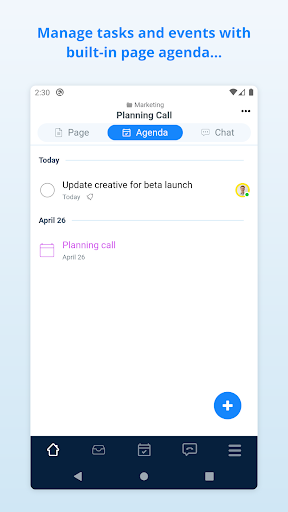
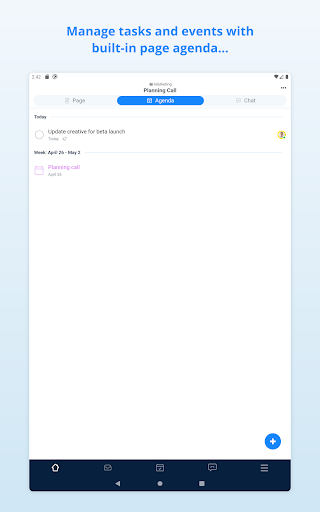
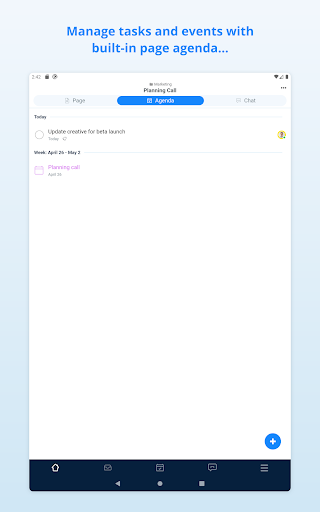
· Do minimalistic project management with built-in page agenda to keep tasks and events related to particular content.
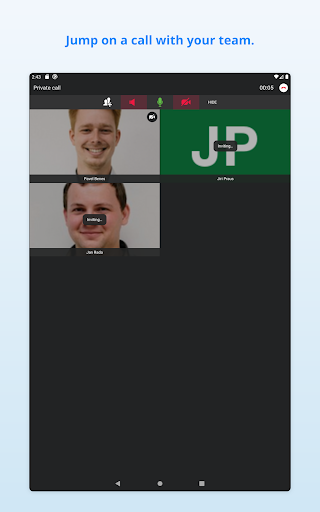
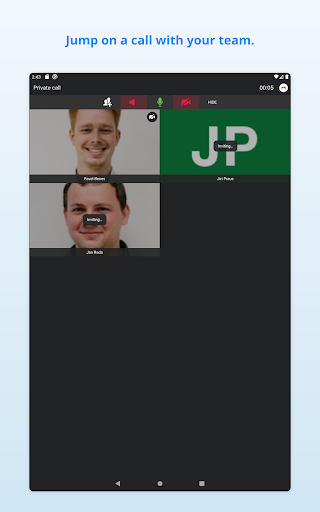
· Make productive meetings with integrated audio and video calling.
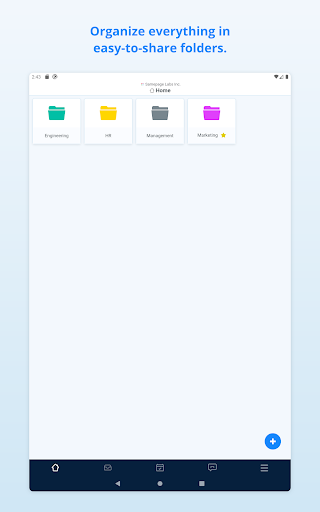
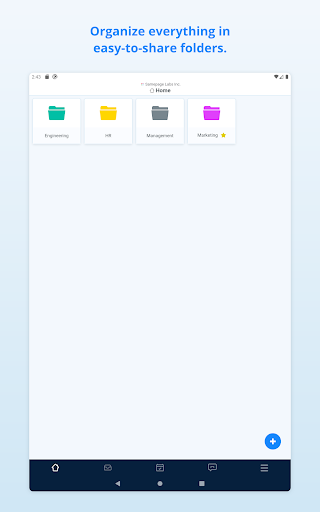
· Share files, images, videos, diagrams, code, and much more with your team.
· Collaborate effectively with your team and with people outside your organization.
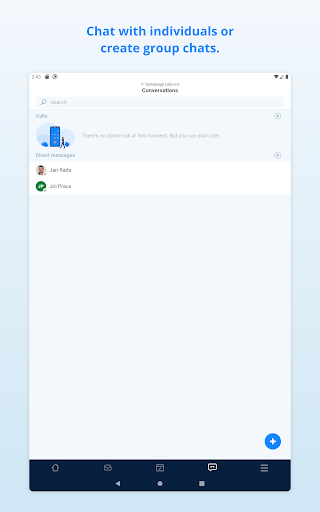
Don't pay for a separate chat and video calling tool. Samepage comes with chat, direct messaging, and video calling for free. They nicely integrate with our collaborative canvas to keep context and conversations together. Samepage provides you with a complete all-in-one collaboration tool.
What's New
For the latest on what's new and what's coming up next, please visit our blog at https://www.samepage.io/blog.
This update includes bug fixes and performance improvements.
Version Information
- Version
- 2.20260105
- Downloads
- 50K+
- Updated on
- Jan 6, 2026
- Released
- Feb 5, 2015
- Requires
- Android 5.0
Statistics
Google Play Rating History
Rating Distribution
Downloads Over Time
Samepage: Team Collaboration has been downloaded times. Over the past 30 days, it averaged downloads per day.
Shaded area shows 30-day prediction based on historical trends
Historical data collection started recently. More data points will be available over time.
Samepage: Team Collaboration users say on Google Play
 Frances Byrd
Loved this app for my last job. It was a perfect place for all of my nursing staff to communicate. We used it if we would be late, if we needing someone to bring us something because we were stuck in the room with our doctor and a patient. I used it for reminders for huddles or meetings. I could set a task for someone to get something done while I was gone. The Doctor/clinic Teams was great! I would definitely recommend. (Of course no HIPPA violating info was used since this isnt secure)
 A Google user
thank you so much for this app! perfect fit for what I need.
A Google user
UI is weird, slow, sometimes unresponsive and often does not update in real time. Although not as feature rich, Messenger is more reliable... that says a lot. Web based and desktop version work way better.
A Google user
Too complicated, why not make things very simple
A Google user
Can't login, support is not answering the questions.
ApkTrusted Ratings & Reviews
More from Paylocity
See more apps

Scan this QR code to download

Forwarding you to the page at Google Play market in seconds...
Open Google Play market now