
bloopworm - comic book reader v1.2.3
Limitnil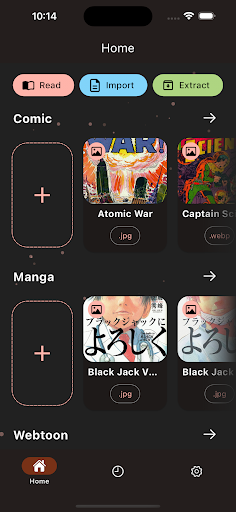
About this app
Developer Description
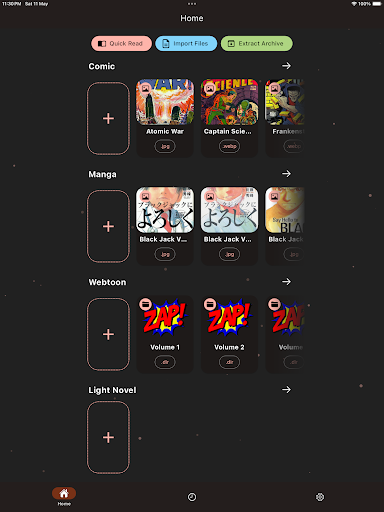
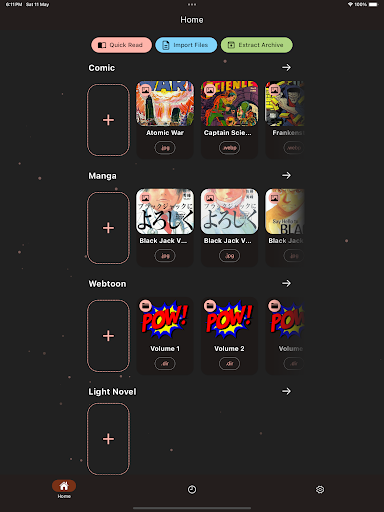
move panels in smart AI comic book & manga reader for CBZ (.zip) and CBR (.rar)
Features:
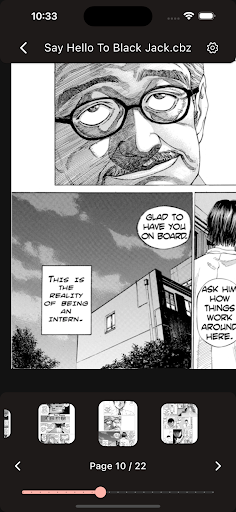
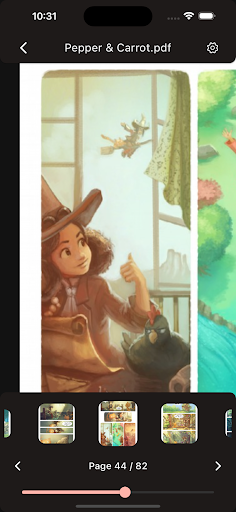
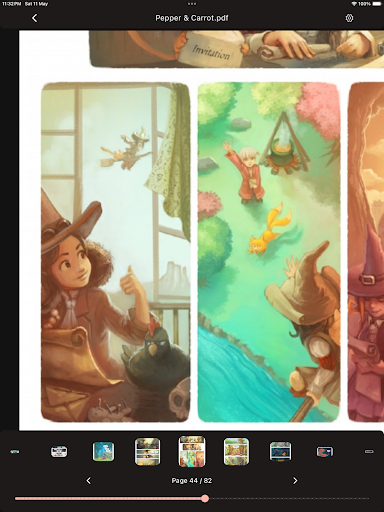
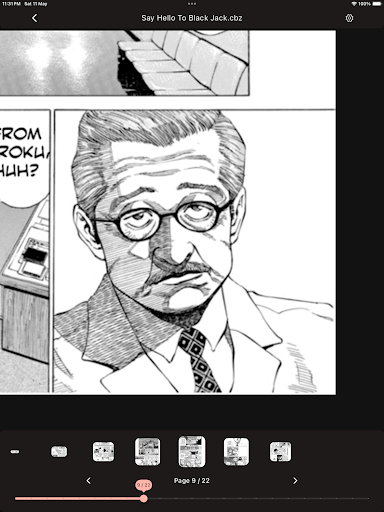
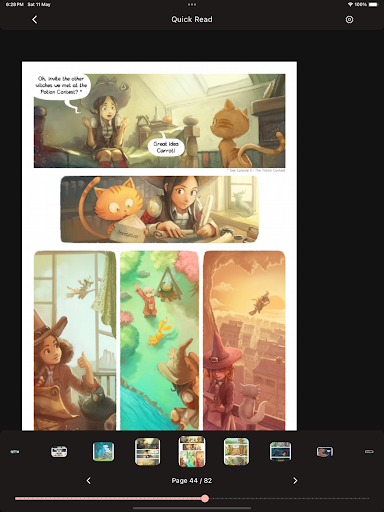
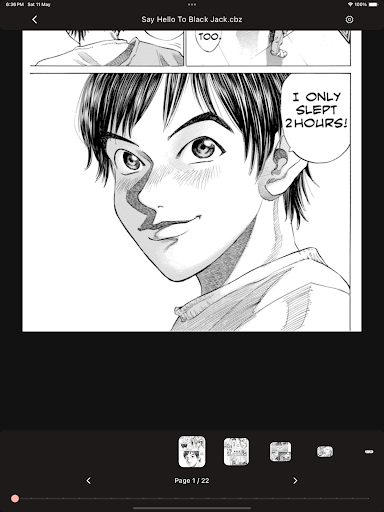
Effortless Navigation: Slide through pages and zoom in on panels with our intuitive image comic viewer.
Smart Reading: Bloopworm's guided view automatically detects panels and text, so you can enjoy reading your collection in their natural format, whether it's webtoon, manga, or traditional comic book layouts.
Multiple Reading Modes: Read from left to right, right to left, or choose auto-detect for a hassle-free experience.
View Your Way: Go horizontal or vertical, whichever feels most comfortable for you.
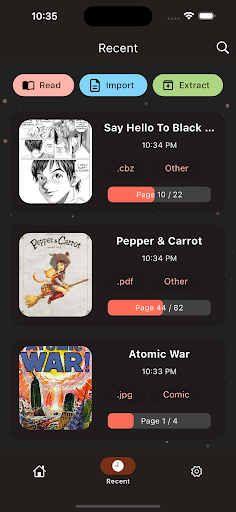
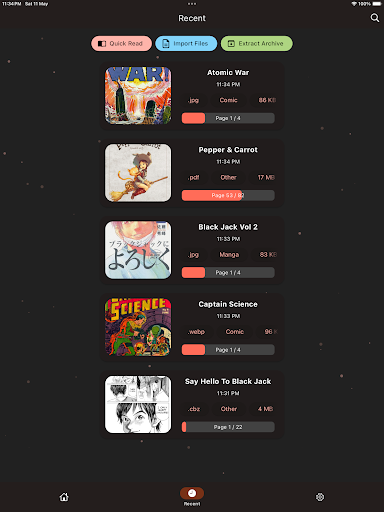
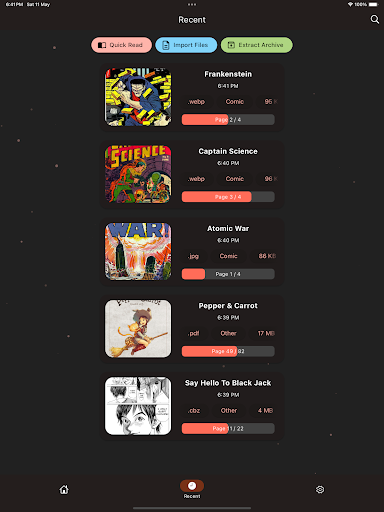
Widespread File Support: bloopworm opens all your favorite image formats (JPG, JPEG, PNG, and WEBP) and compressed files (CBZ, CBR, RAR, ZIP, and PDF).
Import from Anywhere: Easily import or extract manga, image comics & webtoons (manhwa) from any folder on your device.
Organized Library: Our built-in file management system lets you keep your collection organized, so you can always find what you're looking for.
What's New
Version Information
- Version
- 1.2.3
- Downloads
- 5K+
- Updated on
- Oct 27, 2025
- Released
- May 11, 2024
- Requires
- Android 7.0
Statistics
Google Play Rating History
Rating Distribution
Downloads Over Time
bloopworm - comic book reader has been downloaded times. Over the past 30 days, it averaged downloads per day.
Shaded area shows 30-day prediction based on historical trends
Historical data collection started recently. More data points will be available over time.
bloopworm - comic book reader - Google Play Rankings
Top Rankings
| Rank | Country | Category | List | Change |
|---|---|---|---|---|
| — |
Ranking History in
No ranking data available yet. Rankings are updated daily.
#49 in Top Free Comics in Russia


#50 in Top Free Comics in Australia


bloopworm - comic book reader users say on Google Play
 Gui Vendrame
Awesome app! For folks like me that use colour eReader, it would be nice if you could have the app running full screen and also have the option to use the volume keys to advance panels/pages!
 Pierce Burch
works great for detecting panels in comics. takes a while to load even if you've imported the file already but still very smooth
 Henry Dayspring
Shows great promise but just needs better panel detection for cbr files. definitely will be watching for future updates
 Siyabonga Mthimkhulu
how do I start reading Manga? and what do I do in this app ,do I must make the manga or read because I came to read some mangas because I am bored so are there any instructions for to me to do in this app like were do I start reading ,reading one piece,jujutsu Kaisen ,dragon balls (any kind of dragon ball series), one punch man season three,mob psycho,like I can't even find the search bar so I can start reading and why does the app say import, export files like what is actually happening there.
 Frank Knowhere
yeah it's trash
ApkTrusted Ratings & Reviews
More from Limitnil
See more apps



Similar Apps



Scan this QR code to download

Forwarding you to the page at Google Play market in seconds...
Open Google Play market now