
Magnifying glass: Handy camera v1.0.16
WorkPlay Space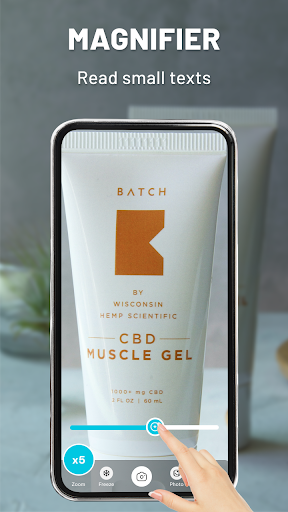




About this app
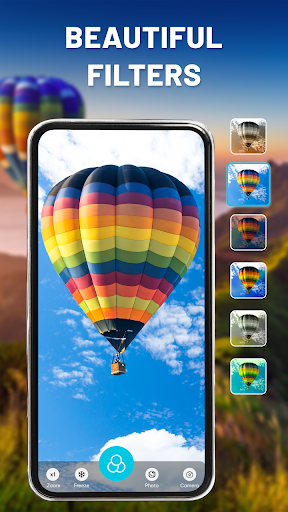
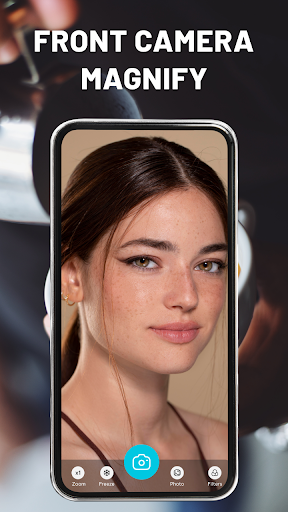
The Magnifying glass: Handy camera app solves the problem of needing a digital magnifying glass and camera in one, benefiting individuals with visual impairments or those requiring a closer look at small objects. Compared to alternatives in the Tools category, this app stands out with its simplicity and lack of required permissions, but falls short in terms of advanced features. With a 4.3/5 user rating and over 10,000 downloads, it is well-received, but its limited functionality may not appeal to power users. The app's standout feature is its ability to magnify photos and files with various filters and colors.
Pros
- The app has a high user rating of 4.3/5, indicating a well-designed and functional user experience, which is a significant advantage in the Tools category.
- With no required permissions, users can be assured that their data and device are secure, making it an attractive option for those concerned about privacy.
- The app's simple and intuitive interface makes it accessible to users of all skill levels, including those who are not tech-savvy.
- The developer, WorkPlay Space, has a website and email contact, providing a level of transparency and support that is not always found in similar apps.
- The app's small size and offline capability make it a convenient option for users who need a magnifying glass and camera on the go.
Cons
- The app's monetization model, which includes in-app purchases and ads, may be aggressive and impact the user experience, particularly for those who are not willing to pay for additional features.
- The limited functionality of the app may not appeal to power users who require more advanced features, such as image editing or sharing capabilities.
- Some users may find the app's lack of updates and limited version history to be a concern, as it may indicate a lack of ongoing support and development.
- The app's content rating of 'Everyone' may not accurately reflect the app's suitability for all ages, as some features, such as the camera, may not be suitable for young children.
Best for: The ideal user for the Magnifying glass: Handy camera app is an individual with a visual impairment or those who require a closer look at small objects, such as seniors, students, or professionals who work with tiny parts or documents, and who value simplicity, ease of use, and privacy in a digital magnifying glass and camera app.
Developer Description
Magnify photos, files & choose any filters, color by camera magnifier app
With simple & smart magnifier, users can magnify everything on mobile app without glasses. Some of main functions on magnifier & digital camera are enlarge font, control exposure, take photos, text scanner, freeze and torch flashlight.
🔍Why should you choose our magnifying glass & digital camera?
☑️Ultra high magnifications with digital camera & loupe
☑️Scan & enlarge text in lupa magnifier and microscope
☑️Increase levels of font size to elevate reading experience
☑️Freeze, save & share images through social media by digital camera
☑️Flashlight in camera app for low-light situations
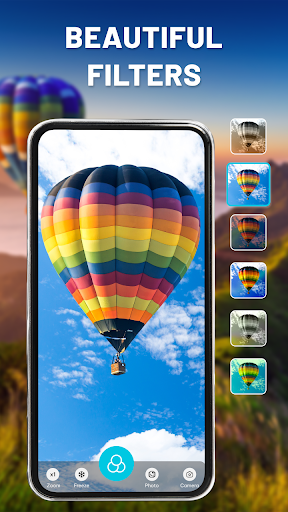
☑️Easy add text, caption to images or choose any filter (Mono, Sepia,...)
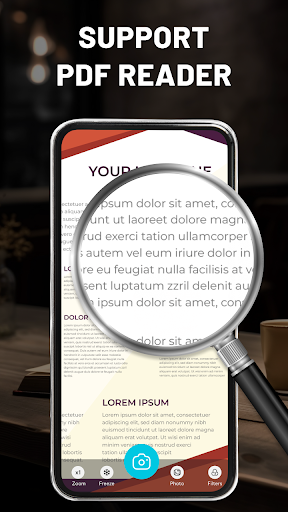
☑️Support PDF files reader in magnifier
☑️Friendly magnifying glass & screen dimmer interface
☑️Choose any languages in settings in camera app
🔍5 key features of the real magnifying glass & digital camera
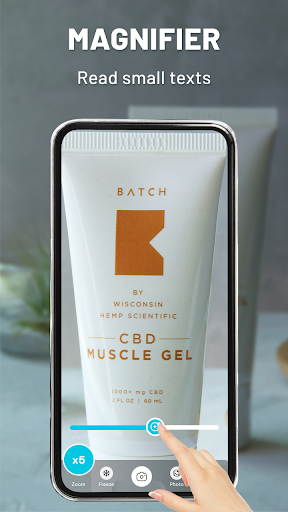
🔬Ultra magnification
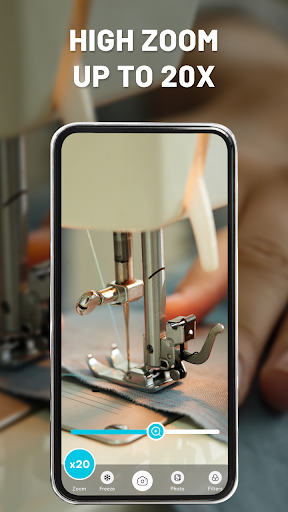
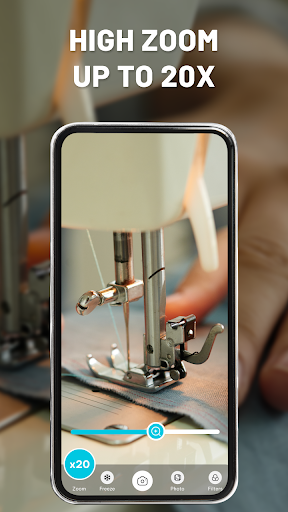
Magnifying glass turns your device into a very convenient electronic magnifer. The digital camera uses phone’s camera to provide real-time lens mode up to 20x.
🔷 ️ Explore & observe plants, pets, flowers or others in magnifier magnifying glass.
🔷 Magnify to read small print, magazines, newspapers, menu restaurant, recipes, pictures, bottle, jewelry, check maps or more with macro camera & loupe.
🔷 ️Magnifying glass feature - digital camera improves precision when doing artwork, sewing or puzzles.
⚡Turn on flashlight
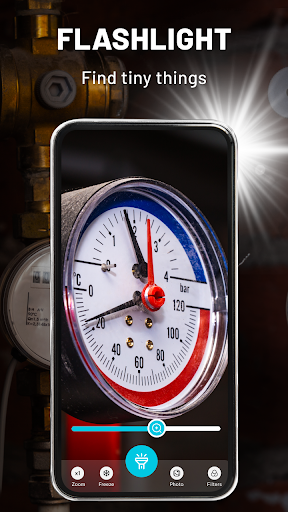
With the handy camera app, you can combine the use of the camera and flashlight to see small objects clearly in dark places. Turn on the led flashlight (which we have built into the app) when taking photos for good night vision quality.
📸Take photo to bring out details
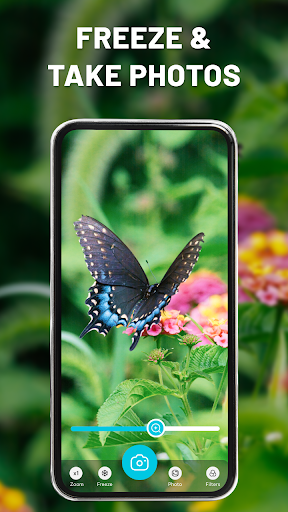
Just tap the capture button in magnifier, all content behind digital camera has been saved. To take good photos, you can choose any filters, color in slow shutter cam & thermal camera that suit your needs. After capturing image, you can preview it in magnifier - camera app before saving to album gallery & share with friends.
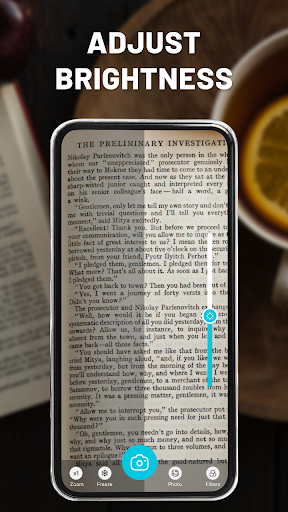
💡Adjust brightness
Use magnifying glass to increase/decrease and control screen brightness modes as screen dimmer. It will enhance details on images or take pictures in low-light conditions with loupe.
❄️Freeze
Clicking the screen of loupe - magnifying glass long to see objects more comfortably. After freeze the magnifying mirror screen, you can view magnified photos in more detail with screen dimmer.
Magnifier - with built-in brightness adjustment is a great tool for people with poor eyesight.
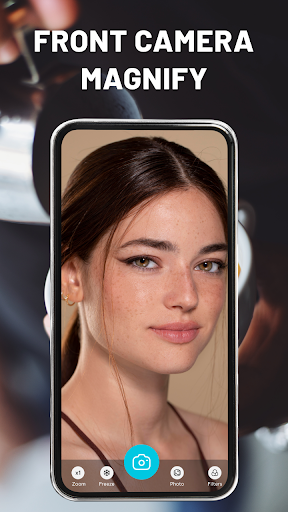
You can see small text more clearly or enlarge everything at home for work in digital camera - loupe by using your fingers. Open real magnifier and camera app in pocket for everyday use.
Download Magnifier & Magnifying glass for Android and enjoy all functions of magnifier app today!
Privacy
Since the app requires no permissions, users can be assured that their data and device are secure. However, as with any app, it is still important to be cautious when using the camera and magnifying glass features, as they may potentially be used to capture sensitive information. To ensure privacy and security, users should only use the app for its intended purpose and avoid using it to capture or store sensitive information.
Tips
To get the most out of the Magnifying glass: Handy camera app, users should first adjust the camera settings to optimize the magnification and lighting for their specific needs. Additionally, users can experiment with the various filters and colors to enhance the image quality and make it easier to view small objects. Finally, users can use the app in conjunction with other accessibility tools, such as screen readers or magnification apps, to create a more comprehensive accessibility solution.
What's New
In-app purchases
$34.99 - $39.99 per item
Version Information
- Version
- 1.0.16
- Downloads
- 10K+
- Updated on
- Jan 18, 2024
- Released
- Sep 22, 2023
- Requires
- Android 7.0
Statistics
Google Play Rating History
Rating Distribution
Downloads Over Time
Magnifying glass: Handy camera has been downloaded times. Over the past 30 days, it averaged downloads per day.
Shaded area shows 30-day prediction based on historical trends
Historical data collection started recently. More data points will be available over time.
Magnifying glass: Handy camera users say on Google Play
 manoj purohit
Very nice app
 Abhaykumar Chitnis
For very small letters😘or pictures😍 it is very handy for limited magnification
 Jessie Durin
It's nice
 Michelle Peticca
Good app..
ApkTrusted Ratings & Reviews
More from WorkPlay Space
See more apps
KJV Bible: Verse, Daily Prayer
Free

Quran & Qibla: Muslim Prayer
Free

Flash alert: Call & Message
Free

Remote for Fire TV devices
Free

Photo Timestamp - GPS Camera
Free
DJ Mixer: Beat Mix - Drum Pad
Free

Learn Piano - Real Keyboard
Free
Learn Drum - Pad & Beat Maker
Free

3D Wallpapers: Live wallpaper
Free

App Lock: Fingerprint or Pin
Free

Color Call Themes: Color Phone
Free

Real Compass: Direction Finder
Free
Easy Calculator-Unit Converter
Free

Piano voices & MIDI controller
Free

Learn Guitar - Real Tabs
Free

LED Edge Lighting & Wallpapers
Free
Scan this QR code to download

Forwarding you to the page at Google Play market in seconds...
Open Google Play market now