
Pianopia: MIDI Piano Player v1.9
Mecatronium Apps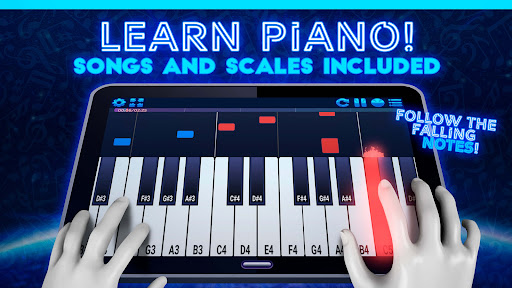






About this app
Developer Description
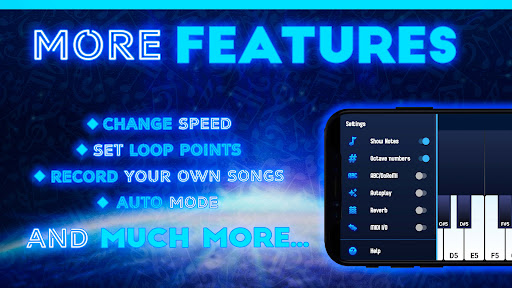
Learn to Play Piano. Play any MIDI file and load custom SF2 sound samples!
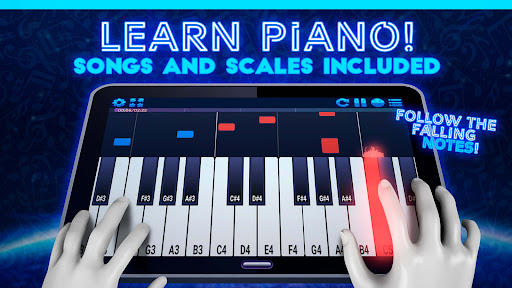
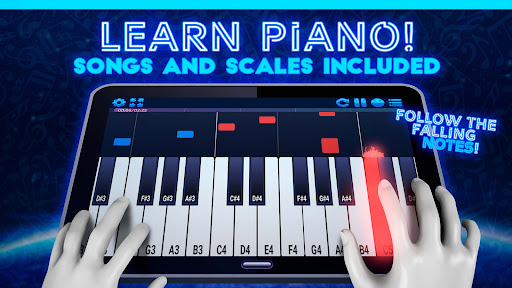
Pianopia allows you to play any MIDI file you download! The notes will be displayed in a colorful and beautiful falling notes interface in which you can play along!
Pianopia also supports any MIDI keyboard so you can play along and practice in your real piano!
You can also make your own Piano Tutorials or play any MIDI file just for fun!
Like a Real Piano
• Full 88-key piano Keyboard
• Real time playing with super-low latency
• High quality sound samples included
• Multitouch support
• Adjust keyboard to any size you like!
Learn fast
• Colorful and beautiful falling notes to follow along, no musical experience required!
• Waits until you play the correct notes
• Auto Play Mode: Press any key to advance song
• Multiple Note Formats
• Popular Classical Songs and Scales included!
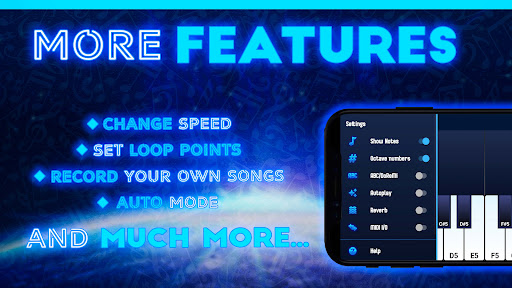
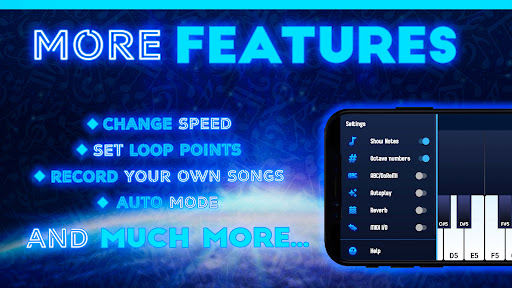
• Adjust tempo to speed up or slow down any song
• Place loop points to practice any song section
MIDI and SF2 Support
• Load any MIDI (.mid) file with no size limits for FREE
• USB MIDI Keyboard Support: Plug and play any MIDI compatible keyboard to play along!
• Save your recordings to MIDI
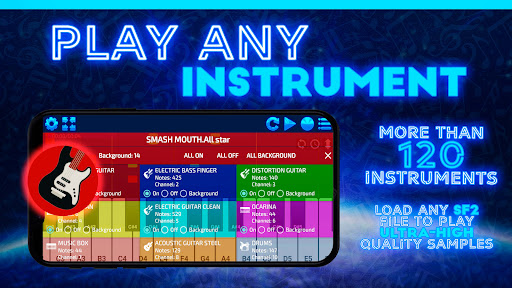
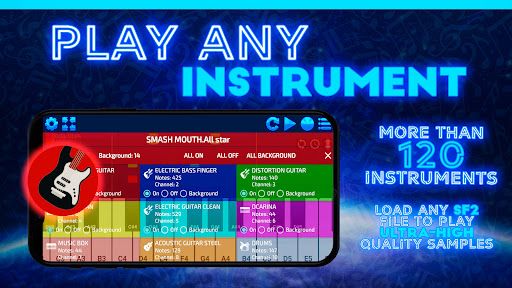
• Load any SF2 File to play with custom instrument samples
• Select any MIDI Channel to Play and practice
More
• Small Download Size
• Best of all: FREE!
You can Remove all ads with a small one-time purchase (no subscription, unlocked forever!)
Thank you for downloading and have fun!
Questions, Comments and Feedback are welcome:
apps@mecatronium.com
Made in Mexico
What's New
In-app purchases
$2.99 per item
Version Information
- Version
- 1.9
- Downloads
- 10K+
- Updated on
- Oct 28, 2025
- Released
- Jan 18, 2022
- Requires
- Android 7.0
Statistics
Google Play Rating History
Rating Distribution
Downloads Over Time
Pianopia: MIDI Piano Player has been downloaded times. Over the past 30 days, it averaged downloads per day.
Shaded area shows 30-day prediction based on historical trends
Historical data collection started recently. More data points will be available over time.
Pianopia: MIDI Piano Player users say on Google Play
 Quinncraft
[EDIT: it works now, thanks!!] Nice, but unfortunately when i try to load and sf2 file it doesn't work, when I press load sf2 file the menu just disappears. Are you able to fix that?
 Mircea Iancu
I can't load/change a soundfont bank on my tablet Blackview Active 8 Pro. When I click on "local", the dialog box closes. The application do not have permissions to access resources. On my phone with Android 13 too, it works well. I'd like the default height for keys to be the smallest, reverb to be default "on" or keep the settings from one session to other. If the flow of notes could be changed (optionally) horizontally as in Midi Voyager, the application would be perfect.
 Bart Miller
It's fine, but I can't export the midi after changing the sound font and I literally can't find any other program that allows me to change the soundfont of midi files.
 Anthony Roybal
The app keeps breaking please fix it.
 Joe Darley
Why the hell does it keep crashing? I play like 4 notes at a time and it just quits itself. Like why??
ApkTrusted Ratings & Reviews
More from Mecatronium Apps
See more apps


Similar Apps

Piano Marvel
Free

IMSLP
Free

DRC - Polyphonic Synthesizer
Free

Magic Piano by Smule
Free

Musora: The Music Lessons App
Free

Learn Piano: Beginner Tutorial
Free

Skoove: Learn Piano
Free

Functional Ear Trainer
Free
n-Track Studio Pro | DAW
Paid

Koala Sampler
Paid

tonestro - Music Lessons
Free

Flat: Music Score & Tab Editor
Free

flowkey: Learn piano
Free

Piano by Yousician
Free

Jamzone - Sing & Play Along
Free

Tomplay Sheet Music
Free
Scan this QR code to download

Forwarding you to the page at Google Play market in seconds...
Open Google Play market now