
Celestial: Arabic Watch Face v1.0.4
Ahlussunnah Apps



About this app
Developer Description
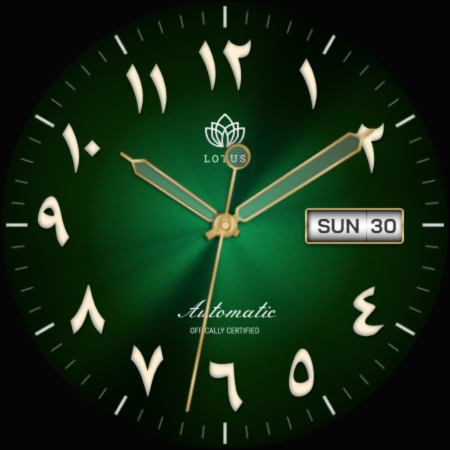
Lotus Celestial: Luxury watch face, Arabic Dial, minimal AOD, Automatic movement
Discover the epitome of luxury and sophistication with the Lotus Celestial Arabic Watch Face. Designed for connoisseurs of fine timepieces, this watch face brings the classic elegance of traditional Arabic numerals to your smartwatch.
Key Features:
• Exquisite Design: Two stunning dials to match your style – Classic Black (for AOD) and Opulent Green.
• Authentic Arabic Numerals: Enjoy the timeless charm and enhanced readability of beautifully crafted Arabic numerals.
• Day and Date Display: Stay organized with a conveniently placed day and date display.
• Minimal AOD Screen: Save battery life with a customizable, minimal Always-On Display (AOD) screen that maintains elegance and functionality.
• Automatic Movement: Adds a touch of authenticity and class, reminiscent of high-end luxury watches.
Upgrade your smartwatch experience with the Lotus Celestial Arabic Watch Face, where every glance at your wrist is a reminder of exquisite craftsmanship and timeless elegance. Available now on the Play Store.
Installation Instructions:
1. Download and install the app on your Wear OS device.
2. Open the Wear OS app on your connected smartphone.
3. Select "Watch Faces" and choose Galaxy Time Pro.
4. Long-press on your watch face to access customization options.
Additional Notes:
• This app may also require its companion app to be installed on your smartphone for full functionality (if applicable).
• If you encounter any issues or require assistance, please don’t hesitate to reach out to our dedicated support address: support@mubaraktech.com
What's New
Version Information
- Version
- 1.0.4
- Downloads
- 100+
- Updated on
- Aug 11, 2024
- Released
- Jun 30, 2024
- Requires
- Android 11
Statistics
Google Play Rating History
Rating Distribution
Downloads Over Time
Celestial: Arabic Watch Face has been downloaded times. Over the past 30 days, it averaged downloads per day.
Shaded area shows 30-day prediction based on historical trends
Historical data collection started recently. More data points will be available over time.
Celestial: Arabic Watch Face users say on Google Play
 Nestor Gil
Green background turns black until watch is woken up again (always on display), black screen doesn't have seconds hand. Exactly what I wanted.
ApkTrusted Ratings & Reviews
More from Ahlussunnah Apps
See more apps


Similar Apps

Terraventura Analog Watch Face
Paid

JW175 jwstudio
Paid
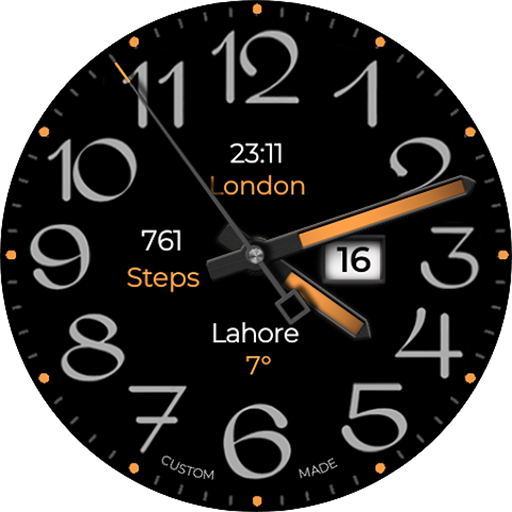
Big Analog 4 WF Wear OS 4+
Paid

JW008 jwstudio
Paid

ER Crown
Paid
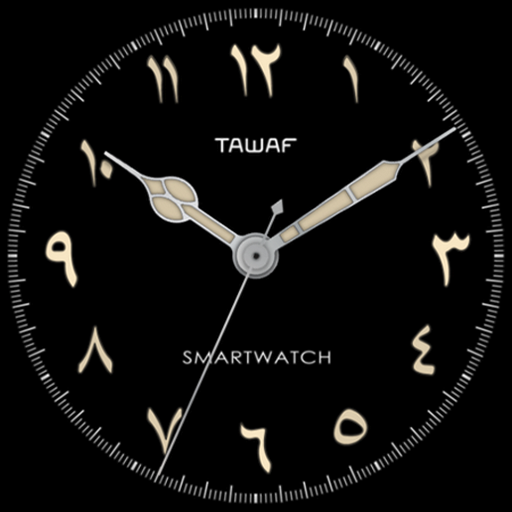
AE TAWAF
Free
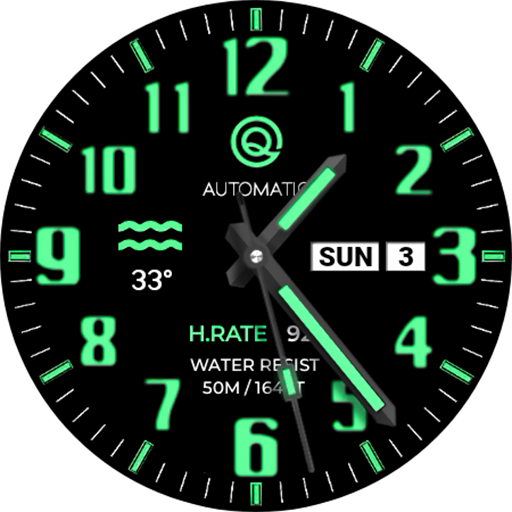
Analog Classic 20 Wear OS 4+
Paid

Saudi Flag - Watch Face
Free
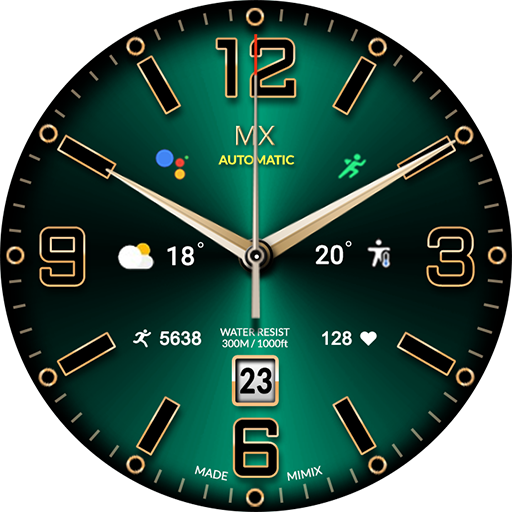
MIMIX Dynamic MX01 Watchface
Paid

Ballozi LUXOS Watch Face
Paid
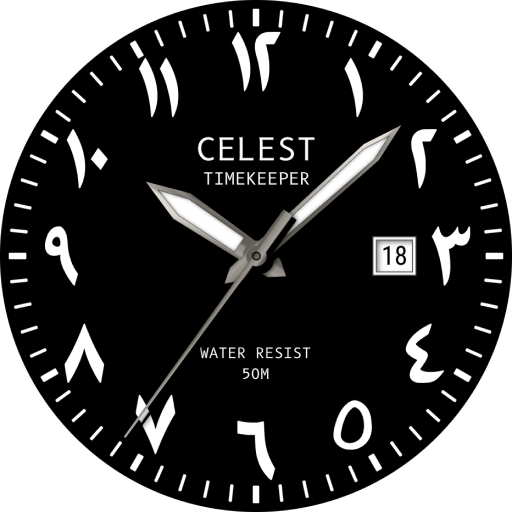
CELEST5458 Analog Watch
Free

SamWatch Analog VII
Paid

Golden Green For Wear OS
Paid

Analog Classic 23 Wear OS 4+
Free

Analog Simple Watchface
Paid

JW268 jwstudio watchface
Paid
Scan this QR code to download

Forwarding you to the page at Google Play market in seconds...
Open Google Play market now