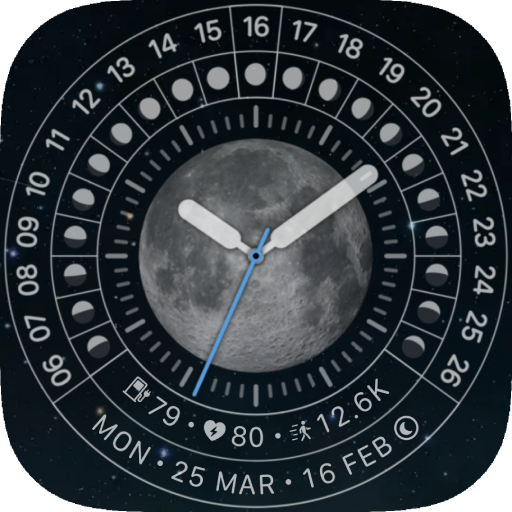
nbWatch: Lunar Pro v6.8.1
nbSix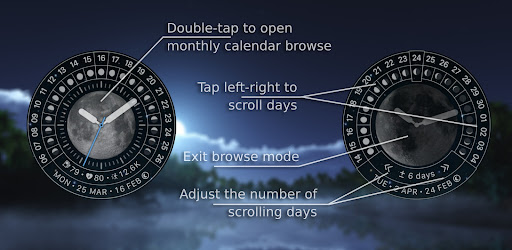


About this app
Developer Description
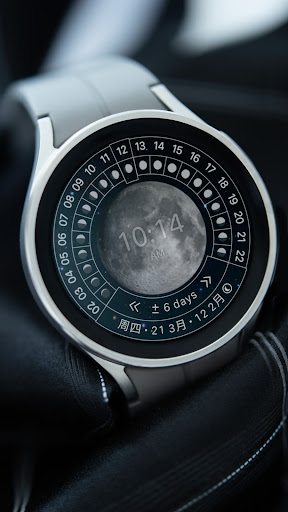
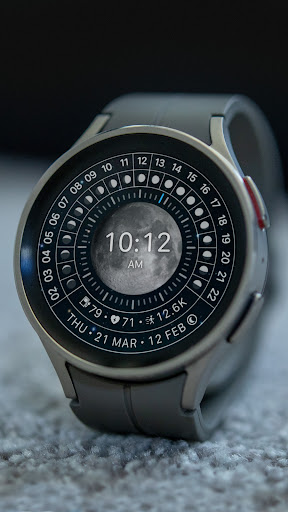
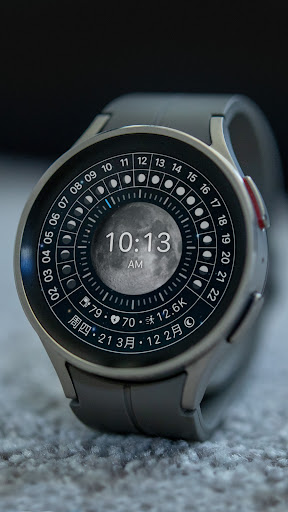
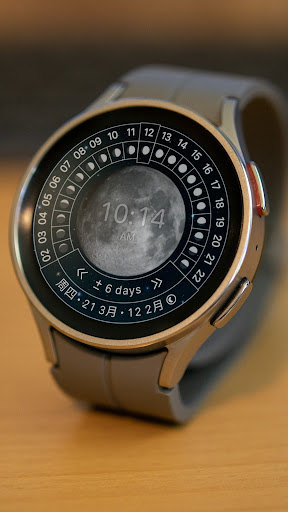
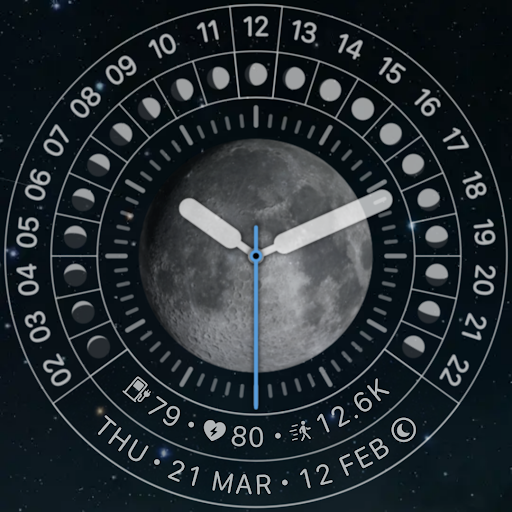
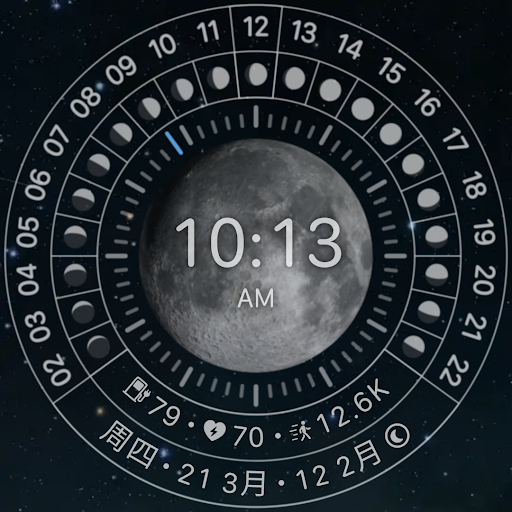
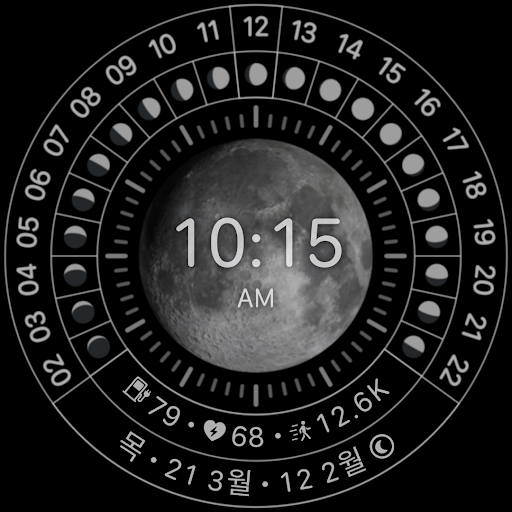
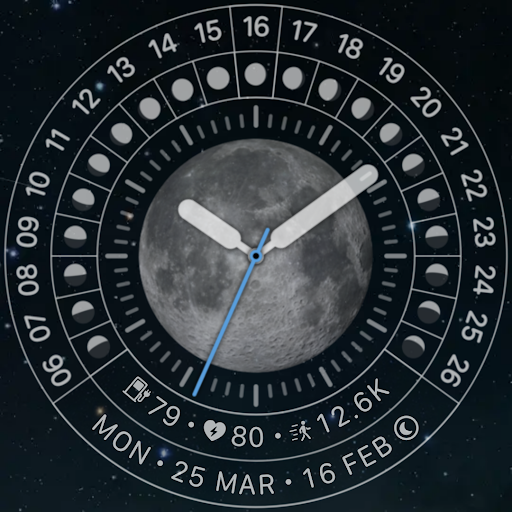
Watchface to view and browse the lunar calendar in monthly
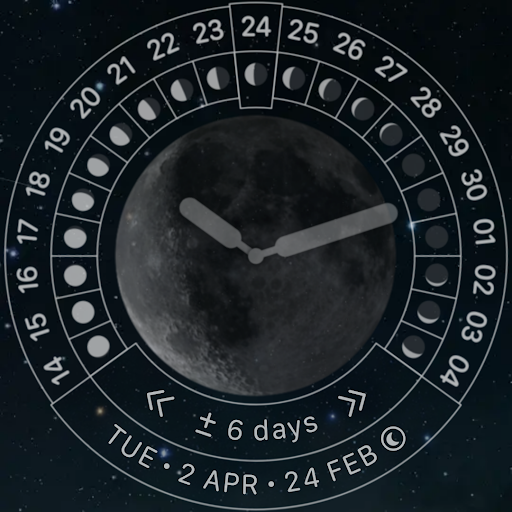
A. Double tap on center screen to open the monthly calendar browse:
- Tap on center screen again to exit monthly calendar browsing mode
- Tap on left screen to scroll back to previous days
- Tap on right screen to scroll to next days
- Tap on bottom-left/bottom-right screen to adjust the number of scrolling
days
B. Customization (double tap on center screen), list of surrounding buttons, click to open the function that needs customization:
- Watchface info: premium purchase status, if you haven't purchased it in inapp-purchase the Buy Premium button will be available here
- Time format: 24h/AM/PM/Follow system (will display on digital mode)
- Permissions: the watch face requires 2 basic types of permissions to operate: sensor (heart rate)/activity (steps count) to return health data. These permissions are needed for the app for functions to work correctly. Grant permission there if it is not already allowed
- Background: Starry sky / Dark
- Clock type: Analog / Digital
### IMPORTANT: Health data including Heart Rate and Steps is passively obtained from Samsung Health or Health Platform for other watches. It will take a little time (up to 10 minutes) to get the exact data, for an undetermined amount of time it will display n.a.
* AOD supported
** Ads only show up on the mobile app to make it more frequent to issue coupons **
** Add rewarded ads to extend your trial, for users who cannot/do not want to purchase Premium:
- Mobile & Watch connect to the same WIFI network or Bluetooth
- The maximum number of days that can be accumulated is 9 days
- See to know: https://youtu.be/6zNEMOwk-H0
+ This watch face is available for trial for 360 minutes or Watch Ads to extend
+ When the trial expires, a message to buy Premium (in-app purchase) will appear on the watch face. Double-tap on the screen to proceed with the purchase.
+ To check Premium, hold press the watchface select custom menu or double tap on screen. If you haven't purchased it yet, the Buy Premium button will be available here to purchase it.
And many more features will be updated in the coming period.
Please send any crash reports or request help to our support address.
We appreciate your feedback!
*
Offical site: https://nbsix.com
Lunisolar: https://en.wikipedia.org/wiki/Lunisolar_calendar
Sexagenary cycle: https://en.wikipedia.org/wiki/Sexagenary_cycle
Stems-and-Branches/ganzhi in English: https://en.wikipedia.org/wiki/Heavenly_Stems, https://en.wikipedia.org/wiki/Earthly_Branches
In-app purchases
$0.99 per item
Version Information
- Version
- 6.8.1
- Downloads
- 1K+
- Updated on
- May 25, 2024
- Released
- Mar 25, 2024
- Requires
- Android Varies with device
Statistics
Google Play Rating History
Rating Distribution
Downloads Over Time
nbWatch: Lunar Pro has been downloaded times. Over the past 30 days, it averaged downloads per day.
Shaded area shows 30-day prediction based on historical trends
Historical data collection started recently. More data points will be available over time.
nbWatch: Lunar Pro users say on Google Play
 julio garcia
not available compatible with the samasung watch 7
 Hidden Palm
It keeps saying to "buy premium" when I try to replace the ugly watchhands or to any kind of customization even though I already paid. Please fix.
ApkTrusted Ratings & Reviews
More from nbSix
See more apps
nbWatch: AirCraft Royal Blue
Paid
nbWatch: Solar dial
Free

nbWatch Calendar Pro WFF
Paid
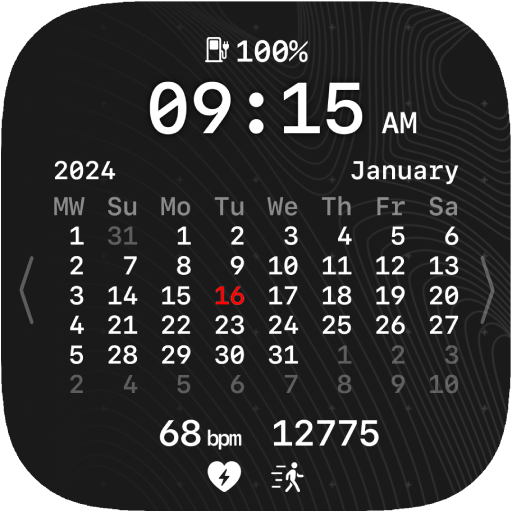
nbWatch: Calendar Pro
Free

nbWatch Classic 1
Free

nbWatch: Solar System
Free

nbWatch Ultra Pro
Free

nbWatch: Compass wayfinder
Free

WatchGame Tic Tac Toe XO
Paid

nbWatch: Lunar Timer
Free
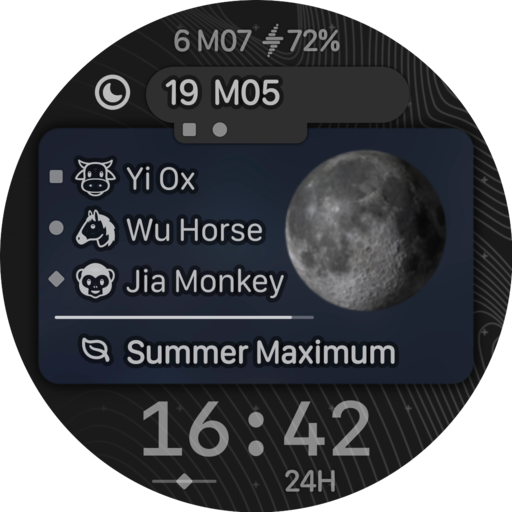
nbWatch: Lunar Calendar SP3
Free

nbWatch Contour WFF
Free

nbWatch Cube
Free

nbWatch Cyber Calendar 2026
Paid

nbWatch Globe Sport WFF
Free

nbWatch Hexa WFF
Free
Scan this QR code to download

Forwarding you to the page at Google Play market in seconds...
Open Google Play market now