
Cyber Watchface — NDW046 vVARY
ND Watchfaces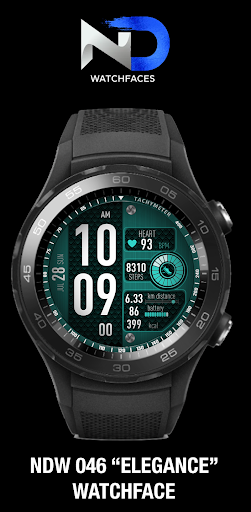





About this app
Developer Description
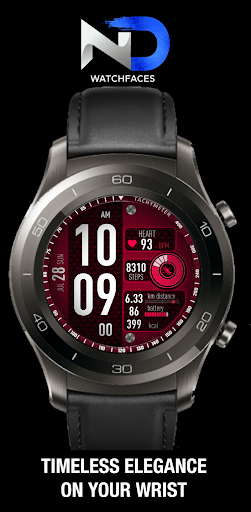
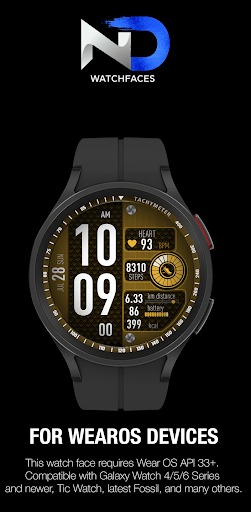
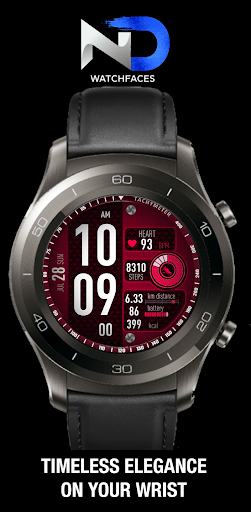
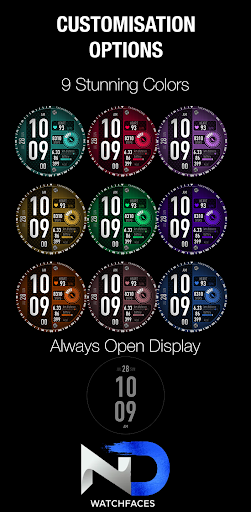
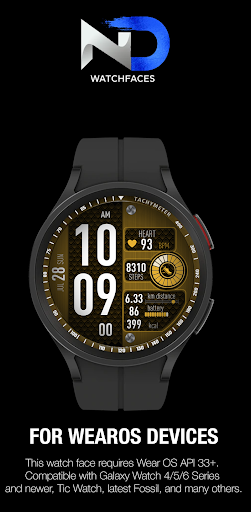
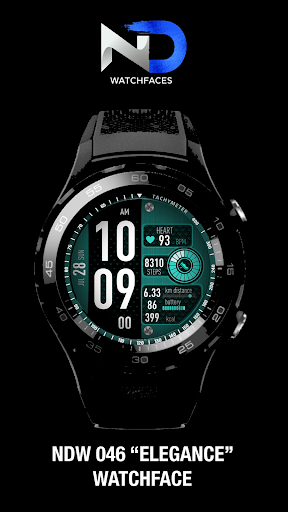
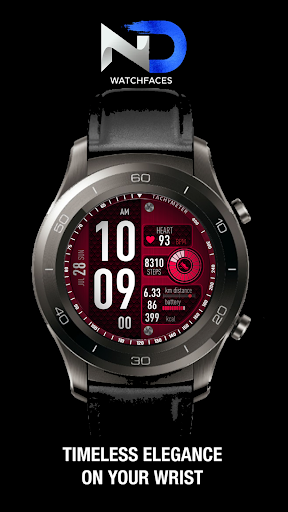
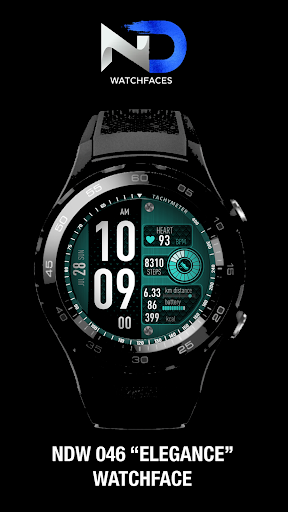
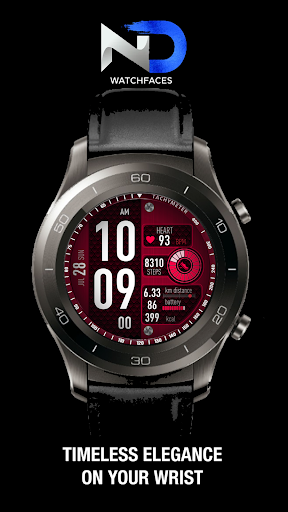
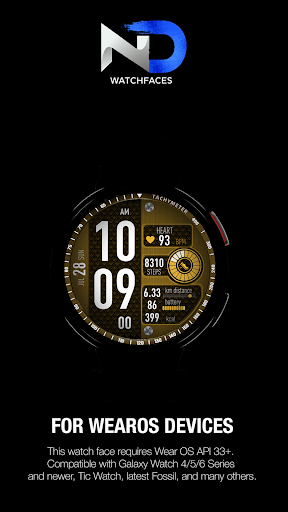
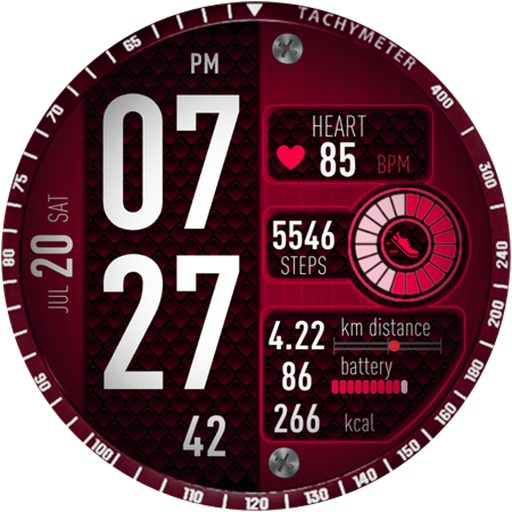
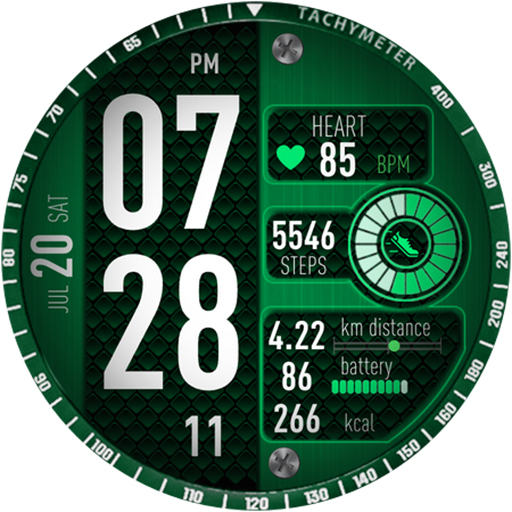
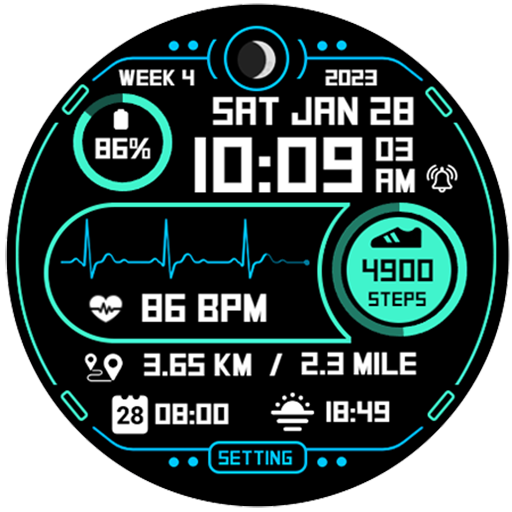
A meticulously crafted Wear OS watch face designed for elegance and simplicity.
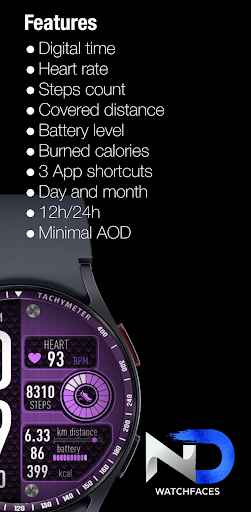
Features:
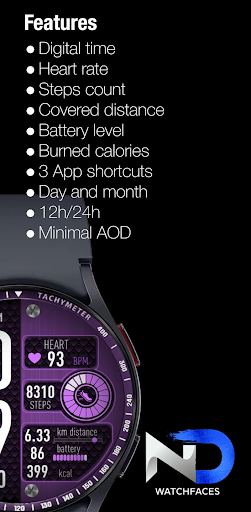
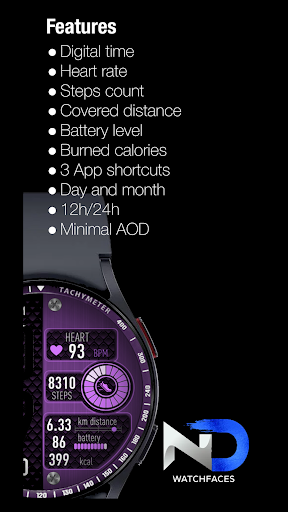
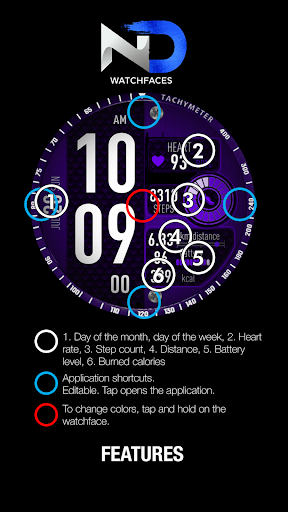
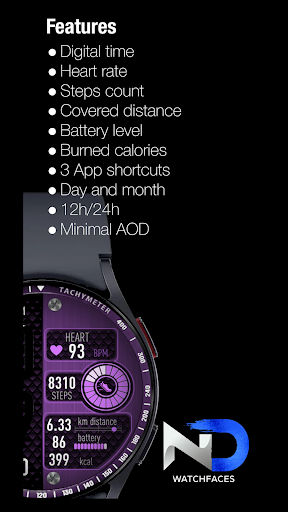
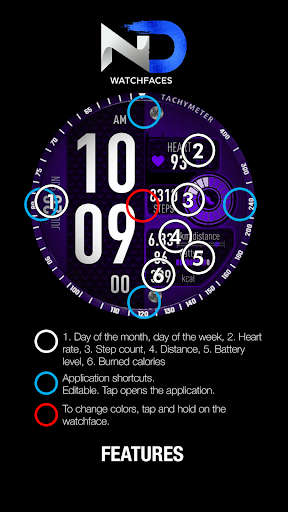
1. Digital Time with Big Numbers: Easily tell the time at a glance with large, easy-to-read digits. Never miss a beat with this clear and bold time display.
2. Heart Rate Monitoring: Keep a close eye on your heart rate with real-time heart rate monitoring. Stay on top of your fitness goals and maintain a healthy lifestyle.
3. Steps Count: Track your daily steps and challenge yourself to take more steps each day. The step counter will keep you motivated and active!
4. Battery Level: Always know how much power is left in your smartwatch.
5. Burned Calories: Keep track of the calories you've burned throughout the day, making it easier to manage your fitness and diet.
6. Covered Distance: Monitor the distance you've covered during your workouts or daily activities. Achieve new milestones with every step!
7. 4 Complications: Customize your watch face with four complications of your choice. Personalize it with your preferred apps and information for quick access.
8. Day and Month: Stay organized and never lose track of the date with the day and month display on your watch face.
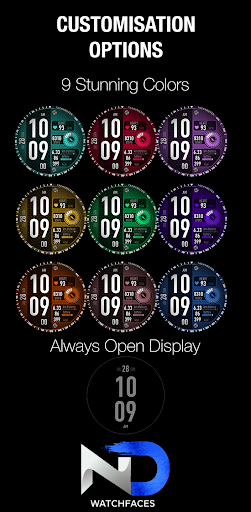
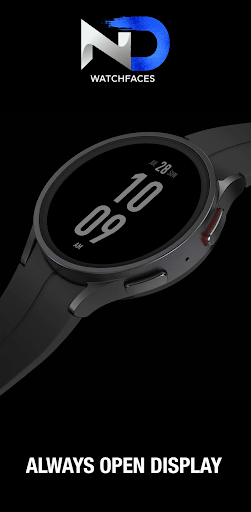
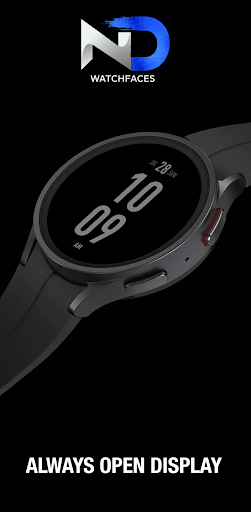
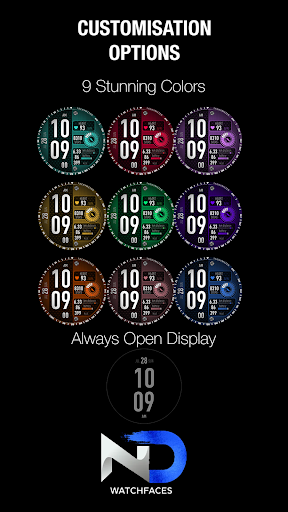
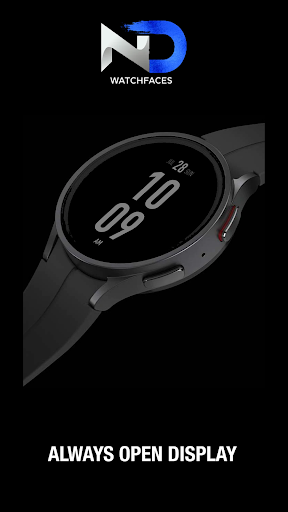
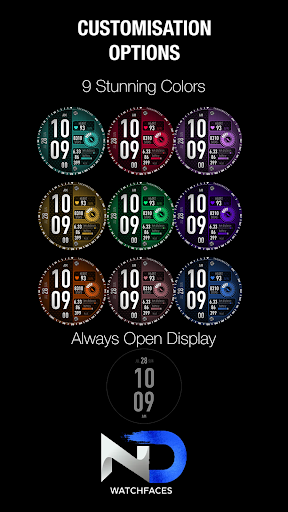
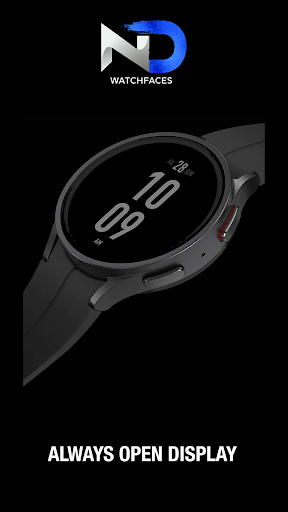
9. Always-On Display (AOD) with Digital Time: Even in low-light conditions, your watch face remains visible with the AOD featuring a digital time display. Convenience and style combined!
Don't wait any longer – download the watch face now and take your smartwatch experience to the next level!
Note: Some features require access to specific sensors on your smartwatch for accurate tracking.
Installation Troubleshooting:
Having trouble installing or setting up the? No worries! We've got you covered with some common troubleshooting steps to ensure a smooth and hassle-free installation process. If you encounter any issues, follow these simple steps:
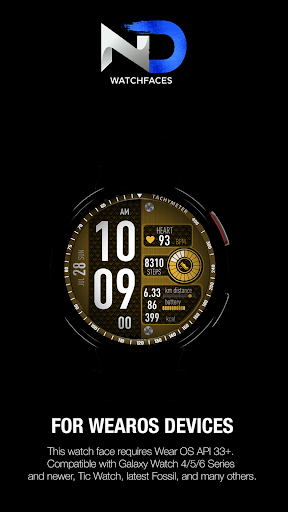
Check Compatibility: Before installing the watch face, ensure that your smartwatch is compatible with Wear OS by Google. NDW Elegance - NDW046 is designed to work with most Wear OS devices.
Update Google Play Services: Make sure you have the latest version of Google Play Services installed on your smartwatch. Outdated versions might cause compatibility issues with watch faces.
Check Storage Space: Ensure that your smartwatch has sufficient storage space to download and install the watch face. Clear any unnecessary files to free up space if needed.
Internet Connection: A stable internet connection is crucial for downloading and installing the watch face. Verify that your smartwatch is connected to Wi-Fi or mobile data.
Restart Your Smartwatch: Sometimes, a simple restart can resolve many installation issues. Turn off your smartwatch, wait for a few seconds, and then turn it back on.
Reinstall the Watch Face: If the installation fails, try uninstalling the watch face and then reinstall it from the Google Play Store.
Contact Support: If you have followed all the troubleshooting steps and are still facing issues, don't hesitate to reach out to our support team. We are here to help you!
We apologize for any inconvenience you may face during the installation process, and we are committed to resolving any issues promptly.
For more information, please go to: https://ndwatchfaces.wordpress.com/help/
What's New
App shortcuts fixed.
Version Information
- Version
- -
- Downloads
- 100+
- Updated on
- Aug 26, 2025
- Released
- Jul 21, 2023
- Requires
- Android Varies with device
Statistics
Google Play Rating History
Rating Distribution
Downloads Over Time
Cyber Watchface — NDW046 has been downloaded times. Over the past 30 days, it averaged downloads per day.
Shaded area shows 30-day prediction based on historical trends
Historical data collection started recently. More data points will be available over time.
Cyber Watchface — NDW046 users say on Google Play
 Sammy Salami
It works. Thank you
 Michael Dewey
Can't get it to show up on my watch. Tried several times but no joy. Never had any trouble with other watch faces. Looks like a good face.
ApkTrusted Ratings & Reviews
More from ND Watchfaces
See more apps
Diver Watchface — NDW051
Paid
Vector Watchface — NDW052
Free

Tactical Watchface — NDW062
Free

Weather Watchface — NDW067
Free

Sticky Notes Watchface —NDW081
Paid

Sport Watchface — NDW063
Paid

Futuristic Watchface —NDW074
Paid

Rotating Watchface — NDW064
Paid

Fitness Watchface — NDW050
Paid

Sport Watchface — NDW033
Paid
Aviator Watchface — NDW034
Paid

Weather Watchface — NDW076
Paid

Gradient Watchface —NDW075
Paid

Classic Watchface — NDW065
Free
Luxury Watchface — NDW053
Paid

Big Numbers Watchface — NDW070
Paid
Similar Apps

ML2U 123
Paid
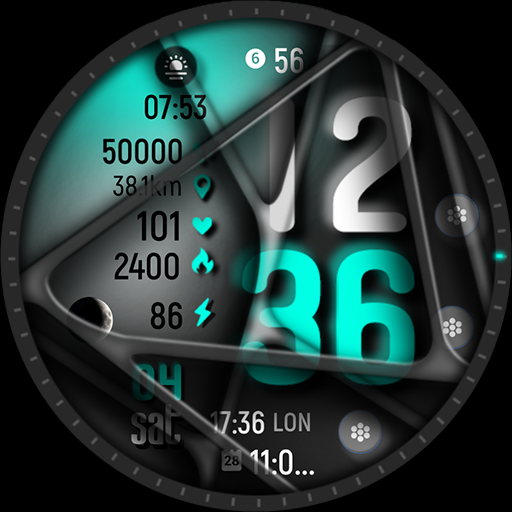
ML2U 173 Watch Face
Paid

MDS445 Digital Watch Face
Paid

ML2U 269 Watch Face
Paid
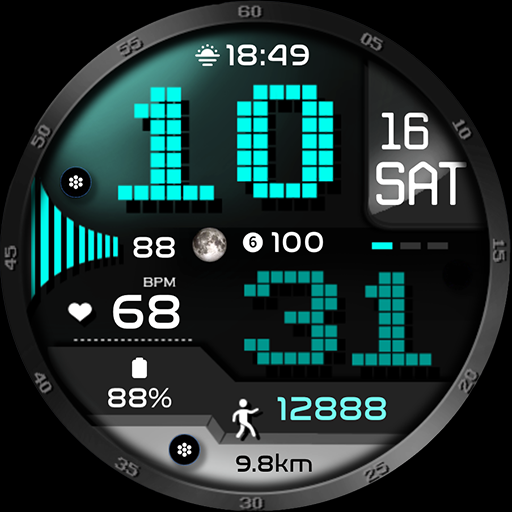
ML2U 149 Watch Face
Paid

SamWatch PointColor 16
Paid

ML2U 92 Watch Face
Free
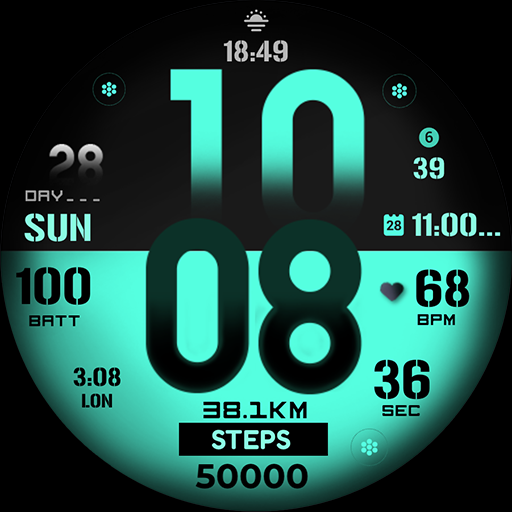
ML2U 152 Watch Face
Paid

Farmin 10 Pro
Free

HKR046
Paid

Digital Sport watchface NTV401
Paid

Circular Spruce ZKin Watch
Paid

KZY136
Paid
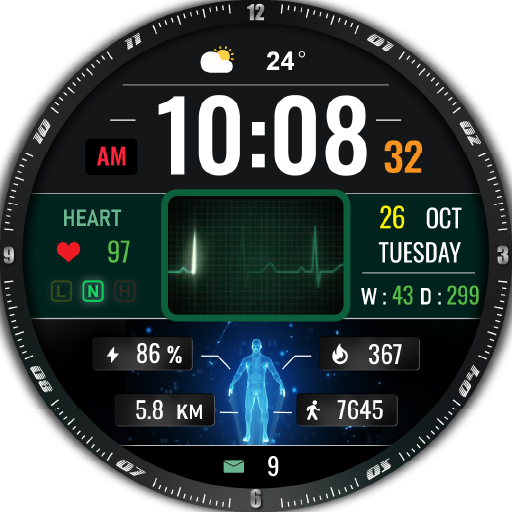
HKR031
Free

Minimal & Battery Saver IN36
Paid
Step Up 3 - Digital Watchface
Paid
Scan this QR code to download

Forwarding you to the page at Google Play market in seconds...
Open Google Play market now