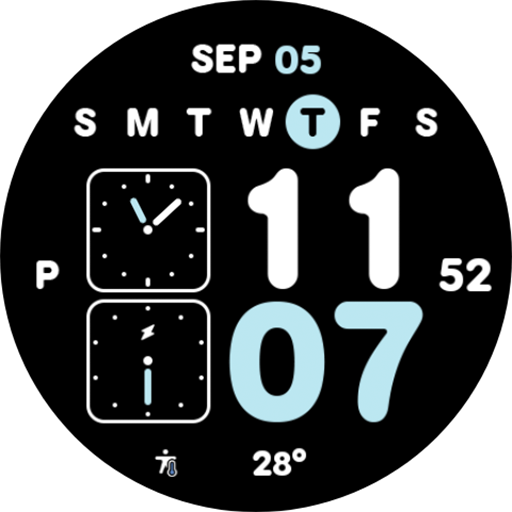
NW030: Digital watch face vVARY
9INE watchfacesDownload Options
Screenshots
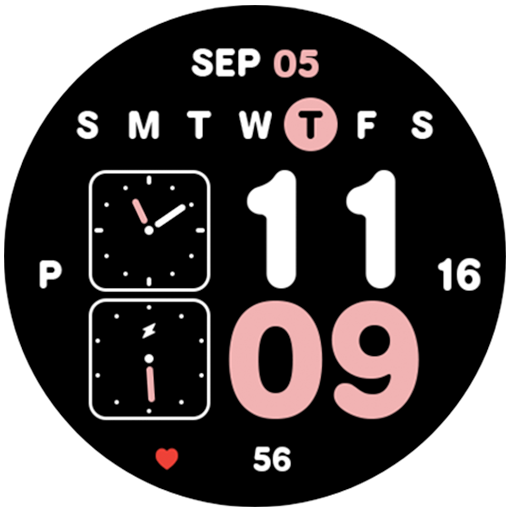
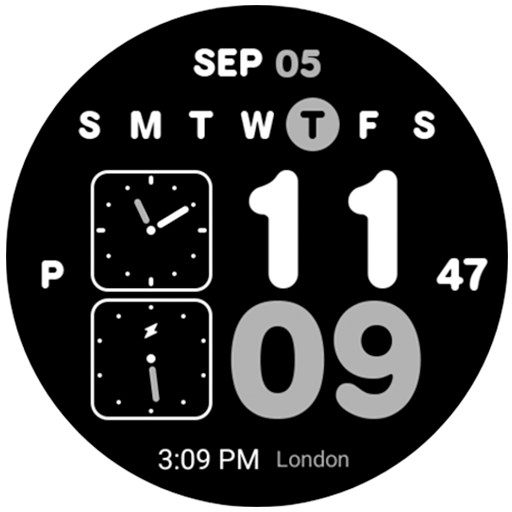
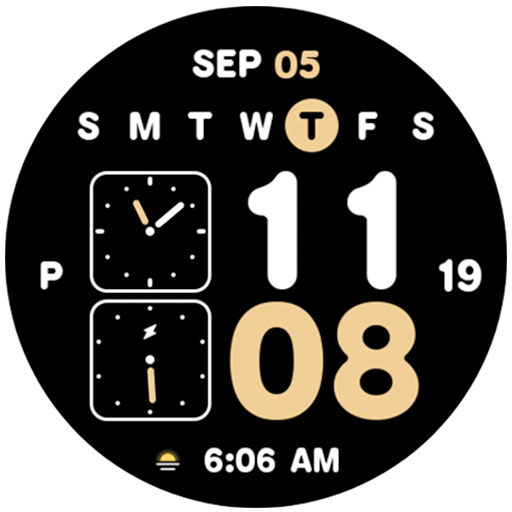
/
About this app
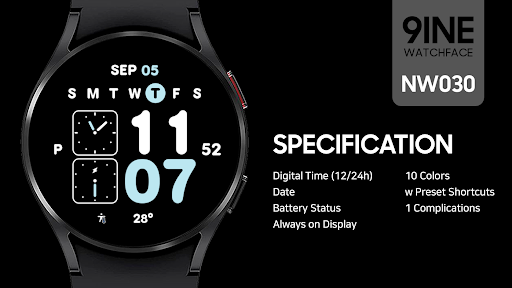
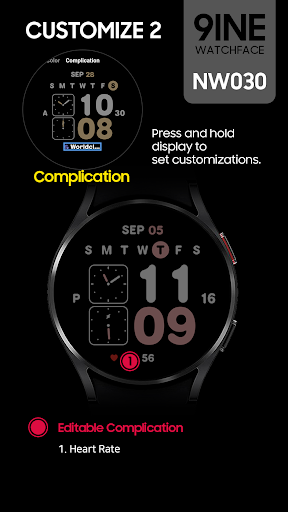
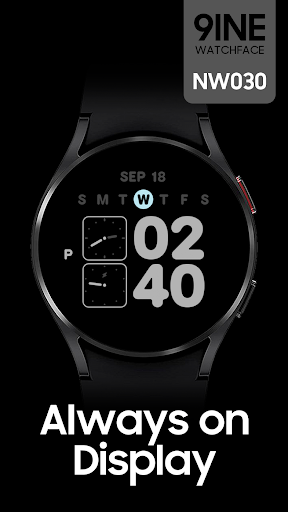
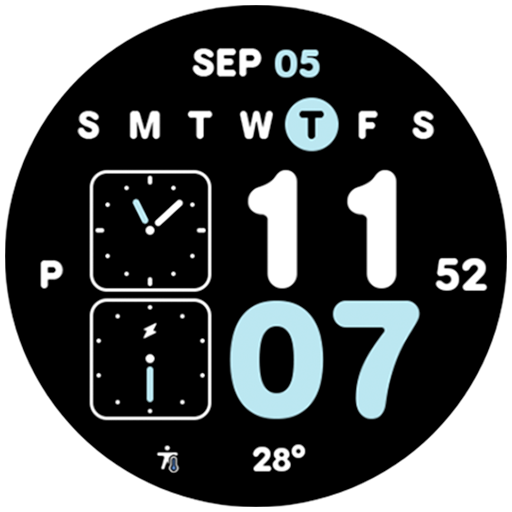
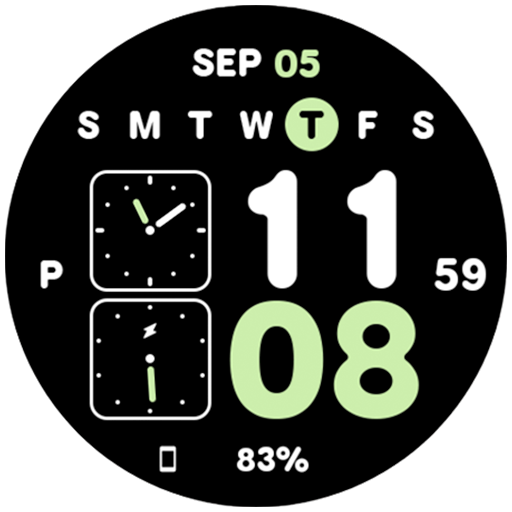
The NW030 Digital watch face made by 9INE.
#Watch face installation
1. Install from App
Access the Play store app > Tap to '▼' button > Select the Watch > Tap to price button > Buy
If the watch face cannot be installed, please install the watch face through the play Store web browser or watch.
2. Install from web browser
Access the Play store web > Tap to price > Select the Watch > Tap to install > Buy
3. Install from watch
Open the Play Store on the watch > Search for NW053 > Install
-----------------------------------------------------------------------------------------------------------
#Phone Battery Level installation
1. Install the Phone Battery Level app on both the phone and the watch.
2. Select Phone Battery Level in Complications.
https://play.google.com/store/apps/details?id=com.weartools.phonebattcomp
-----------------------------------------------------------------------------------------------------------
This watch face only supports English.
#SPEC
Digital Time (12/24h)
Date
Battery
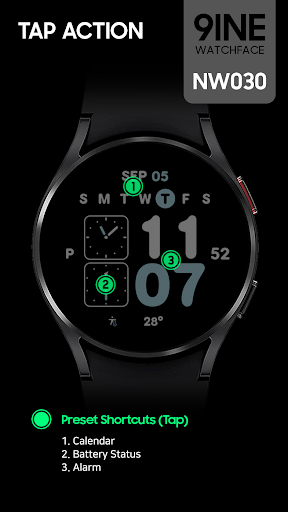
3 Shortcuts
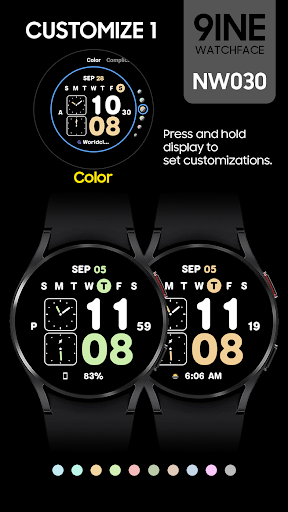
10 Colors
1 Complications
Always on Display
This watch face supports Wear OS devices.
1. Install from App
Access the Play store app > Tap to '▼' button > Select the Watch > Tap to price button > Buy
If the watch face cannot be installed, please install the watch face through the play Store web browser or watch.
2. Install from web browser
Access the Play store web > Tap to price > Select the Watch > Tap to install > Buy
3. Install from watch
Open the Play Store on the watch > Search for NW053 > Install
-----------------------------------------------------------------------------------------------------------
#Phone Battery Level installation
1. Install the Phone Battery Level app on both the phone and the watch.
2. Select Phone Battery Level in Complications.
https://play.google.com/store/apps/details?id=com.weartools.phonebattcomp
-----------------------------------------------------------------------------------------------------------
This watch face only supports English.
#SPEC
Digital Time (12/24h)
Date
Battery
3 Shortcuts
10 Colors
1 Complications
Always on Display
This watch face supports Wear OS devices.
Version Information
- Version
- -
- Downloads
- 1K+
- Updated on
- Oct 31, 2025
- Released
- Sep 5, 2024
- Requires
- Android Varies with device
Ratings & Reviews
Developer Response
More from 9INE watchfaces
See more apps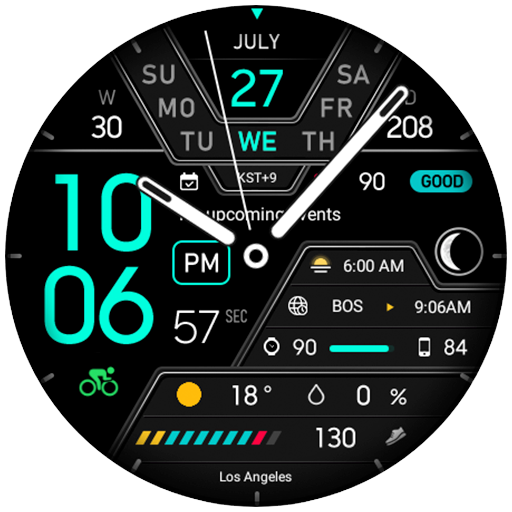
9INE 001e: Hybrid watch face
Paid

9INE 003e: Digital watch face
Free

9INE 006e: Digital watch face
Paid

9INE 007k: 한글 디지털 워치페이스
Free
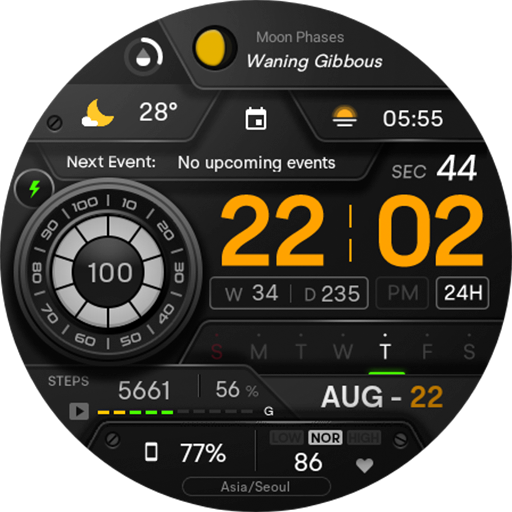
NW020: Digital watch face
Paid

NW020 한글: Digital watch face
Paid

NW022: Digital watch face
Paid

NW022 한글: Digital watch face
Paid

NW033: Digital watch face
Paid

NW038: Digital watch face
Paid

NW046(c)한글: Digital watch face
Paid

NW046(d)한글: Digital watch face
Paid
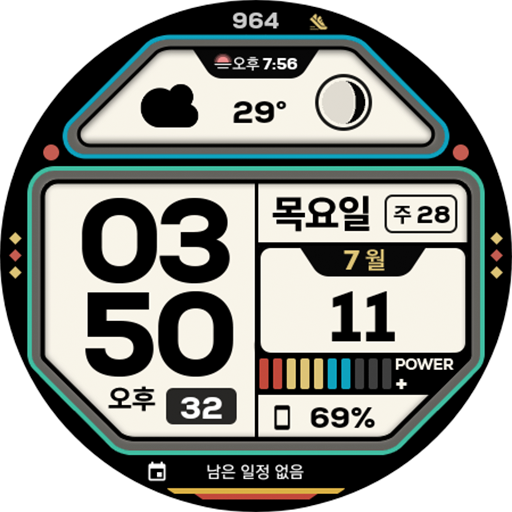
NW053 한글: Digital watch face
Paid

NW056: Digital watch face
Paid

NW056한글: Dark Mode
Paid

NW056 한글: Digital watch face
Paid