8bit Painter v1.26.1
OneTap Japan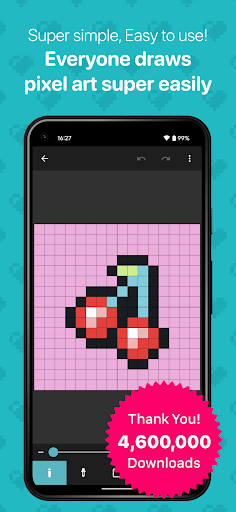
About this app
Developer Description
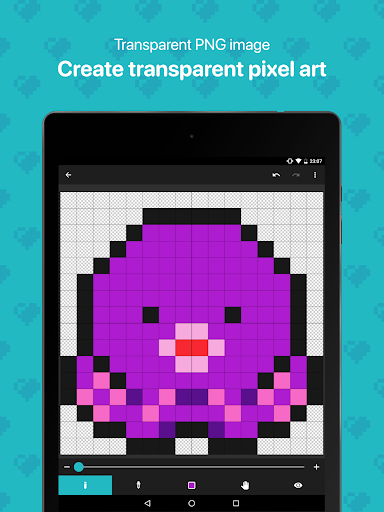
Super easy-to-use pixel art creation app. Great for creating NFT art.
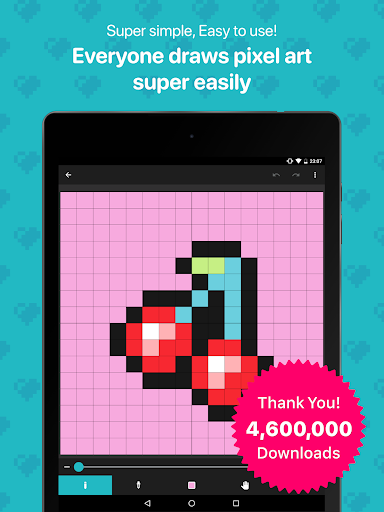
8bit Painter is easy to remember because it is narrowed down to intuitive operation methods and the minimum functions necessary for creating pixel art, so you will not get lost in operation. 8bit Painter focuses on ease of use rather than feature richness.
Great for creating NFT art.
[Recommended for people like this]
* Pixel art beginner
* Creating your SNS icon
* Designing bead pattern
* Designing Cross-stitch pattern
* Creating player skins for games
* Creating NFT art
[Canvas can be customized in size]
In addition to the fixed aspect ratio sizes below, the canvas can be created in any size by specifying the width and height. The canvas size can be changed during the creation of the artwork.
* 16 x 16
* 24 x 24
* 32 x 32
* 48 x 48
* 64 x 64
* 96 x 96
* 128 x 128
* 160 x 160
* 192 x 192
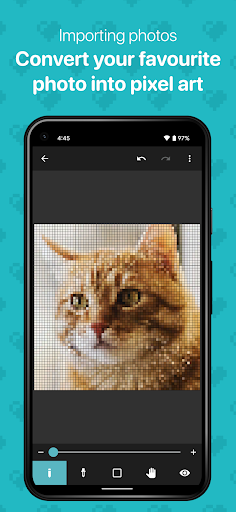
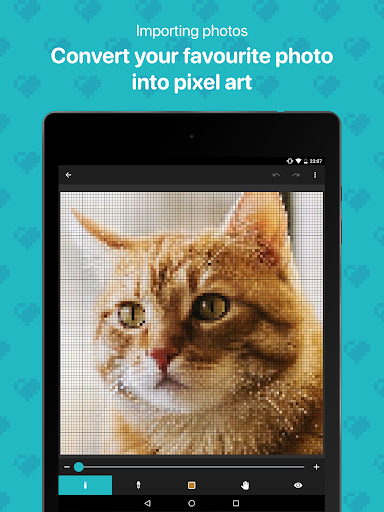
[Convert your favorite images to pixel art]
Import your favorite images into the app and easily convert them to pixel art.
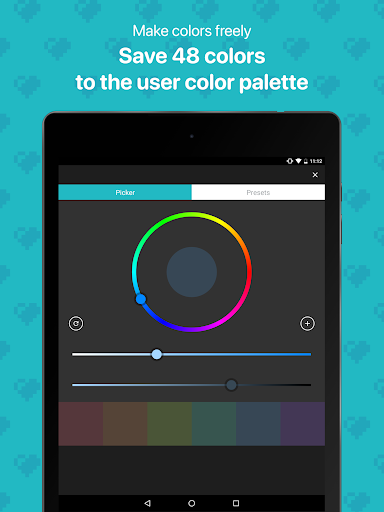
[Create any color and save 48 colors]
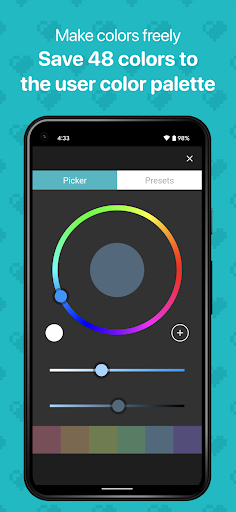
Save up to 48 colors in the “User Color Palette”. The “Preset Color Palette”, which has 96 colors, is also useful.
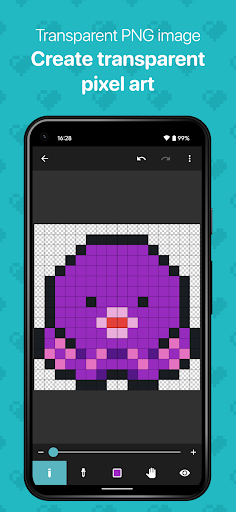
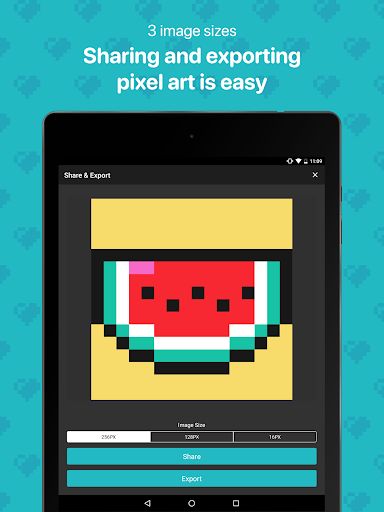
[Export your artwork in transparent PNG]
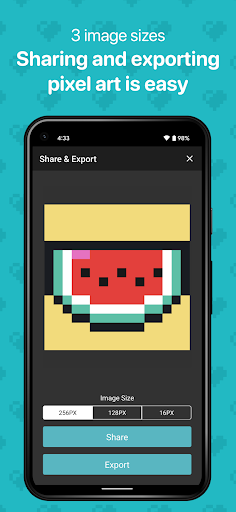
Choose from three different sizes of images to export. The image file format is PNG, and transparent PNG is supported. It is also possible to export an image with the canvas grid lines displayed.
[Export artwork data]
Export your artwork data to external storage such as Google Drive, Dropbox, SD card, etc. The exported artwork data can be imported to other smartphones and tablets that have 8bit Painter installed.
By exporting and backing up your artwork data, you can easily transfer your artwork data to another device if your device is damaged, lost, or upgraded, so you can rest assured.
[Remove ads]
Purchase “Ad Remover” to remove ads. “Ad Remover” does not need to be purchased many times because once purchased, it can be restored at the time of reinstallation even if the app is uninstalled.
What's New
In-app purchases
$4.49 per item
Version Information
- Version
- 1.26.1
- Downloads
- 1M+
- Updated on
- Aug 3, 2025
- Released
- Aug 15, 2015
- Requires
- Android 6.0
Statistics
Google Play Rating History
Rating Distribution
Downloads Over Time
8bit Painter has been downloaded times. Over the past 30 days, it averaged downloads per day.
Shaded area shows 30-day prediction based on historical trends
Historical data collection started recently. More data points will be available over time.
8bit Painter - Google Play Rankings
Top Rankings
| Rank | Country | Category | List | Change |
|---|---|---|---|---|
| — |
Ranking History in
No ranking data available yet. Rankings are updated daily.
#48 in Top Free Art And Design in Japan

8bit Painter users say on Google Play
 Super
Super
Pros: Very simple easy to understand ui, good for simple pixel art, extremely easy to pick it up. . Cons: can't animate, >doesn't have layers< no custom canvas sizes *besides preset sizes*, ads almost everytime you open a project, . Still my main art program, there are a lot of limitations but it's so simple it's really enjoyable to relax and make something without having to really think about layers or aspect ratio or brush style etc
 EmperorSeb
One of the best pixel art apps I've found. I kinda want the pixel ratio to have more variability, but I get it. Kinda time consuming, very small selection of tools; you've got the colour picker, the pencil, the eraser, the paint bucket, and the back button. Better hope you don't make a mistake cuz it'll take twice as long to fix it.
 Karamjit Singh
iss aap main kush colour nai hai jo hame chahiye . agar aap iss app main kush change kar skte hai toh colour custom ki option bhi do . thnks
 Helder Ferreira
It could be a 5 star app honestly. Simple straightforward and cute app 🙂 But... the intrusive full screen ads with high sound volume while I'm trying to be creative ruined the all experience for me.
 Werty Membrote
Welp, sorry for this review but, it was disappointing. Yup, the simplicity is great, interface is nice too, not too advanced but at least it's easy to use. Problem is, I was working with a 192x192 art and I was almost done JUST FEW PIXELS LEFT and then BOOM! The application crashed for some reason, I opened up the app immediately and there I saw, my art was gone, all effort turned to waste I was genuinely working on that art for at least an hour. You don't know how frustrated I feel right now.
ApkTrusted Ratings & Reviews
More from OneTap Japan
See more apps
Scan this QR code to download

Forwarding you to the page at Google Play market in seconds...
Open Google Play market now