
Orion Notes: Handwrite & PDFs vv1.3.28.0
ORION STUDIO PTE. LTD







About this app
Developer Description
Smart Stylus Note-Taking & PDF Tools
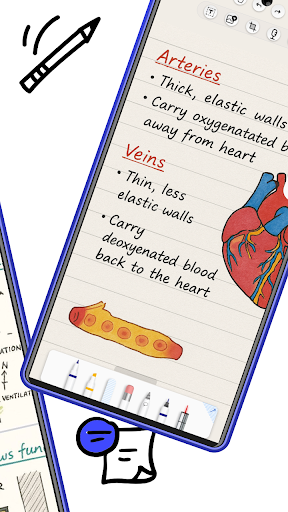
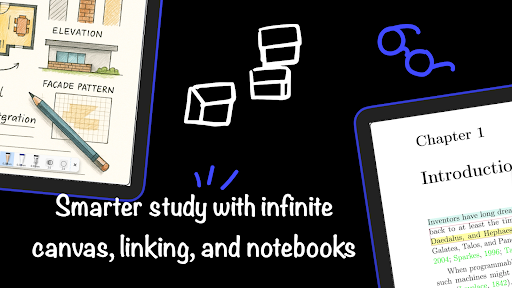
✍️ Precise Stylus Note-Taking
Experience responsive, realistic handwriting with pressure-sensitive brushes
Great for journaling, sketching, and classroom note-taking
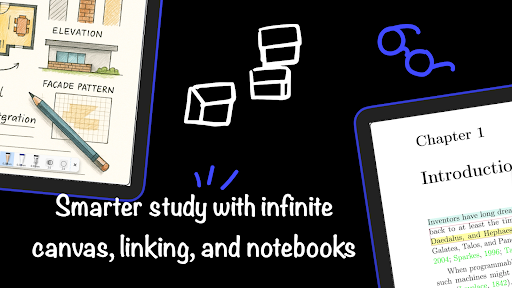
Infinite canvas and classic page templates for flexible layouts
📚 Organize Notes Effortlessly
Create and sort notebooks
Use folders, tags, and page links to structure your knowledge
Search by keyword to find what you need instantly
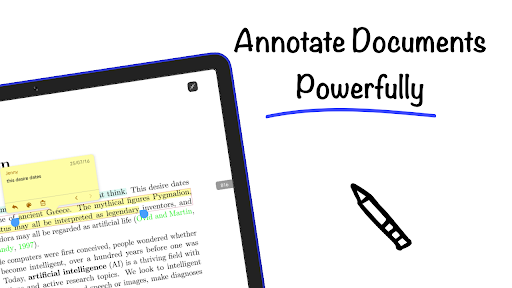
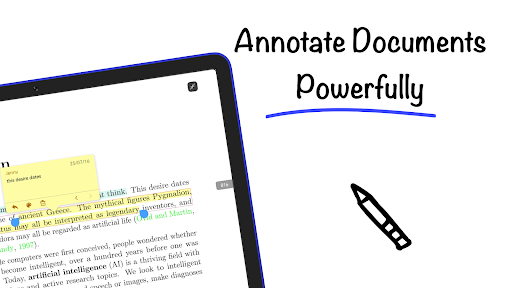
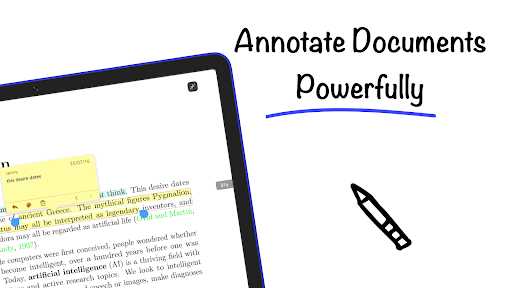
📄 Annotate PDFs and Documents
Highlight, draw, and comment directly on PDFs, Word, or image files
Split or merge documents with custom workflows
Perfect for study, reading, and review
🎙️ Audio-Synced Note-Taking
Record lectures or meetings while taking notes
Tap your handwriting to replay the matching audio
Speed control, silence skip, and loop tools for efficient learning
🎨 Creative Tools & Layers
Use shape tools, rulers, and layers to build clean diagrams
Ideal for students, architects, and visual thinkers
Customize pens, colors, stickers, and paper styles
🤖 AI-Powered Features
OCR handwriting recognition to convert notes into text
Smart summaries and auto-generated outlines
Built-in translation for multilingual notes
☁️ Cloud Sync Across Devices
Sync your notebooks via Google Drive or OneDrive
Access notes securely from any Android device
💡 Your Android Stylus Workspace
Built for tablets and digital pens, Orion Notes helps you think freely and work smarter — with tools designed for precision and creativity.
What's New
- Upgraded page margins with more style options
- Added a “Multi-page” option for note export
- Fixed an issue with stroke hover behavior
- Fixed an issue where Xiaomi stylus buttons were not working
In-app purchases
$5.99 per item
Version Information
- Version
- v1.3.28.0
- Downloads
- 1K+
- Updated on
- Dec 28, 2025
- Released
- Jul 22, 2025
- Requires
- Android 8.0
Statistics
Google Play Rating History
Rating Distribution
Downloads Over Time
Orion Notes: Handwrite & PDFs has been downloaded times. Over the past 30 days, it averaged downloads per day.
Shaded area shows 30-day prediction based on historical trends
Historical data collection started recently. More data points will be available over time.
Orion Notes: Handwrite & PDFs users say on Google Play
 Pyae Phyo Kyaw
For those who still don't know, this is the Notein App. Notein is temporarily removed from Play Store. Don't worry. Simply log in this app and your subscriptions are activated automatically.
 Eric Clark
I think this is the best GoodNotes 5 replacement for android. I spent about 3 years writing notes with GN5 on an iPad Pro and though switching to this took some time to get used to, I feel like I'm not losing anything while using the app, I think it's fully worth the money! The only thing the app is missing is a pen stability feature.
 Butterfly
I paid for premium but the App is not working in BOOX devices
ApkTrusted Ratings & Reviews
More from ORION STUDIO PTE. LTD
See more apps
Similar Apps








Scan this QR code to download

Forwarding you to the page at Google Play market in seconds...
Open Google Play market now