
Touch Bible Loaded:Bible Study vVARY
Patrick Franklin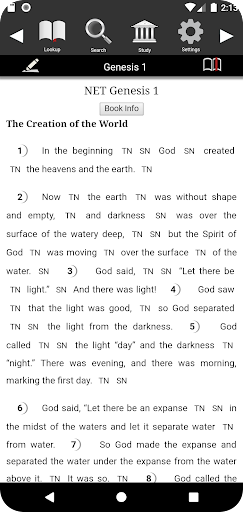

About this app
Developer Description
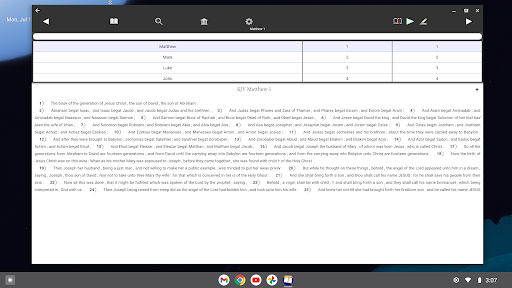
Offline Bible, Study Notes, Library, Maps, Audio, Strong Definitions/Concordance
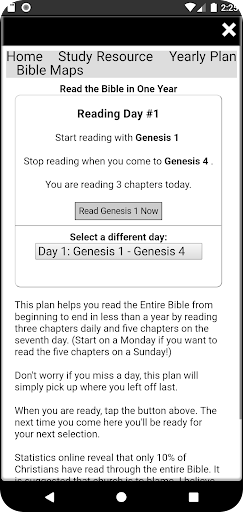
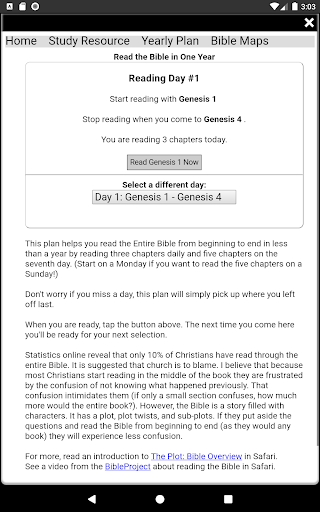
** Audio Bible* + Reading Plan **
Touch Bible's Audio Feature reads the Bible to you right out of Dial-a-Verse. You can start reading from any verse you pick. This feature can help you read through the entire Bible! Use the Audio Bible with the reading plan to finally read the entire Bible in less than a year (audio requires the TTS Settings to be enabled, see below)!
**Strongs Concordance + Study Notes **
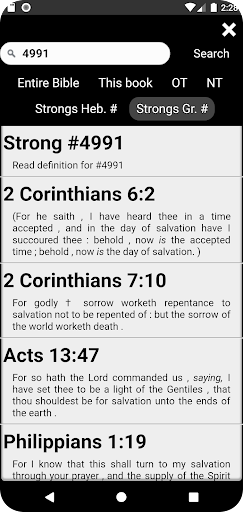
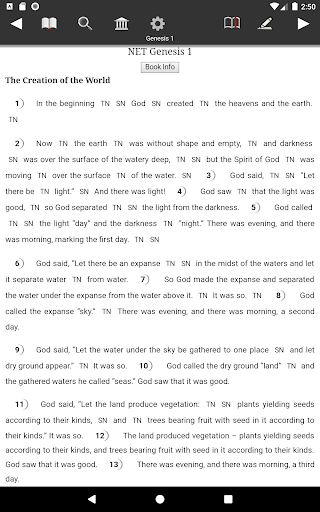
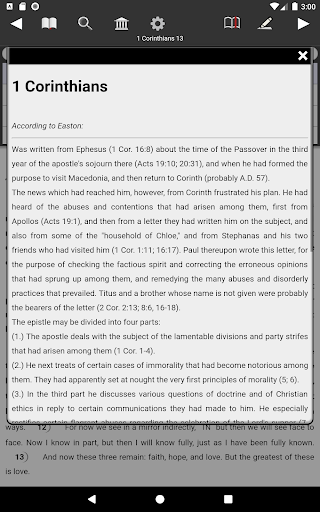
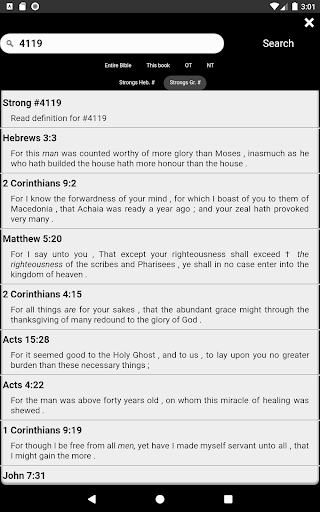
Links to study content are built inline. Access 60,000+ NET study notes and Strong definitions. Use Strong Number Search in Touch Bible look any word! You'll love ALWAYS having access where ever you go to the following:
- Built-in 8 English versions: No internet required! New English Translation, King James, World English Bible and American Standard and more -
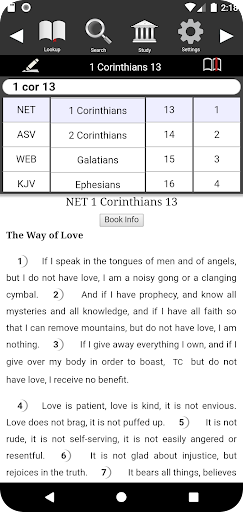
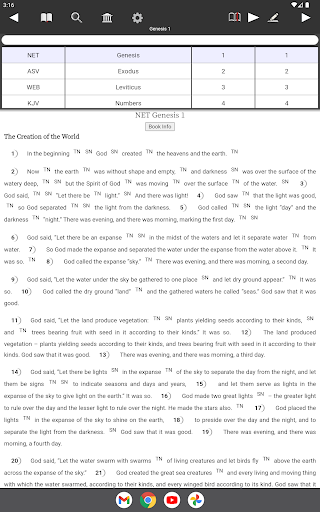
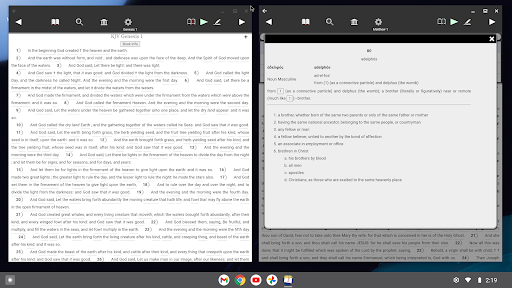
- Multi-Version - see two versions of the Bible on one screen!
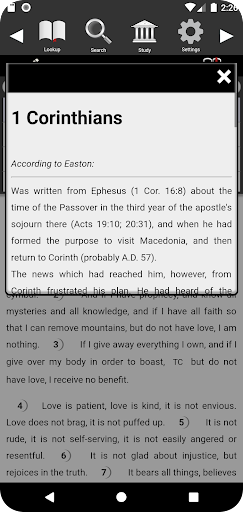
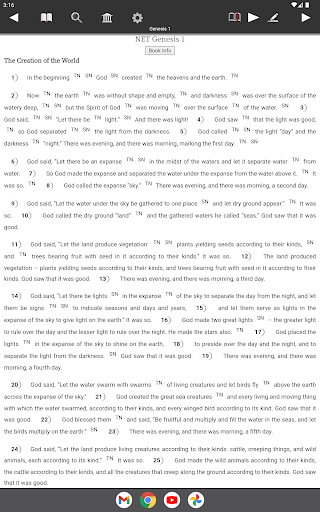
- 60,000+ NET Bible study notes
- Strong's definitions and search
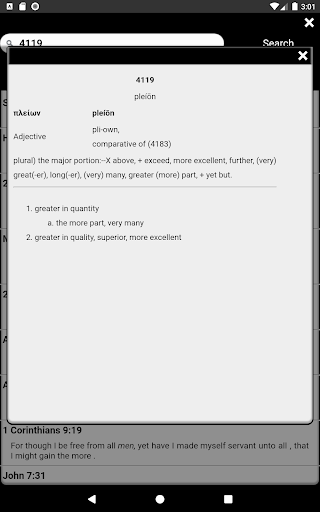
- Strong lexicons include definitions from combined resources:
+ "Strong's Lexicons" (Greek and Hebrew)
+ "Brown, Driver, Briggs Lexicon" (BDB)
+ "Theological Word Book of the Old Testament"
+ "Thayer's and Smith's Bible Dictionary"
+ "Kittel"
- Easy search, bookmarks, verse notes
- An interface that is so simple you'll be reading in no time
- Keep your own notes
** Strong's Lexicon **
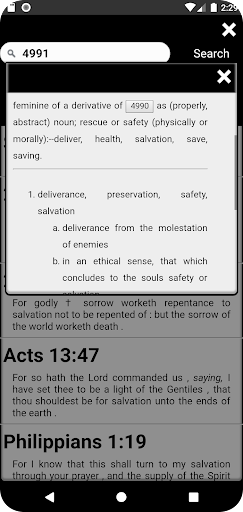
What is a Lexicon? It is like a Bible dictionary. The words in the Bible have been numbered, and those numbers (Strong numbers) are tied to definitions from the original languages of the Bible. There was a time when it took several books or special, "numbered" bibles to connect these numbers to a definition. Now it's all in one app!
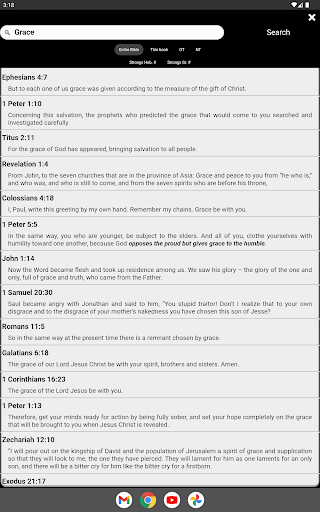
Touch Bible makes looking up definitions easy. Click on a linked word in the KJV and you'll get so much information about the word. You can search for a Strong Number or look up a word for definitions or simply search for a word in and tap the word in scripture for the definition.
** More Benefits **
Touch Bible makes getting to scripture easy. It was made to be very easy to use. Here are a list of the features in Touch Bible that give you fast access to the bible:
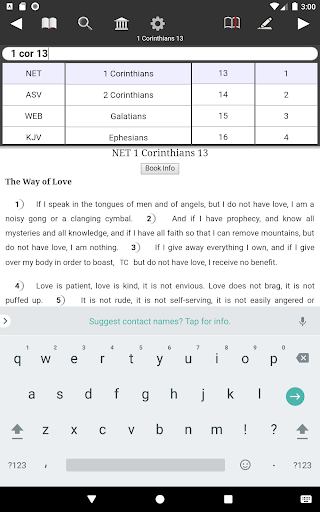
- Dial a Verse: Touch Bible's way of looking up scripture FAST
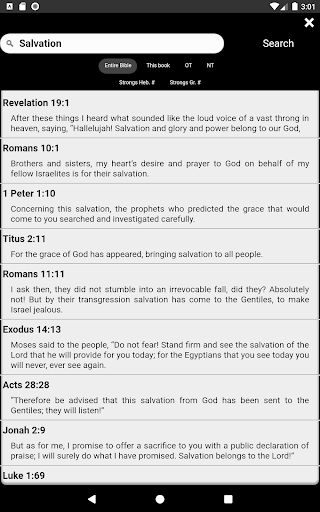
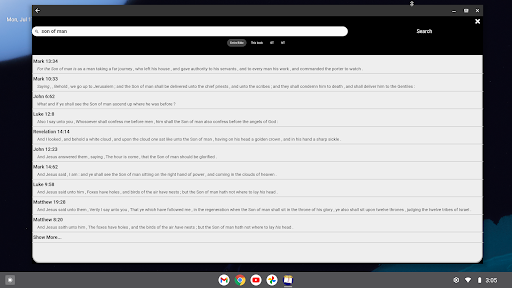
- Search: Very Fast & intelligent keyword search with verse preview & many search options
- Bookmarks: Includes Verse Preview!
- Readability: spread out words, adjustable font sizes
- Night Mode: for reading in low light situations
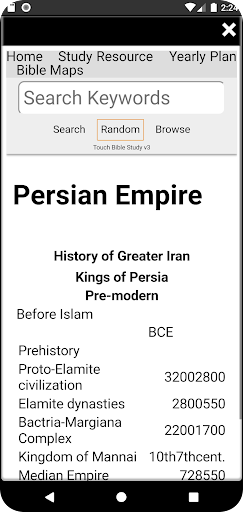
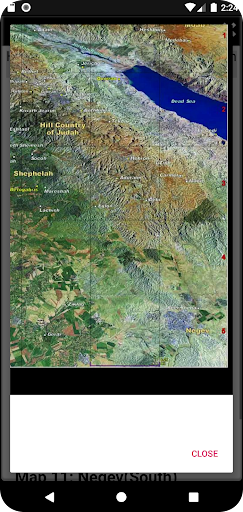
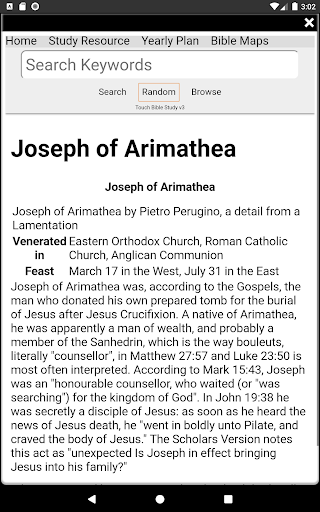
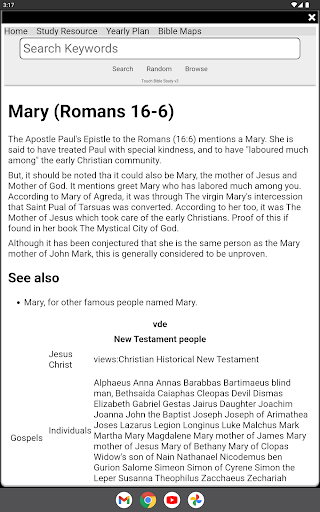
- Study Library: Thousands of articles on topics about the Bible.
- Feel richly blessed by the biblical knowledge others have passed down.
** Touch Bible Free **
Just need a Bible without the extra study content? Try Touch Bible Free. It is not watered down, not a demo app and not a downgrade. It's an app for God's word the way it should be... free, no ad distractions in the bible, and no need to be plugged in to the internet.
- - - - - - - - - - - - - - - - - - - -
*TouchBible.com/speech
Audio features require TTS (text-to-speech) be enabled in your Settings. If you don't have it look into ""Google TTS" or "PICO" engine on the Play Store. Try the guide at touchbible.com/speech for more help.
Version Information
- Version
- -
- Downloads
- 5K+
- Updated on
- -
- Released
- Dec 12, 2011
- Requires
- Android Varies with device
Statistics
Google Play Rating History
Rating Distribution
Downloads Over Time
Touch Bible Loaded:Bible Study has been downloaded times. Over the past 30 days, it averaged downloads per day.
Shaded area shows 30-day prediction based on historical trends
Historical data collection started recently. More data points will be available over time.
Touch Bible Loaded:Bible Study users say on Google Play
 Fred Morgan
Best Bible Version to Study and Everyday Use. I, myself, do not care for the find Book/Verse. Other apps do this quicker with a better interface. However, this is my only complaint. Many Bible versions are available. KJV has a 'touch word' lexicon, to pull up Greek words with meaning. NET ( I use in Split Screen) has all Notes marked and pulls them up for a better understanding of translation. I highly recommend this app.
 Diana J Maire
I really like this. But, they need to make the play for reading to you adjustable in both speed and the voice reading. Then I would give it a 5 star.
 A Google user
I would have given this 5 stars except when my Samsung Note 9 updated this app stopped working correctly. I had to uninstall it and then repurchase it so it would work properly. Even thenIt still isn't working right.It's a really nice tool if they will keep it upgraded. I should not have had to purchase this twice and I should be refunded that money.
A Google user
I've always loved this app and use it almost daily. But the newest version that removed the side-by-side translations view and replaced it with a single column, staggered view is really horrible, a visually confusing mess. I hate even opening the app now, which really makes me sad. Please restore the side-by-side view so that I can once again give this 5 stars!!!
A Google user
This bible app does NOT do what it says it will. I am uninstalling. It is supposed to have a reading plan you can follow. however once you click on the reading plan and finish the daily required reading. nothing happens. no saved places, no show of what to read the next day, nothing. Just another page and no way to return to the plan menu. If I could give zero stars I would. very dissatisfied.
ApkTrusted Ratings & Reviews
More from Patrick Franklin
See more apps


Similar Apps







Scan this QR code to download

Forwarding you to the page at Google Play market in seconds...
Open Google Play market now