
Graphie - EXIF management v3.1
Pavlo Rekun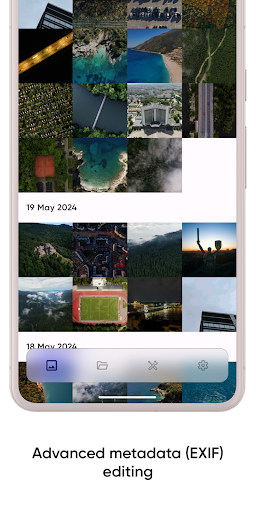
About this app
Developer Description
Manage your gallery's EXIF metadata effortlessly!
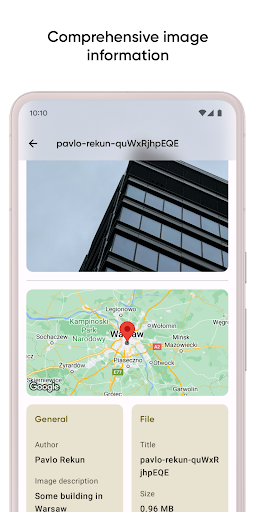
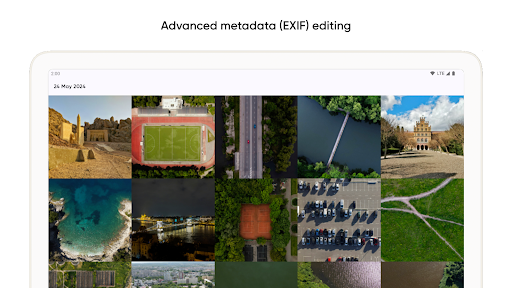
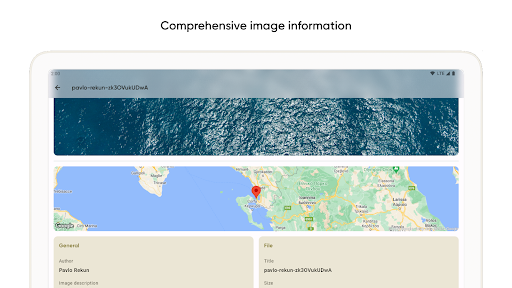
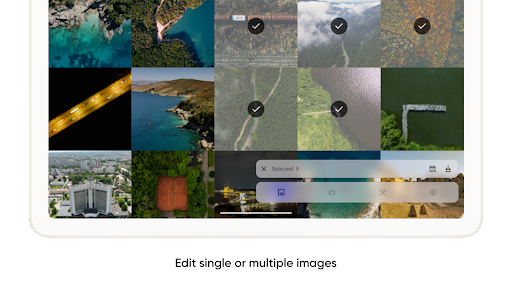
Metadata (EXIF) management
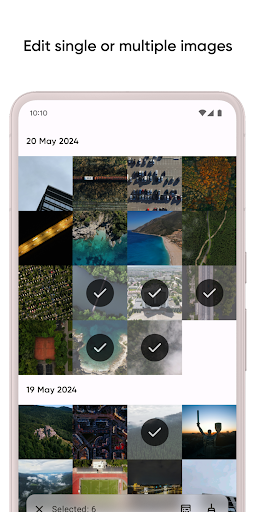
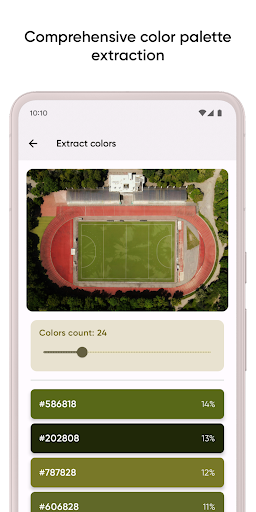
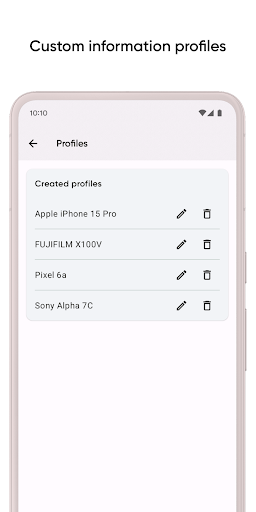
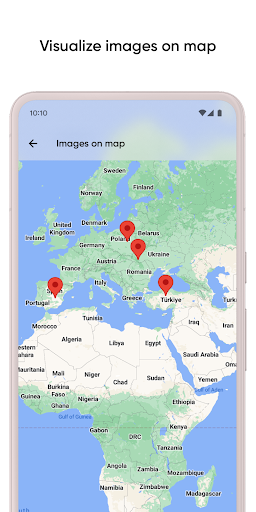
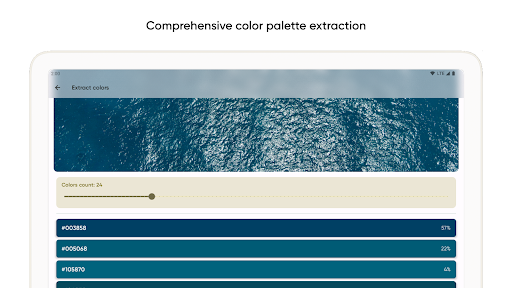
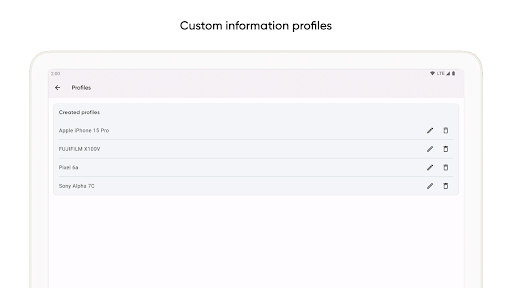
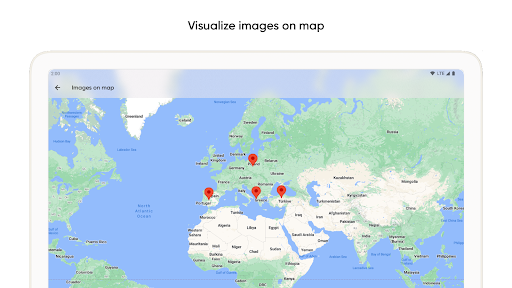
Unlock the full potential of your image collection with Graphie's powerful metadata management tools. Easily modify metadata for single or multiple images, extract an extensive range of colors, and pinpoint photo locations on a map. Create profiles with various information sets, share images without metadata, and streamline your workflow effortlessly.
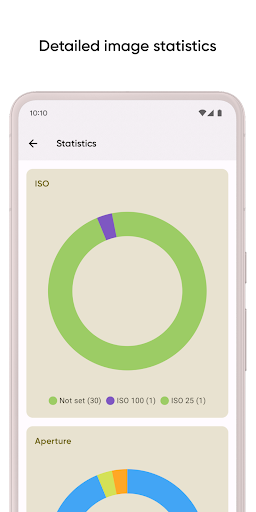
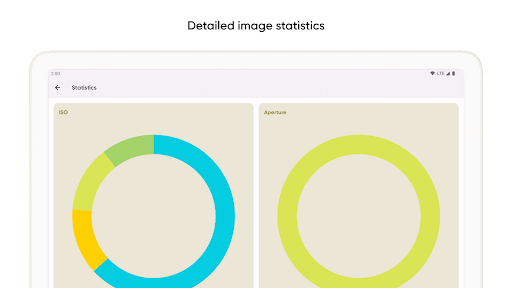
Detailed statistics
Gain comprehensive insights into your photos with Graphie's detailed statistics. Analyze key characteristics such as ISO, exposure, focal length, and other camera settings. Structure your data to manage and optimize your photo collection with precision and depth, ensuring you always get the best out of your images.
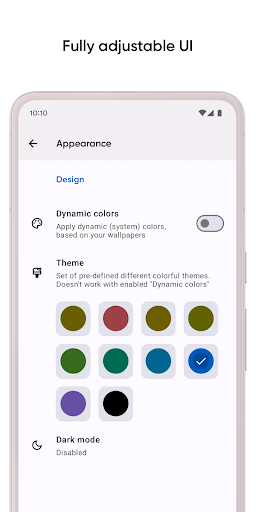
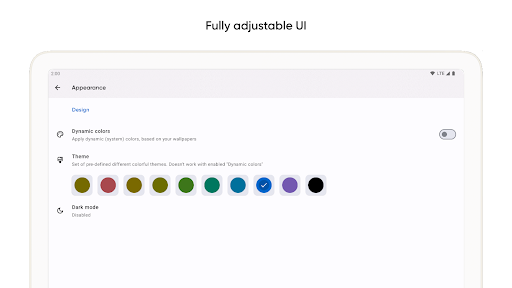
Highly customizable interface
Tailor Graphie to suit your needs with extensive customization options. Choose from a variety of colorful themes, support for multiple data formats, and powerful sorting and grouping tools to organize your work exactly how you want it. Make Graphie truly yours.
FAQ and localization
Have questions? Visit our FAQ page for answers to common inquiries - https://pavlorekun.dev/graphie/faq/
Interested in helping with Graphie's localization? Contribute here - https://crowdin.com/project/graphie
What's New
Version Information
- Version
- 3.1
- Downloads
- 10K+
- Updated on
- Dec 8, 2025
- Released
- Nov 22, 2019
- Requires
- Android 8.0
Statistics
Google Play Rating History
Rating Distribution
Downloads Over Time
Graphie - EXIF management has been downloaded times. Over the past 30 days, it averaged downloads per day.
Shaded area shows 30-day prediction based on historical trends
Historical data collection started recently. More data points will be available over time.
Graphie - EXIF management users say on Google Play
 Kyle Oyama
Great App to edit the EXIF data when you want it. I didn't see an automated batch wipe function. I suggest that so I can delete information on multiple files. Most times if you share a pic on the internet, you don't want the EXIF data on the picture.
 Jon-Cameron Bates (Gadgetologist)
Love the look and feel of the app and has a lot of very useful features. The only thing that stops me replacing my current EXIF editor is the location editing. Pointing on a map to change the location is way more intuitive than entering coordinates (that you would probably have to work out beforehand).
 A Google user
Good app but needs improvement. I don't see any usecase for over riding lat long or camera settings in case of auto-tagging. in case of Stats tab, the ISO graph does not consolidate the ISOs or the legend is partially displayed. check it up. in case of themes, I selected the Rose theme, and the main tab icon are not legible.
 Eric Gray
Unfortunately loading the map and statistics screen takes so long and actually moving the map is broken. I thought this would be a one-time thing and that it would cache everything once it's loaded, But every single time you go to the map screen it needs to load and honestly this is a bit of a deal breaker for me. It's a shame because the rest of the app has potential
 Ed Lauber
Won't access SD card
ApkTrusted Ratings & Reviews
More from Pavlo Rekun
See more apps




Similar Apps

ASTRO File Manager & Cleaner
Free

Lib of Dev (Open Source)
Free

AppDash: App Manager & Backup
Free

Retro Mode - Icon Pack (Light)
Paid

DAVx⁵ – CalDAV CardDAV WebDAV
Paid

Personio
Free

Ares Dark Icon Pack
Paid

BOLT Icon Pack
Paid

ChargeNow
Free

Kaizen: Focus & Study Timer
Free

Aura Frames
Free

CLG Color
Paid
Scan this QR code to download

Forwarding you to the page at Google Play market in seconds...
Open Google Play market now