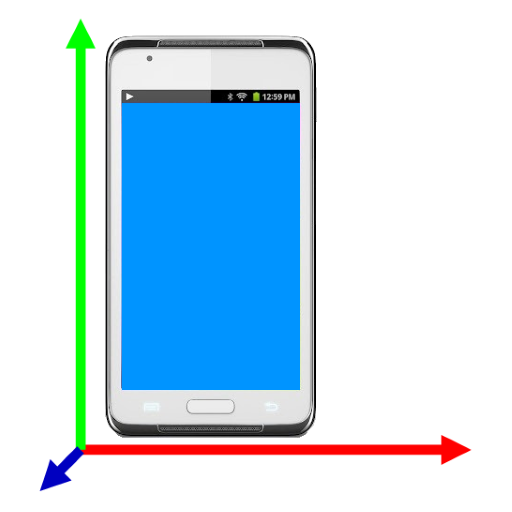
G-sensor Logger v3.5.05
Peter Ho


About this app
Developer Description
Log accelerometer data to csv file with minimum and maximum are calculated
Features
1. The magnitude, minimum and maximum are calculated.
2. Replay
3. The captured data can be save in comma-separated values (CSV) file
4. Limit 10000 data points
5. Support English, German, French, Italian, Spanish, Portuguese, Trad. Chinese, Simplified Chinese, Japanese, Korean, Russian, Thai, Vietnamese, Malay
Features in Pro only
1. No limitation of data points
2. No ads
Permission
* Modify/delete SD card contents is used to write CSV file to SD card
* Internet access is used for ad and Dropbox access
* Prevent phone from sleeping is used to keep the screen on for user taking lap
How to use the app ?
Press "Logging" to start logging accelerometer data. To stop logging, press the button again
Press menu->"Save" icon to save the logging data to CSV file
Press menu->"Dropbox" icon to upload a selected file to you Dropbox.
Note :
For those who need support please email to the designated email.
Do NOT use either the feedback area to write questions, it is not appropriate and that is not guaranteed that can read them.
What's New
- Fix minor bugs
3.3.5
- Remove storage permission
In-app purchases
$1.99 per item
Version Information
- Version
- 3.5.05
- Downloads
- 100K+
- Updated on
- Dec 23, 2025
- Released
- Jun 24, 2013
- Requires
- Android 5.0
Statistics
Google Play Rating History
Rating Distribution
Downloads Over Time
G-sensor Logger has been downloaded times. Over the past 30 days, it averaged downloads per day.
Shaded area shows 30-day prediction based on historical trends
Historical data collection started recently. More data points will be available over time.
G-sensor Logger users say on Google Play
 A Google user
Output in excel format is good.
A Google user
Good app. Could use a bit of an explanation on some things but quite useful.
 Sara Sparks
It seems to work well from what I tried, but here's the thing. I need to record an hour of data. The free version has a limit of 10k data points, which is just a few minutes' worth. But if I hadn't thought to tap "Pro" and read the info, I wouldn't have known that. I'd have left it running, and come back to find only a tiny fraction of the time recorded. Missing data that it might be hard to get another opportunity to capture. This needs a pop-up warning before starting the first capture.
 C Hemmes
Installed, upgraded to pro because it looked promising. Unfortunately the CSV has an annoying empty line between each row. The data is no longer visible after saving the data and it is also not possible to load an existing CSV file to view it.
ApkTrusted Ratings & Reviews
More from Peter Ho
See more apps
Electronics Toolbox
Free
AVR Tutorial
Free

My Bowling Scoreboard
Free
Cube Timer
Free

Duckpin / candlepin scoreboard
Free
Arduino workshop
Free

8051 Tutorial
Free
Archery Score Keeper
Free
Easy FTP client
Free

Bode plot
Free

Easy Expense Pro
Paid
Electronics Toolbox Pro
Free

Easy Expense
Free
GPS Logger Pro
Free
Linear regression playgrounds
Free
Cube Timer Pro
Free
Scan this QR code to download

Forwarding you to the page at Google Play market in seconds...
Open Google Play market now