
Plex: Stream Movies & TV vVARY
Plex, Inc.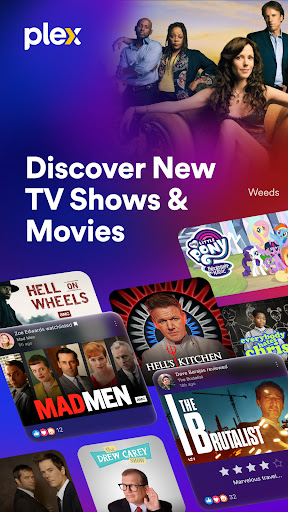



About this app
Plex: Stream Movies & TV solves the problem of accessing a wide variety of media content, including TV shows, movies, and live TV channels, without the need for a traditional subscription. This app benefits most those who are looking for an alternative to traditional TV and movie streaming services, offering a unique blend of free and paid content. Compared to alternatives in the Entertainment category, Plex stands out with its ability to stream content from a user's own media library, in addition to offering free content with ads. However, it falls short in terms of the quantity of high-quality, recent content available for free, making it less competitive with major streaming services.
Pros
- With over 50 million downloads, Plex has a significant user base, which is a testament to its reliability and popularity, and the 3.7-star rating indicates a generally positive user experience.
- The app's ability to stream content from a user's own media library, in addition to offering free content with ads, makes it a versatile choice for those looking to access a wide variety of media.
- Plex's developer, Plex, Inc., has a reputation for regularly updating the app, which ensures that users have access to the latest features and security patches, enhancing the overall user experience.
- The app's offline capability allows users to download content for viewing without an internet connection, making it a great option for those who commute or have limited internet access.
- Plex's accessibility features, including support for closed captions and customizable subtitles, make it an inclusive choice for users with disabilities.
Cons
- One concern is the app's monetization model, which includes both ads and in-app purchases, potentially leading to a cluttered and frustrating user experience, especially for those who prefer ad-free viewing.
- The lack of transparency regarding data collection and usage is a concern, as users may not be aware of what information is being collected and how it is being used, potentially impacting their privacy.
- Some users may find the app's interface and navigation to be cluttered and overwhelming, particularly those who are not tech-savvy, which could negatively impact their overall experience.
- The app's requirement for a stable internet connection to stream content may be a drawback for those with limited or unreliable internet access, making it less accessible to some users.
Best for: The ideal user for Plex is a tech-savvy individual who values flexibility and customization in their media viewing experience, is likely between the ages of 25 and 45, and has a strong interest in accessing a wide variety of TV shows, movies, and live TV channels, both from their own media library and from the app's free content offerings.
Developer Description
Watch TV shows, movies, and stream Live TV channels without a subscription!
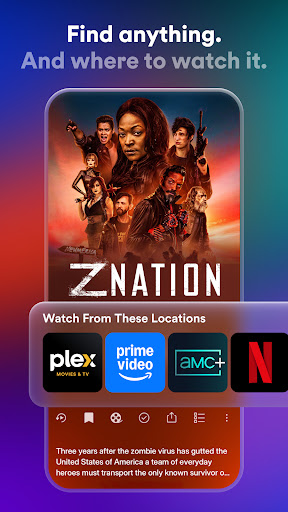
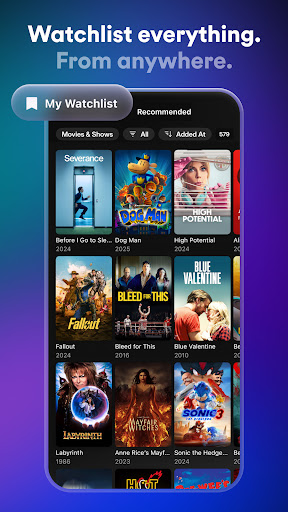
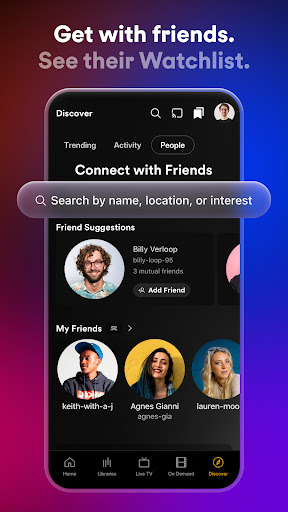
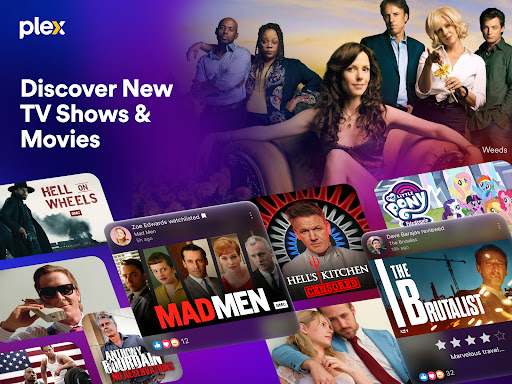
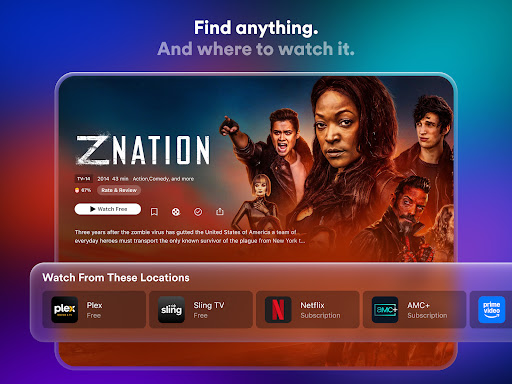
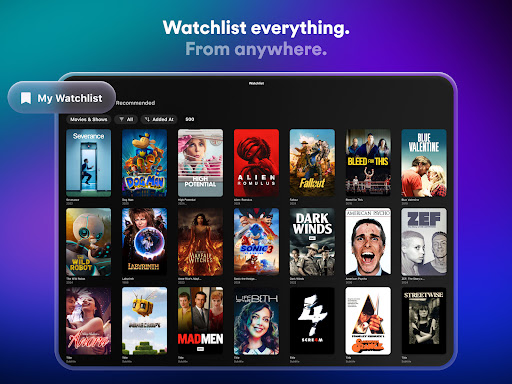
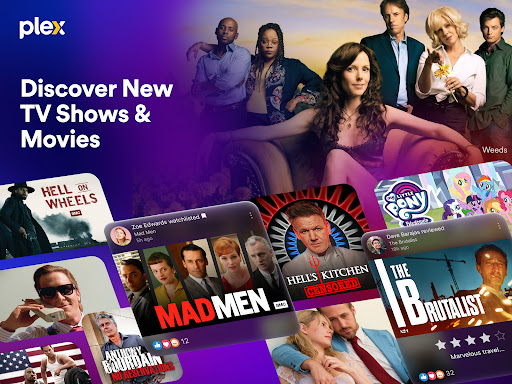
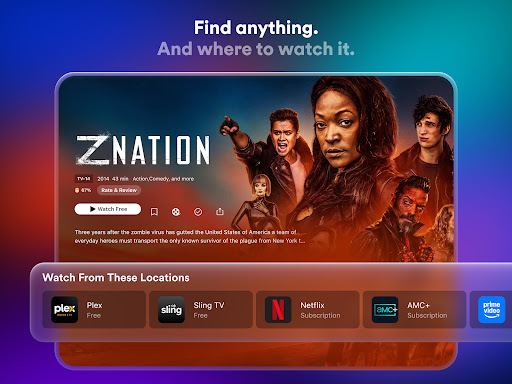
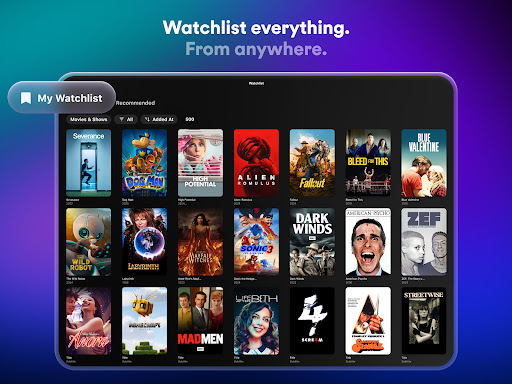
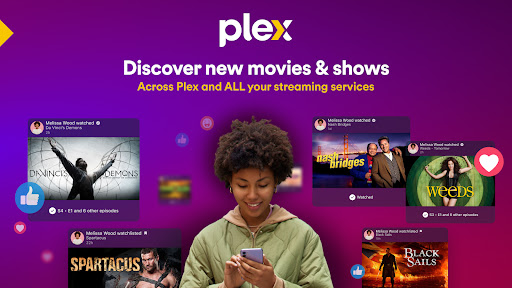
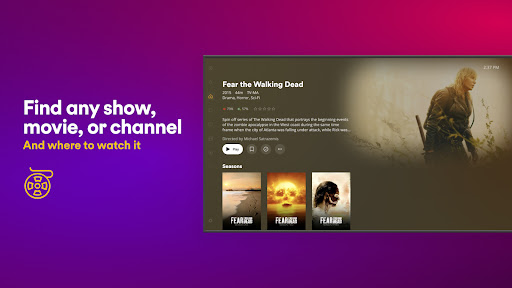
Find any show or movie and where it’s streaming, then add it to a universal Watchlist for easy access when you’re ready to press play. Plex is the only entertainment app that gives you every way to discover what you want to watch, easier than ever before. Stream movies and TV shows for free with the Plex personal media player. Connect with friends and fellow fans, and leave TV and movie reviews.
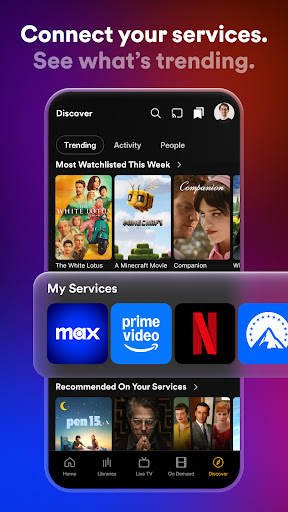
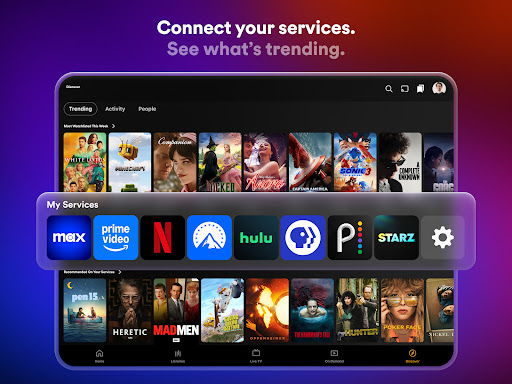
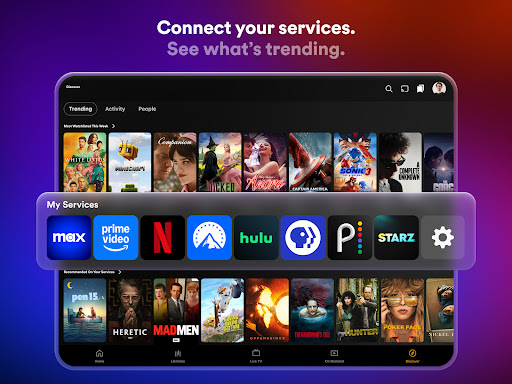
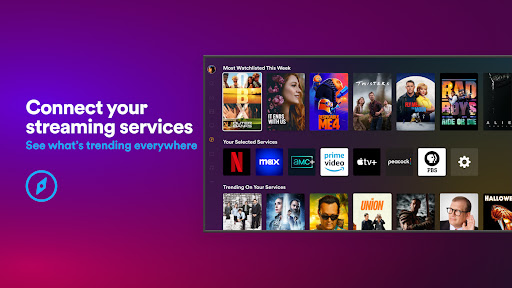
Plex offers a subscription-free streaming experience with access to 600+ channels and thousands of free movies and TV shows. Connect all your streaming services to watch TV and movies and see what’s trending across platforms. Plus create a universal Watchlist to keep track of everything you want to watch, no matter where it’s streaming.
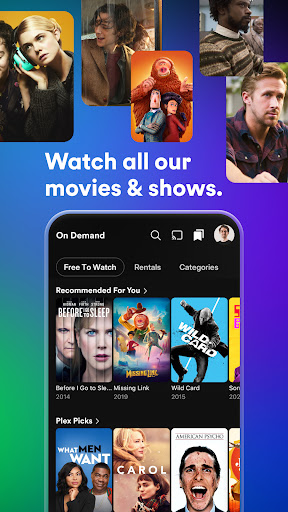
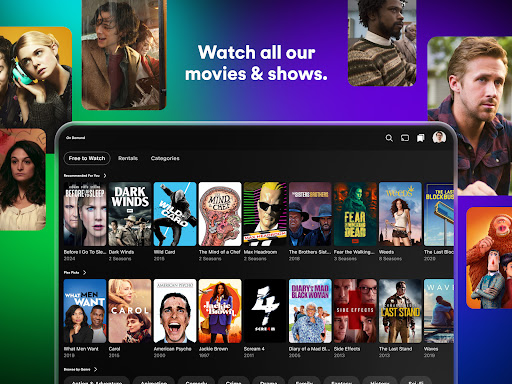
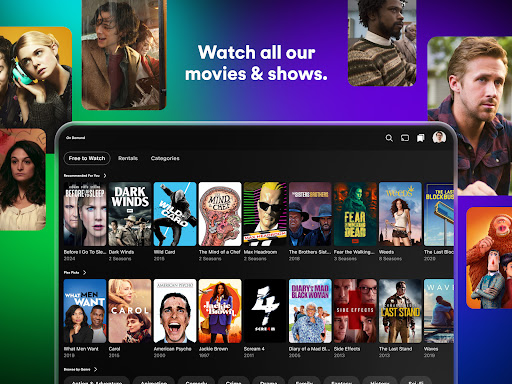
Get free access to over 50,000 titles and 600+ TV channels, including live TV with sports, news, kids' shows, and more. Watch movies and your favorite TV series, all in one place.
Media streaming, organization, and sharing made easy with Plex. Spend less time searching and get movie night started faster when you add your favorite movie apps and streaming services to Plex. Plus, enjoy access to popular movie and TV options from A24, Paramount, AMC, Magnolia, Relativity, Lionsgate, and more!
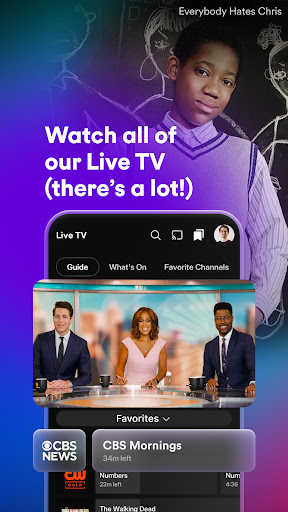
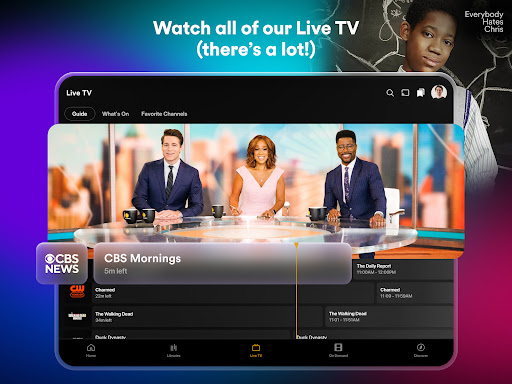
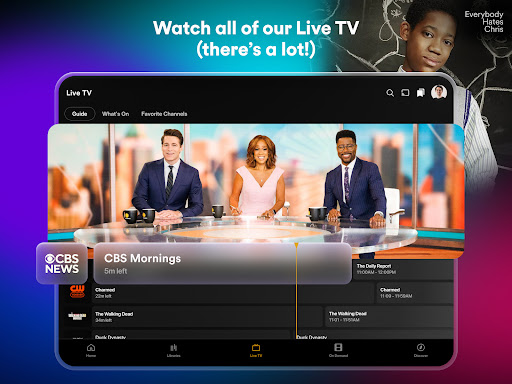
Love Live TV? Watch free TV everywhere with Plex. Featuring an easy-to-use guide, Live TV on Plex includes over 600 free TV channels including The Hallmark Channel, FOX Sports, FIFA, WNBA, NFL Channel, PBS Antiques Roadshow and more! Start streaming and catch your favorites on Plex like The Walking Dead Universe, Ice Road Truckers, Game Show Central, and NBC News Now.
Now with Plex Rentals, you can rent classic movies or new releases fresh from theaters. Simply sign in, browse the Plex rentals library, and rent your favorite movies. Download the app now to enjoy your Plex media anywhere.
PLEX FEATURES
DISCOVER MORE WITH PLEX
- Save anything from anywhere and create one universal Watchlist of TV and movies
- Add your favorite movie apps or streaming services to see what’s streaming where
- Use our universal search to find what to watch next
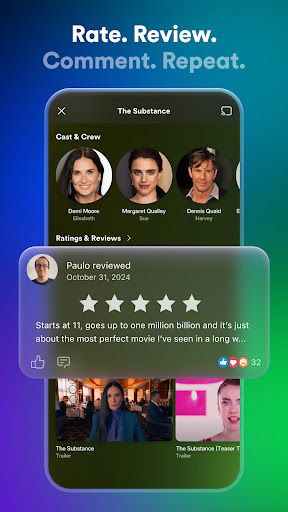
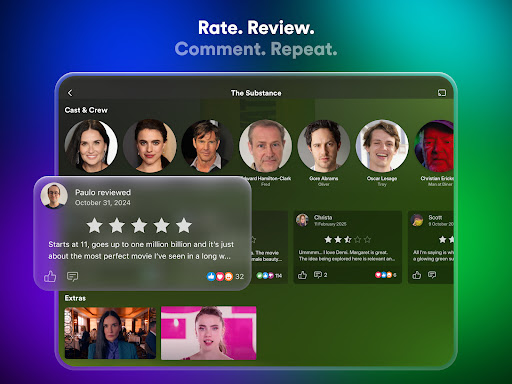
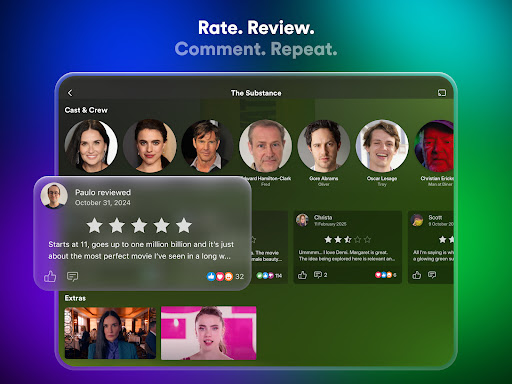
- Leave a movie review and share movies and shows on your Watchlist
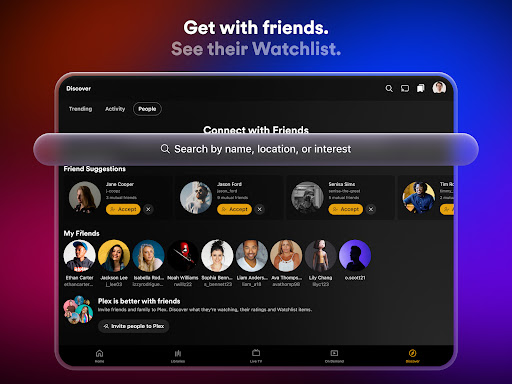
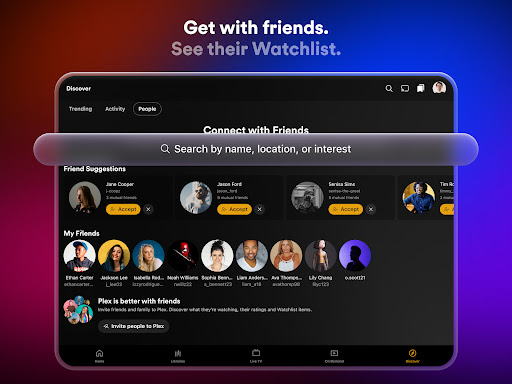
- Connect with friends to see what movies and TV shows they’re watching now
- React and comment on friends’ activity
- Let the community know your thoughts with TV and movie reviews
WATCH FREE TV EVERYWHERE
- Live TV shows and over 600 channels at your fingertips, on every device
- Free TV streaming with categories including sports, true crime, game shows, and channels En Español
- Live stream news and local TV channels like CBS, Financial Times, Euronews, and more
ALL NEW RENTALS
- Enjoy newly released movies and classic favorites with Plex Rentals
- Watch Dune 2, Civil War, Challengers, Godzilla Minus One, and more
- Rentals starting at just $3.99
PLEX PERSONAL MEDIA SERVER
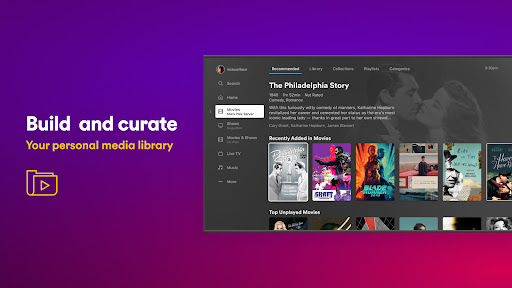
- Plex scans, organizes and automatically sorts your personal media
- Movies and TV shows, all organized into personal media collections in our movie app
- Store your TV shows, movies, and stream on any device
- Download your personal media and watch without WiFi using our offline video player
Visit https://www.plex.tv/free for more information.
Note: Streaming personal media requires Plex Media Server version 1.41.2 and higher (available for free at https://plex.tv/downloads) installed and running to stream to other devices. DRM-protected content, ISO disc images, and video_ts folders are not supported. Some features of this app are supported by interest-based advertising, to learn more about this and your choices regarding it visit the Plex Privacy Policy.
Privacy
Given that Plex requires no permissions, it is a relatively safe app to use, but users should still be cautious when creating an account and providing personal information, as this data may be collected and used for targeted advertising. To protect their privacy, users should review the app's terms of service and privacy policy before signing up, and consider using a VPN to encrypt their internet connection.
Tips
To get the most out of Plex, users should first set up their media library and connect their devices to the app, allowing them to stream their own content. Additionally, users can optimize their viewing experience by adjusting the app's settings, such as video quality and subtitles, to suit their preferences. Finally, users can explore the app's discovery features, which recommend content based on their viewing history and preferences, to find new shows and movies to enjoy.
What's New
- Fix a crash while opening the settings page on Android 16.
In-app purchases
$0.99 - $324.99 per item
Version Information
- Version
- -
- Downloads
- 50M+
- Updated on
- Jan 21, 2026
- Released
- Feb 16, 2011
- Requires
- Android Varies with device
Statistics
Google Play Rating History
Rating Distribution
Downloads Over Time
Plex: Stream Movies & TV has been downloaded times. Over the past 30 days, it averaged downloads per day.
Shaded area shows 30-day prediction based on historical trends
Historical data collection started recently. More data points will be available over time.
Plex: Stream Movies & TV - Google Play Rankings
Top Rankings
| Rank | Country | Category | List | Change |
|---|---|---|---|---|
| — |
Ranking History in
No ranking data available yet. Rankings are updated daily.
#29 in Top Free Entertainment in United States


#16 in Top Free Entertainment in Spain


#17 in Top Free Entertainment in Canada


#17 in Top Free Entertainment in Australia


Plex: Stream Movies & TV users say on Google Play
 Ezequiel Kufuna
I like this app
 G. Zimmer
Doesn't display category results. just hangs there empty.
 Pat Lepage
worked fine till new update, now it shuts down when i click "favorite channels"
 A Google user
updating my review, the new app is so much worse than the old one. Navigation is harder, and all the playback options have been removed from the player, so you have to navigate through the global settings to change your defaults instead of being able to make one-off adjustments.
 Dan Miller
OK as a media organiser and streamer but if you're thinking about using it as a PVR - connecting to a TV tuner to record and watch television - forget it. The trouble is when the programme switches to an ad (commercial) break and there is a change of resolution it will crash and you'll have to mess around and reset it. Tried with Apple TV, Google TV, Amazon Fire Stick, Nvidia Shield and Mibox all terrible. Android phone used to work but now doesn't. Only works watching on a PC or laptop.
ApkTrusted Ratings & Reviews
More from Plex, Inc.
See more apps



Similar Apps

JustWatch - Streaming Guide
Free

Fawesome - Movies & TV Shows
Free

IMDb: Movies & TV Shows
Free

Filmzie – Movie Streaming App
Free

TV Time - Track Shows & Movies
Free

Movie Pal
Free

Streaming Guide TV & Movies
Free

Moviebase: TV & Movie Tracker
Free

HBO Max: Stream TV & Movies
Free

FlexTV: Short Dramas/Reels/TV+
Free

OSN+
Free

Showly: Track Shows & Movies
Free

MagellanTV Documentaries
Free

iDrama: Stream Movies & TV
Free

Chaupal - Movies & Web Series
Free

Sereal+ Short Drama, TV Series
Free
Scan this QR code to download

Forwarding you to the page at Google Play market in seconds...
Open Google Play market now