
Push-button stopwatch v1.1.2
Bits Squad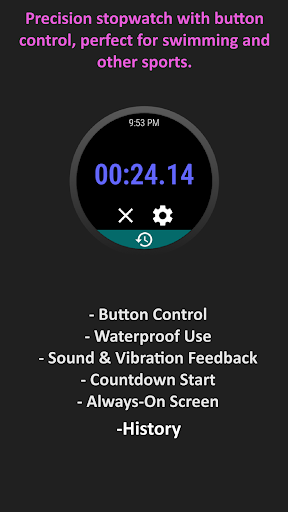



About this app
Developer Description
Button-controlled stopwatch for accurate timing in any condition.
Whether you're swimming, wearing gloves, or dealing with challenging environments, our app ensures you can time your activities effortlessly without relying on a touch screen.
Why choose our stopwatch app?
Perfect for Swimming:
Track your swimming pool distance segments with precision.
Most smartwatches lock or turn off the screen underwater, making it difficult to use a regular stopwatch apps. Our app allows you to start the stopwatch with the 'Back' button and stop it with any screen wake-up action, such as pressing any button or rotating the crown. It functions flawlessly both above and below water, giving you audible and/or vibration feedback so you're always certain when the stopwatch starts or stops.
Ideal for All Sports:
Measure your sport activity intervals with accuracy.
Rely on physical buttons for precise timing, eliminating the inconsistencies of touch screen operations.
Features:
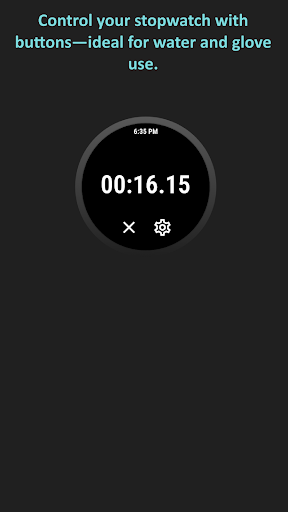
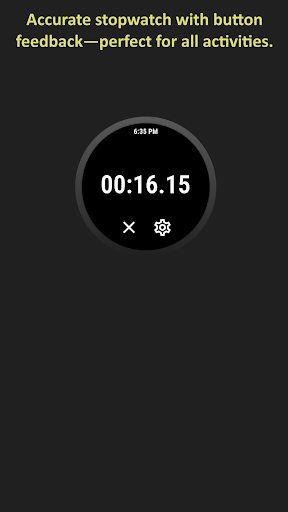
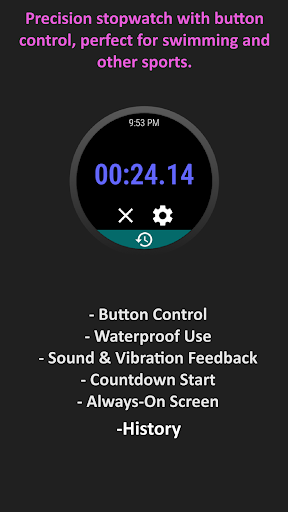
- Button Control: Start or stop the stopwatch using your device's physical buttons—no need to touch the screen.
- Instant Feedback: Receive sound and/or vibration notifications for start, stop, and countdown actions.
- Countdown Start: Begin your timing with a countdown, perfect for situations where you need both hands to start your activity.
- Always-On Screen: Keep the screen on during your activity. Note: This may be overridden by the operating system when underwater or during other screen-off actions.
- History: compare the result with previous measurements.
The app will show ongoing activity notifications and a dedicated icon on your watch face when working in a background.
What's New
Version Information
- Version
- 1.1.2
- Downloads
- 100+
- Updated on
- Jan 24, 2025
- Released
- Jul 13, 2024
- Requires
- Android 11
Statistics
Google Play Rating History
Rating Distribution
Downloads Over Time
Push-button stopwatch has been downloaded times. Over the past 30 days, it averaged downloads per day.
Shaded area shows 30-day prediction based on historical trends
Historical data collection started recently. More data points will be available over time.
Push-button stopwatch users say on Google Play
 Eugene Lange
The only useful stopwatch for Wear OS in the pool. Awesome.
 Leo
Leo
Button control works (Galaxy Watch 6 classic), but only for start/stop, not for laps. Perhaps add another option to use it for laps instead of stop?
 Kyle Heimann
Junk. Literally doesn't do anything. The only thing you can do is close the app. Not a stopwatch. (Using Pixel Watch)
ApkTrusted Ratings & Reviews
More from Bits Squad
See more apps


Similar Apps




Scan this QR code to download

Forwarding you to the page at Google Play market in seconds...
Open Google Play market now