
Notify - Messages Saver v72.0.0
Detective Studio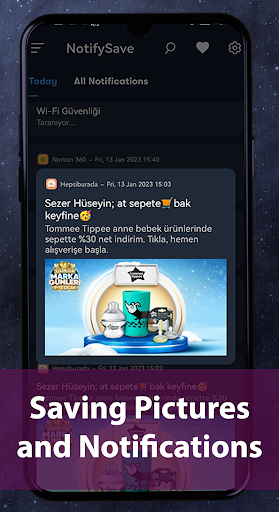






About this app
Developer Description
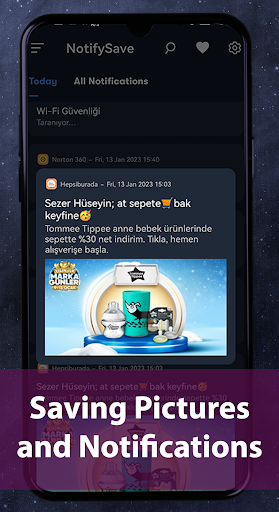
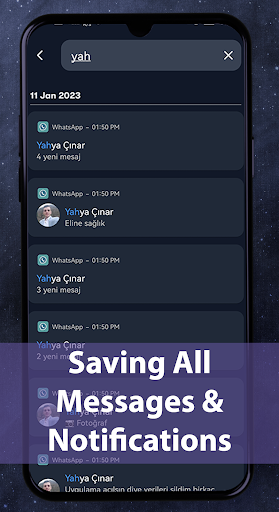
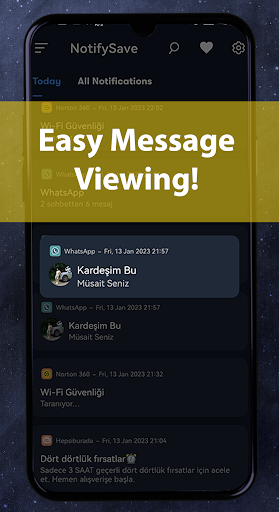
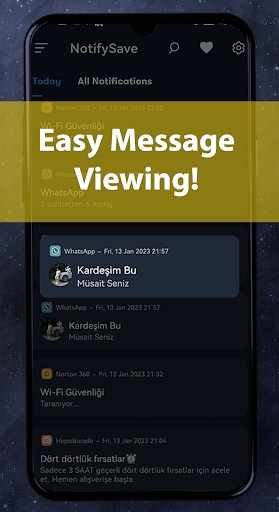
Saves messages and pictures in notifications You can see them without deletion.
📨[About]📨
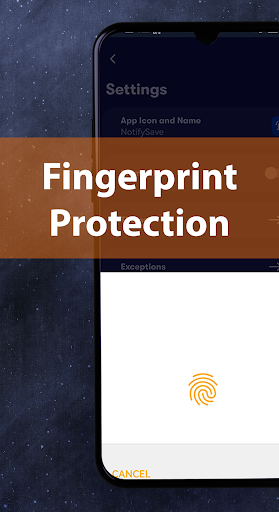
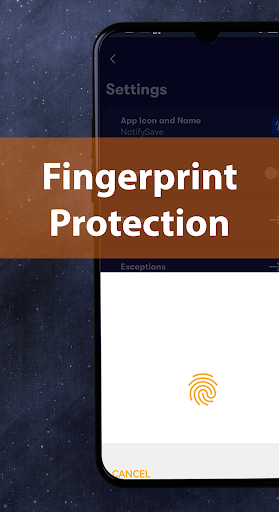
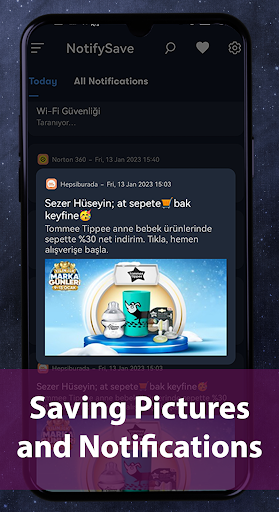
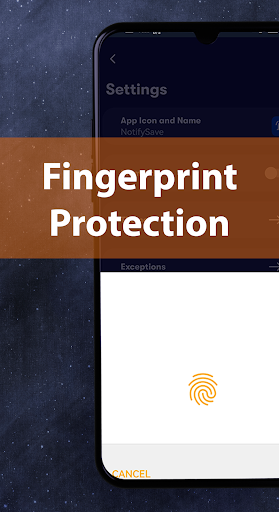
This app is designed to catch your device's notifications and toast messages, which pops up on your device and store them in order to browse and search them later even if they were dismissed. Saves your messages and pictures in notifications. Fingerprint protection keeps all your data safe. All stored notifications are stored only on your phone and no one, including us, can access this data.
We are also adding new social media messaging platforms with the same logic. All popular messaging apps will be added in our app soon.
🆗[Security]🆗
*1 We will never access your personal data (messages, notifications, pictures, etc.).
📍[Features]📍
🔸Norg will manage your entire notification history (you can always go back and check them anytime).
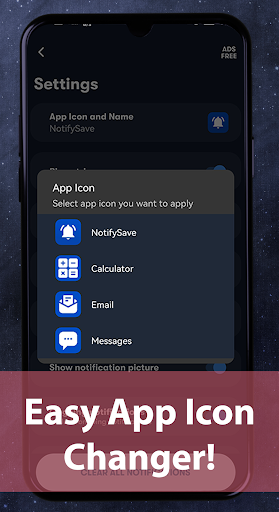
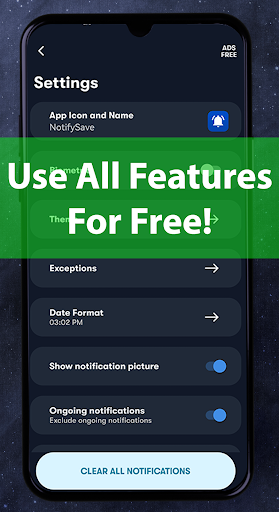
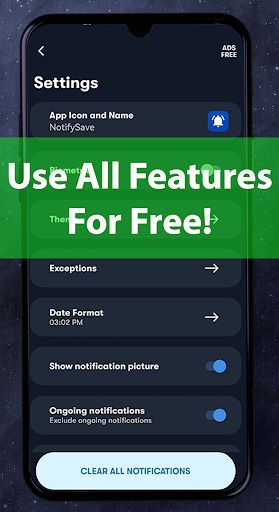
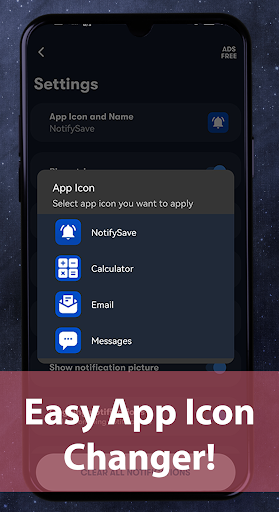
🔸You can change the icon of the application and prevent anyone from tampering with your messages in the application.
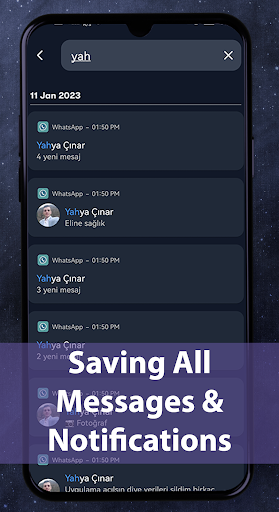
🔸Search function for past notifications.
🔸 Day and Night Modes
🔸Fingerprint protection
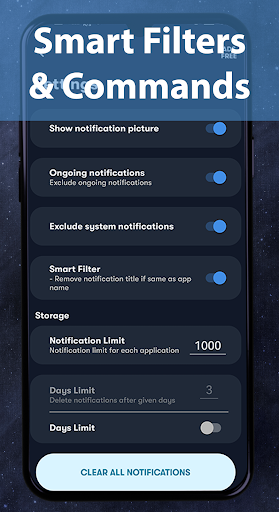
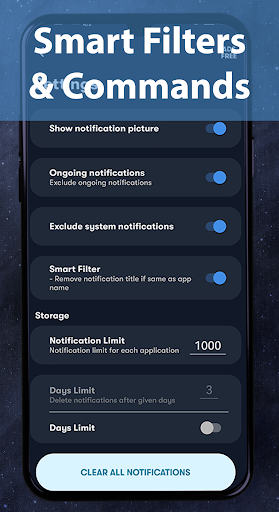
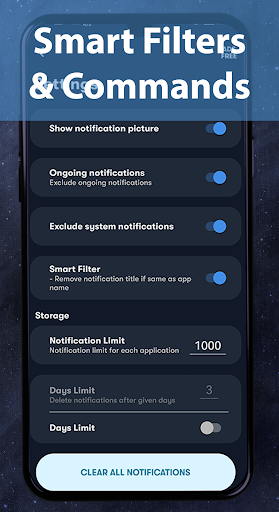
🔸Block apps you don't want to save
🔸 Blocking system notifications
🔸Save Notification Adding a Limit
🔸Automatic Deletion before certain days
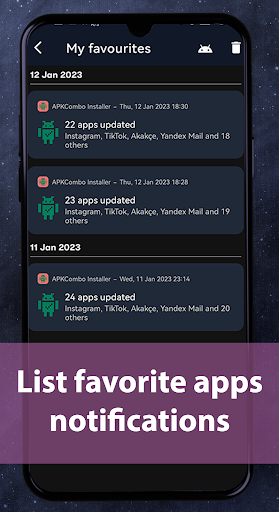
🔸 See Favourite Apps in a separate area
🔗[Permissions]🔗
🔸To read notifications, enable notification access in device settings.
🔸Background permission is required.
🔸To allow blocking of Battery Restrictions.
⚠️ [Limitations]
Deleted Messages Recovery tool won't work in the following cases
🔸If you have muted a chat
🔸If you are currently watching the chat.
🔸If you have switched off notifications on your device.
🔸If the messages have been deleted before you installed the app
🔈[How to use]🔈
🔸After installing, allow notification access. (at a minimum, this is the only setting you need!)
🔸Check the notifications you receive with Norg. When you tap the notification, you can open up your app as you always do.
❗️[Caution]❗️
🔸Internet communications are used to display advertisements and to collect usage data such as crash information.
🔸 The messages contained in the notifications are only recorded in your device and are not collected.
🔸 This app can interfere with other notification management apps, so please try to avoid using it together.
🔸Some devices may not be able to cut the sound and vibration of notifications.
📬[Support]📬
https://apptosd.com/en/category/recover-deleted-messages
Version Information
- Version
- 72.0.0
- Downloads
- 100K+
- Updated on
- Nov 24, 2025
- Released
- Dec 18, 2019
- Requires
- Android 7.0
Statistics
Google Play Rating History
Rating Distribution
Downloads Over Time
Notify - Messages Saver has been downloaded times. Over the past 30 days, it averaged downloads per day.
Shaded area shows 30-day prediction based on historical trends
Historical data collection started recently. More data points will be available over time.
Notify - Messages Saver users say on Google Play
 SOK BORITH
សុខ បូរិទ្ធ
 Mark Coenen
Unusable-- while trying to use the app you will be interrupted with an ad every 3 or 4 seconds. It also only allows you to add an app, to be monitored, 1 at a time with a ad popping up after every add. I can’t even test the app to see if I want to buy. The suggested fix worked. am now considering upgrading.
 Ravindra R. Patki
A good utility marred by too many and too frequent ads.
 Caspar Helmer
Not impressed, but willing to keep trying. So far No Notifications have been 'saved', eventhough the required access permissions have been granted. I hope that Sound-only notification will be recorded too. Look forward to a response here.
 Brian Kearney
It doesn't save notifications at all. I added a handful of apps for it to save the notifications, and one of them worked (for one day only) the others didn't work at all. All it does is serve adverts every single time you open the app and/or tap any part of the screen. It really is worse than useless. Do not download this app under any circumstances.
ApkTrusted Ratings & Reviews
More from Detective Studio
See more apps
Aktüelim - Broşür Katalogları
Free

Fancy Nick Text Generator
Free

Sticker TR - Arşiv ve Maker
Free
Video Quality Enhancer
Free
Video Compress No-Lose Quality
Free
ApptoSD - Apps & Files Move SD
Free
QR & Barcode Scanner - GOLD
Paid
Deleted Video Recovery - Deeps
Free
Recover Audio, Call Record
Free

DS PRO - Recover All Deleted
Paid
Video Compressor PRO
Paid
APPtoSD PRO
Paid

Recover Deleted Photos - DS
Free

NotifySave Pro
Paid
Similar Apps





Scan this QR code to download

Forwarding you to the page at Google Play market in seconds...
Open Google Play market now