
Samsung TV Remote v1.1.1
FutureAppsTechnology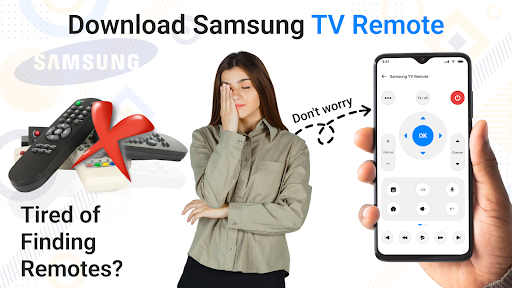

About this app
Developer Description
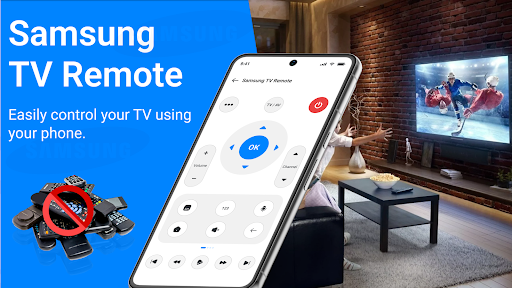
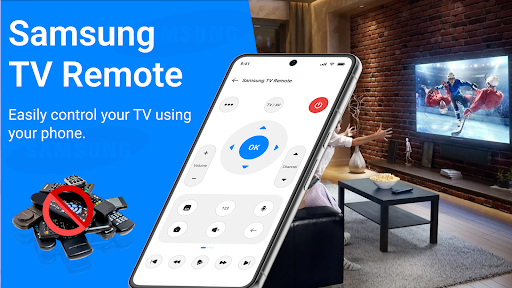
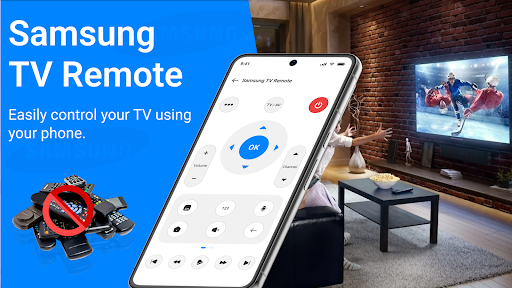
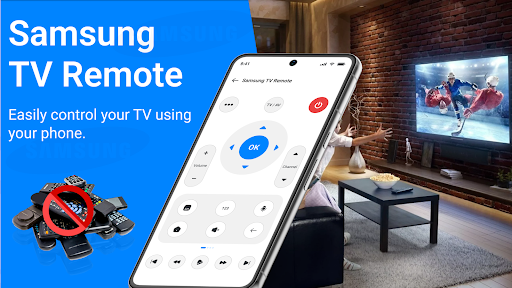
Control Samsung TV via WiFi, IR & Bluetooth. Cast phone screen instantly.
🛠️ Universal TV Remote for Samsung TVs
Works with most Samsung TV models from 2012 onwards, including QLED, LED, Neo QLED, and The Frame series. Whether your TV uses Tizen OS or older models, our remote adapts to your setup. Easily pair and control your Samsung Smart TV across all models using built-in WiFi, IR blaster, or Bluetooth. Whether your phone has IR or not, our smart tech adapts to provide a seamless connection.
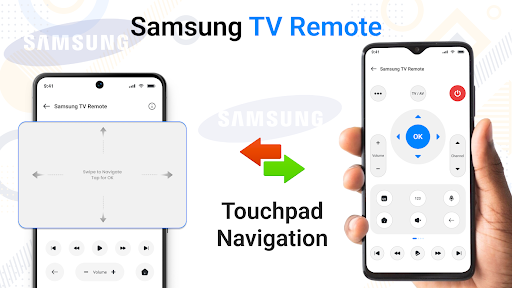
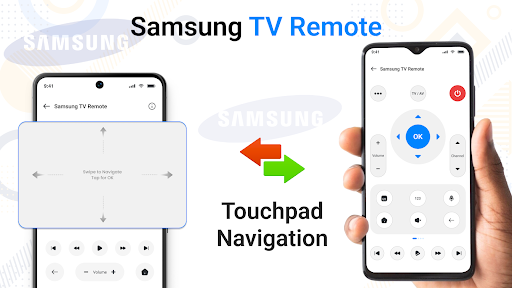
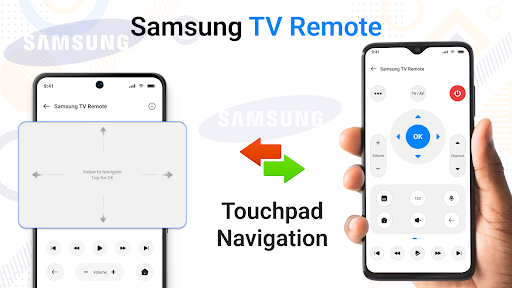
🎮 Advanced Touchpad & Controls
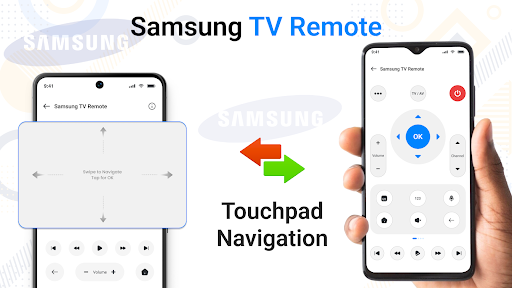
Enjoy a smarter navigation experience with our built-in touchpad. Effortlessly browse your favorite apps Prime Video, and more.
🪟 Floating Remote Widget
Stay in control even when the app is closed with our floating remote widget.
It stays on your screen for instant access to volume, channels, and power controls — anytime, anywhere.
📺 Access Installed Apps on Samsung TV
Easily view and launch installed apps on your Samsung Smart TV right from your phone. Switch between Apps, Prime Images,Video, and more without using the physical remote.
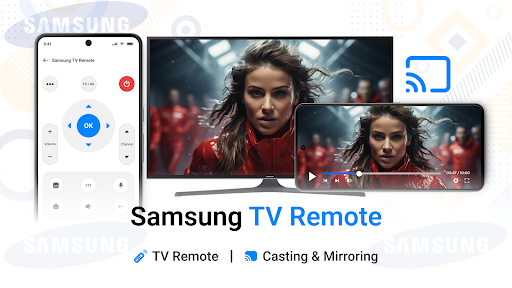
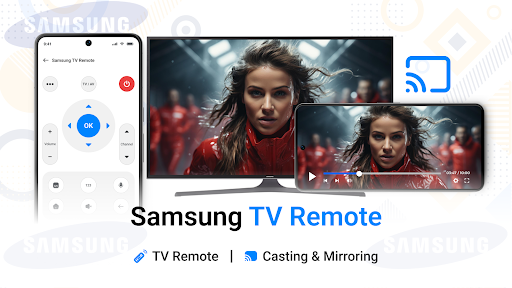
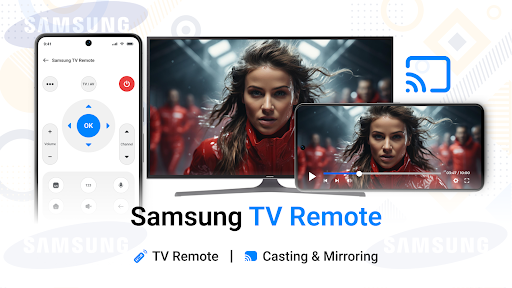
📲 Smart Casting & Screen Mirroring
Mirror your phone screen to Samsung TV in real time. Watch videos, stream apps, browse photos, and enjoy a full-screen experience right from your Android device. Supports casting local files, live media, and more.
🔑 Top Features:
• Full remote control with volume, channel, input & menu access
• Quick pairing via WiFi, IR Blaster, or Bluetooth
• Screen mirroring and media casting
• Compatible with most Samsung Smart TVs (2012+ models)
• Easy touchpad, keyboard, and voice control (where supported)
• Clean, modern UI with low-latency commands
📶 Why This App Stands Out:
While most TV remote apps focus on one type of connection, our app supports WiFi, IR, and Bluetooth, making it one of the most versatile Samsung TV remotes on the Play Store. It’s built for homes with multiple TV models or for users without IR-enabled phones.
💡 Perfect For:
• Lost or broken remote control
• Multiple Samsung TVs in one home
• Older phones without IR using WiFi/Bluetooth
• Users needing quick casting or media sharing
⚡ No Setup Hassles – Instant Pairing
Just open the app, choose your Samsung TV, and connect. It’s that simple.
Disclaimer/Trademarks:
This app is NOT affiliated with or endorsed by Samsung Group. Samsung is a trademark of Samsung Group.
What's New
In-app purchases
$0.99 - $209.99 per item
Version Information
- Version
- 1.1.1
- Downloads
- 100K+
- Updated on
- Jan 2, 2026
- Released
- May 18, 2025
- Requires
- Android 7.0
Statistics
Google Play Rating History
Rating Distribution
Downloads Over Time
Samsung TV Remote has been downloaded times. Over the past 30 days, it averaged downloads per day.
Shaded area shows 30-day prediction based on historical trends
Historical data collection started recently. More data points will be available over time.
Samsung TV Remote users say on Google Play
 tayyab shah
Best Samsung Tv Remote.
 prakash sharma
nice
 Kristin Davis
no I had a TV with a black screen. the app kept telling me to make sure TV's wifi was on and to pair devices being the TV and the remote. lol the reason for down loading the remote was to control color sound and input due to only one button and the fact I couldn't see the screen. For my needs the remote was not useful. if your TV works properly and is a newer smart TV I'm sure the remote would be great.
 Jason
Jason
Absolute rubbish, could see tv in list but couldn't connect. Trying constantly to get you to pay for a subscription. Don't even waste your time.
ApkTrusted Ratings & Reviews
More from FutureAppsTechnology
See more apps


Scan this QR code to download

Forwarding you to the page at Google Play market in seconds...
Open Google Play market now