Photo Editor & Perfect Selfie v12.7
Scoompa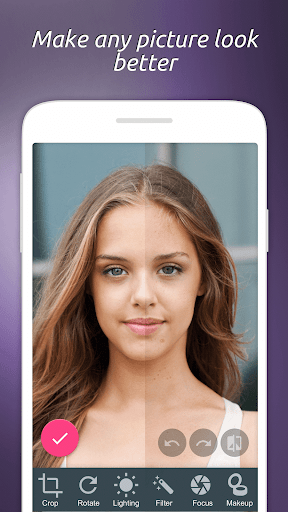


About this app
Developer Description
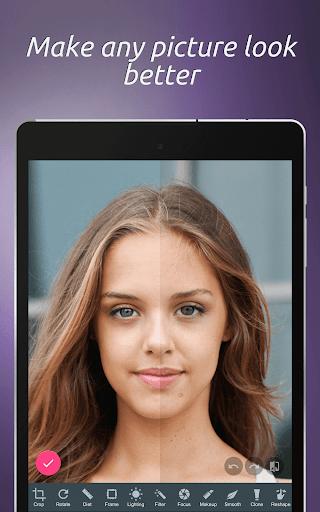
Edit your photos with a simple yet powerful photo editor & face makeover
Face Makeover like a pro:
Lipstick & Makeup - Add color to your lips and apply any shade of powder
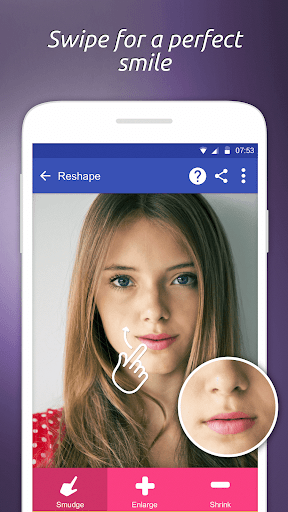
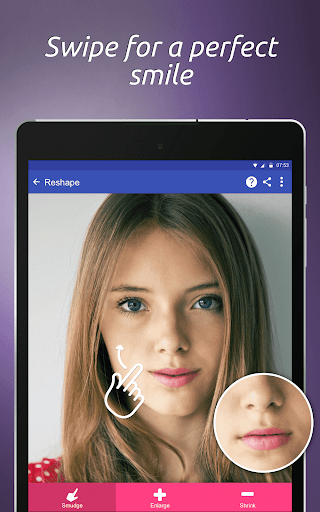
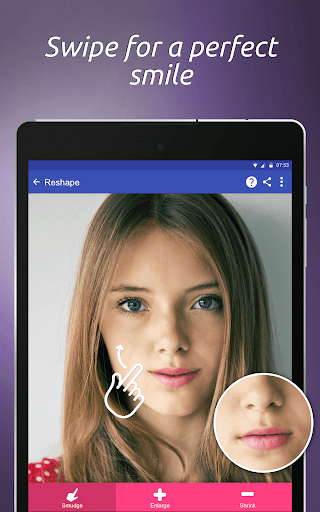
Reshape - Perfect smile, Raise cheekbones, Enlarge eyes, Reshape nose
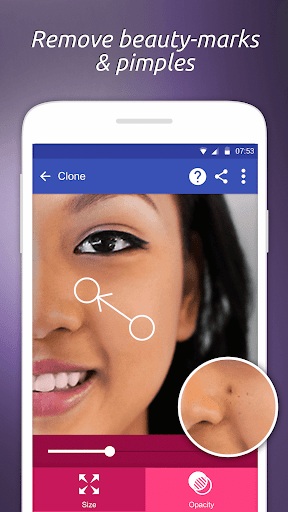
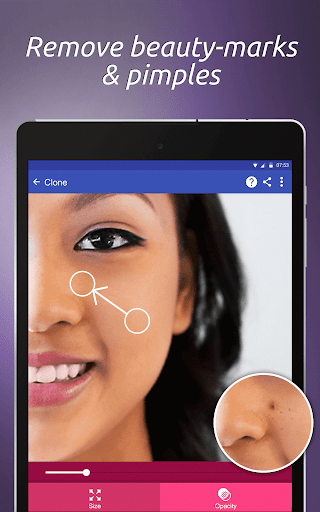
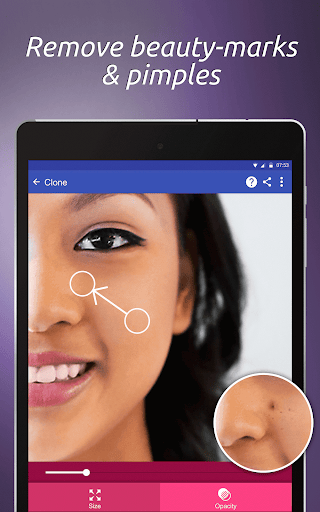
Clone - Hide pimples, Remove background objects, Fix stray hair
Focus - Make your face stand out by blurring the background
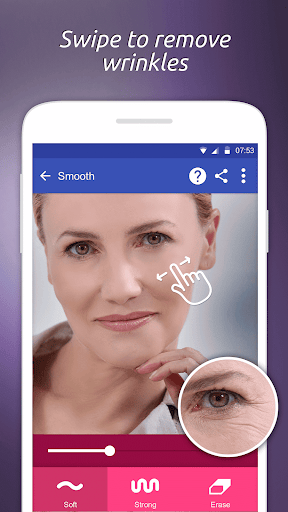
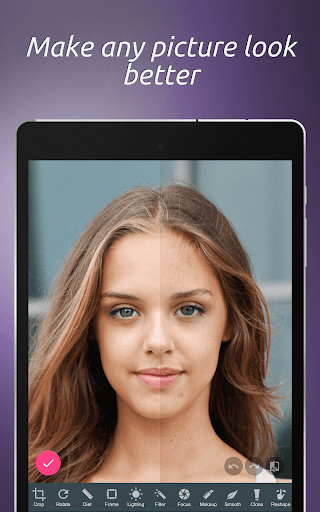
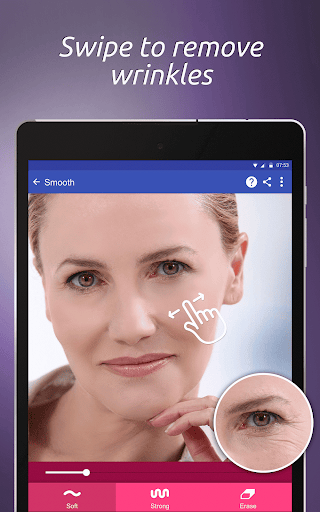
Smooth wrinkles with a touch of a finger and rejuvenate your skin
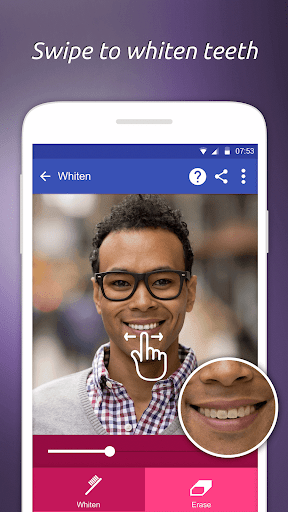
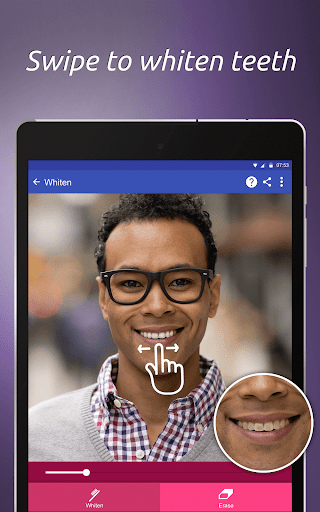
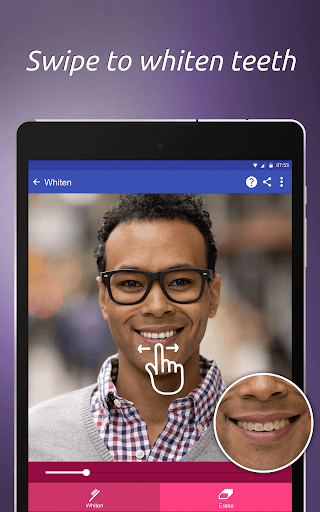
Make teeth whiter
Remove bags below eyes
Diet - Make entire image look thinner and taller
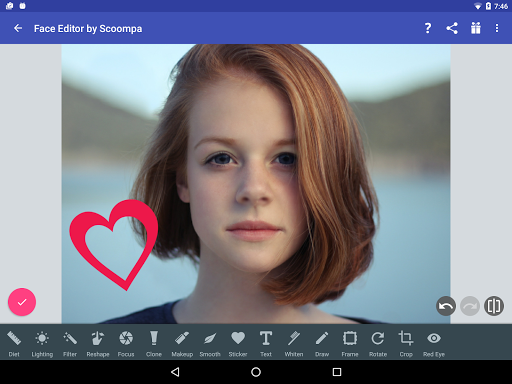
POWERFUL PHOTO EDITOR
Magazine-level photo touch up and editing
Unlimited undo & redo, go back to every change you ever made
Full fledged photo editor that puts the power of Photoshop in your hand
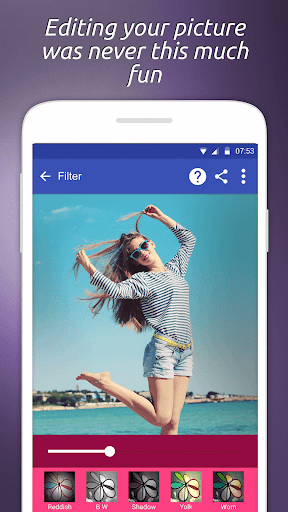
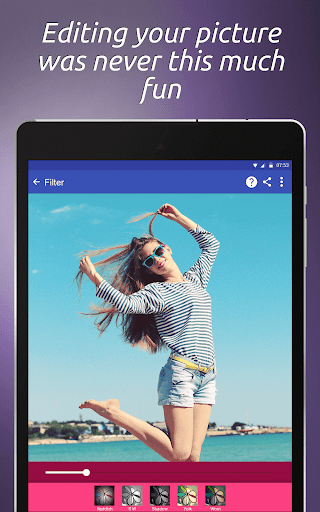
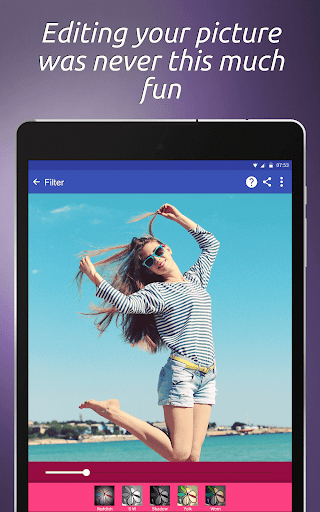
Filters - Standard filters for a professional look
Lighting - Add lighting, enhance color and contrast
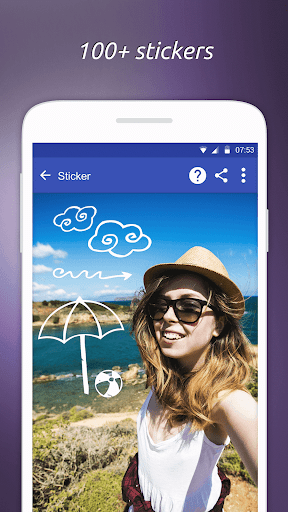
Stickers - a variety of over 100 stickers, tattoos, labels and emojis
Text - Over 50 fonts and text effects
Draw over your image
Rotate & Crop the image to include only parts you need.
Frames - More than 30 frames that add a pro look to any photo or portrait
Red-eye - Remove red-eye with a single touch
What's New
In-app purchases
$1.79 per item
Version Information
- Version
- 12.7
- Downloads
- 10M+
- Updated on
- Feb 16, 2025
- Released
- Oct 12, 2015
- Requires
- Android 6.0
Statistics
Google Play Rating History
Rating Distribution
Downloads Over Time
Photo Editor & Perfect Selfie has been downloaded times. Over the past 30 days, it averaged downloads per day.
Shaded area shows 30-day prediction based on historical trends
Historical data collection started recently. More data points will be available over time.
Photo Editor & Perfect Selfie users say on Google Play
 Ian Schwartz
Barely any of the photos work when I look them up, it says I have no interest connection even when I clearly do, fix this.
 Robert Morton
Very nice, simple to use app.
 Fact Checker
Very nice but saved images quality is way too bad
 Sansara-Nirvana Murphy
I used to love this app for years and years but now it is malfunctioning & I can't get it to put the fill colors into the text that I choose. For example if I choose pink for the fill color (or choose any other color) it will not make the text the color that I choose. It starts out white text with a black outline but if I choose pink for the fill - instead of pink it changes to black fill with a white outline and I am stuck with that. It will not change to the colors I choose like it used to do.
 Leslie Barry
I used to really like using this app, but when I tried it today, it wouldn't work...an error message keeps popping up saying thst the app "has stopped working". I uninstalled and reinstalled THREE times and kept restarting my device, but no luck...app is now useless, so uninstalled.
ApkTrusted Ratings & Reviews
More from Scoompa
See more apps

Scan this QR code to download

Forwarding you to the page at Google Play market in seconds...
Open Google Play market now