
Game Booster Pro: Turbo Mode v3.8.1rs
Scoteam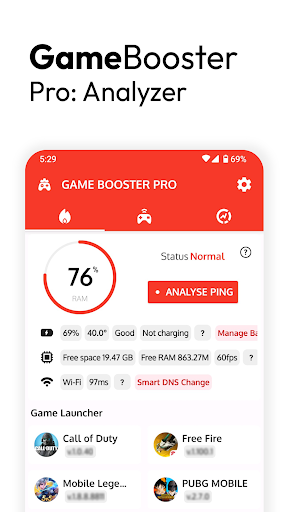

About this app
Developer Description
Experience great in-game tools while managing your games in one place!
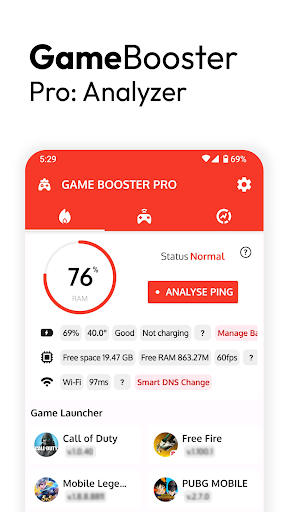
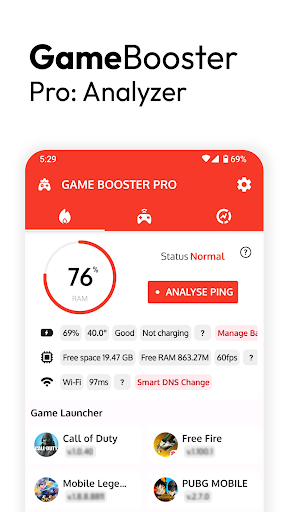
Start your games from the launcher, don't waste time searching for games.
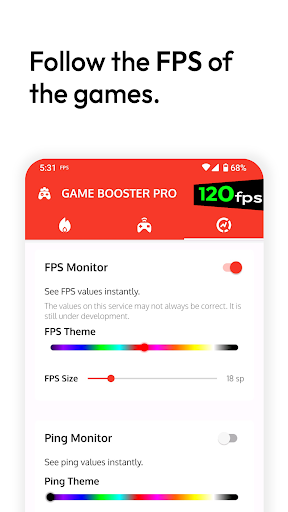
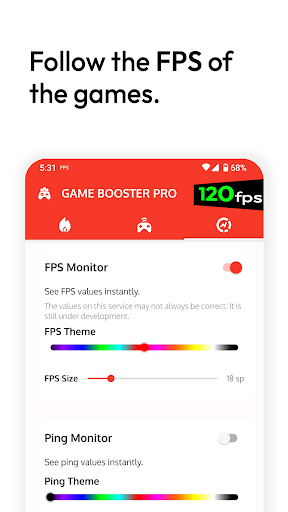
🎮 Observe the FPS values
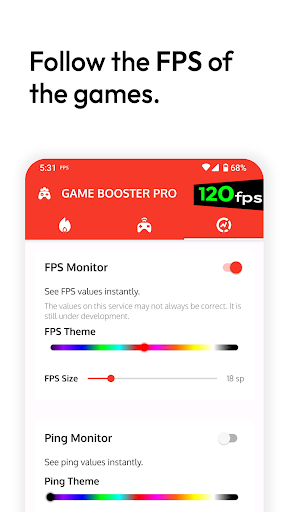
For mobile games, FPS refers to how many frames per second the game provides. Higher FPS makes the game run smoother and faster.
For example, 60 FPS means the game provides 60 frames per second. This makes the game's movements smoother, reactions faster, and the gaming experience more enjoyable.
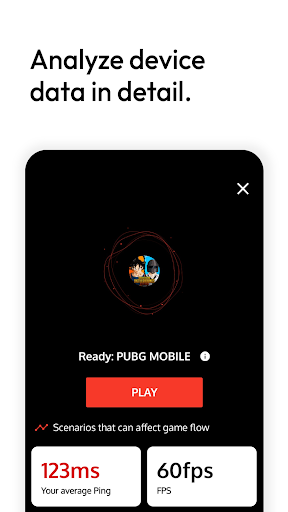
With the FPS panel, you can monitor the FPS values of the games and obtain important data about the game performance of your device (It may not work in all games). Thus, you can understand whether the stuttering you experience in your games is due to FPS. This feature does not provide additional performance to your device.
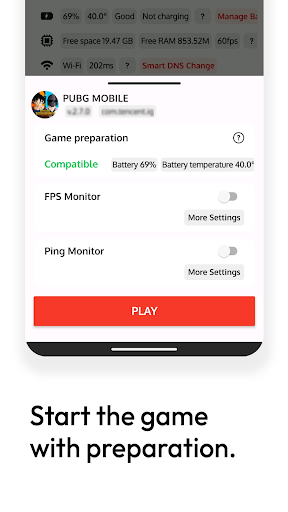
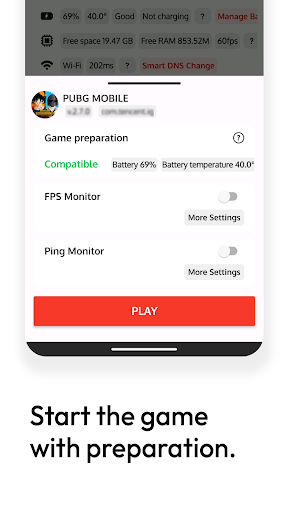
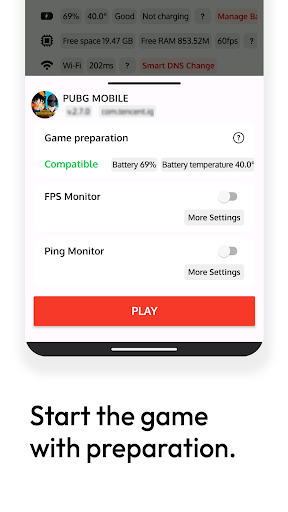
🎯 Game preparation
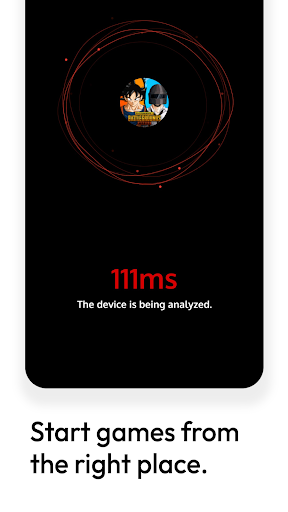
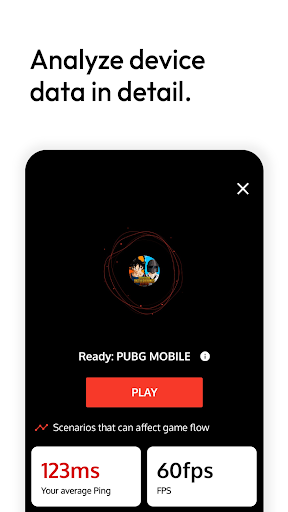
When we play games, sometimes small details can be overlooked. A few critical data related to the battery can cause the game to be interrupted. Before you start the game, we made it easy for you to understand that your device is game ready.
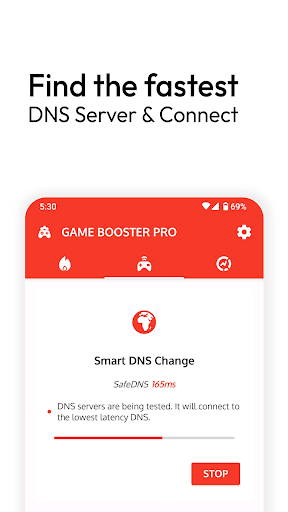
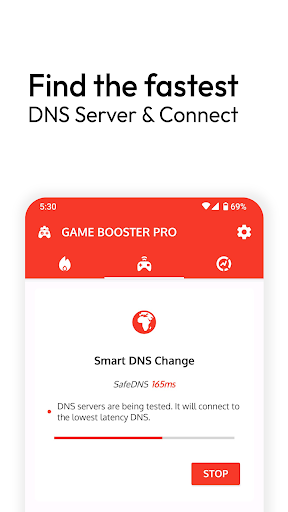
🎮 Smart DNS switcher
Tests many different DNS servers, connecting to DNS with the least latency.
Why do we use VPN Service?
This app also functions as a smart DNS changer. Thanks to this setting, we can test many DNS servers instantly with one touch. Considering the ping times in the test results, we provide the DNS connection. For this service to work properly, we need to use VPN Service.
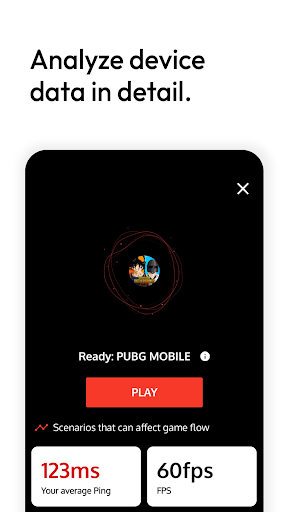
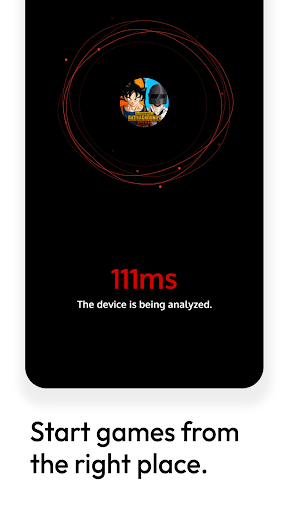
📈 Ping Analyzer
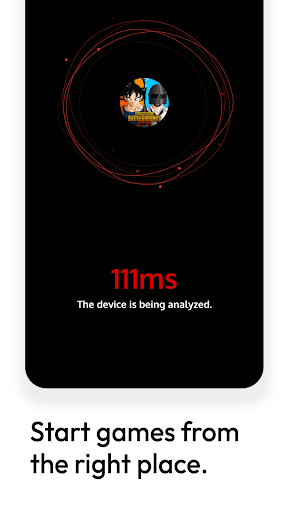
Lower ping values allow the player to interact with the game server faster and more smoothly, resulting in less lag, lag or interruptions. A lower ping time helps gamers react faster and make their gaming experience more fluid.
By using this feature, you can easily tell if there is a problem with your internet connection. Its main purpose is to measure the latency of your internet connection in ms. It does not provide additional performance.
Important Note: While this application basically provides a game launcher, it aims to make the player's job easier with its additional features. It cannot improve the performance of your device and does not declare it. However, with its additional features, it can help you understand the source of the performance problems you are experiencing in games. Thus, it can make it easier for you to produce your own solutions.
Version Information
- Version
- 3.8.1rs
- Downloads
- 500K+
- Updated on
- Oct 7, 2025
- Released
- Sep 1, 2019
- Requires
- Android 6.0
Statistics
Google Play Rating History
Rating Distribution
Downloads Over Time
Game Booster Pro: Turbo Mode has been downloaded times. Over the past 30 days, it averaged downloads per day.
Shaded area shows 30-day prediction based on historical trends
Historical data collection started recently. More data points will be available over time.
Game Booster Pro: Turbo Mode - Google Play Rankings
Top Rankings
| Rank | Country | Category | List | Change |
|---|---|---|---|---|
| — |
Ranking History in
No ranking data available yet. Rankings are updated daily.
#4 in Top Paid Tools in Mexico


#6 in Top Paid Tools in Indonesia


#9 in Top Paid Tools in Turkey


#13 in Top Paid Tools in India

Game Booster Pro: Turbo Mode users say on Google Play
 Seun
Seun
This is by far the best game booster I’ve ever used. It really works, my latency is lowered and my ping stays stable around 2–10ms, which makes a huge difference when gaming online. The app is completely free, has no ads at all, and is super user friendly. It optimizes performance without any hassle, making games run smoother, load faster, and feel more responsive. Honestly, there’s no other app like this one. A must have for every gamer, additionally a Dark theme would be good to have.
 Pritam singh Kanwar
this app is very beast
 Shrawan Jan_gid
ok
 Mai
Mai
Works perfectly, but that's only for a few seconds. I have no idea what's causing this issue, but every time I decide to boost an app, the performance increases (of course), but after a few seconds... it decreases HORRIBLY. then there's the DNS problem, each time I try to connect to one, it takes away my internet connection. I'll give it two stars for now, if there's any way to fix these issues, please tell me, because this is by far the most effective FPS booster for games that I've used.
 Sajju Sajju
👌🏻👌🏻
ApkTrusted Ratings & Reviews
More from Scoteam
See more apps
Similar Apps

Game Booster 4x Faster Pro
Paid

LagoFast Game Booster: Low Lag
Free

Razer Cortex Games: Rewards
Free

G-CPU:Monitor CPU, RAM, Widget
Free

Castro Premium - system info
Paid

ExitLag: Lower your Ping
Free

CPU Monitor - temperature
Free

Shizuku
Free

Backbone — Next-Level Play
Free

Warzone Meta & Loadout - BO7
Free

GGDROP – Top CS2 Items!
Free

Speedify Fast Bonding VPN
Free

OXO Gameplay Clips & Community
Free

AngerNote Anger Management App
Free

WireGuard
Free

Wifi Network Analyzer, Scanner
Paid
Scan this QR code to download

Forwarding you to the page at Google Play market in seconds...
Open Google Play market now