Cast to TV & Screen Mirroring v2.5.5
WELLY GLOBAL PUBLISHING



About this app
The Cast to TV & Screen Mirroring app solves the problem of seamlessly streaming content from Android devices to various screens, benefiting individuals who frequently use their devices for entertainment and presentations. Compared to alternatives in the Video Players category, this app stands out with its support for multiple streaming protocols and devices, including Chromecast, Xbox, and Smart TV. However, its rating of 3.7/5 suggests some users may experience issues with stability or ads. The app's ability to cast content without requiring extensive setup makes it a convenient option, but its lack of permissions raises questions about its data collection practices.
Pros
- With over 500,000 downloads, the app has demonstrated moderate social proof, indicating a sizable user base that finds it useful for their streaming needs.
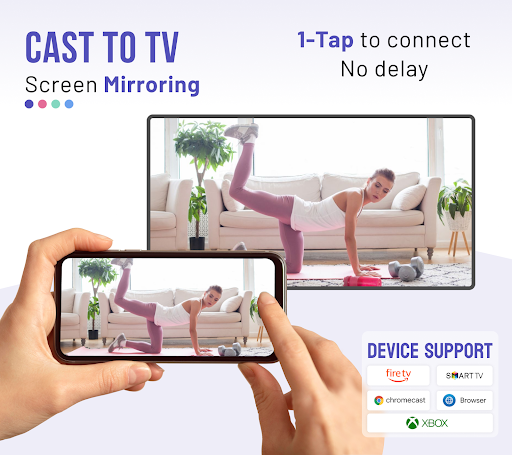
- The app's support for a wide range of devices, including Chromecast, Xbox, and Smart TV, makes it a versatile option for users with different hardware setups.
- The developer, WELLY GLOBAL PUBLISHING, provides a website and email for support, which can be reassuring for users who may encounter issues or have questions.
- The app's offline capability is not explicitly stated, but its small size and lack of permissions suggest it may not require a constant internet connection to function, making it usable in areas with poor connectivity.
- The app's update frequency is not publicly disclosed, but its version history suggests regular updates, which is a positive sign for an app that requires compatibility with various devices and streaming protocols.
Cons
- The app contains ads, which may detract from the user experience, especially during video playback or when trying to navigate the app's interface.
- The in-app purchases, ranging from $3.99 to $18.99, may be seen as aggressive by some users, particularly if the free version is heavily limited or ad-ridden.
- Despite its moderate rating, some users may still experience stability issues or difficulties connecting to certain devices, which could be frustrating for those relying on the app for critical tasks.
- The lack of permissions requested by the app is unusual for a streaming app, which may raise concerns about how it achieves its functionality without accessing necessary system resources or user data.
Best for: The ideal user for the Cast to TV & Screen Mirroring app is likely a technically savvy individual or household that frequently streams content from their Android devices to larger screens for entertainment, presentations, or educational purposes, and values ease of use and versatility in their streaming solutions.
Developer Description
Cast to TV, Chromecast, Xbox, Fire Stick, Roku, DLNA, Smart TV. Fast & Stable!
📺 Most Devices Supported:
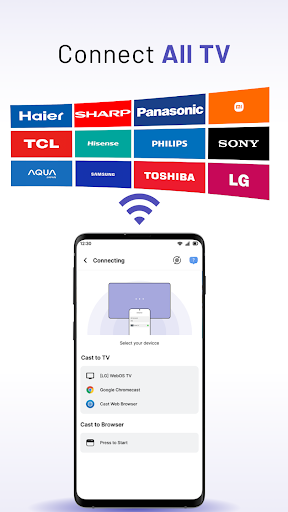
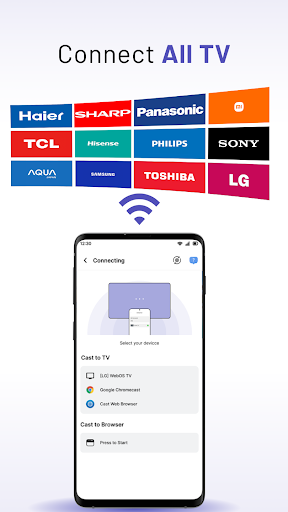
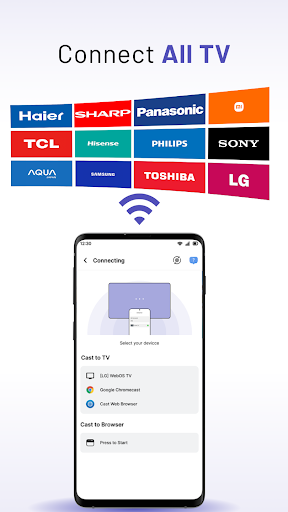
- Most Smart TVs, LG, Samsung, Sony, TCL, Xiaomi, Hisense, etc.
- Google Chromecast
- Amazon Fire Stick & Cast to Fire Stick
- Roku, Roku Stick & Roku TVs
- Xbox One & Xbox 360
- Apple TV & Airplay
- Other DLNA receivers
🏅 Key Features of “MeCast: Cast To TV & Screen Mirroring” app:
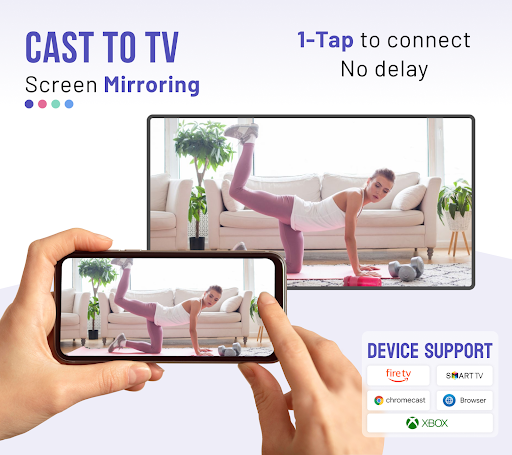
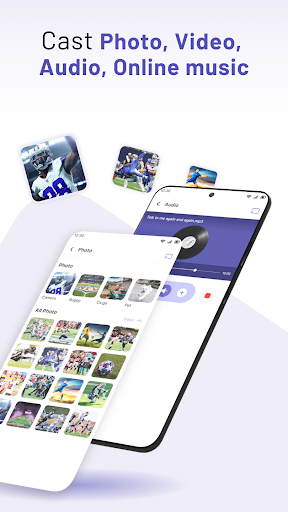
- Cast smartphone screen to bigger TV screen stably
- Simple & Fast connection with just 1-click
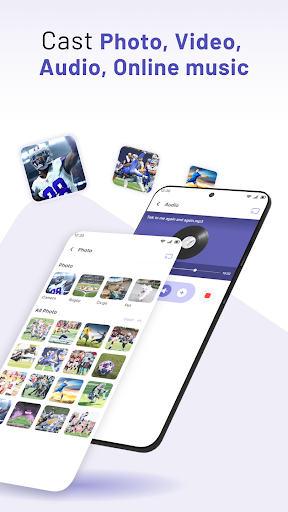
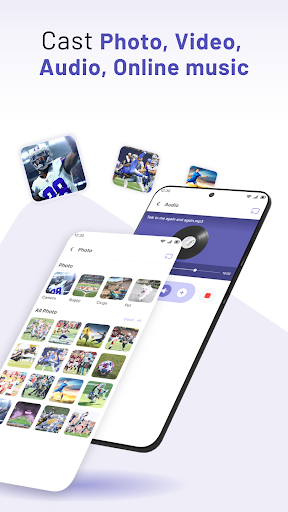
- Cast to TV: photos, videos, movies, music, ebook, PDFs, etc.
- Screen share in real-time speed, no lag.
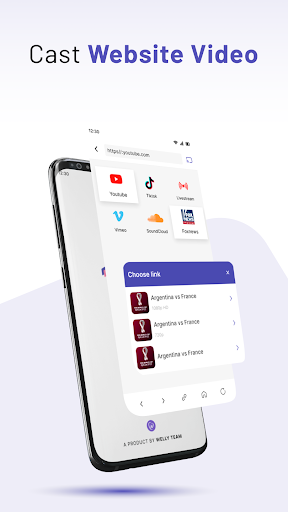
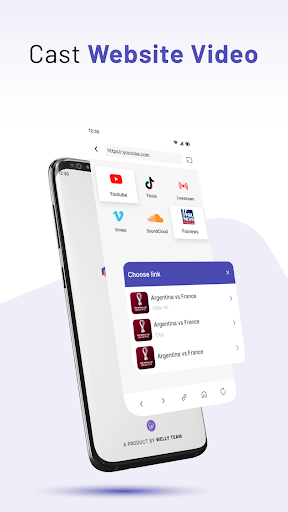
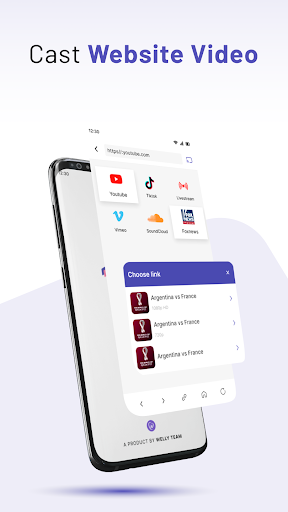
- Cast online videos from websites
- Cast Web Browser to TV
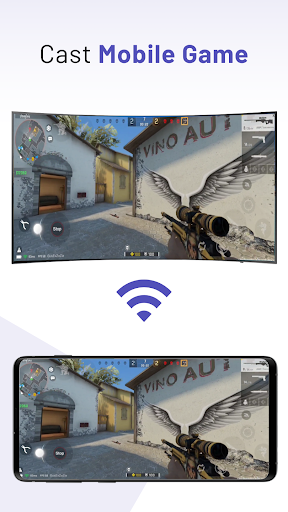
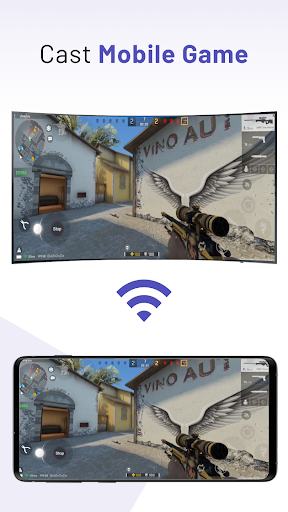
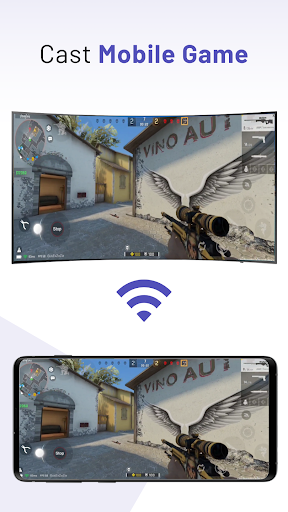
- Cast the mobile game to your bigger-screen TV
- Screen Mirroring: share fitness videos to TV to help you workout better
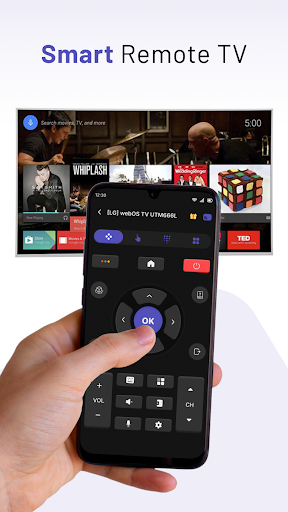
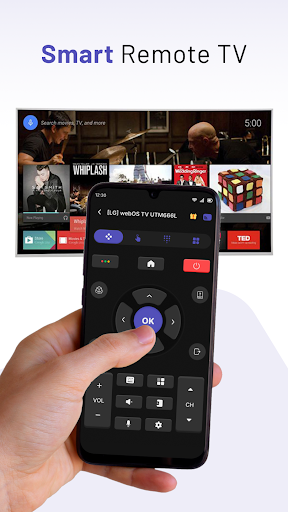
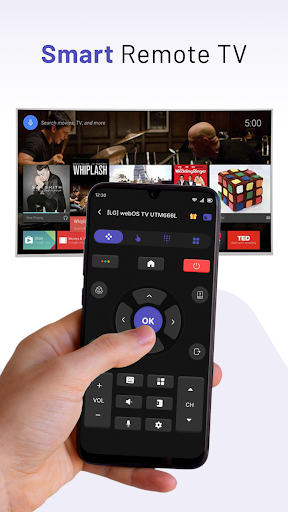
- Control Smart TV with phone: pause, volume up / down, forward / rewind, previous / next, etc.
- Access Youtube,Tiktok, Vimeo, and IPTV easily
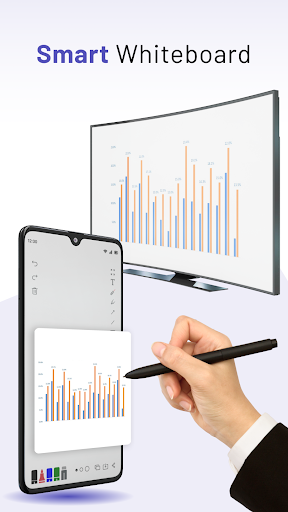
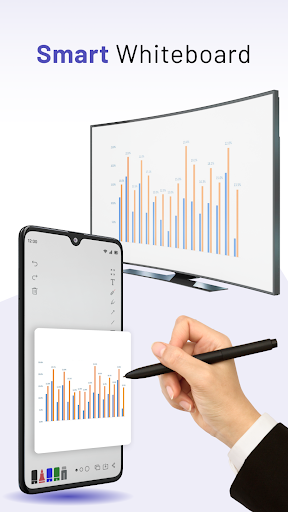
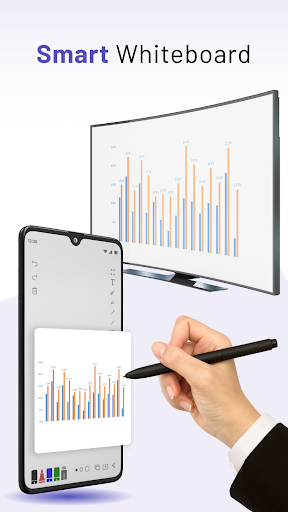
- Smart Whiteboard: helps you draw real-time on TV screen.
🔍 How to use:
1. Turn off VPN and make sure your phone / tablet and Smart TV are connected to the same Wi-Fi network.
2. Enable “Wireless Display” on your phone.
3. Choose and Connect to your Smart TV on the phone screen.
4. Start to enjoy the big screen viewing experience with stay connected devices.
With its fast and stable performance, MeCast: Cast to TV & Screen Mirroring is the perfect solution for anyone looking to stream their favorite content to a larger screen.
You can easily cast photos, videos, music, web browser and even entire screens to your TV, making it perfect for sharing memories, streaming movies and TV shows, or playing games on a bigger screen. The app includes a range of advanced features, including the ability to stream content from multiple sources, support for Full HD and 4K video, and support for a wide range of media formats.
Powerpoint Presentation in TV Mirror
View your PowerPoint presentation on TV through Miracast & TV mirror technology! With this feature, you can easily initiate a business meeting presentation and showcase your ideas and demonstrations to your colleagues while also saving your eyesight with screen sharing technology.
Enjoy movies together on a big screen using Smart View
Don't settle for watching movies alone on a small phone screen anymore. Our Miracast & screen mirroring/cast screen app allows you to share funny content with friends or family on a large TV screen.
Cast to Roku
Easily connect and cast videos and music to Roku without any limitations. You can even fast forward and rewind to enhance your movie-watching experience. Simply search for videos from your favorite websites and start casting to Roku now!
Cast to Chromecast
Effortlessly cast local videos, photo slideshows, and music from your phone to Chromecast with no limitations. Cast to Chromecast, Fire TV, and other smart TVs without any feature restrictions. You can even cast web videos to Chromecast and enjoy the best video streaming experience.
Cast to Apple TV
Utilize the airplay function to cast both local files and online videos to Apple TV. Use the remote control to adjust video progress and volume when casting to Apple TV.
Stream Videos from Phone to TV
--------------------------------------------------
🔥🔥🔥 Download MeCast: Cast To TV & Screen Mirroring today. 🔥🔥🔥🔥
If you have any questions, don't hesitate to contact the support email: globalworks.helps@gmail.com
Your contributions will help us continue to develop a better Mecast: Cast To TV & Screen Mirroring in future versions.
Thank you. Have a nice day!
Notes: This app is not affiliated with or endorsed by Google, Roku or other brands.
Privacy
Given the app's lack of permissions, it's unclear what data it may collect, but users should be cautious when using any streaming app, especially if it offers in-app purchases or displays ads. To minimize potential risks, users should review the app's terms of service and privacy policy, available on the developer's website. Additionally, users should be aware of their device's security settings and ensure they are not inadvertently granting the app unnecessary access to sensitive data.
Tips
To get the most out of the Cast to TV & Screen Mirroring app, users should first ensure their device and streaming target are connected to the same network. They should also explore the app's settings to optimize performance and adjust any quality settings to balance between video fidelity and bandwidth usage. Furthermore, users can check the developer's website for troubleshooting guides or FAQs to resolve common issues.
In-app purchases
$3.99 - $18.99 per item
Version Information
- Version
- 2.5.5
- Downloads
- 500K+
- Updated on
- Dec 31, 2025
- Released
- Feb 15, 2023
- Requires
- Android 8.0
Statistics
Google Play Rating History
Rating Distribution
Downloads Over Time
Cast to TV & Screen Mirroring has been downloaded times. Over the past 30 days, it averaged downloads per day.
Shaded area shows 30-day prediction based on historical trends
Historical data collection started recently. More data points will be available over time.
Cast to TV & Screen Mirroring users say on Google Play
 Mohamed Sharafeldin
Lastly I found this GREAT application for my android mobile . THANK YOU VERY MUCH.
 Young master
The app is excellent but the problem is ads anything you have to input their must be an ads
 Vi Magnetica
Bought the lifetime license for 20 bucks, and the premium features didn't unlock. Fix your app, please. Also, it doesn't need the Music and Gamification tabs, at all. Since I paid for the lifetime license, I also shouldn't have the same lag the free version has, because it clearly states paid version has 5x speeds than the free version. just fix your app. The rest is fine.
 Creagh Hay
It and the Polaroid Brand Android Smart TV showed no response whatsoever. Besides repeatedly playing commercial advertising on my phone. Years ago there was a particular Brand of Application for Screencasting that always worked without fail. The rest never worked.
 Lars Uriel
Scammy, points you to another app for the mirror functionality, unable to test therefore not worth it
ApkTrusted Ratings & Reviews
More from WELLY GLOBAL PUBLISHING
See more apps
Flash Alert - Call & SMS
Free

Video Downloader & Video Saver
Free

Calculator Lock & Photo Hider
Free

Video Saver & Video Downloader
Free

Universal TV Remote for All TV
Free

Voice Changer & Voice Effects
Free

Prank Sounds & Haircut, Fart
Free

Troy VPN: Secure VPN & Fast
Free
AZIP Master: ZIP / RAR, Unzip
Free

Music Cutter & Ringtone Maker
Free

AR Drawing - Draw Anime Sketch
Free

Trending Prank Call, Fake Chat
Free

Music Equalizer & Bass Booster
Free

Stampic: GPS Timestamp Camera
Free

Docx Reader & Office Viewer
Free

AI Language Translator
Free
Similar Apps

HQ Video Player & Casting
Paid

Video Recorder
Paid

Yubii Home
Free

Lorex Classic
Free

Home V
Free
Roku Smart Home
Free

Yatse: Kodi remote and cast
Free

Nedis SmartLife
Free

VIDAA Smart TV
Free

Universal Remote for Smart TV
Free
iLink
Free
Nest
Free

IPTV Player: Watch 8K Live Tv
Paid

SuperCam Plus
Free

CloudEdge
Free

INTEGRA CONTROL
Free
Scan this QR code to download

Forwarding you to the page at Google Play market in seconds...
Open Google Play market now