Screen Mirroring - Cast to TV vVARY
climaxapps: AI Tools, Arabic Typing, Screen mirror






About this app
Developer Description
Mirror phone to Smart TV & use Universal Remote for Roku & Chromecast.
Instead of straining your eyes on a small screen, enjoy a full mirror screen experience on the big screen with support for Chromecast, Roku TV, Samsung Smart TV and more. With just a few taps, you can turn your Android into a Universal TV Remote, screencast tool, and smart sharing device.
💥 Main features 💥
🔹Screen Mirroring: Mirror your entire phone screen to any Smart TV in real time.
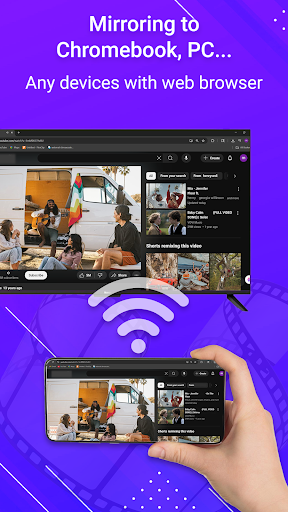
🔹Media Casting: Cast single apps, music, photos, or videos using Chromecast, Roku or even a web browser.
🔹Universal Remote Control: Use your phone as a Universal TV Remote—connect via WiFi or Bluetooth to control your Roku TV, Samsung TV or any smart TV remote app.
🔹Smart Sharing & Screencast: Share movies, music, documents, and presentations
🔹Seamless Connection: Easy setup with one-click pairing for instant remote mirroring screen.
🎮 Why Choose Our Screen Mirroring & Universal Remote App?
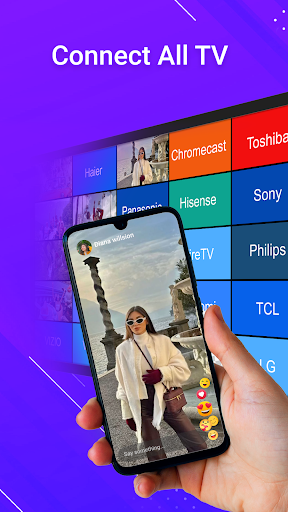
🔹Wide Compatibility – Works with all major devices: Chromecast, Roku TV, Samsung Smart TV, Roku remote and more.
🔹Universal Remote Functionality – Replace your traditional TV remote with this remote control for TV app.
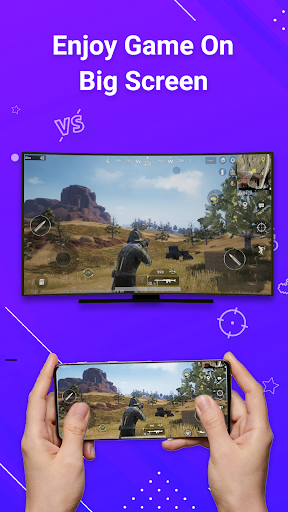
🔹Entertainment on the Big Screen – Watch movies, stream music, and play mobile games in HD quality.
🔹Perfect for Productivity – Use screen share for work presentations, online classes, or video calls.
🔹Stable & Fast Casting – Smooth, lag-free mirroring for the best user experience.
🔹All-in-One Tool – Combines screen mirroring, universal tv remote, screencast, smart sharing, and phone to TV casting in one app
📲 Enjoy the Big Screen Experience
With Screen Mirroring – Cast to TV & Universal Remote, you can turn your Android into a powerful remote control app and enjoy smart sharing anytime. No more switching between multiple apps—this single app gives you screen mirroring, Roku remote, Chromecast support, Miracast streaming and Samsung TV remote control all in one place.
Whether you want to mirror screen to Roku TV, cast to Chromecast, use a smart view on Samsung TV, or control your remote, this app does it all. It’s the most convenient way to transform your small screen into a big-screen smart TV experience.
🔥 Download Screen Mirror – Cast to TV with Roku TV Universal Remote today and enjoy the ultimate combination of screen mirroring app + universal remote control for TV. Cast, control, and share your world on the big screen instantly!
In-app purchases
$1.49 - $29.99 per item
Version Information
- Version
- -
- Downloads
- 50K+
- Updated on
- -
- Released
- Nov 24, 2022
- Requires
- Android Varies with device
Statistics
Google Play Rating History
Rating Distribution
Downloads Over Time
Screen Mirroring - Cast to TV has been downloaded times. Over the past 30 days, it averaged downloads per day.
Shaded area shows 30-day prediction based on historical trends
Historical data collection started recently. More data points will be available over time.
Screen Mirroring - Cast to TV users say on Google Play
 Brian Spruill
Had no issues..easy to screen mirror
 Luciana Silva
Don't get it
ApkTrusted Ratings & Reviews
More from climaxapps: AI Tools, Arabic Typing, Screen mirror
See more apps

Similar Apps




Scan this QR code to download

Forwarding you to the page at Google Play market in seconds...
Open Google Play market now