
Tap Scroll - Perfect Scroll v1.1.3
Do It Myself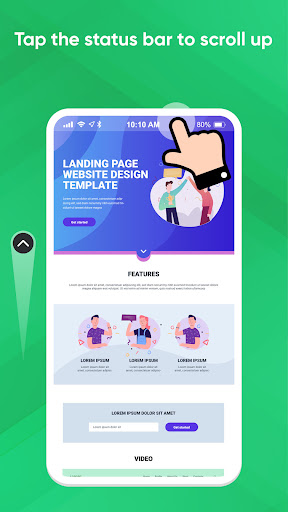

About this app
Developer Description
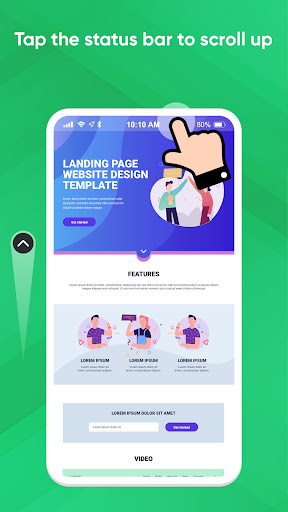
Bye bye endless scrolling: Tap on status bar to scroll up quickly
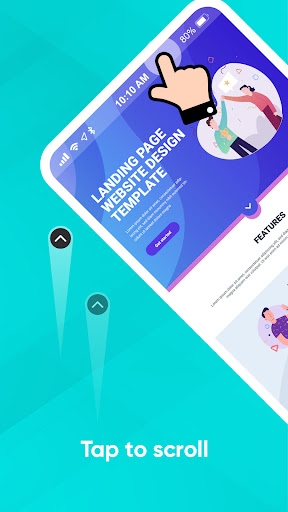
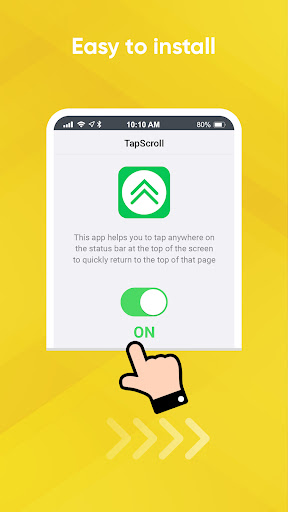
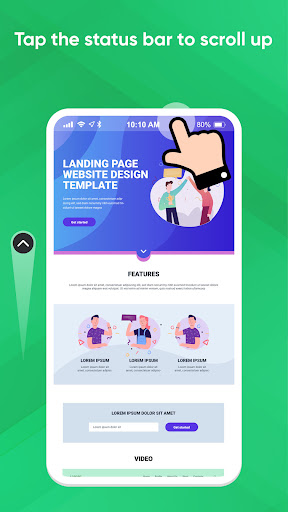
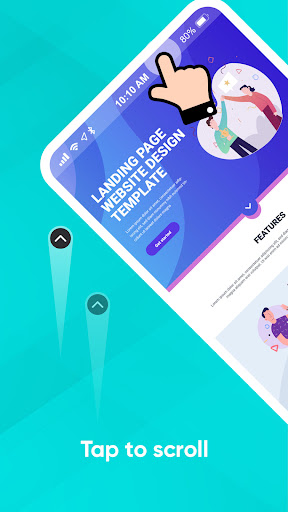
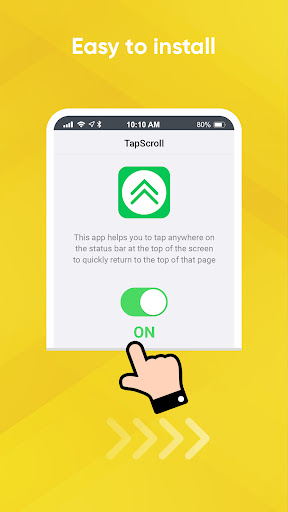
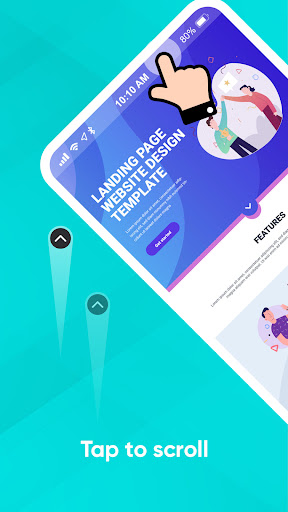
TapScroll makes it easy to scroll to upper of the page, with just one simple tap: a quick tap at the status bar (upper of the screen)
To try this, open an app with a scrolling page, such as a web page, Mail list, or a long document, and swipe as you normally would to scroll down a bit. When you want to go back to upper, tap once at upper of the screen (tap the status bar), and TapScroll will quickly bring you to upper of the page.
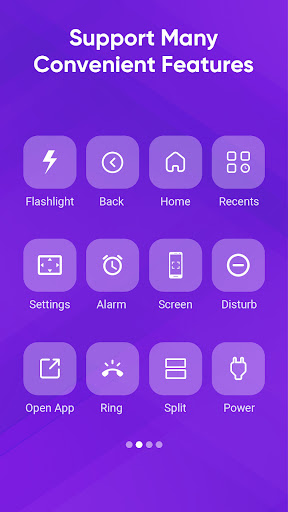
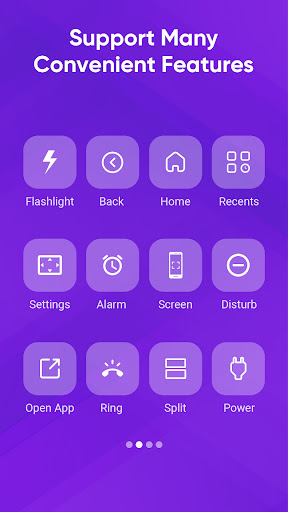
TapScroll also supports many other gesture operations such as:
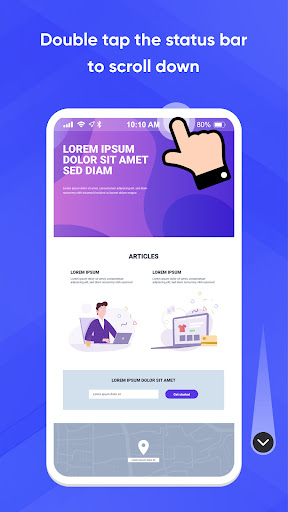
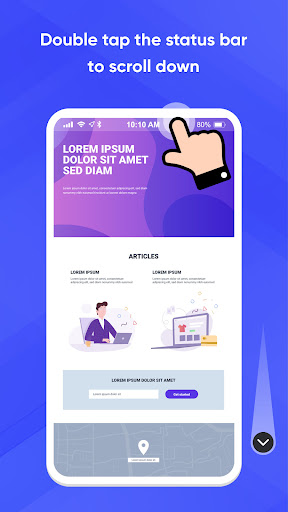
- Double Tap: at upper of the screen (Double Tap on the status bar) to scroll to the bottom of the page
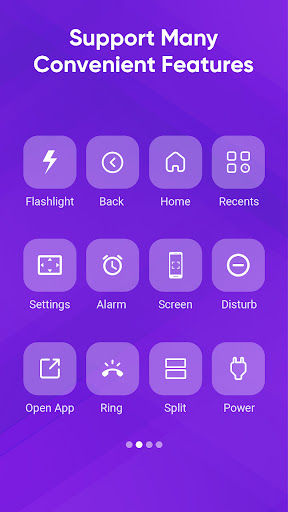
- Long press, swipe left, swipe right: with actions such as: show power off dialog, back, return to Home, Recents, toggle flash, expand notification, expand quick setting
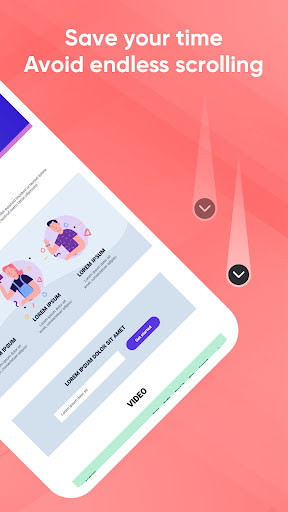
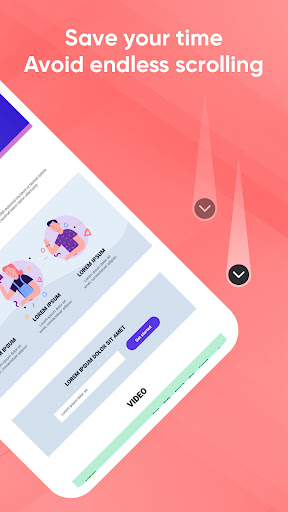
Use TapScroll and you'll Stop having to frantically swipe up to get back to a website's navigation menu or view your latest emails. If you keep this function in mind and use it often, or a habit, it will save you a lot of time, not having to repeat scrolling up and down continuously.
Note:
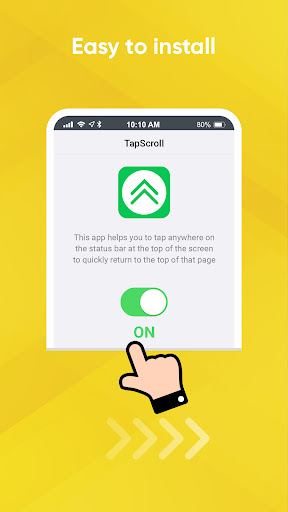
- This application requires Accessibility Service to support click on the status bar to scroll the page or quickly enable other options.
We always make the app better every day. Please share with your friends to support us. Thank you!
What's New
Version Information
- Version
- 1.1.3
- Downloads
- 100K+
- Updated on
- Oct 31, 2023
- Released
- Jun 30, 2022
- Requires
- Android 7.0
Statistics
Google Play Rating History
Rating Distribution
Downloads Over Time
Tap Scroll - Perfect Scroll has been downloaded times. Over the past 30 days, it averaged downloads per day.
Shaded area shows 30-day prediction based on historical trends
Historical data collection started recently. More data points will be available over time.
Tap Scroll - Perfect Scroll users say on Google Play
 Simon Z.
This app is amazing and works very very well. There is some amazing customization possible. I actually don't even use the tap to scroll function. One tap actually interferes with DynamicSpot :(. two taps opens quick access menu (omg thank you this is amazing!!!) Long press for the flashlight left swipe to go to the top of the page and right swipe to the bottom. This app has great potential (e.g. the integration with dynamicspot) but is under my Top10 Apps as it currently is.
 Mark Messinger
A simple app that provides a useful function and just works. The only drawback I've encountered is with some full screen apps with buttons located high on the screen. For example, the Samsung Gallery Editor places Revert and Save buttons just to the right of the front facing camera. Tap Scroll prevents those buttons from being activated. Perhaps a setting could be added to Tap Scroll that would temporarily disable it when certain apps were actively being used.
 Jeremy Paillet
Works well but causes the home screen swipe down to not have the split open of notifications on left and control panel on right. It works when apps are opened, just not on the home page. Also the tap the staus bar to scroll up is slower than the iPhone version
 Lennon Horrocks
Good idea but Needs 2 options. One to remove the touch area when in fullscreen or landscape, and one to change the scrolling distance, as it is it is useless because it doesn't scroll anywhere near far enough. *Edit - Retried this app. No changes. No updates. In fact it's not been updated since October 2023, over a year now. Don't bother with this app, unless it gets updated first.
 Danny Underwood-Jones
Didn't work well at all. Saw this suggested in an article about great unknown apps. It's not intuitive and it doesn't really do what the article said it did, which is primarily jumping to the top or bottom of the screen. Makes modest jumps but didn't jump all the way. Plus the animation slows down before it reaches the full jump. From my perspective a waste of time. Set up sucked too.
ApkTrusted Ratings & Reviews
More from Do It Myself
See more apps
Caculator Simple
Free

Call Phone 15, Phone Dialer
Free
Calendar: To do list, Schedule
Free

Notes Phone 15: simple notes
Free

Messages Phone: simple message
Free

Camera 4K Phone 15, Selfie 360
Free

Faceboard: Font,Emoji Keyboard
Free
Clock Phone 16, Alarm & Timer
Free
Contacts Phone: Simple & Clean
Free

Gallery Phone 15 photo gallery
Free
Camera 4K Phone 15, Selfie Pro
Free
Calculator Phone 15 Pro
Paid

Clock Phone 15 Pro, Alarm Pro
Paid

Call Phone 15- OS 17 Phone Pro
Free

Gallery Phone 15, OS 17 Pro
Paid

Messages Phone 15 - OS 17 Pro
Free
Scan this QR code to download

Forwarding you to the page at Google Play market in seconds...
Open Google Play market now