
Parental Control SecureKids v0.24
Grupo Deidev








About this app
Developer Description
Protect your family's devices with SecureKids parental control.
Parental control features of SecureKids:
Block Web Pages:
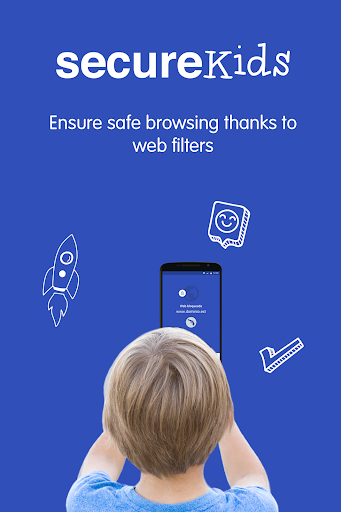
Choose between our different web filters and block undesired web categories or create a list of pages where access is allowed for your child device and block every other webpage.Block Applications:
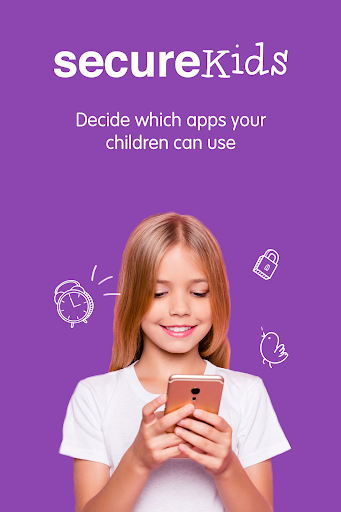
You can block any application you wish from a device, leaving enabled those your children can access and use. Also, you can set a maximum usage time limit for any application, so they don’t spend the whole day playing games instead of doing their chores and homework.Block Calls:
You can create a phone number list from all the contact list, so you can avoid certain calls, and block unknown contacts or international calls.Locate Devices:
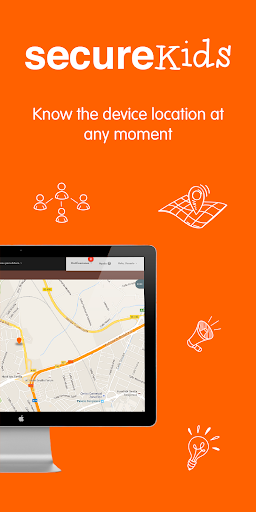
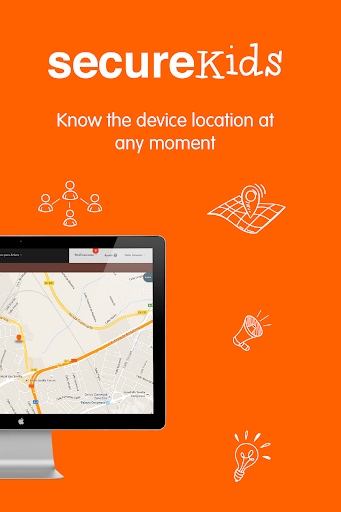
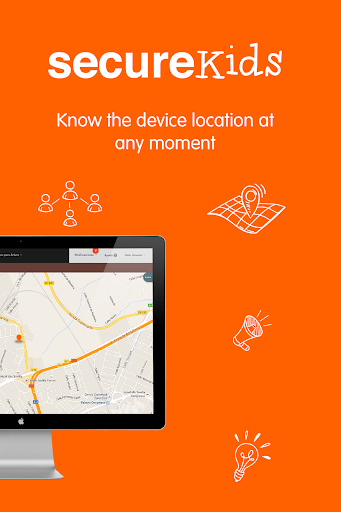
With this feature you can know your child location at all times with just one click. You do not need to call your child to know where he/she is, with SecureKids you will know the exact location in an easy and convenient way.Block Devices:
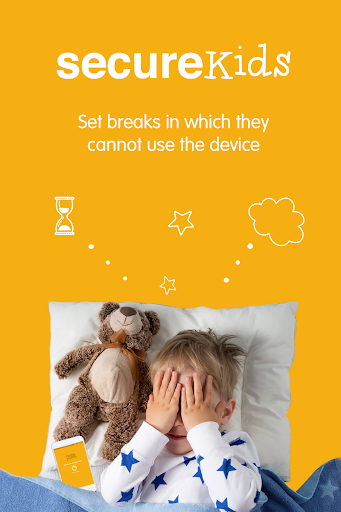
The perfect solution for school or bed time, block the mobile device with this feature, this way your children could not use them for a set time frame that you decide. There are different categories and you could set custom breaks that suit your needs.Emergency button:
This emergency feature emits a signal, locating the exact position of your child on a map, and taking, if possible, an automatic photograph. This signal will be sent to parent’s mail or the parental SecureKids app, alerting them of the emergency.Alarms:
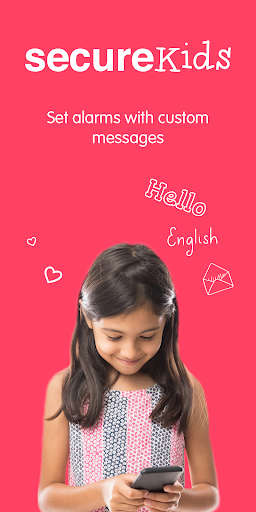
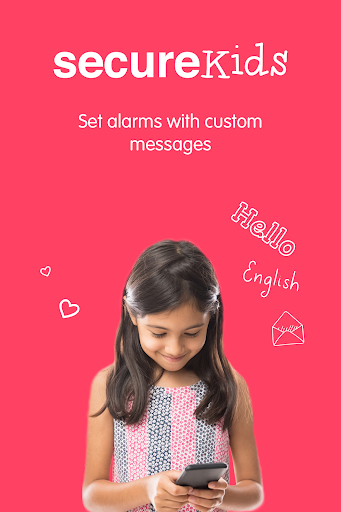
This SecureKids tool you could set clock alarms in the android devices of your children anywhere and anytime, without the need of having their device with you.Parent App:
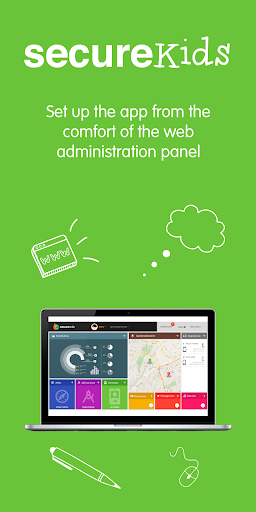
To make easier your devices management with SecureKids, we have incorporated to this app a “parent section”, with which you could manage every feature of SecureKids parental control anytime and anywhere.Statistics:
With this new SecureKids feature you can monitor your child device, which apps are more used, how many time has been user the device or which apps categories are used the most.If you want to start using SecureKids you just need to sign up on our web page:
https://panel.securekids.es/en/users/login
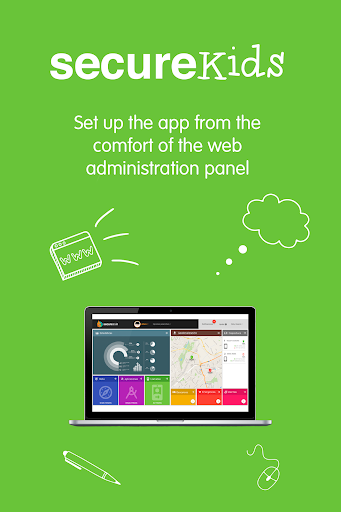
You can also sign up using our Android app. Once your account is created you can start managing the parental control on your children's devices. The configuration can be done from our management panel or from our Android SecureKids app inside the “parents section”.
Need more info? Visit our web page:
https://securekids.es/
or send us an e-mail: support@securekids.es
This app uses the Device Administrator permission.
This app uses Accessibility services. We use that permission to offer a safe usage to disabled people. This includes mental problems and learning disabilities, ADD/ADHD, autism, addictions, depression, etc. We apply a device usage control that allows them using Android on a safe and controlled way. We limit the use and access to apps and websites, we also avoid the uninstall of SecureKids.
SecureKids requires call permission, so we can detect, handle or block calls in order to avoid unwanted calls from our users.
We use the permission to ”process outgoing calls” as it’s needed to avoid unwanted calls and avoid making calls to blocked, unknown or international numbers.
What's New
* Performance improvements.
* Bug fixes.
Version Information
- Version
- 0.24
- Downloads
- 100K+
- Updated on
- Oct 17, 2024
- Released
- Apr 27, 2016
- Requires
- Android 6.0
Statistics
Google Play Rating History
Rating Distribution
Downloads Over Time
Parental Control SecureKids has been downloaded times. Over the past 30 days, it averaged downloads per day.
Shaded area shows 30-day prediction based on historical trends
Historical data collection started recently. More data points will be available over time.
Parental Control SecureKids users say on Google Play
 Hailey Clevenger
First off I didn't have to pay. I absolutely love this app despite the ratings. I use to have extreme trouble keeping him from watching or installing things that is not appropriate for my 8 year old. Even somehow bypassing Samsung kids parental control. You can lock the kids from every app that they dont need to use or change settings they cant delete it. The only 2 issues... there's no parent app. You have to go thru an internet browser and there's not a kill all switch. In case they act out.
 Jesus Life39
Good enough I was surprised to find out that if you minimize the screen on YouTube the counted doesn't register i hope that can be fixed
 Shirley Y
Setting time limit for YouTube seems not working unless I set disable totally. Wanted to raise my questions via apps but errors occurred once submitted, asked to try again. If child requested for access to YouTube which I have set time limit, will it allow the child to access without limit once I have approved it? Between, can I know the areas which my child access via YouTube? I only can see time usage under statistic. How much per month if I want to subscribe the basic package? TQ
 Herbert Vaughn
I'm lowering my initial rating because the app is not working properly. I can't unlock my kids apps. The app hasn't been working properly, and it just keeps giving me an error (500) message. When it works, it's an excellent app to help my kids learn to use their time wisely, and to do the "important" things 1st. But it's very frustrating to them and myself when I can't even control their apps anymore. DO NOT WASTE THE MONEY...
 Bethany Woodburn
Horrible! I have paid twice to upgrade it, but it still won't let me add my third child! I will be getting my money back! It's a scam! If I could leave zero stars I would. Visually and practically it's almost perfect, but I have 3 kids. I would like to use it for all three kids. I'm so mad it's not funny. Almost 23$ it's taken from me. And not a single thing has allowed me to add another child. Someone better contact me ASAP!
ApkTrusted Ratings & Reviews
Scan this QR code to download

Forwarding you to the page at Google Play market in seconds...
Open Google Play market now