
Moodpress Rainbow Watch Face v4.3.3
Mood Tracker App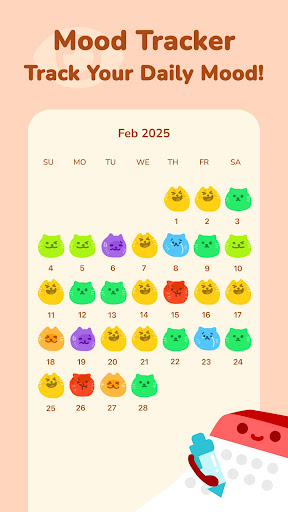

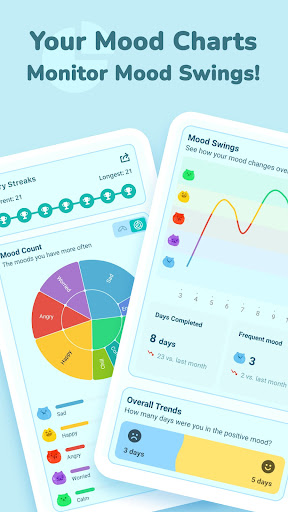
About this app
Developer Description
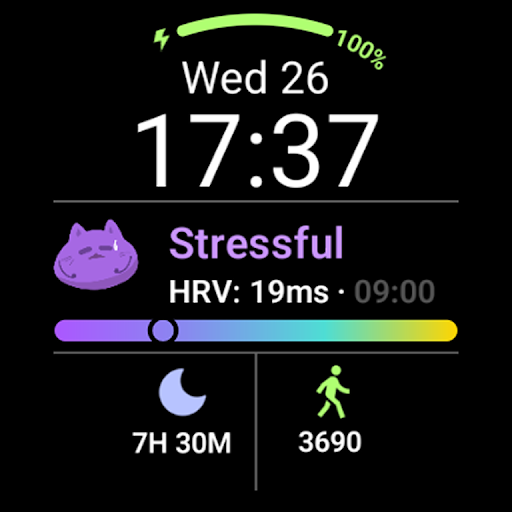
Discover the Moodpress Special watch face for Wear OS 5+
Compatible with Google Pixel Watch 3, Samsung Galaxy Watch 7 and Ultra.
📱Use with Moodpress: https://play.google.com/store/apps/details?id=com.selfcare.diary.mood.tracker.moodpress
NOTE: Please read the "How To" section!
ⓘ Features:
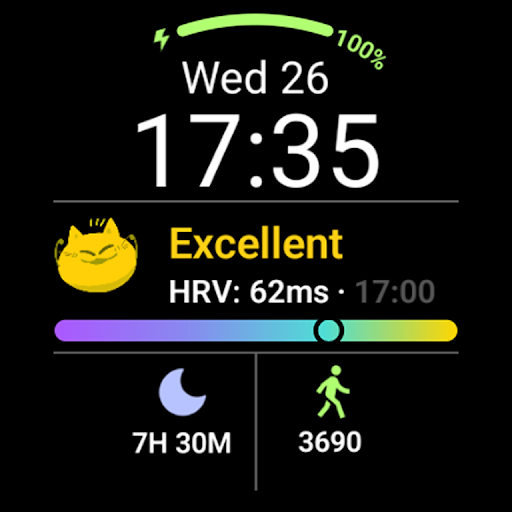
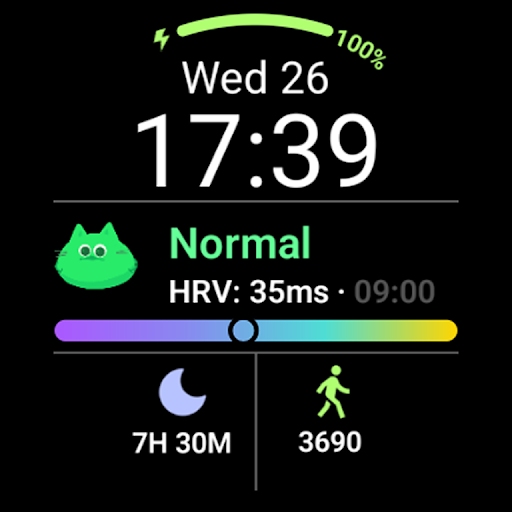
- Battery level.
- Time and date.
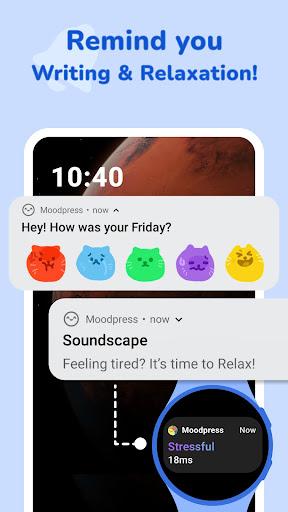
- Different cartoon emoticons to indicate current stress status.
- Today's sleep duration.
- Today's walking steps.
ⓘ How to use
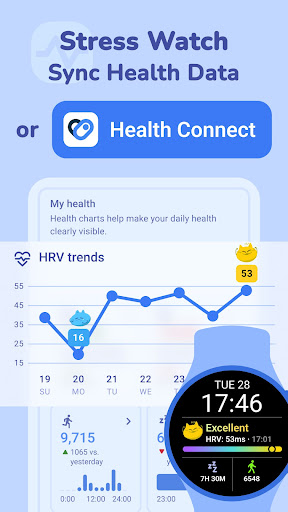
- To show/view the HRV (stress status), you need to use with Moodpress Watch app and test your current stress level.
- To show/view your sleep duration and steps for today, you need to use with the Moodpress Android App and connect your Moodpress to Health Connect on your phone.
IMPORTANT - The Watch app requires to use together with Moodpress Android App and Moodpress Watch App to get the information shown on the Watch Face.
ⓘ How to apply the Watch face after installation
In order to apply a watch face after installing the watch face app, press and hold your current watch face and swipe left to find it. If you don't see it, tap on the "+" sign at the end (Add a new watch face) and find our watch face there.
ⓘ How to update data after installation
If you install the watch face app first and then install the Android app and the Watch app, the data may not be updated automatically.
If this happens, please remove the Rainbow watch face from your current watch faces and add it again to check if the data is updated.
📨 FEEDBACK
If you experience any issues or are dissatisfied with the Moodpress app and watch faces, please send feedback directly to moodpressapp@gmail.com
What's New
In compliance with Google’s latest policy, all legacy watch faces have been removed. The new Watch Face Format now requires Wear OS 4 or later.
▪ Wear OS 4: To continue using your watch faces, go to Settings > Watch Face in the app and follow the setup guide.
▪ Wear OS 3: Due to system limitations, the new format is not supported. Please check if your device is eligible for an upgrade to Wear OS 4.
We apologize for any inconvenience caused.
Version Information
- Version
- 4.3.3
- Downloads
- 1K+
- Updated on
- Dec 19, 2025
- Released
- Mar 27, 2025
- Requires
- Android Varies with device
Statistics
Google Play Rating History
Rating Distribution
Downloads Over Time
Moodpress Rainbow Watch Face has been downloaded times. Over the past 30 days, it averaged downloads per day.
Shaded area shows 30-day prediction based on historical trends
Historical data collection started recently. More data points will be available over time.
Moodpress Rainbow Watch Face users say on Google Play
 atlas gurkok
How much I like this watch face: 👍👍👍👍👍😄😄😄🌟🌟🌟🌟🌟❤️
 Jeroen Van Antwerpen
Functionality wise, this is great. Though it's a battery drain when used. Instead of having 40% left at the end of the day, I have to recharge. As such I cannot use it.
ApkTrusted Ratings & Reviews
More from Mood Tracker App
See more apps

Scan this QR code to download

Forwarding you to the page at Google Play market in seconds...
Open Google Play market now