Ultimate Backup for Chromebook vVARY
Simplified IT Products, LLC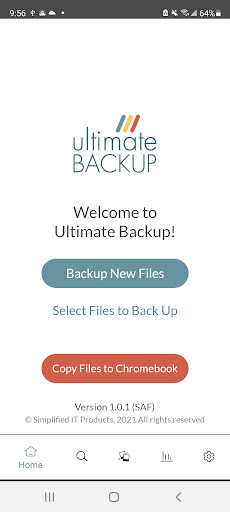
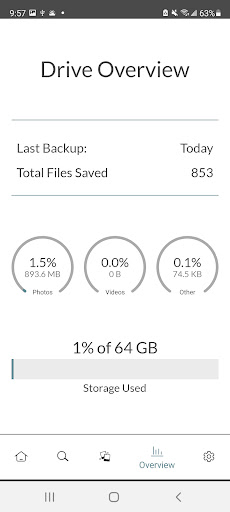
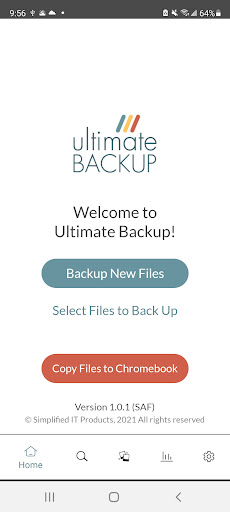
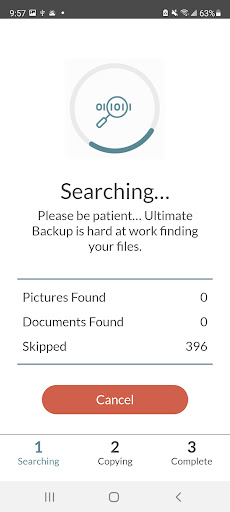
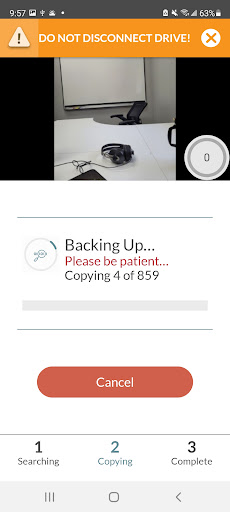
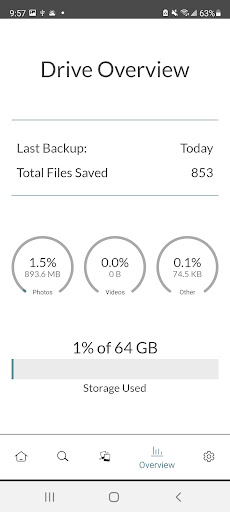
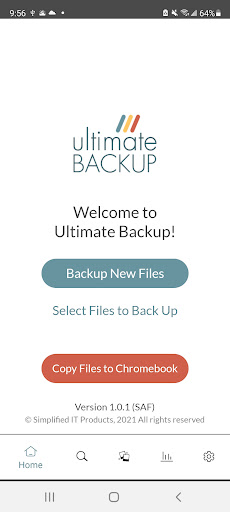
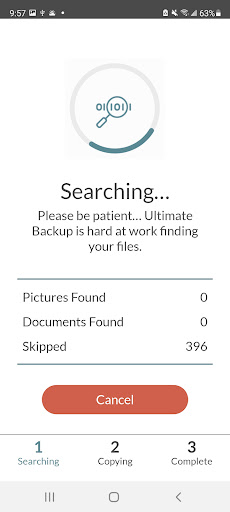

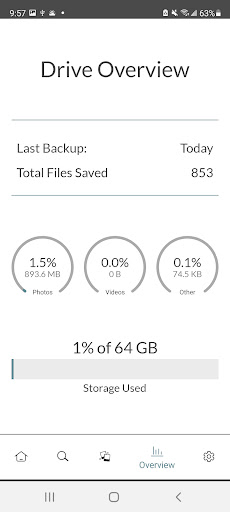
About this app
Developer Description
Ultimate Backup: Simple and easy to use file storage
Simple and easy to use file storage.
Whatever the file, wherever the location, all protected.
Whether you run out of space or get a new phone - backing up your precious memories from your phone is important and makes room to keep creating new ones! Keep your photos and videos safe and secure with Ultimate Backup for a simple, easy download of your mobile files right to your personal Solid State Drive. Once your files are uploaded, plug Ultimate Backup into your computer to protect them for years to come.
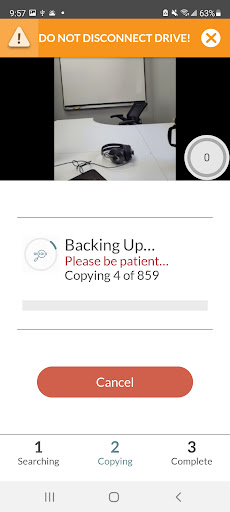
• Free up Space - Backup your phone to the Ultimate Backup drive then delete the photos and videos off your phone to make room for more, knowing they are safe & secure in your Ultimate Backup!
• Easy Setup - No complicated setup or monthly fees. Just plug it in and let Ultimate Backup do the rest for you.
• Secure - With Ultimate Backup, your files are always kept private and protected- plus AntiVirus Protection keeps your files extra secure.
**Requires the use of Ultimate Backup Solid State Drive.
Features:
• Solid State Drive
• AntiVirus Protection
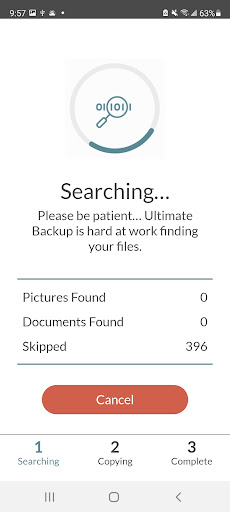
• Skips Duplicates
• Facebook, email attachments, iCloud/Google Cloud
Getting Started:
1. Download the Ultimate Backup App from the App Store.
2. Launch the Ultimate Backup App. Allow Ultimate Backup to access your photos.
3. Sign in with the same email address and password you used to sign into Ultimate Backup on your computer.
4. Press Start Backup. This will begin preparing your files to be copied to Ultimate Backup. Once you see Your files are ready to be copied to Ultimate Backup, return to the Ultimate Backup desktop app to begin the backup.
* Please notice this app is made for Chromebook only, and we're not affiliated with Google, LLC.
Version Information
- Version
- -
- Downloads
- 1K+
- Updated on
- -
- Released
- Oct 18, 2021
- Requires
- Android Varies with device
Statistics
Google Play Rating History
Rating Distribution
Downloads Over Time
Ultimate Backup for Chromebook has been downloaded times. Over the past 30 days, it averaged downloads per day.
Shaded area shows 30-day prediction based on historical trends
Historical data collection started recently. More data points will be available over time.
Ultimate Backup for Chromebook users say on Google Play
 Kent Burt
It crappped out on install. Insisted I enter my DOB and when I hit NOT NOW, it locked up.
ApkTrusted Ratings & Reviews
More from Simplified IT Products, LLC
See more apps




Scan this QR code to download

Forwarding you to the page at Google Play market in seconds...
Open Google Play market now