
Andronome, the Big Metronome vVARY
Skrivarna Software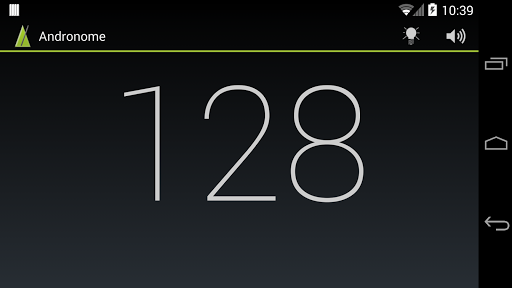

About this app
Developer Description
Andronome is the totally professional metronome. Big. Bold. Beautiful.
Andronome is designed to keep time, and to do it well. Brilliantly simple in appearance and use, this metronome contains the most precise time engine available. The perfect metronome. But no cluttered user interface, no unnecessary bells or whistles. And no advertising, strange permissions or hidden fees.
Andronome 2.0 adds a few carefully selected features, making it the perfect practice companion:
* Subdivisions (eights, triplets, sixteenths...)
* Selectable time signatures (with first beat accent) from 1 to 15/4.
* Keypad for quick and exact tempo entering.
* Intro mode for just getting a count-off, then the metronome stays out of your way.
* Gap click practice with the new Ghost mode. This mutes a configurable number of bars to test your ability to stay in the groove.
* Instantly select between 18 included sound packs, featuring percussion sounds, drums, noise and clicks from the most common DAWs (Protools, Ableton, Cubase, FL Studio, Logic, Reason, Sonar, Maschine and the AKAI MPC).
And, as before, with the Andronome metronome you'll get:
* Sample-accurate metronome ticks.
* Loud enough sounds, also for real practice environments.
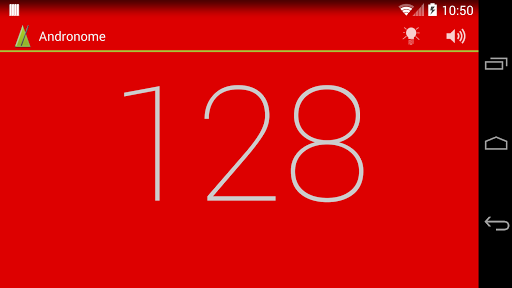
* Clearly visible, great screen indication and...
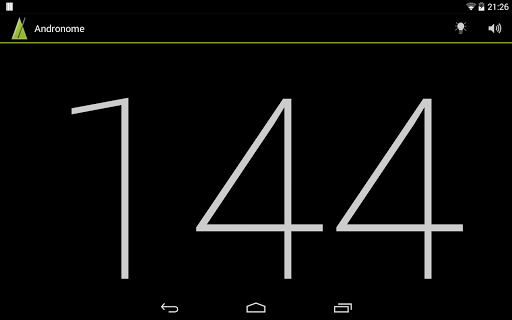
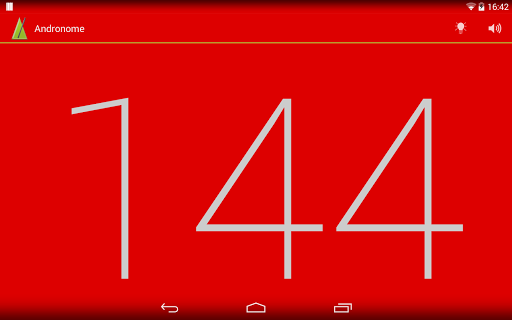
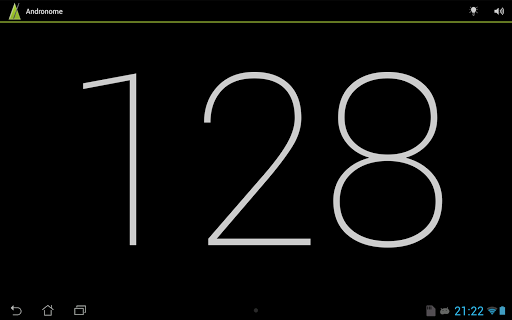
* ...really large BPM numbers (visible from a distance, e.g when lying on the stage floor).
* Tempo adjustable between 20 and 240 BPM.
* Start and stop via touch screen, hardware buttons, headset.
* Tap tempo directly on screen.
* And that's about it!
This metronome is the professional choice, giving the working musician exactly what is needed. No more, no less. And completely for free! (No, there's no catch: no in-app fees, no advertising, no time limits.)
If you for some reason think you need a metronome with more features, please check out the other metronomes available on the Android Market. There's plenty of choice out there - I can especially recommend Andronome+ and the Rude Drum Trainer. This version of Andronome will be kept simple. And free.
Users guide:
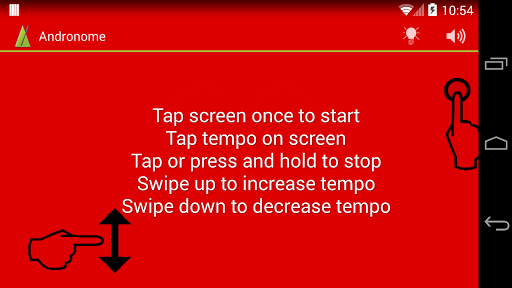
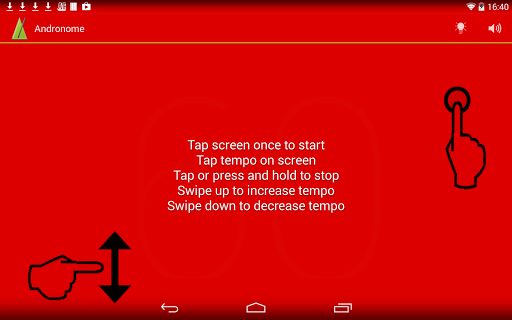
There are often several ways to get at the most important functions of the Andronome metronome. Most users will prefer to use the touch screen, like this:
* Tap the screen once to start the metronome.
* Tap again or long press (touch and hold) the screen to stop the metronome.
* Adjust the tempo by swiping the finger over the screen. Fling or swipe up to increase the BPM, down to decrease.
* Tap the tempo on the screen, and the metronome will adjust to the tapped tempo.
* Tap the icons on screen to select subdivision, time signature or use the keypad to quickly enter the tempo.
* Tap the lock icon to prevent accidental changes to a preset.
* Sound on/off is controlled on the action bar. Adjust the tick sound using the volume controls of the phone (Andronome play through the standard media channel).
* The visible indication (screen blink) can be disabled and enabled on the action bar.
For more info and guides, please visit the developer website: www.skrivarna.com or www.andronome.com
Have fun!
What's New
* Counting display (1, 2, 3, 4, 1, 2, 3, 4....).
* Timer (for timed practice).
Option to get random tempo.
Updates and bug fixes.
Version Information
- Version
- -
- Downloads
- 10K+
- Updated on
- Jul 23, 2025
- Released
- Sep 5, 2011
- Requires
- Android Varies with device
Statistics
Google Play Rating History
Rating Distribution
Downloads Over Time
Andronome, the Big Metronome has been downloaded times. Over the past 30 days, it averaged downloads per day.
Shaded area shows 30-day prediction based on historical trends
Historical data collection started recently. More data points will be available over time.
Andronome, the Big Metronome users say on Google Play
 A Google user
Good app zero permissions. Just what I need and nothing more. It would be nice to be able to enter the BPM instead of using the slider. Hard to dial in an exact beat.
A Google user
Power walk
A Google user
On the Samsung Galaxy S5 after a recent update (I don't know whether it was the app or my Android) the visual tempo does not keep up with the audio tempo over about 80 beats per minute, and in a noisy environment, the app has become virtually unusable unless you keep your metre below 80 and double the time for faster tempos.
A Google user
blink does not give uniform beats in time, and is not synched to sound. Professional theater musician, here. Let's try another...
ApkTrusted Ratings & Reviews
More from Skrivarna Software
See more apps




Similar Apps






Scan this QR code to download

Forwarding you to the page at Google Play market in seconds...
Open Google Play market now