
Gradient dream Watch Face vVARY
SkyMax Watch Faces









About this app
Developer Description
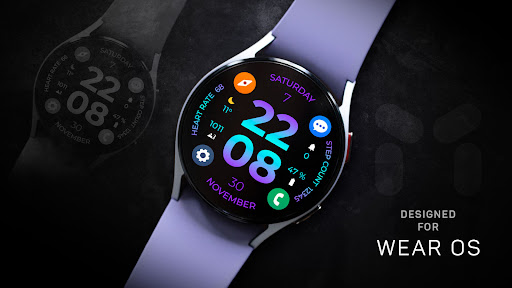
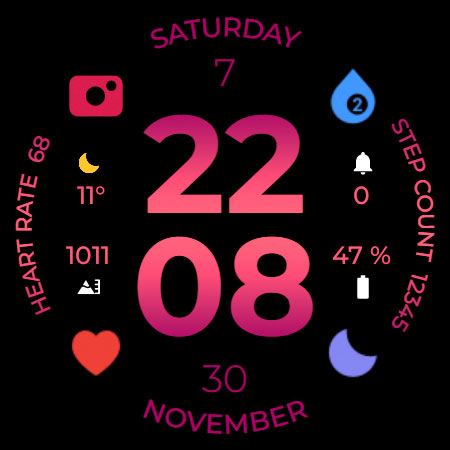
A modern, customizable experience for your Wear OS watch
This app is designed for most Wear OS devices.
** Install > Select only the clock from the Install drop-down menu. If you see a "Your devices are not compatible" message or have any other installation issues, try using our companion app to install the app on your smartwatch. As a last resort, go to the Play Store in your browser to install.
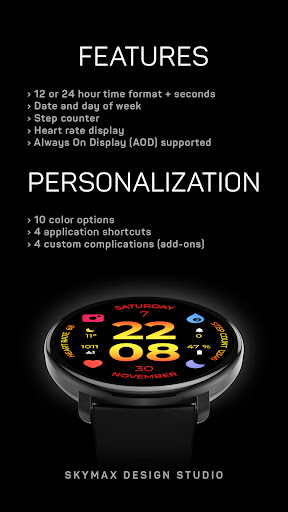
FUNCTIONS:
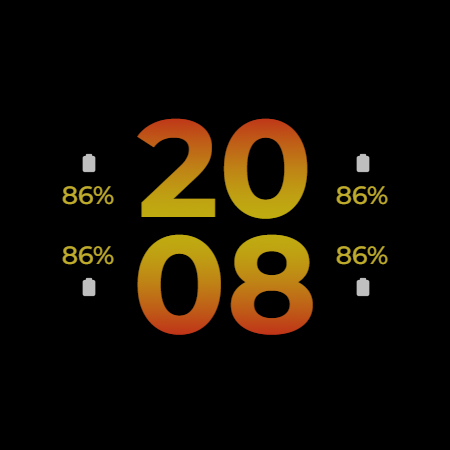
› 12 or 24 hour time format depending on your phone settings + seconds
› Date and day of week
› Step counter (goal set at 10,000 steps)
› Heart rate display
› Always On Display (AOD) supported
PERSONALIZATION:
** Touch and hold the watch display to customize the watch face.
› 10 main color options and 20 additional ones of the same color palette
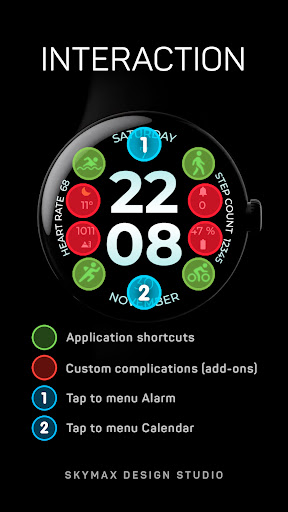
› 4 application shortcuts
› 4 custom complications (add-ons) weather, battery, calendar and others
› 3 AOD screen styles
› 6 AOD screen brightness options
NOTES:
** If after updating the watch face, updating the system or other situations, the step counter or other indicators show “0”, try the following. Touch and hold the watch display to get to the watch face selection menu → select any other available watch face → then remove our watch face from the watch face selection menu (not from the watch) and reinstall it on your watch using your smartphone, from the recently installed watch faces selection menu.
** If the heart rate or other indicators are also “0”, check the permissions in the settings. “Settings” → “Applications” → “Permissions”, find this watch face and configure the necessary permissions. Also make sure that the watch screen is on and that it is worn correctly on your wrist when measuring your heart rate.
ADDITIONAL APPLICATIONS:
** If you want to see on the screen of your watch “the remaining battery charge of your smartphone” and other additions (complications) that are not on your watch, install additional applications from the developer of these applications - amoledwatchfaces™ (all credits belong to the creator of the original application)
• Phone Battery Complication
https://play.google.com/store/apps/details?id=com.weartools.phonebattcomp
• Complications Suite - Wear OS
https://play.google.com/store/apps/details?id=com.weartools.weekdayutccomp
• Heart Rate Complication
https://play.google.com/store/apps/details?id=com.weartools.heartratecomp
• Health Services Complications
https://play.google.com/store/apps/details?id=com.weartools.hscomplications
Join us for live support and discussion:
Telegram https://t.me/skymaxwatchfaces
Instagram https://www.instagram.com/skymaxwatchfaces
Version Information
- Version
- -
- Downloads
- 50+
- Updated on
- -
- Released
- Sep 13, 2023
- Requires
- Android Varies with device
Statistics
Google Play Rating History
Rating Distribution
Downloads Over Time
Gradient dream Watch Face has been downloaded times. Over the past 30 days, it averaged downloads per day.
Shaded area shows 30-day prediction based on historical trends
Historical data collection started recently. More data points will be available over time.
Gradient dream Watch Face users say on Google Play
 surya kh
Another great watch face with clean and easy view. Out of rating and perfect. Thanks a lot brother
ApkTrusted Ratings & Reviews
More from SkyMax Watch Faces
See more apps
Anomaly Watch Face
Paid

Aswang Watch Face
Free

Coba Watch Faces
Paid

Concentric Watch Face
Paid

Cosmo Watch Face
Paid

Energon Watch Faces
Paid
Evo Watch Face
Free

Evo Max Watch Face
Paid

Evo Pro Watch Face
Free

Grimm Watch Face
Paid
Hexagon Watch Faces
Paid

Manticora Watch Face
Paid

Mark One Watch Face
Free
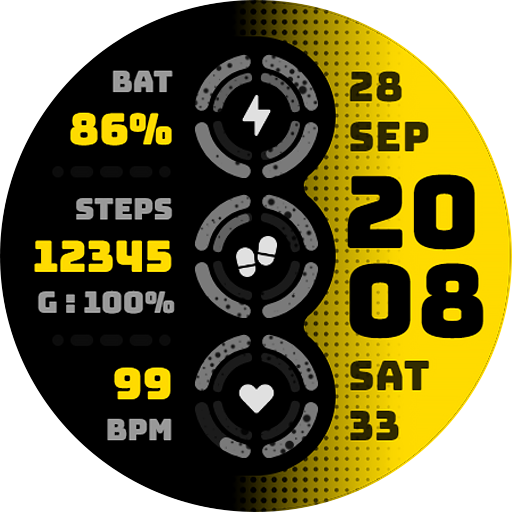
Morok Watch Face
Free

Nebula Watch Face
Paid
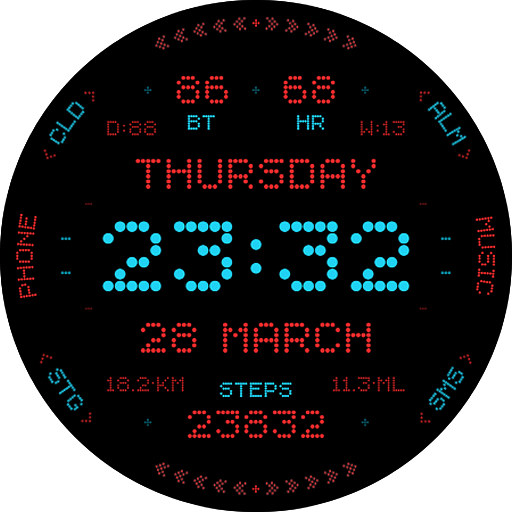
Nothi G Watch Face
Paid
Similar Apps
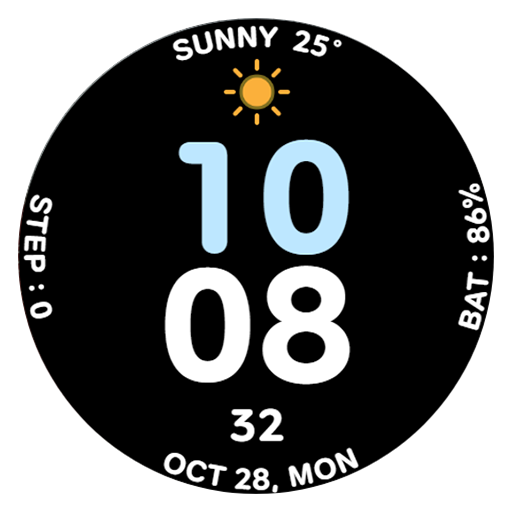
AWD CUTE W watch face
Free

Embassy 3: Minimal Watch Face
Free
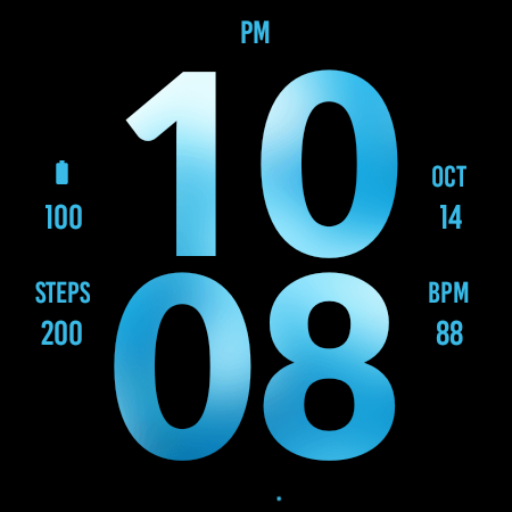
Big Blue Watch Face
Free

Gentle Hue Watch Face
Free

Metropolis Watch Face
Free

Big Daylight Watch Face
Paid
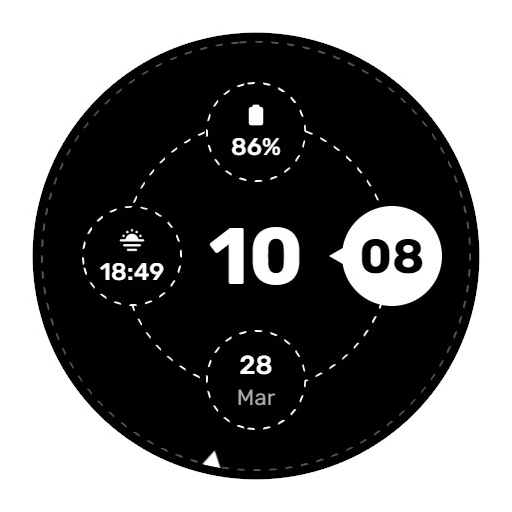
WES10 - Bubbles Watch Face
Free

RUN PRO: Watch face
Paid

Outdoor Watch Face for Wear OS
Paid

EXD030: Minimal Watch Face
Paid

Essential Watch Face Wear OS
Free

Big Ocean Blue Watch Face
Paid

Digital Sport Weather NTV587
Paid

Modern Vertical: Watch face
Free

JHW Digital Vertical
Free
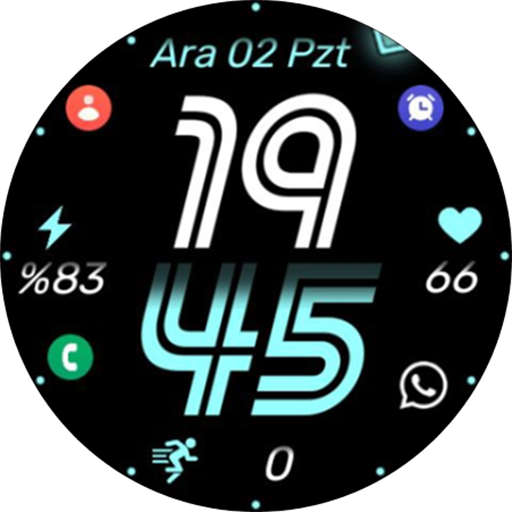
KZY133
Free
Scan this QR code to download

Forwarding you to the page at Google Play market in seconds...
Open Google Play market now