
Spinning Alloy 1 Watch Face-23 vVARY
SMA Design Watch Faces







About this app
Developer Description
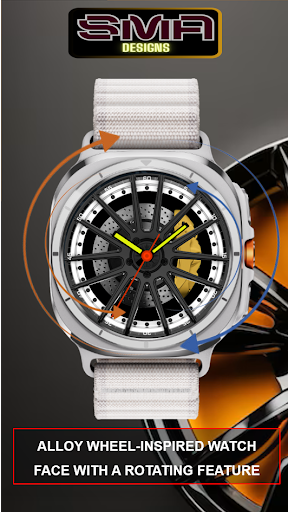
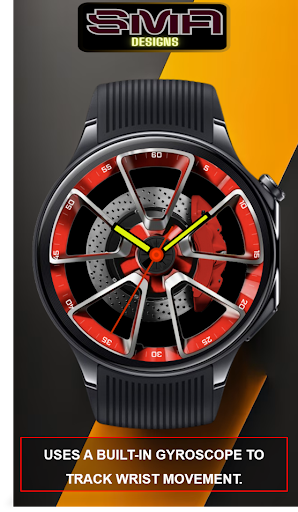
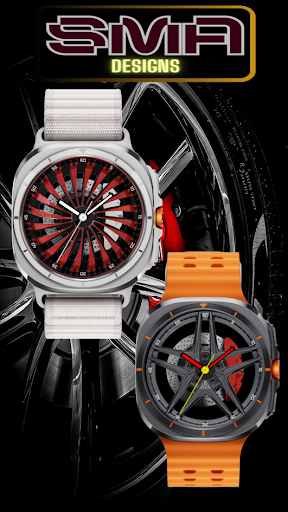
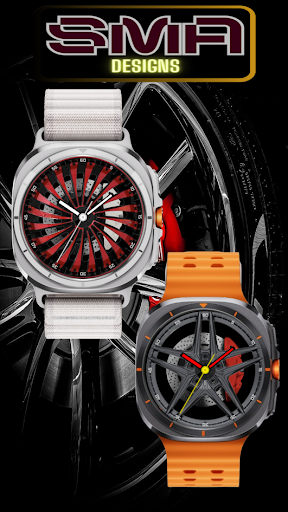
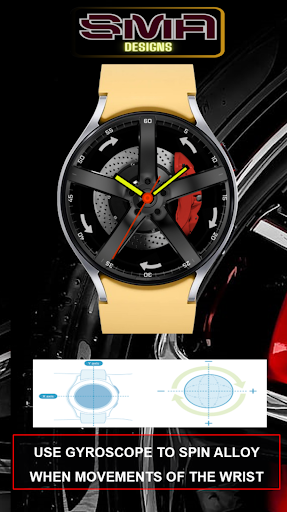
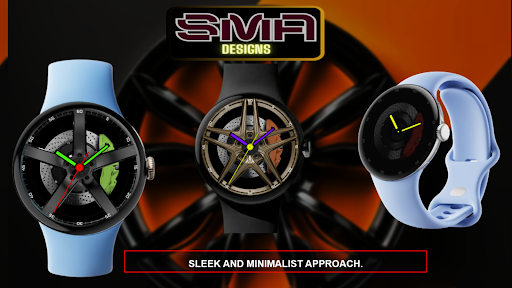
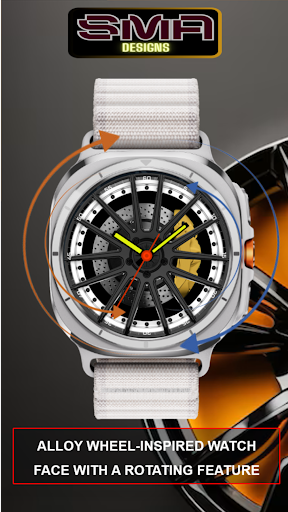
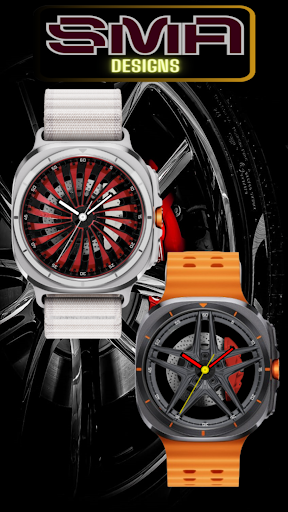
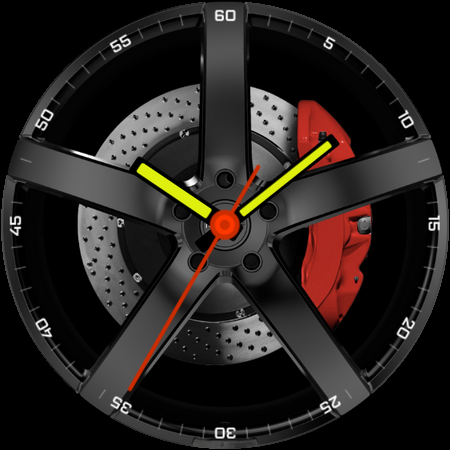
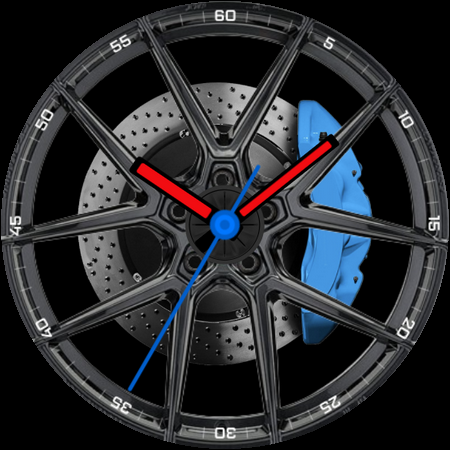
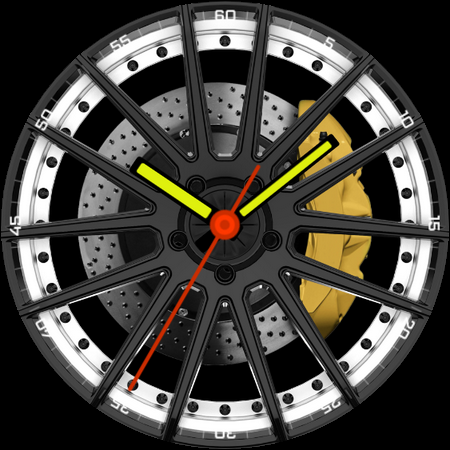
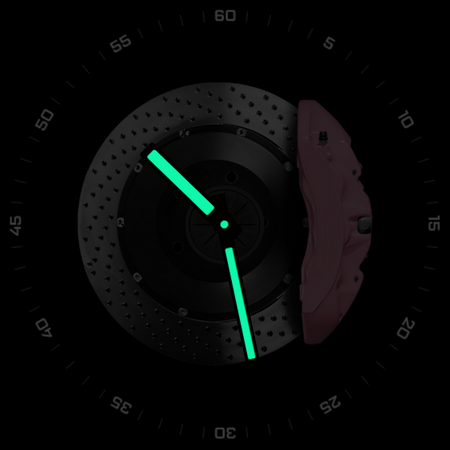
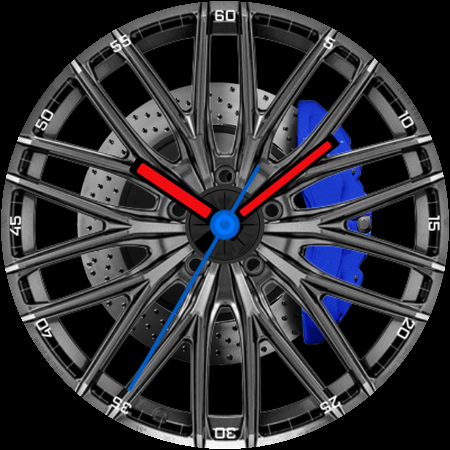
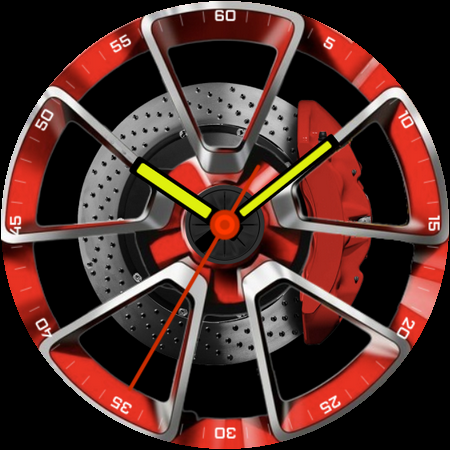
Wear OS Alloy wheel-inspired watch face with Gyroscop-activated rotation feature
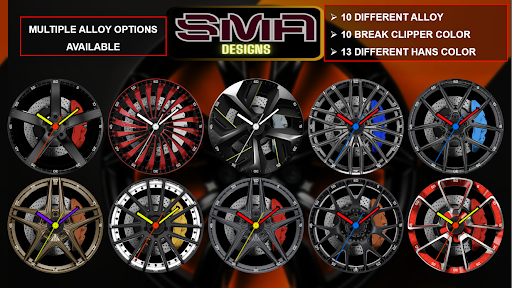
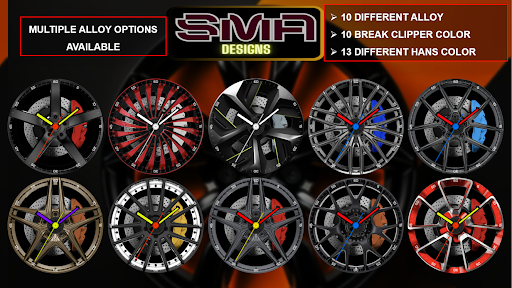
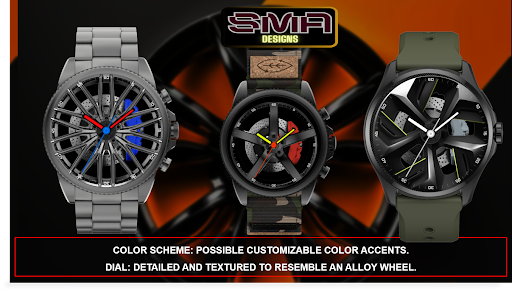
Available in various high-quality alloys, including stainless steel, titanium, and aluminium, the watch offers durability and a premium feel.
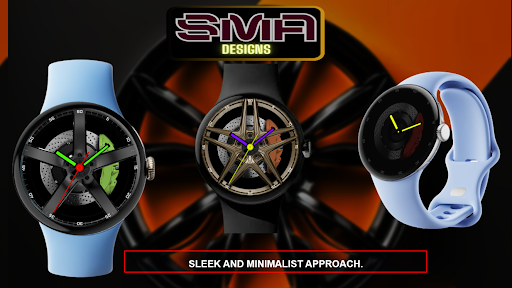
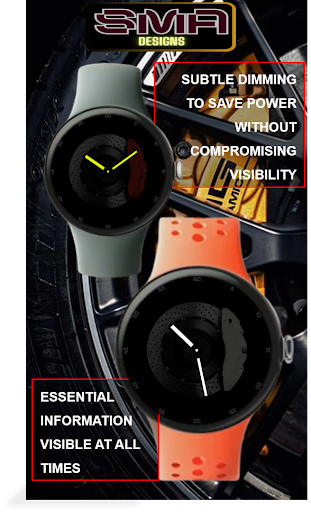
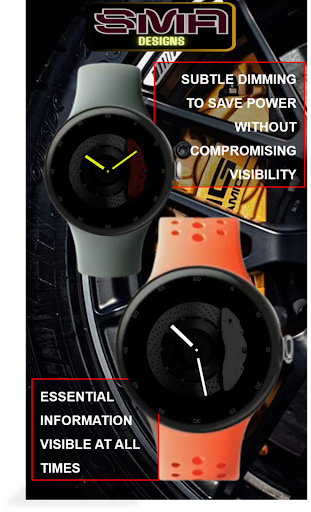
The subtle hour and minute indicators are integrated seamlessly into the wheel design, maintaining a sleek and modern look.
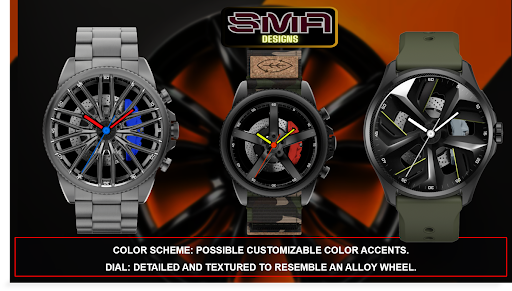
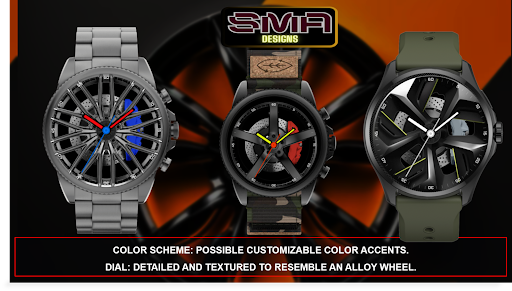
The dial is detailed and textured to mimic an alloy wheel, while the color scheme includes metallic tones with customizable accents.
Customization Options:
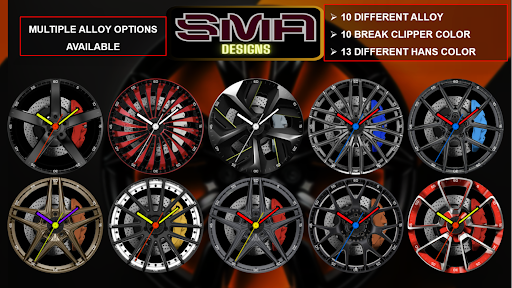
Choose from a variety of color themes to match your style and mood.
Compatibility:
Works seamlessly with all major smartwatch brands and models with WEAR OS.
Easy synchronization with fitness tracking apps and health monitoring services.
User-Friendly:
Simple, intuitive setup process.
Regular updates to ensure compatibility and add new features.
Transform your smartwatch into a sophisticated health and fitness companion with our expertly designed watch face. Download now and experience the perfect blend of style, functionality, and innovation.
Why Choose Us:
Innovative Design: Our team of designers and engineers are committed to providing you with the latest in smartwatch technology and aesthetics.
Reliable Performance: Enjoy a watch face that not only looks great but performs flawlessly, keeping you updated with the most accurate information.
Upgrade your smartwatch experience today with our watch face app. Stay connected, stay informed, and stay stylish.
Download Now and take the first step towards a smarter, more elegant watch face experience.
★ FAQ
Q: Do your watch faces support Samsung Active 4 and Samsung Active 4 Classic?
A: Yes, our watch faces support WearOS smartwatches.
Q: How to install the watch face?
A: Follow these steps:
1. Open the Google Play Store app on your watch
2. Search for the watch face
3. Press the install button
Q: I bought the app on my phone, do I have to buy it again for my watch?
A: You should not have to buy it again. Sometimes the Play Store takes a bit longer to figure out that you already bought the app. Any additional order will automatically be refunded by Google, you will receive the money back.
Q: Why I can not see steps or activity data in a built-in complication?
A: Some of our watch faces come with Built-in steps and Google Fit steps. If you select built-in steps, ensure that you grant activity recognition permission. If you select Google Fit steps complication, please use the watch face companion app where you can grant permission on Google Fit to log your data.
Note also that Google Fit sometimes won’t show your real-time data due to its caching sync issues. We are also working to implement Samsung Health for Samsung phone devices
Version Information
- Version
- -
- Downloads
- 100+
- Updated on
- -
- Released
- Aug 5, 2024
- Requires
- Android Varies with device
Statistics
Google Play Rating History
Rating Distribution
Downloads Over Time
Spinning Alloy 1 Watch Face-23 has been downloaded times. Over the past 30 days, it averaged downloads per day.
Shaded area shows 30-day prediction based on historical trends
Historical data collection started recently. More data points will be available over time.
Spinning Alloy 1 Watch Face-23 users say on Google Play
 MARYO LIONHEART
Great watch face, i bought this, and also subscribed to your youtube channel. Can you create please, one watch face for Nisan GT-R Nismo? I would apreciate so much this from you.
ApkTrusted Ratings & Reviews
More from SMA Design Watch Faces
See more apps
Chrono Luxe Watch Face SAM-25
Paid

Cross Round Watch Face SAM-20
Free

Eclipse Minimal Watch Face -22
Paid

Focus360 WearOS Watch Face-40
Paid

Gear Sync Watch Face SAM-41
Paid

Glow Track Watch Face SAM-30
Paid

Luminous Halo WatchFace SAM-18
Paid

RainbowChrono WatchFace SAM-29
Paid

Speedometer WatchFace SMA 17
Paid

Square Circle WatchFace SAM-16
Paid

Tech Lab Watch Face SAM-19
Paid

Titanium Edge WatchFace SAM-28
Paid

Vital View Watch Face SAM-24
Paid

Analog Digital WatchFace SMA 6
Paid
Big Clock Watch Face SAM-14
Paid

Bold Horizon SMA Watch Face-42
Paid
Similar Apps

Racing Wear OS Watch Face
Free
W107D
Free

Car Alloy Wheel Watch Face 073
Free

W108D
Paid

BFF35 - Animation Sports Car
Free

Golden Horsepower Analog Face
Free

SXZ Motorsport Watch Face
Paid
Interludium
Paid

OT | Ultra Minimalist Analog
Free

Horsepower Racing Analog Face
Free

Retro Rally Watch Face
Paid
Classic FCWF 4.0
Free

ATR Watchface
Free
ACD067 Knights Templar
Paid

W104D
Free
![[69D] Modesty icon](https://play-lh.googleusercontent.com/jhcZowAkcqPXkp8oWBjkMkeae2aDwO8c3uHgW6WyBwqQIztUKcQ3KIjSMJWj4giblwA)
[69D] Modesty
Paid
Scan this QR code to download

Forwarding you to the page at Google Play market in seconds...
Open Google Play market now