
Soft Keys 2 - Home Back Button vVARY
Southern Studio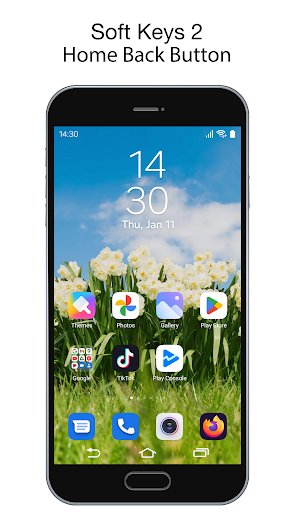

About this app
Developer Description
Activate the on-screen keys, enjoy it! Don't need root.
Active the on-screen keys, enjoy it! Don't need root. Don't worry the buttons are broken, Soft Keys 2 - Home Back Button is here :D
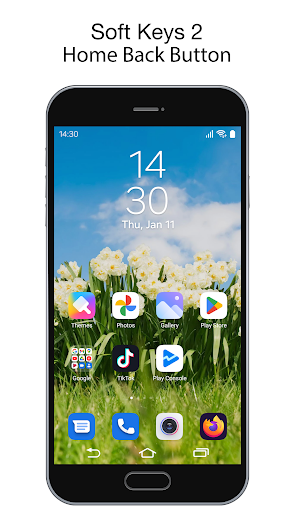
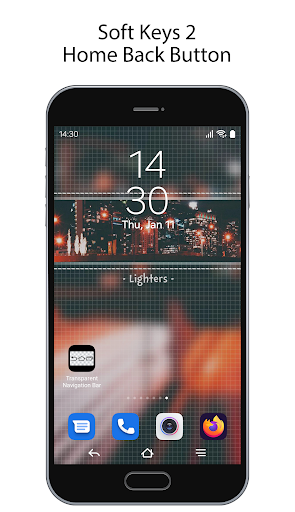
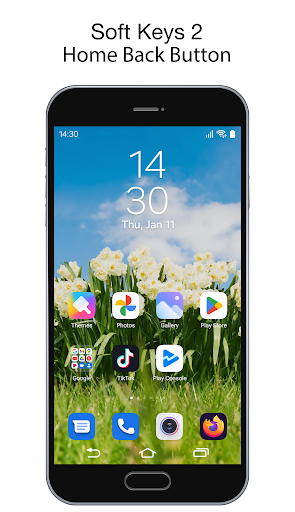
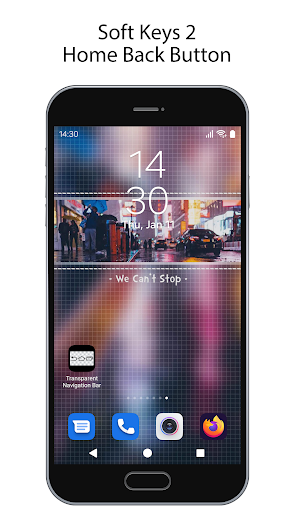
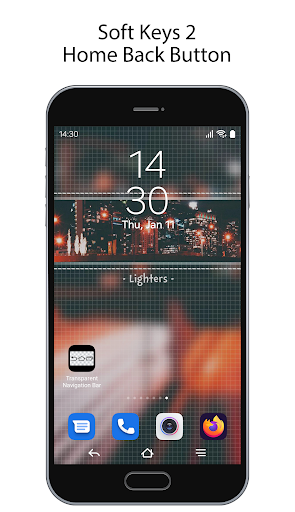
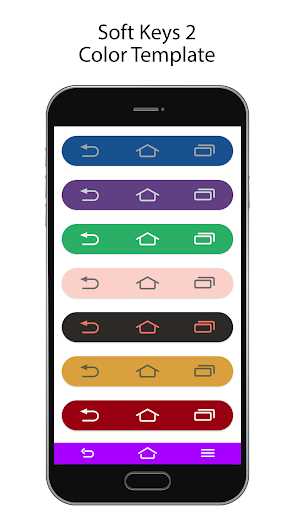
“Soft Keys 2 - Home Back Button” application can replace a failed and broken button for those people who has trouble using buttons or navigation bar panel is not working properly. Add multi action button at the bottom of the screen. Create your own navigation bar.
This application can also replace on-screen navigation bar and add more function such as long press the button to do some action.
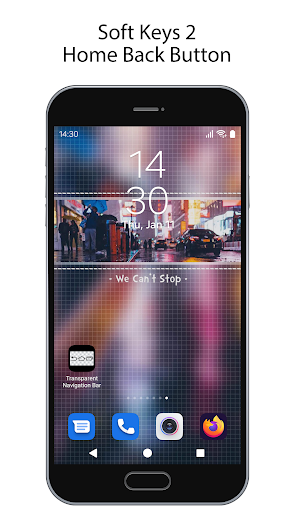
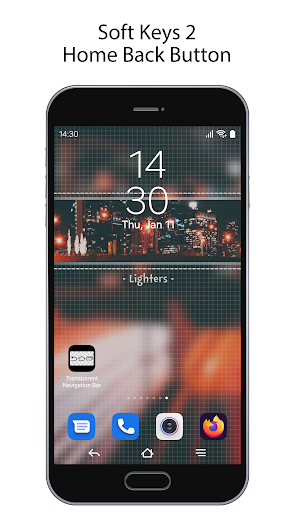
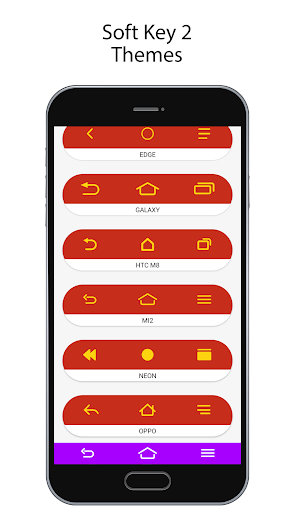
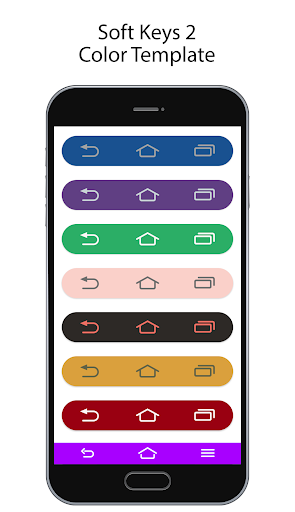
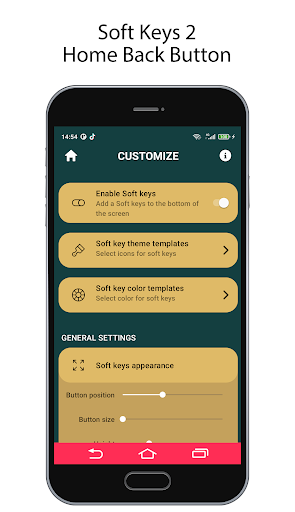
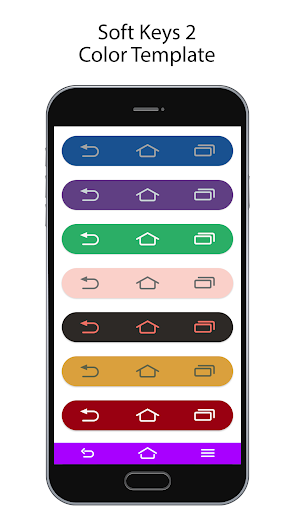
This app provides several features and colors to make awesome navigation bar.
Key Features:
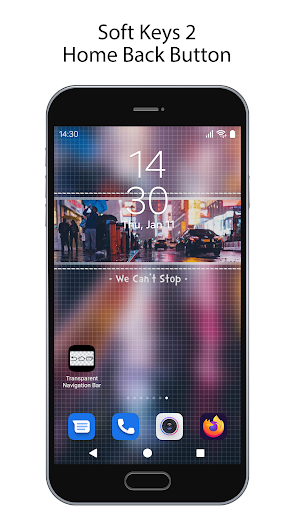
• Soft Keys 2 - Home Back Button: beautiful navigation bar on your screen.
• The System Back, Home and Recent Button: If the physical buttons of your phone can not work properly, Back Button can continue work your phone with simulating same as system button.
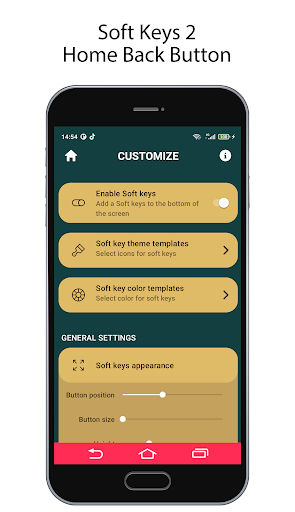
• Set position of button where you want: the back button can be set vertically or horizontally any where you want.
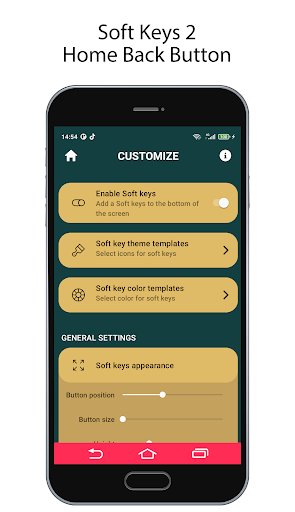
• Custom icon: You can set the button background color and the icon.
• Vertical and Horizontal Support.
• Ability to change home, back, recent button color.
• Ability to change home, back, recent button icon.
• NavStar: Create your own navigation bar.
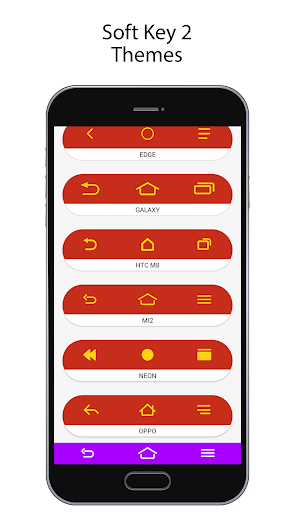
• More than 50 navigation bar themes available.
• Multi action button: Easy to action Home, Back, Recent.
• Easy to use and custom.
• Auto rotation soft key when your phone in landscape mode.
Accessibility Service Usage
Soft Keys 2 - Home Back Button use accessibility service permission in order to enable core functionality.
The application will not read the sensitive data and any content on your screen. In addition, the application will not collect and share the data from accessibility service with any third-party.
By enabling the service, the application will support commands for press and long press actions with the following features:
- Back action
- Home action
- Recent actions
- Lock Screen
- Popup notification
- Popup Quick settings
- Popup Power dialogs
- Toggle split screen
- Take a screenshot
If you disable the accessibility service, the main features cannot work properly.
Thank you!
Version Information
- Version
- -
- Downloads
- 100K+
- Updated on
- -
- Released
- Jan 11, 2024
- Requires
- Android Varies with device
Statistics
Google Play Rating History
Rating Distribution
Downloads Over Time
Soft Keys 2 - Home Back Button has been downloaded times. Over the past 30 days, it averaged downloads per day.
Shaded area shows 30-day prediction based on historical trends
Historical data collection started recently. More data points will be available over time.
Soft Keys 2 - Home Back Button users say on Google Play
 Daniel Jantjies
it's a relief 😁 I didn't know it's so cool my phone is brand new again 😄
 mark lavadero
one of best nav bar, but need more customization like adjustments of the icons.
 no name
❌ very good , but it's not stable, every morning i have to open settings, to turn on, back button on the right , 🔙
 Mehr Muhammad
Good
 Alei Phom Phom
it's really bad it doesn't even work in the back button there is something written image so can't even see the buttons because of the white image the image cover the buttons
ApkTrusted Ratings & Reviews
More from Southern Studio
See more apps
Gaming Intro Maker Intro Maker
Free

Shot Fx - Super power Video Fx
Free
Transparent Phone Home Bar
Free

Photo Frame Collage
Free

EDIT PHOTO WITH SQUARE FRAME
Free
Nokia Phone Launcher
Free

Small Icons Widget
Free
Transparent iOS X - Status Bar
Free

Photo Collage
Free

iCenter OS 16: X - Charging
Free
Nokia Old Phone Style
Free
Transparent Camera Screen
Free

Soft Keys - Anywhere
Free

Old Style Control Center
Free

Energy Ring - Camera Notch
Free
Material Clock Widget
Free
Scan this QR code to download

Forwarding you to the page at Google Play market in seconds...
Open Google Play market now