Orbitrack v2.6.3
Southern Stars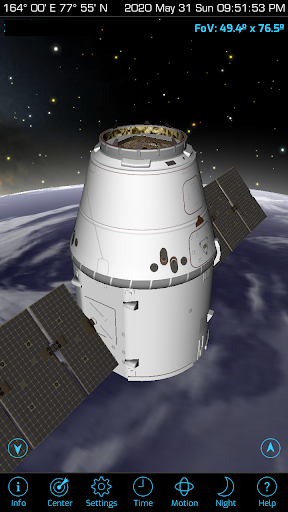
About this app
Developer Description
Your guide to thousands of satellites and spacecraft in orbit around Earth!
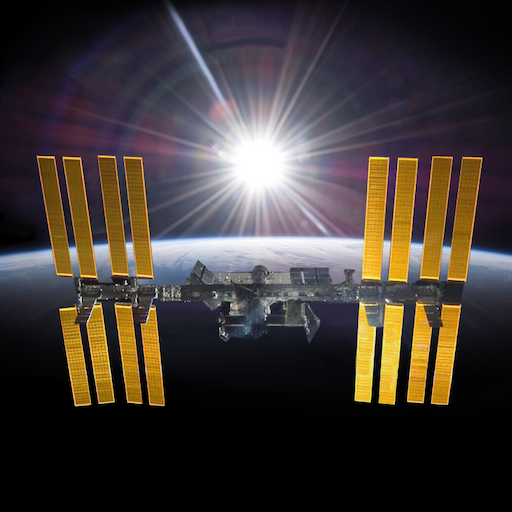
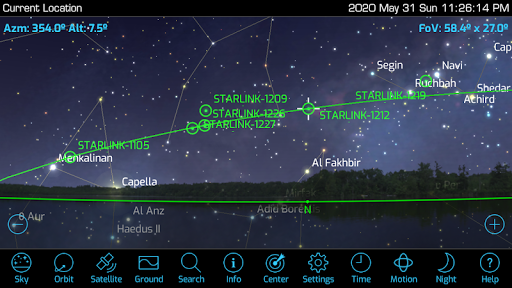
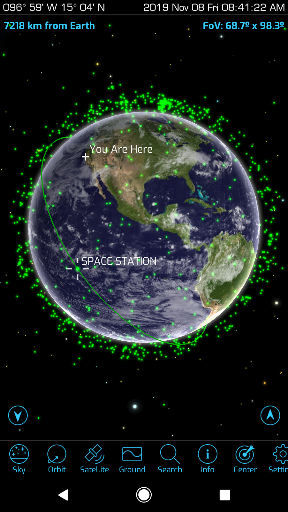
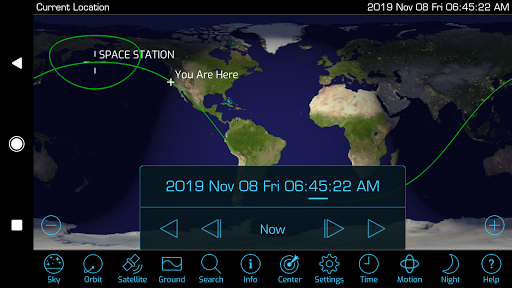
1) More than 4000 spacecraft, including all active satellites, classified military satellites, the International Space Station, and SpaceX's Starlink communication satellites.
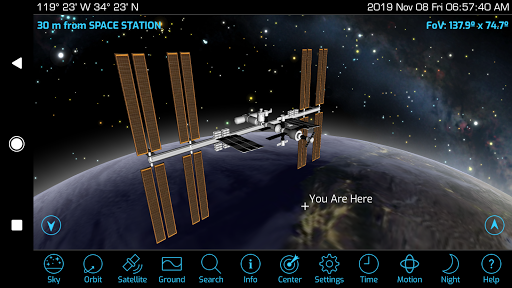
2) Rich new graphics show atmospheric effects, city lights on Earth’s night side, and highly-detailed 3D satellite models.
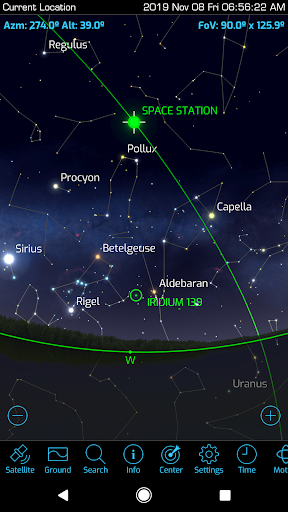
3) An "augmented reality" mode that helps you find satellites in the sky using your device's GPS and motion sensors. Works with Orbit and Satellite views too!
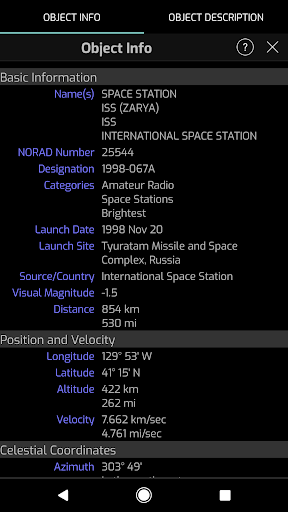
4) Radio frequency data for amateur radio satellites.
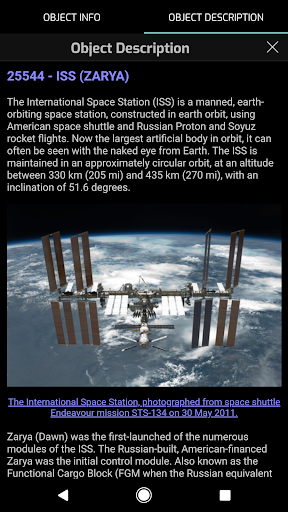
5) Updated descriptions for hundreds of spacecraft. Every satellite now has a description from n2yo.com.
6) Supports the latest Android hardware and OS (Android 10, "Q").
7) Dozens of user interface tweaks and optimizations make Orbitrack faster and easier to use than its predecessor, Satellite Safari.
8) New sound effects and ambient background music.
9) New Time Flow controls let you easily set the date and time, and animate the view.
If you're new to Orbitrack, here's what it can do:
• Track thousands of satellites. Orbitrack will tell you when spacecraft pass overhead, show you where to find them in the sky, and let you track them across the planet.
• Teach you about the International Space Station, and hundreds of other satellites in orbit, with comprehensive mission descriptions.
• Show the view from any satellite, and see the Earth from orbit just as the “bird” sees it! Orbitrack includes detailed 3D models for dozens of satellites – see them up close from any angle!
• Stay on top of the space race. Orbitrack updates its satellite data from n2yo.com and celestrak.com every day. When new spacecraft are launched, maneuver into new orbits, or fall back into the atmosphere, Orbitrack shows you what’s happening up there, right now.
Orbitrack isn’t just powerful – it’s incredibly easy to use! You don’t need an aerospace degree to become an expert satellite tracker. Orbitrack puts advanced capabilities at your fingertips, with the same intuitive touch interface you use every day.
And if that’s not enough, Orbitrack includes detailed, built-in Help – and expert, responsive technical support.
What's New
- Fix permission issues
Version Information
- Version
- 2.6.3
- Downloads
- 50K+
- Updated on
- Feb 5, 2025
- Released
- Nov 12, 2019
- Requires
- Android 6.0
Statistics
Google Play Rating History
Rating Distribution
Downloads Over Time
Orbitrack has been downloaded times. Over the past 30 days, it averaged downloads per day.
Shaded area shows 30-day prediction based on historical trends
Historical data collection started recently. More data points will be available over time.
Orbitrack - Google Play Rankings
Top Rankings
| Rank | Country | Category | List | Change |
|---|---|---|---|---|
| — |
Ranking History in
No ranking data available yet. Rankings are updated daily.
#70 in Top Paid Education in United States

Orbitrack users say on Google Play
 Robert Watson
Was very good, but the most recent update causes the app to crash right after the splash screen. This is on a fully updated pixel 4a (5G) running android 12. I have emailed the developer and never heard back. update 7/29/25 app is working again on pixel 4a 5G
 Romain
Best satellite tracker on the Play store, with the largest catalog and visual orbital representation! However there seems to be a bug for the app not being able to use location, although given permission... And it would be nice to have the possibility to set the location where we want, and display all the satellites by categories and subcategories (ex: display only communication satellites that are geostationary), because all those green dots can get confusing
 Josh Hulsey
Love the app but I wish there was a way to turn off the music and sound effect when zooming in and out. Also there needs to be a settings tab to turn off music and adjust other things. Will give 5 stars if these things are incorporated into the app. I'm operating the app on a Samsung Galaxy S10 and works great but needs the above added. Thanks
 John Mobley
Not all that great. I used (free) satellite tracking programs 15 years ago that were much better. For 5.00 you would expect a little more function, like being able to touch a satellite on screen and get the info on it. The old programs I have used, you could choose multiple satellites and see multiple paths at one time. When you view a satellite there is no indicator to let you see the movement direction. This app could be made better. Not really worth 5.00.
 K
K
Annoying Wii-game-like music is turned up very loudly, which you can turn off, if you you are intuitive enough to find the hidden settings. Update: there's no reason to assume the tool bar slides left and right.... I will keep coming back to make sure my review doesn't get erased again.
ApkTrusted Ratings & Reviews
Scan this QR code to download

Forwarding you to the page at Google Play market in seconds...
Open Google Play market now