
Photo Watch Face - Wear OS 6+ vVARY
Sparkine Labs


About this app
Developer Description
Muviz's personalised Photo Watch Face built with Watch Face Format
The watch face presents you with 5 clock positions, 50+ handpicked color palettes and option to adjust photo dimness to match your everyday styling.
• Built with Watch Face Format.
• Supports watches running on Wear OS 6 or higher.
• Display single or multiple photos on your watch face.
• A configurable complication space.
• 5 clock positions.
• 50+ handpicked color palettes.
• Option to adjust photo dimness.
Facing issues? don't hesitate to drop us a mail at support@sparkine.com
Version Information
- Version
- -
- Downloads
- 1K+
- Updated on
- -
- Released
- Aug 31, 2025
- Requires
- Android Varies with device
Statistics
Google Play Rating History
Rating Distribution
Downloads Over Time
Photo Watch Face - Wear OS 6+ has been downloaded times. Over the past 30 days, it averaged downloads per day.
Shaded area shows 30-day prediction based on historical trends
Historical data collection started recently. More data points will be available over time.
Photo Watch Face - Wear OS 6+ users say on Google Play
 Joshua Hillis
EDIT: Even though I checked for updates before reviewing, it seems like my watch grabbed an update while I charged it later. Its now working perfectly :) The option to select a photo isn't appearing/working which defeats the purpose. No option on the Pixel Watch app, nor on the watch itself. It would be the perfect small watchface for displaying photos/choice of wallpaper. Has a nice selection of position, color, and transparency for text. Using a new Pixel Watch 4.
 Tulio Carmona
At least is better than the default photo watchface from my pixel watch. it would be great if you could manually center each image (as the default photo watchface from galaxy watches), because I can not set some images due to the app automatically centering it and not showing what I want.
 Chandler Lewis (Simba)
not letting me add photos to use on the watchface
 Charles W.
NOT GOOD..... will not let you add your own pics... so I deleted and reinstalled. still doesn't work. what's worse, there's no way to delete from my watch. under apps, it doesn't show up, but it's there still working.....
ApkTrusted Ratings & Reviews
More from Sparkine Labs
See more apps
Pixel's Concentric Watch Face
Paid

Analog Ultra Watch Face
Paid

Muviz - Bold Text Watch Face
Paid

Muviz Edge: AOD & Edge Lights
Free

Pixel's Half Concentric Face
Paid
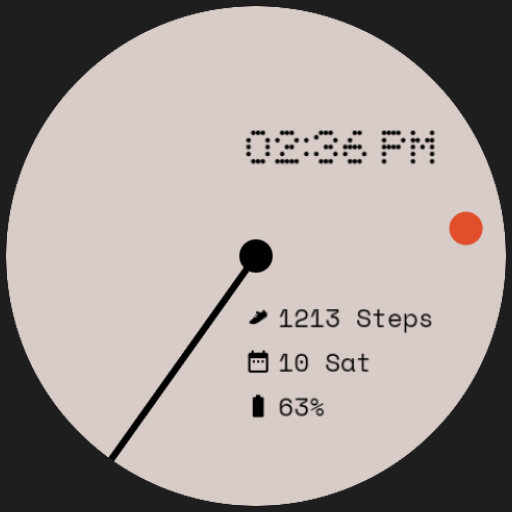
Retro Analog Watch Face
Free
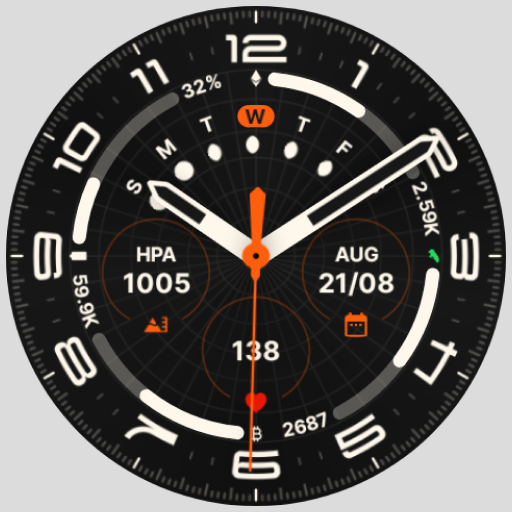
Galaxy Ultra Watch Face
Paid

Pixel 3's Arcs Field Watchface
Paid

Muviz: Navbar Music Visualizer
Free
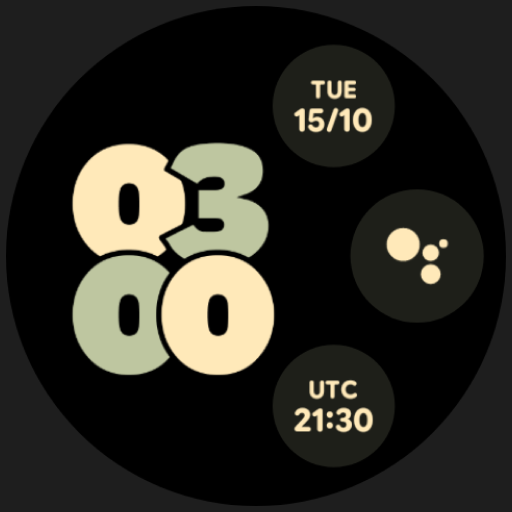
Big & Bold - Pixel Info Face
Paid

Big & Bold - Pixel Watch Face
Paid

Big & Bold - Apple Watch Face
Free

Eclipse Watchface - Wear OS 6+
Paid

Honeycomb Digital Watch Face
Paid
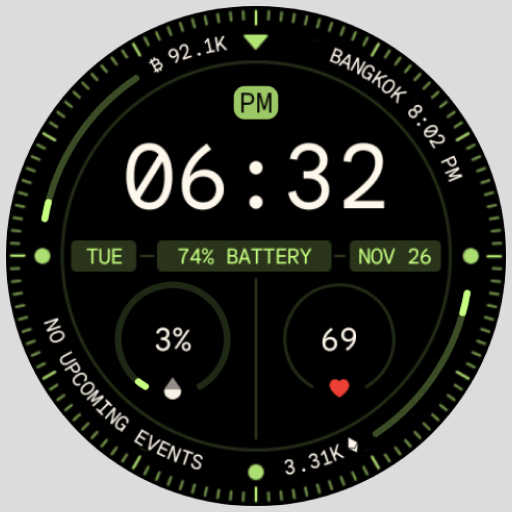
Pixel's Adventure Digital Face
Paid

Retro Hybrid Watch Face
Paid
Scan this QR code to download

Forwarding you to the page at Google Play market in seconds...
Open Google Play market now