
Dark Radiance vVARY
SP Watch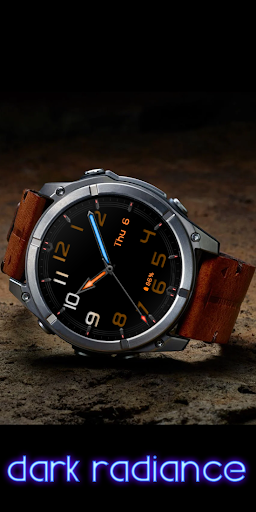

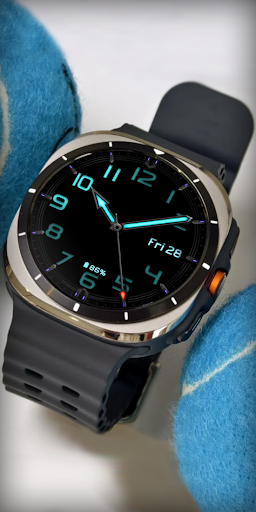
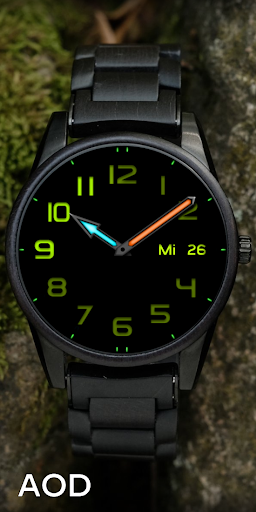
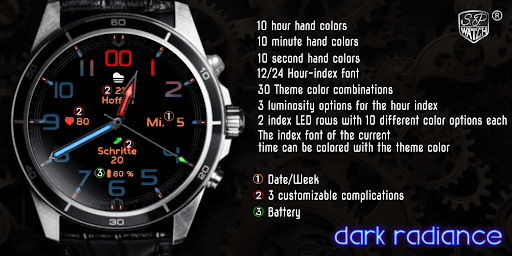

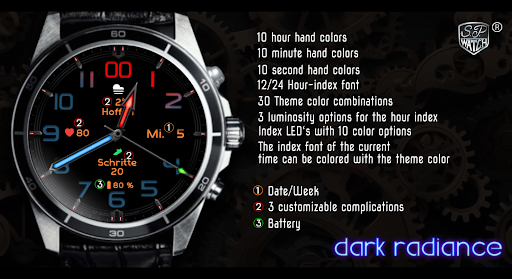

About this app
Developer Description
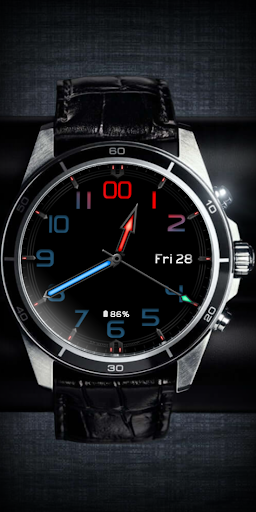
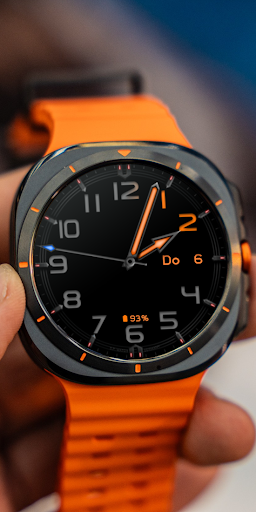
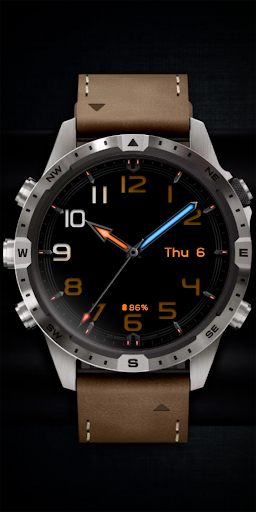
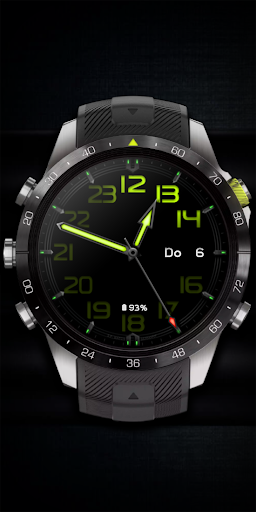
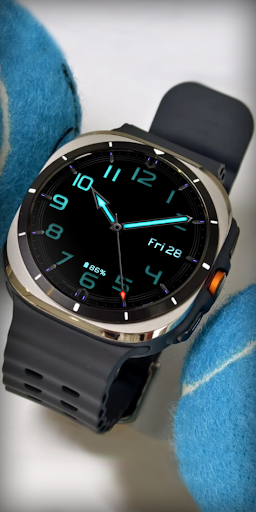
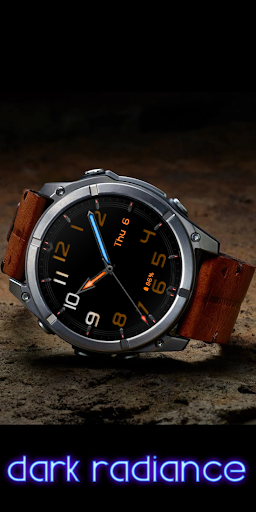
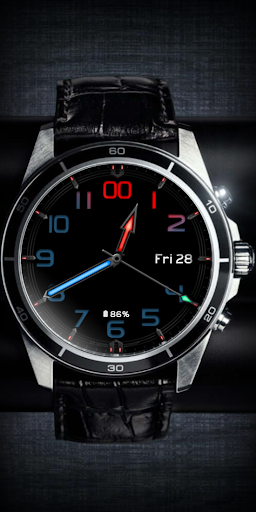
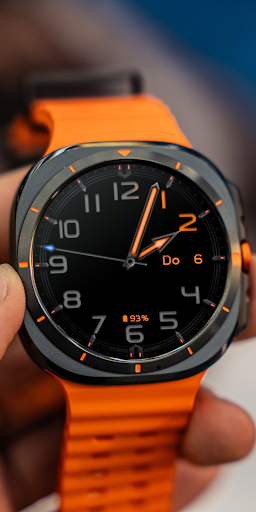
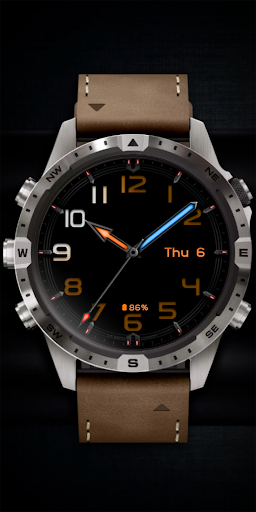
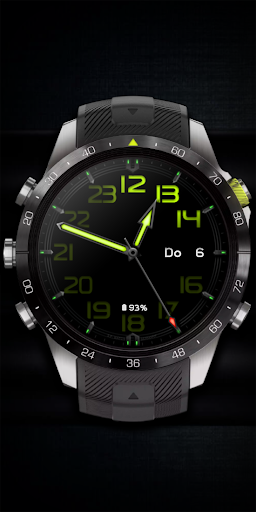
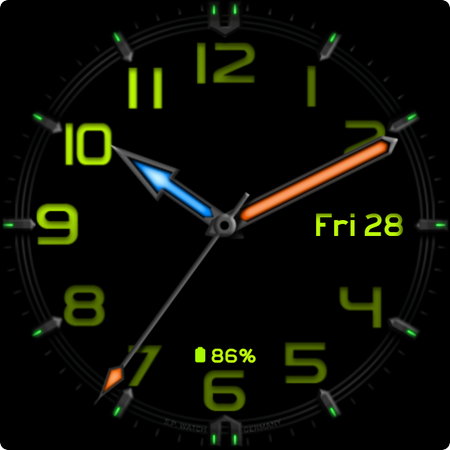
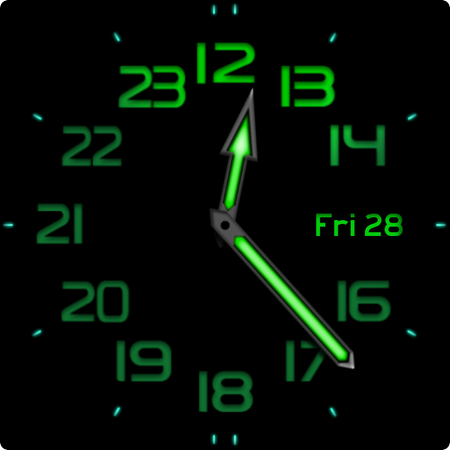
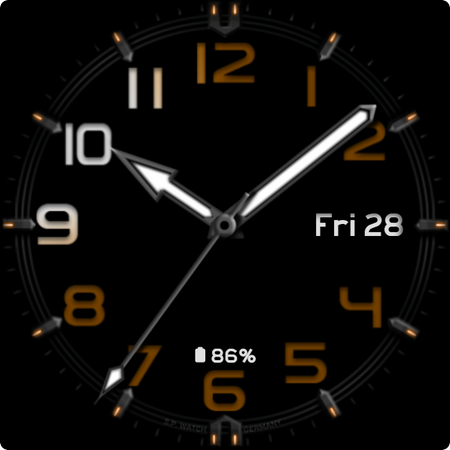
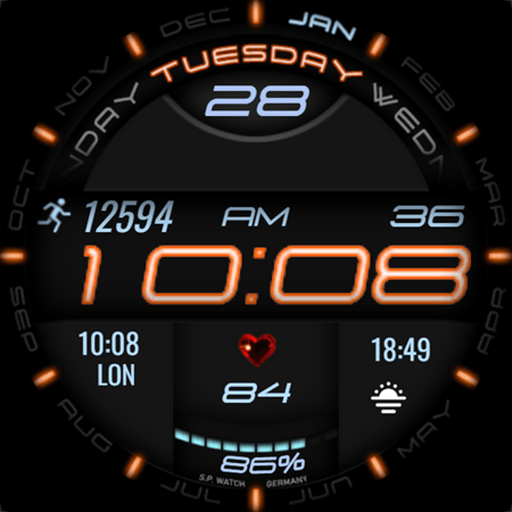
Premium Wear OS Watch Face - Customizable - Analog 24 Hour
Features:
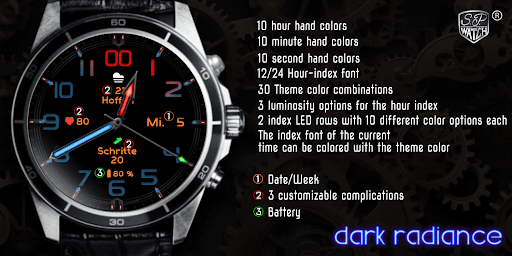
- Date / Week
- 12/24 Hour index font
- 3 customizable complications
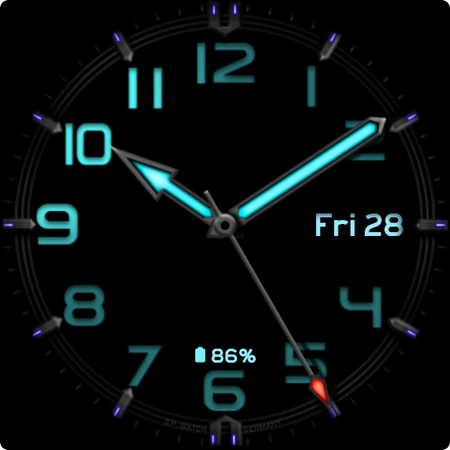
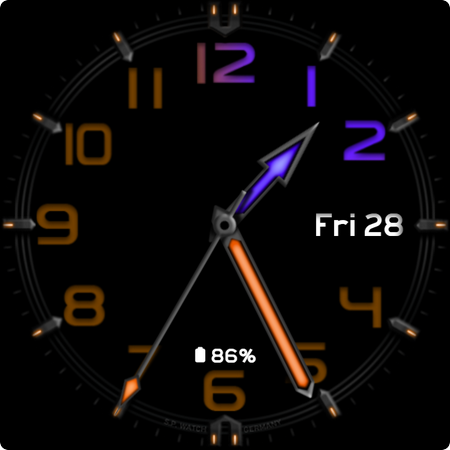
- 10 hour hand colors
- 10 minute hand colors
- 10 second hand colors
- 10 hour index colors
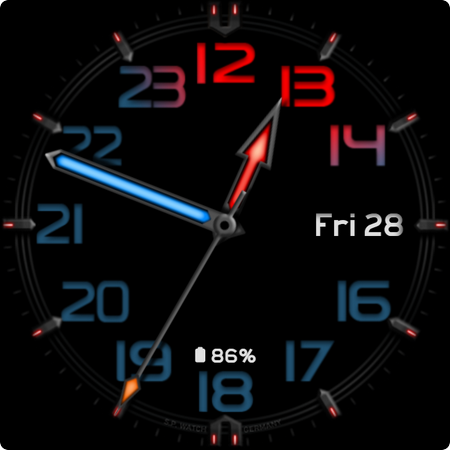
- The index font of the current time can be colored with the theme color
- 30 Theme color combinations
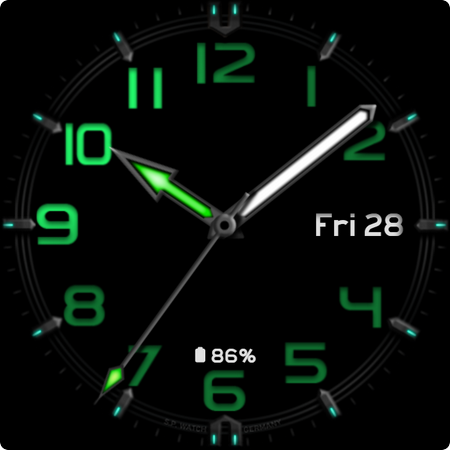
- 3 luminosity options for the hour index
- Index LED's with 10 color options
IMPORTANT!
This is a Wear OS Watch Face. It supporting only smartwatch devices which are running with WEAR OS API 30+. For example: Samsung Galaxy Watch 4/5/6/7 and many more.
If you have problems with the installation or download, even though you have a compatible smartwatch, open the supplied companion app and follow the instructions under Installation Guide. Alternatively, write me an e-mail to: mail@sp-watch.de
Customization:
1 - Tap and hold Display
2 - Tap customize option
3 - Swipe left and right
4 - Swipe up or down
Feel free to leave feedback in the Play Store!
What's New
Version Information
- Version
- -
- Downloads
- 100+
- Updated on
- Feb 6, 2025
- Released
- Feb 5, 2025
- Requires
- Android Varies with device
Statistics
Google Play Rating History
Rating Distribution
Downloads Over Time
Dark Radiance has been downloaded times. Over the past 30 days, it averaged downloads per day.
Shaded area shows 30-day prediction based on historical trends
Historical data collection started recently. More data points will be available over time.
ApkTrusted Ratings & Reviews
More from SP Watch
See more apps


Scan this QR code to download

Forwarding you to the page at Google Play market in seconds...
Open Google Play market now