Lightsync vVARY
SP Watch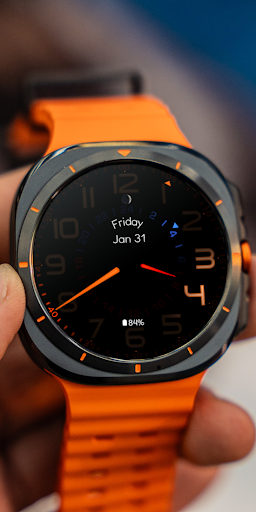
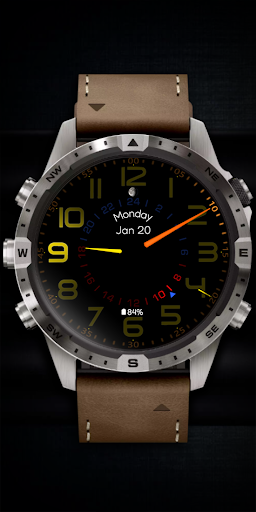
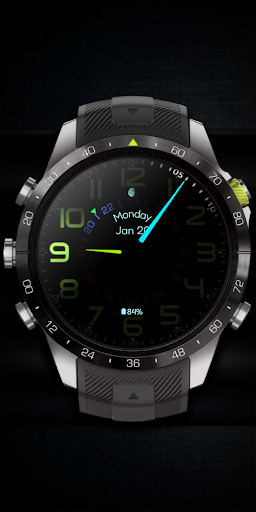
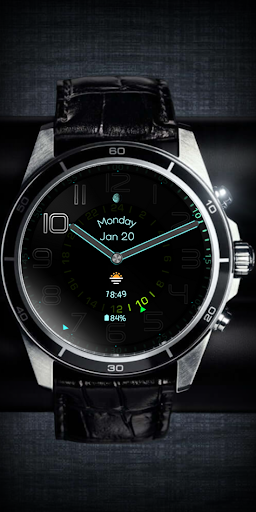
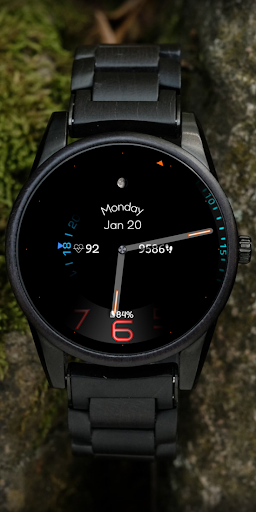
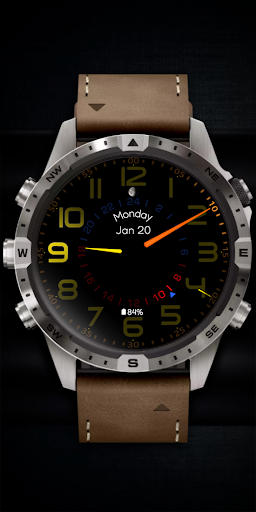
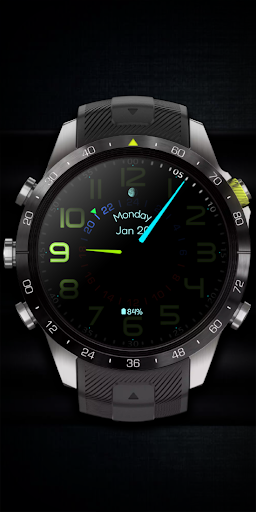

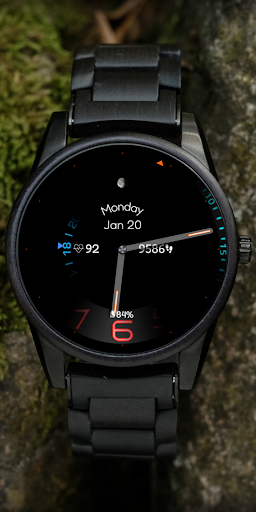
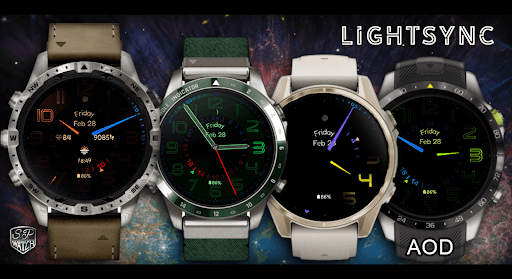


About this app
The Lightsync app appears to solve the problem of limited customization options for Wear OS watch faces, targeting users who value personalized aesthetics. Given its premium nature and lack of ads, it may appeal to those seeking a clutter-free experience. Compared to alternatives in the Personalization category, Lightsync's focus on Wear OS watch faces is quite specific, which might limit its appeal but also allows for deep integration and customization. Its developer, SP Watch, seems to have a clear focus on wearable technology, as indicated by their website, which could imply a high level of expertise in this area.
Pros
- Lightsync offers a premium, ad-free experience, which is a significant advantage for users who dislike in-app advertisements and are willing to pay for a cleaner interface.
- The app's developer, SP Watch, has a dedicated website and contact information, suggesting a level of professionalism and support that can be reassuring for users.
- Given that Lightsync requires no permissions, it presents a very low-risk installation for users concerned about data privacy and security.
- The fact that it's a paid app with no in-app purchases might suggest a more straightforward and honest monetization model, where users know exactly what they're getting upfront.
- The focus on Wear OS watch faces indicates a potentially high level of customization and quality, catering to the specific needs of smartwatch users.
Cons
- One concern is the lack of user ratings and reviews, which makes it difficult for potential users to gauge the app's quality and effectiveness based on social proof.
- The app's requirement for varying Android versions and its size not being specified might indicate potential compatibility issues or a significant storage footprint, which could deter some users.
- The limited data on downloads (1,000+) suggests that the app might not be widely adopted or recognized, which could impact its community support and future development.
- Without more information on updates and support, there's a risk that the app might not receive regular improvements or fixes, which is crucial for a premium product.
Best for: The ideal user for Lightsync is likely a tech-savvy individual with a Wear OS smartwatch, who values customization and is willing to pay for premium, ad-free experiences, and has a specific interest in personalizing their smartwatch interface to reflect their personal style or preferences.
Developer Description
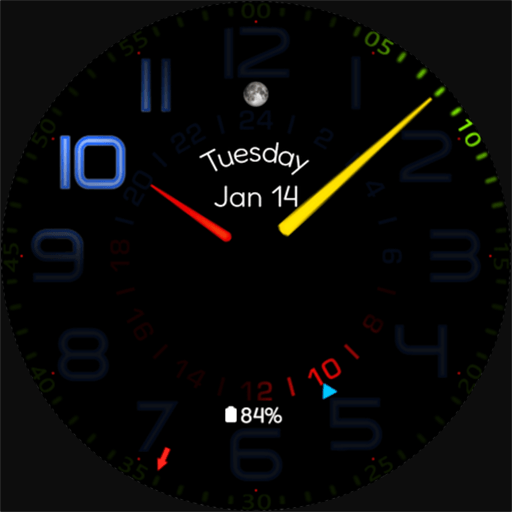
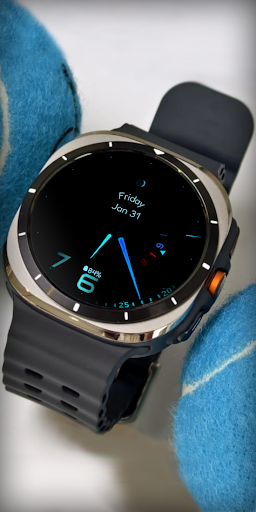
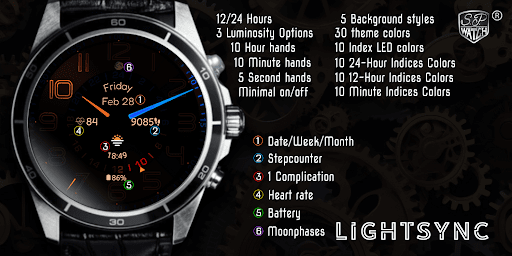
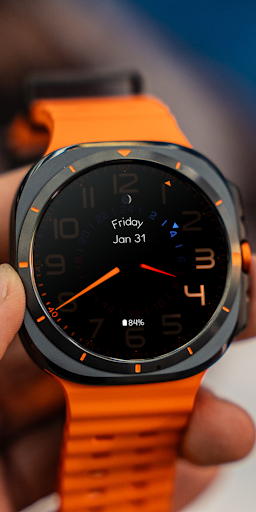
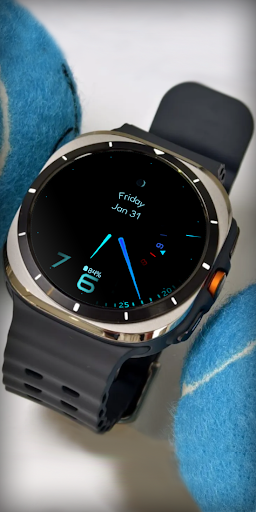
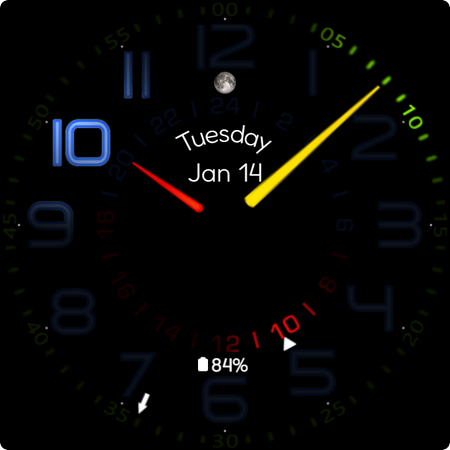
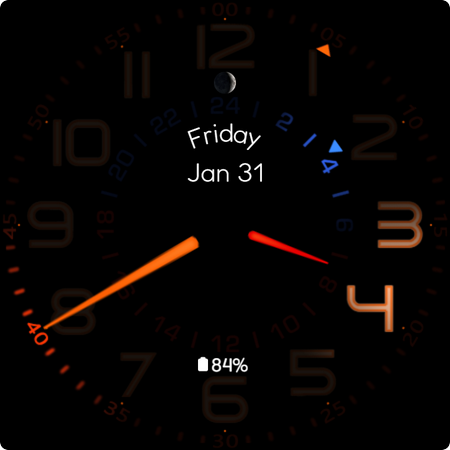
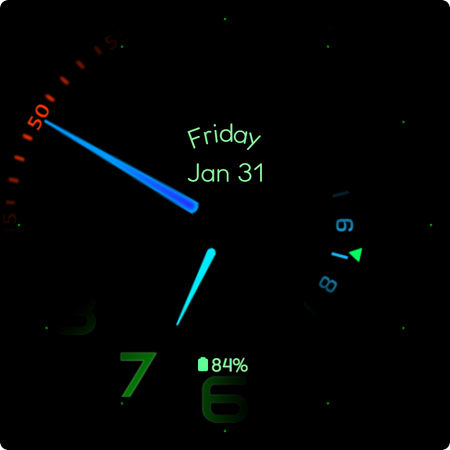
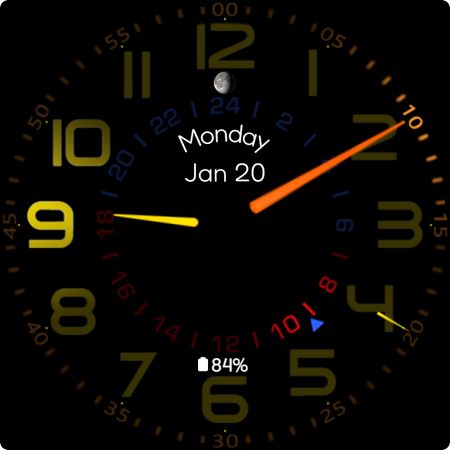
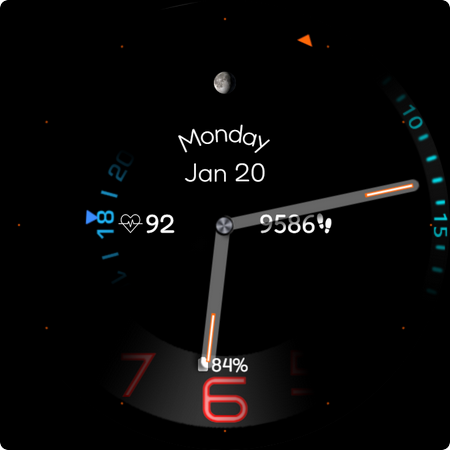
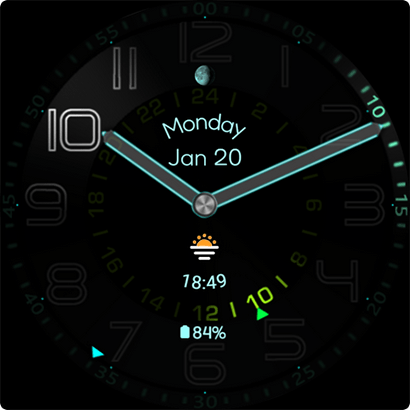
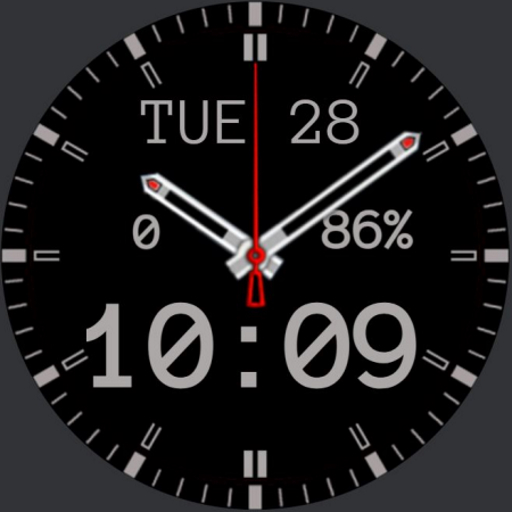
Premium Wear OS Watch Face Customizable
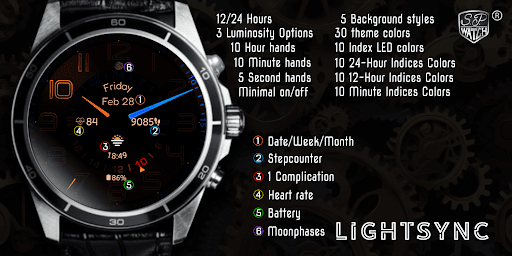
Watch Face Features:
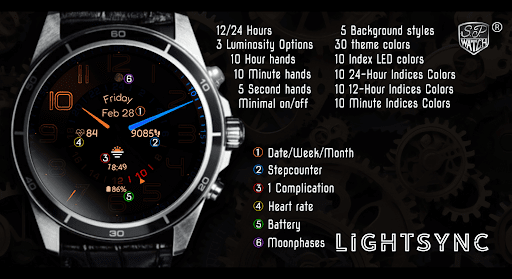
- 12 and 24 analog display
- Heartrate
- Step countér
- Date/Week/Month
- 5 background styles
- 10 hour & 10 minute hands
- 5 second hands
- 1 customizable complication
- 30 Theme colors
- 2 display options - normal and minimal
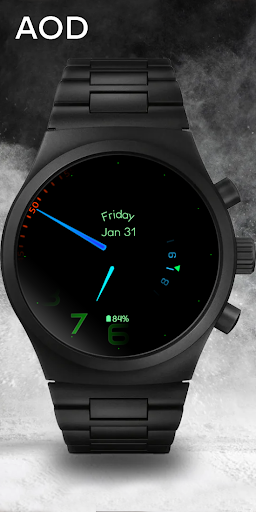
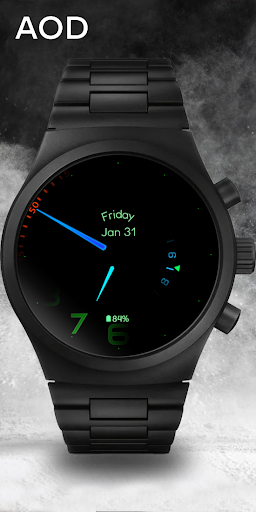
- Always on Display
- the clock hands illuminates the background
Customization:
1 - Tap and hold Display
2 - Tap customize option
3 - Swipe left and right
4 - Swipe up or down
IMPORTANT!
This is a Wear OS Watch Face. It supporting only smartwatch devices which are running with WEAR OS API 30+. For example: Samsung Galaxy Watch 4/5/6/7 and many more.
If you have problems with the installation or download, even though you have a compatible smartwatch, open the supplied companion app and follow the instructions under Installation Guide. Alternatively, write me an e-mail to: mail@sp-watch.de
Privacy
Given that Lightsync requires no permissions, it poses minimal risk to user data and privacy. However, users should still be cautious when installing any app and ensure they're downloading from trusted sources like the official Play Store. It's also a good practice to monitor the app's behavior and update frequency to ensure it continues to meet privacy and security standards.
Tips
To get the most out of Lightsync, users should explore all customization options thoroughly to personalize their Wear OS watch face according to their preferences. Additionally, checking the developer's website for any guides or FAQs can provide insights into hidden features or tips for optimal performance. Regularly checking for updates can also ensure users have the latest features and security patches.
What's New
Version Information
- Version
- -
- Downloads
- 1K+
- Updated on
- Jan 27, 2025
- Released
- Jul 14, 2024
- Requires
- Android Varies with device
Statistics
Google Play Rating History
Rating Distribution
Downloads Over Time
Lightsync has been downloaded times. Over the past 30 days, it averaged downloads per day.
Shaded area shows 30-day prediction based on historical trends
Historical data collection started recently. More data points will be available over time.
Lightsync users say on Google Play
 Richard
Customisation doesn't load most of the time, complications are very small and hard to read.
 William Corey
Won't install, waste of $$$
ApkTrusted Ratings & Reviews
More from SP Watch
See more apps
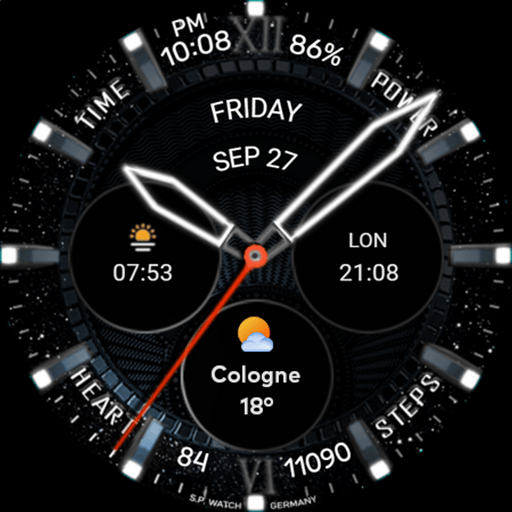


Similar Apps

ML2U 287 Watch Face
Paid
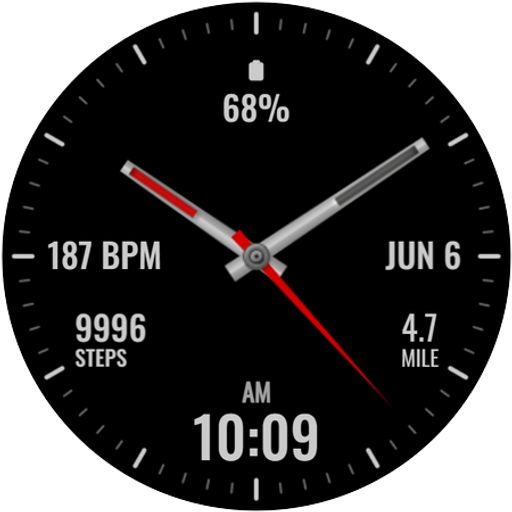
Tancha Simply Black
Paid
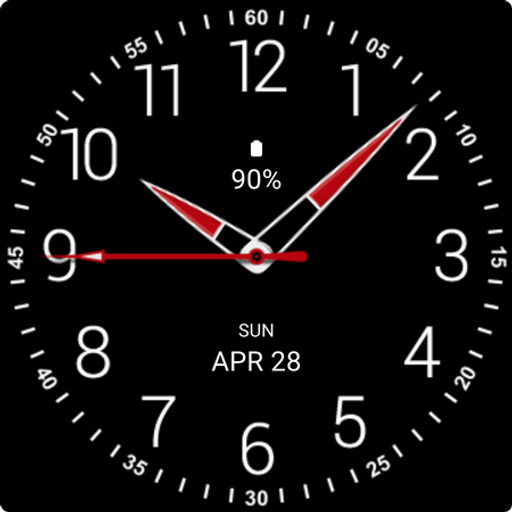
Black Analogue X Watch Face
Paid

Black Analogue S Watch Face
Paid

Elegant Style Watch Face
Paid
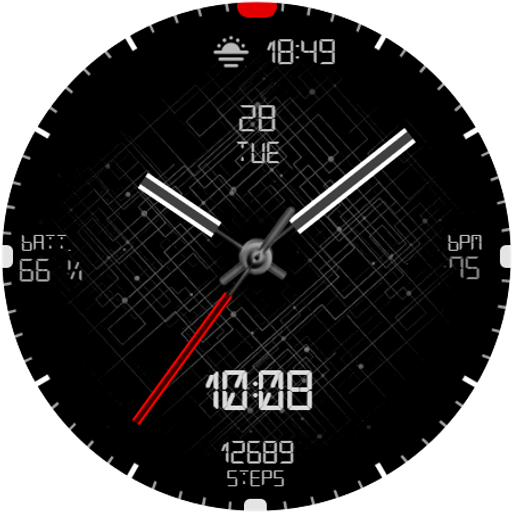
MFT WF 16
Paid
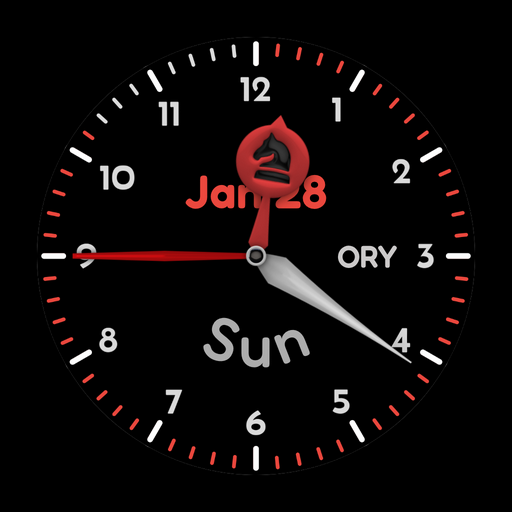
AIR B Watchface for Wear OS
Free
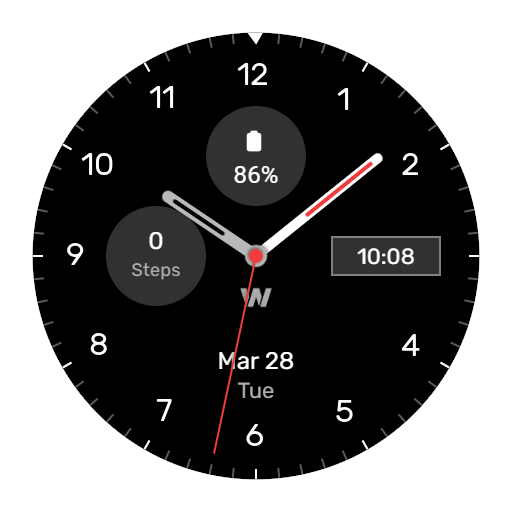
WES2 - Casual Watch Face
Free
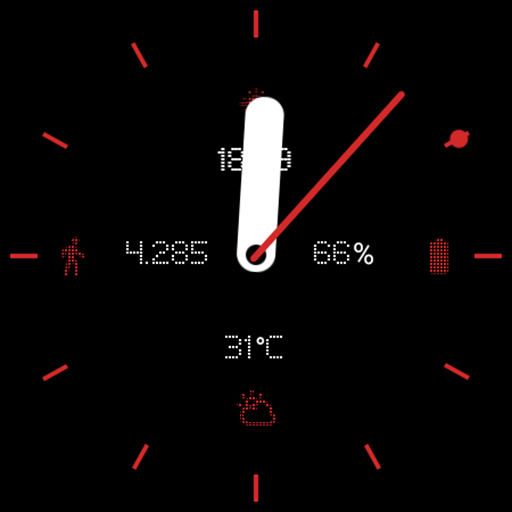
AD Nothing Analog - Watch Face
Paid

Minimal Classic Watch Face
Free

PRADO X15 Hybrid Watch Face
Free
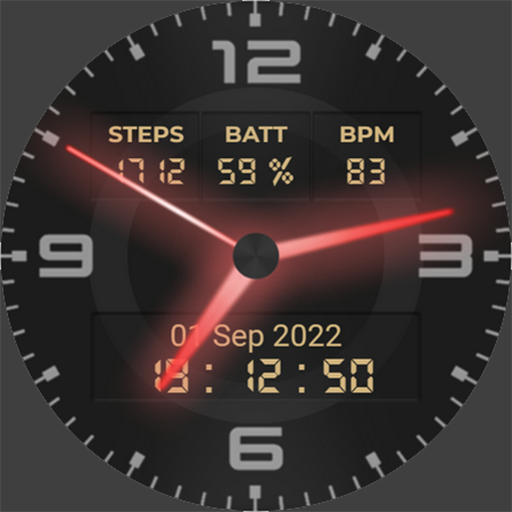
Neon Watchface AKM Wear OS
Free

Hybrid Drag FS05 Watch face
Free

Time Bridge Watch Face
Paid

WIN Classic Army MOD WatchFace
Paid
ASP Watchface
Free
Scan this QR code to download

Forwarding you to the page at Google Play market in seconds...
Open Google Play market now