Brain Work vVARY
Simple App Devloper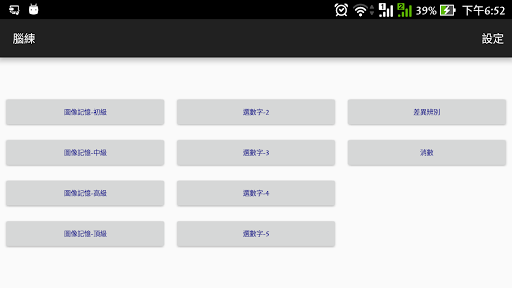
About this app
Developer Description
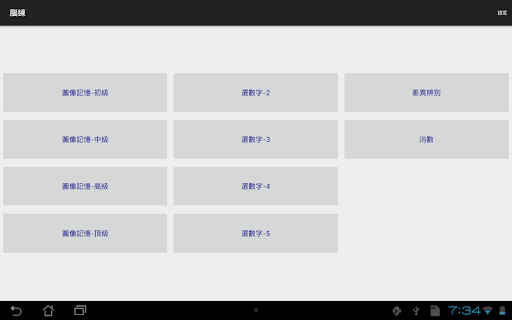
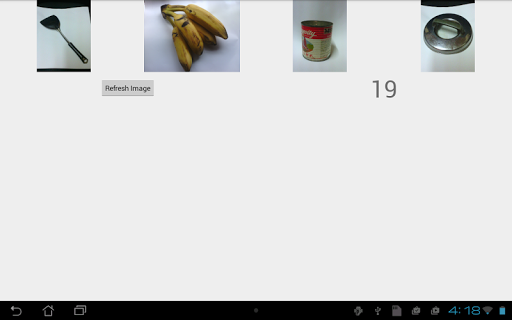
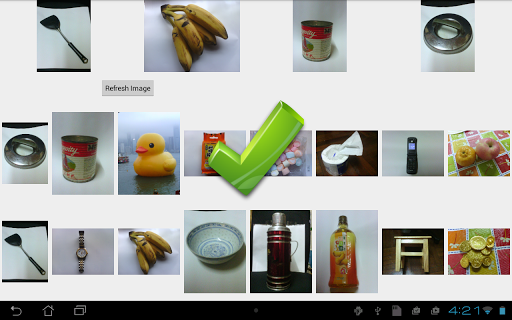
Brain Work has 4 brain exercises, 2 of them using photo, for the elderly
Currently there are 2 exercises related to photos.
1) PhotoMem
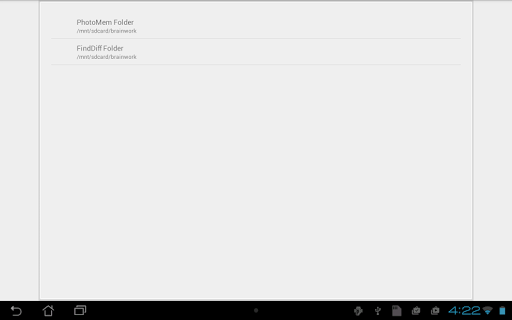
a) one-time photo folder setup
- before first time use, create a folder, say 'bwfolder'
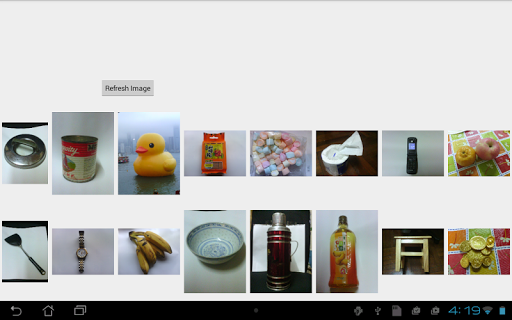
- take photos of common objects in everyday life and put in the folder
(6-16 photos depending on the size of the screen size)
- in the app setting, choose the 'bwfolder' for PhotoMem
b) the exercise
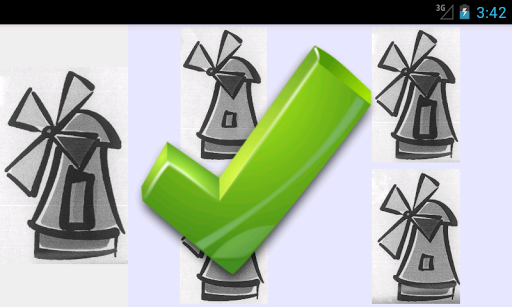
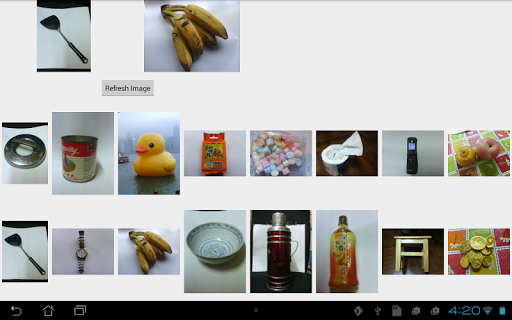
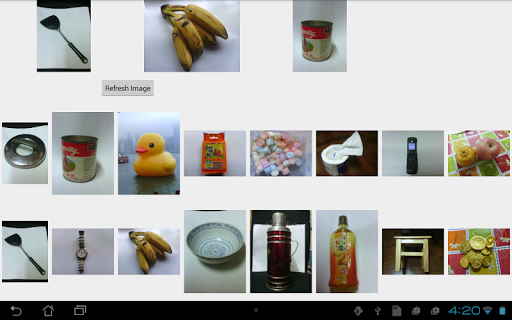
- 2 to 5 image will be selected from the image folder for display in a certain order
- the senior has a few seconds to remember the image objects and the order
- then these images will be hidden and a list of images will be shown for selection
- the senior has to select the matching images from the list in the same order of display to pass the exercise
2) FindDiff
a) one-time photo folder setup
- before first time use, create a parent folder with 3 sub-folders (must be named bw0, bw1, bw2)
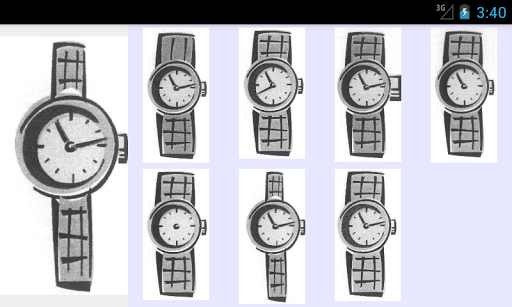
- in each sub-folder, put a set of photos that are similar to each other but with a small but significant different feature
(e.g. a clock with different time, missing needle, ...)
(due to copyright issues, this app cannot supply these sets of photos, but images from paper tests are good references)
- the photos in the sub-folder have to be differed by a little from each other
- there can be 3 groups of photos and each group will be stored under the parent folder with sub-folder names bw0, bw1, bw2.
- in the app setting, choose the parent for FindDiff
b) the exercise
- one image from a set of similar images in a sub-folder is selected
- it will be shown on the left and the whole set of similar images in the same sub-folder are shown on the right.
- the senior has to select in the right list the one that is exactly matched with the left one.
3) Cancel Number
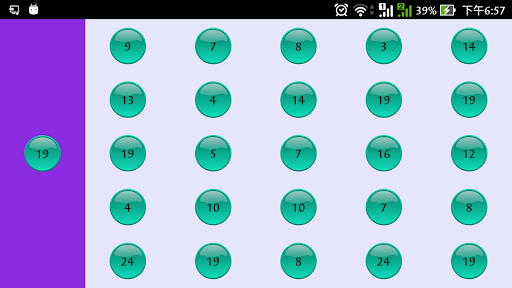
- On the screen, there is a target number on the left side and a matrix of numbers on the right side
- the objective is to click on the number in the matrix that match the target number
- the game finished when all the target number in the matrix are clicked
4) SelectDigit
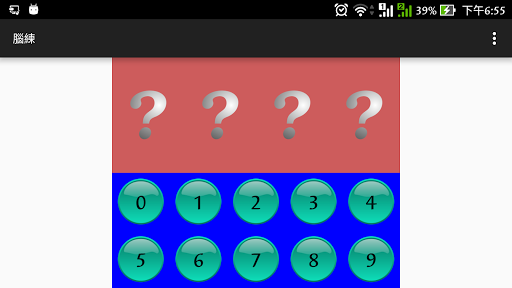
- the app will read out 2-5 digits
- the senior needs to select the digits in the same order to pass the exercise
- there are 5 level of difficulties
- the app can read in Cantonese and English, depending on the device language
This app is an on-going project and new exercises will/may be added whenever the developer has such needs and time allows. And there is no guarantee of quality of any level.
This app is free. To avoid distraction, it has no ads. Anyone who needs brain exercises and have the same problem are welcome to use it. Question on usage or feedback on the exercise are also welcome. But be patient to allow time for the developer to response.
Version Information
- Version
- -
- Downloads
- 100+
- Updated on
- -
- Released
- Mar 17, 2015
- Requires
- Android Varies with device
Statistics
Google Play Rating History
Rating Distribution
Downloads Over Time
Brain Work has been downloaded times. Over the past 30 days, it averaged downloads per day.
Shaded area shows 30-day prediction based on historical trends
Historical data collection started recently. More data points will be available over time.
ApkTrusted Ratings & Reviews
More from Simple App Devloper
See more apps
Similar Apps

RosettaMind
Paid

Stylish Name: Fancy Text Style
Free

Ramadan Calendar 2026 - Iftar
Paid

Habit Circle
Paid

Luckii - Get Luckier Everyday
Paid

Nano Banana Pro Headshot AI
Paid

AR Drawing – Trace & Sketch
Paid

Tattoo AI Design Generator INK
Paid

Progressive Pomo: Focus Timer
Paid

LiveMic: Bluetooth Mic Speaker
Paid

SentientMate
Paid

Funny Ringtones - Ai Sound App
Paid

Text & Image to Video AI Gen
Paid

3D Photo: Imager
Paid

Pawline
Paid

MindSync - Therapy Journal
Free
Scan this QR code to download

Forwarding you to the page at Google Play market in seconds...
Open Google Play market now