
Autumn Magic v1.0.0
StarWatchfaces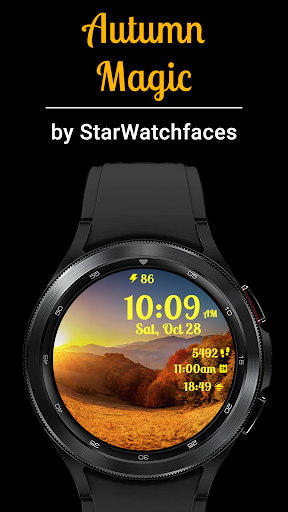
About this app
Developer Description
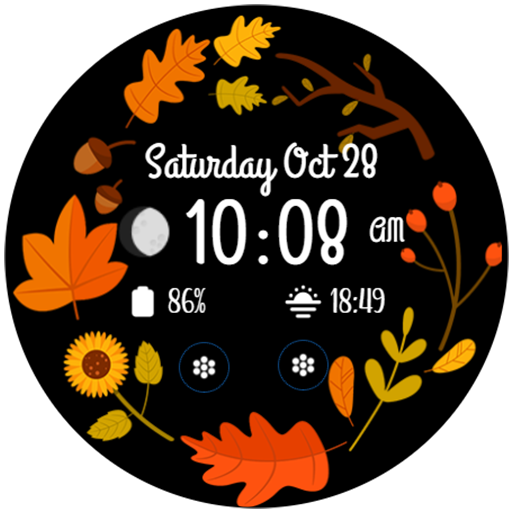
Embrace the breathtaking beauty of autumn with our Autumn Magic watchface!
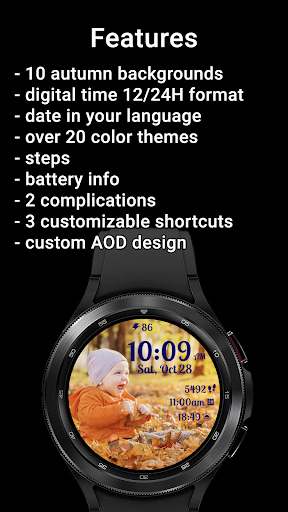
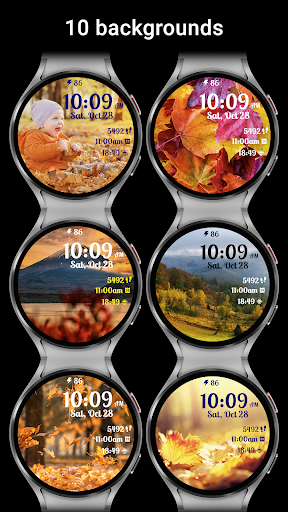
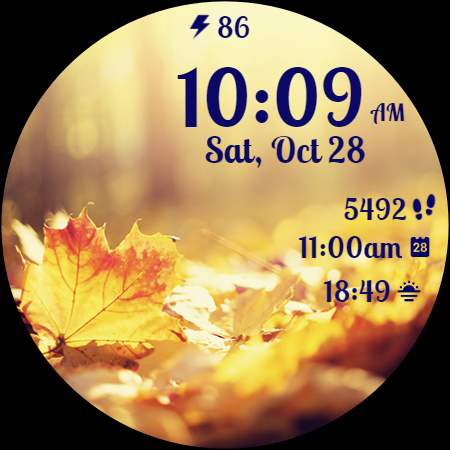
🍂 10 Autumn Nature Background Images 🍂
Immerse yourself in the mesmerizing colors of autumn with a collection of 10 stunning nature-inspired backgrounds. From fiery red leaves to golden forests and serene views, each background offers a unique and picturesque view of the season.
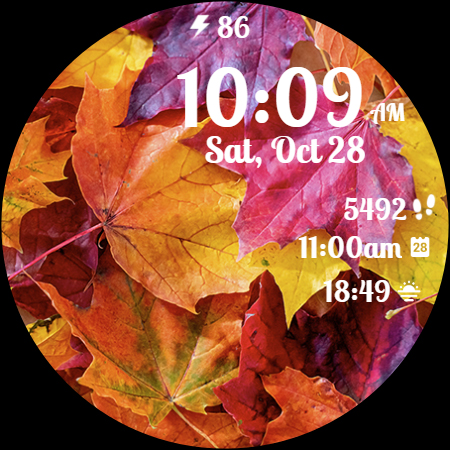
🍂 Customizable Color Themes 🍂
Tailor the appearance of your watchface to match your mood and outfit with over 20 color themes. Match the time, date, and complications text colors to seamlessly blend with the chosen background, creating a harmonious and stylish look.
🍂 Health Data Complications 🍂
Stay on top of your fitness goals with two customizable complications that can display a range of health data, including heart rate, calories burned, and more. Monitor your well-being right on your wrist, all while enjoying the beauty of autumn.
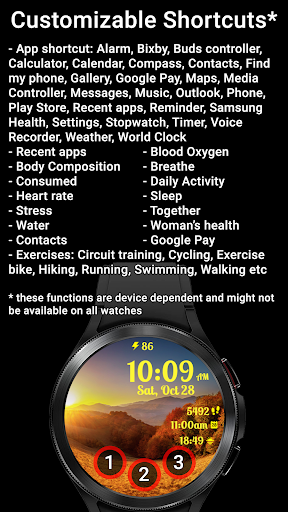
🍂 Shortcut Functionality 🍂
Effortlessly access your favorite apps with three customizable shortcuts. Whether it's your fitness tracker, music player, or messaging app, you can launch them with a single tap, saving you time and enhancing your smartwatch experience.
🍂 Time Format and Date in Device Language 🍂
The time can be displayed in 12-hour or 24-hour time format, based on your device settings and the date will be automatically displayed in your device's language, ensuring convenience and ease of use.
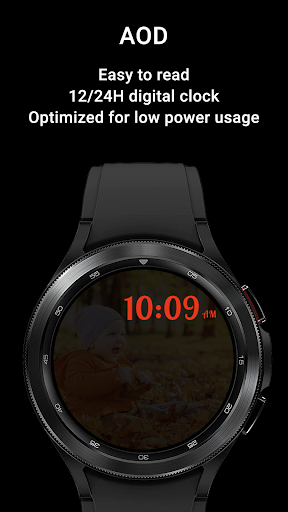
🍂 AOD Screen Optimization 🍂
Enjoy a watchface that's optimized for low battery usage, ensuring your smartwatch remains powered throughout the day. The Always-On Display (AOD) screen maintains the elegance of Autumn Magic while conserving battery life.
With Autumn Magic, your wrist becomes a canvas showcasing the unparalleled beauty of autumn, combined with the functionality and customization options you need for a seamless and personalized smartwatch experience. Step into the world of Autumn Magic and make every moment of the season truly enchanting!
To customize the watchface:
1. Press and hold on the display
2. Tap the Customize button to change the background image, the colors for time, date and stats, data for complications to display and the apps to launch with the custom shortcuts.
Customize the watchface as you wish: choose the background you like the most, choose the best looking color theme for time, date and stats, select the data you want for the 2 customizable complications, select your desired apps to launch using the 3 customizable shortcuts and enjoy using the watchface! Check the screenshots from the store listing to better understand where the shortcuts are placed.
If you have issues installing the watchface, Samsung provided a detailed tutorial here: https://developer.samsung.com/sdp/blog/en-us/2022/11/15/install-watch-faces-for-galaxy-watch5-and-one-ui-watch-45
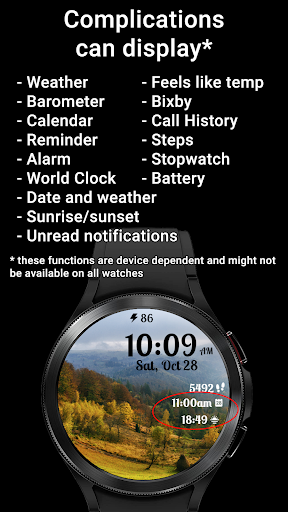
The complications can display*:
- Weather
- Feels like temp
- Barometer
- Bixby
- Calendar
- Call History
- Reminder
- Steps
- Date and weather
- Sunrise/sunset
- Alarm
- Stopwatch
- World Clock
- Battery
- Unread notifications
To display the data you want, tap and hold on the display, then press the Customize button and choose the data you want for the 2 complications.
* these functions are device dependent and might not be available on all watches
To display the shortcut you want, tap and hold on the display, then press the Customize button and choose the shortcut you want for the 3 customizable shortcut slots.
For more watchfaces, visit our website.
Enjoy!
What's New
Version Information
- Version
- 1.0.0
- Downloads
- 100+
- Updated on
- Aug 11, 2025
- Released
- Oct 10, 2023
- Requires
- Android Varies with device
Statistics
Google Play Rating History
Rating Distribution
Downloads Over Time
Autumn Magic has been downloaded times. Over the past 30 days, it averaged downloads per day.
Shaded area shows 30-day prediction based on historical trends
Historical data collection started recently. More data points will be available over time.
Autumn Magic users say on Google Play
 S P
S P
Perfect New England Fall Watch Face exactly what I wanted!
ApkTrusted Ratings & Reviews
More from StarWatchfaces
See more apps
Animated Autumn Scenes
Paid

Animated Christmas Tree
Paid

Animated Winter Scenes
Paid

Aurora Borealis
Paid

Angel of Death: Halloween face
Free
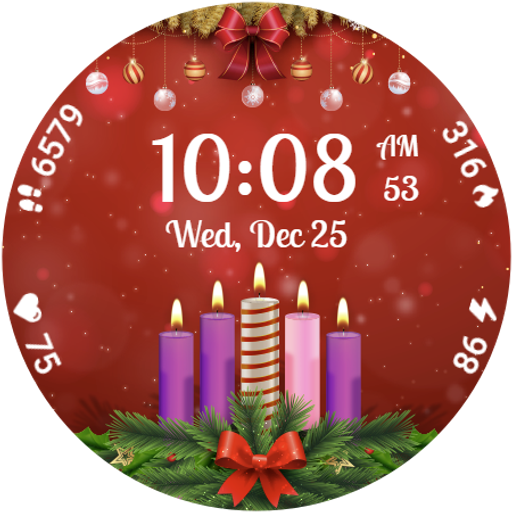
Advent Wreath Animated
Paid

Animated Summer Pool
Paid

Advent Calendar
Free
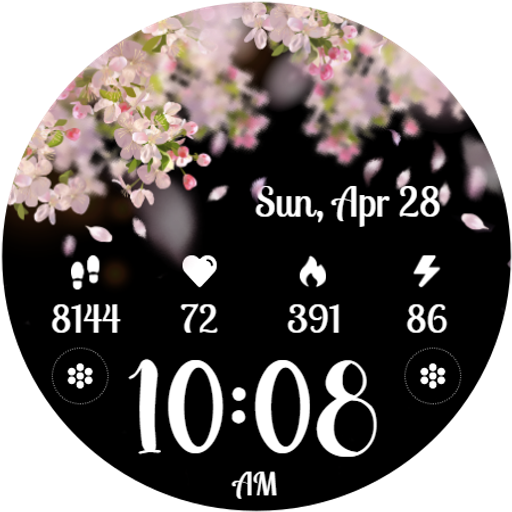
Cherry Petals
Paid

Autumn Falling Leaves
Paid

Autumn Flowers
Free

Autumn Tales: Mr. Squirrel
Paid

Autumn Vibes
Free

Beach Waves
Paid
Cherry Petals
Paid

Christmas Analog Edition
Paid
Similar Apps
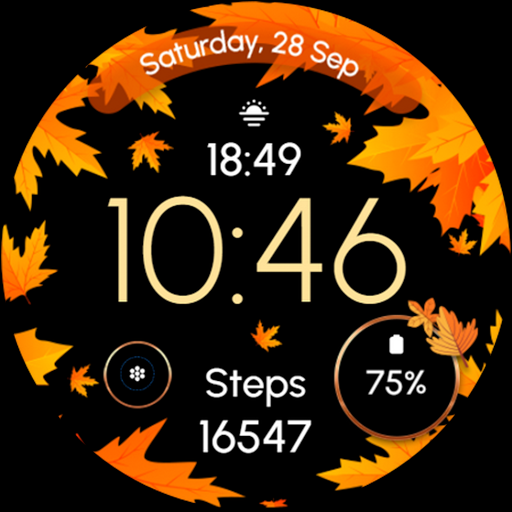
ReS51 - Autumn & Winter Watch
Free
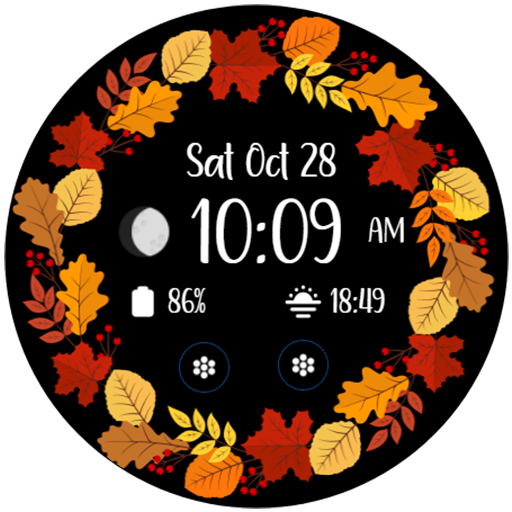
Autumn Floral 2
Paid

ReS50 - Autumn & Winter Vibes
Paid

Autumn & Winter Watch - ReS45
Free

Autumn Bliss
Paid
Hello Autumn
Paid

5W021 Autumn Season Forest
Free

Autumn Bloom
Free

Autumn Frame & Halloween
Free

TVV Autumn Digital Watch Face
Paid

TVV Autumn 5 Watch Face
Free

Green Veil - Watch Face
Free

Pumpkin Steps fall watch face
Paid

Sunset Trees - Watch Face
Free

Autumn Watch Face Animated
Paid

TVV Autumn 2 Watch Face
Paid
Scan this QR code to download

Forwarding you to the page at Google Play market in seconds...
Open Google Play market now