
GiMP IMAGE EDITOR vVARY
Photo & Video Tools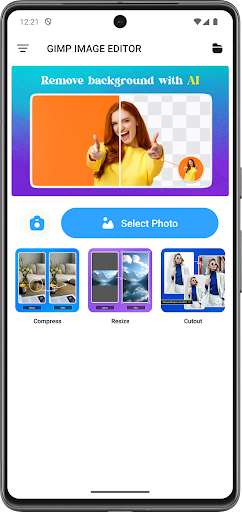



About this app
Developer Description
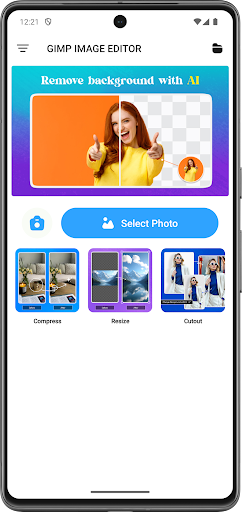
GiMP Image Editor app for image manipulation and photo editing needs!
Easily edit photos of any kind - selfies, food, architecture, scenery, and fashion. Use items like masks, fonts, captions, quotes, watermarks, and memes that you create in the app. Add beautiful typography & artwork, apply stunning filters and photo effects, and add an ever-growing collection of shapes, light FX, textures, borders, patterns, and more to your photos and share them to your favorite social networks.
The beauty of GiMP IMAGE EDITOR is that you don't have to be a professional photographer or a graphic artist to create professional looking results. This app is designed to be easy and quick to use so anyone can benefit from it.
Photo Editing Features:
Typography
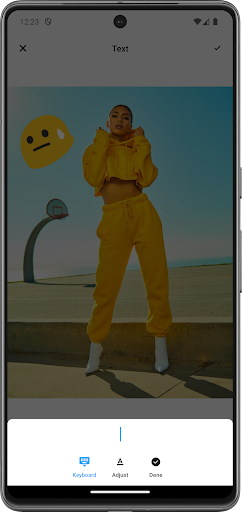
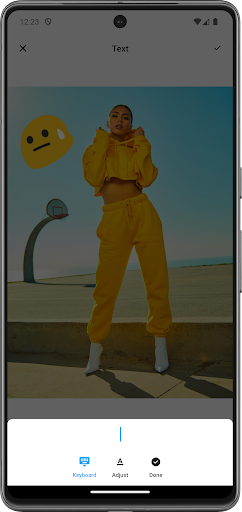
• Choose from a collection of stunning text fonts to add to your photos, made by some of the world’s best designers.
• Easily resize, rotate, and adjust text opacity.
• Multiple text layers to create beautiful typography.
• Add drop-shadows to your text.
This robust GiMP IMAGE EDITOR app allows you to create unlimited fun, quirky, or professional photo edits. After installing this app, you will have access to the perfect photo editor for Instagram and for creating beautiful and unique pictures right at your fingertips. Easily upload, edit, and share as many photos as you want, whenever you want. No previous design experience or knowledge is needed to use our photo editing app.
Version Information
- Version
- -
- Downloads
- 100K+
- Updated on
- -
- Released
- Apr 24, 2025
- Requires
- Android Varies with device
Statistics
Google Play Rating History
Rating Distribution
Downloads Over Time
GiMP IMAGE EDITOR has been downloaded times. Over the past 30 days, it averaged downloads per day.
Shaded area shows 30-day prediction based on historical trends
Historical data collection started recently. More data points will be available over time.
GiMP IMAGE EDITOR users say on Google Play
 Yash Rajput
nice app
 Anthony Hardin
GiMP made it easy, quick and simple for me to resize images. I want to give 5 🌟 but 🤔 I can't figure out why image files are not shared by email.
 sirach randal
not many features compared to proper gimp. lots of pop ups. gimp for other operating systems is great, this one poorly features and usability.
 Rick Henderson
Way too many and too long adds. A lot of times just for a really simple thing like a crop I have to sit through a 30-second ad and then it goes to another ad and forces me into another 7 to 10 seconds. Absolutely ridiculous. I understand that you need to pay for the app but it's just way over the top with the ads. Completely over the top. Did I mention it's over the top?
 Tony Travlos
This is not the Gnu Image Manipulation Program! Do yourself a favor and search outside of the Play Store GIMP if that's what you want to install. And watch out - there's no "uninstall" button in the play store. You have to use settings to remove it.
ApkTrusted Ratings & Reviews
Scan this QR code to download

Forwarding you to the page at Google Play market in seconds...
Open Google Play market now