
Stylish Icon Changer vVARY
Bamboo Interactive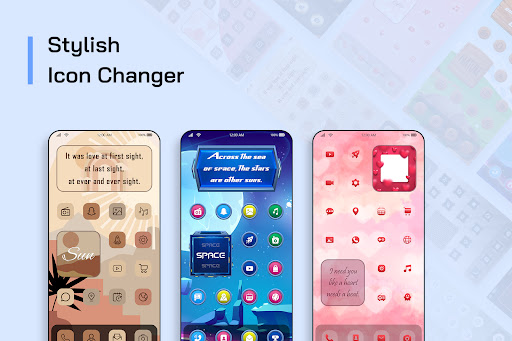
About this app
Developer Description
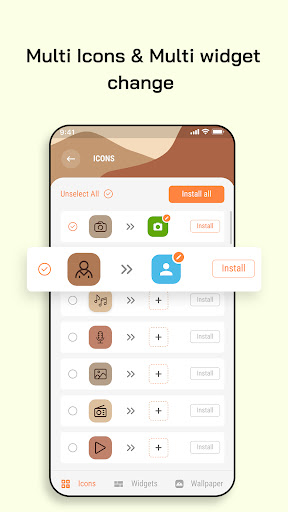
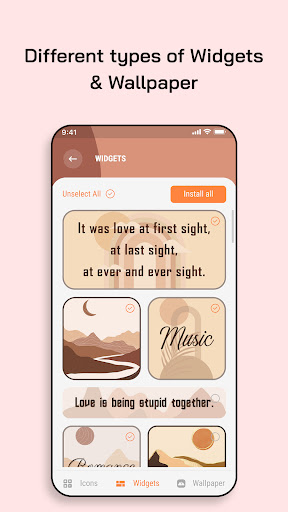
Transform the android phones home screen with stylish icons, widgets & wallpaper
If it's your yes, then, Stylish Icon Changer will allow decorating android phones with the stylish icon.
Icon changer app helps to customize icons and make your home screen look attractive.
How to change the icons?
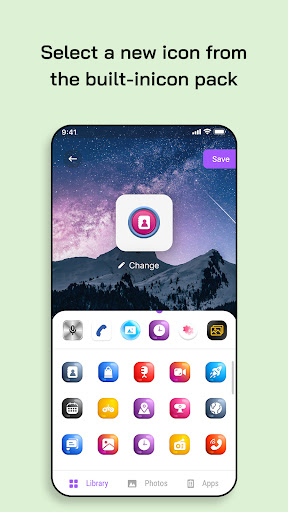
- Select the app icon to change.
- Pick the app icon from the library or photo gallery or camera or apps.
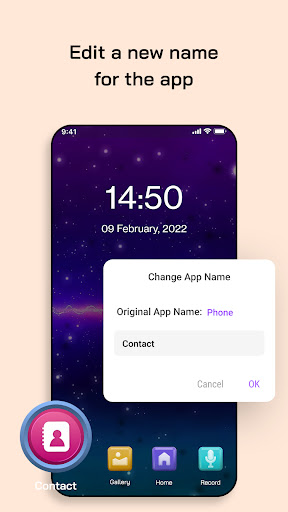
- You can set desired app name and save changes.
- Click on 'Add' to set the icon on the home screen.
How to change theme?
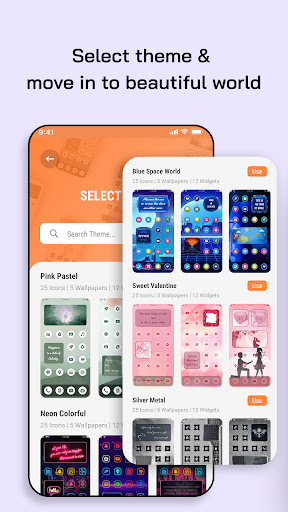
- Search and select the theme from the list.
- Click on use.
- Select the icons to be changed.
- Click on install to use them.
- Add the widget on the screen.
- Select the wallpaper from the wallpaper and set it on the screen.
Version Information
- Version
- -
- Downloads
- 5K+
- Updated on
- -
- Released
- May 12, 2022
- Requires
- Android Varies with device
Statistics
Google Play Rating History
Rating Distribution
Downloads Over Time
Stylish Icon Changer has been downloaded times. Over the past 30 days, it averaged downloads per day.
Shaded area shows 30-day prediction based on historical trends
Historical data collection started recently. More data points will be available over time.
Stylish Icon Changer users say on Google Play
 Cat Happened
Idk yet
 Tristan Burnett
the unbearable watermark ruins the whole point of using this app. Not recommended
ApkTrusted Ratings & Reviews
More from Bamboo Interactive
See more apps
iOS 16 Style Custom Widgets
Free
Always ON Analog Digital Clock
Free
Seasonal Colors - Match & Find
Free

Image to PDF Doc
Free
Emoji Text Maker for Chat
Free
All Document Reader & Viewer
Free

Opus Audio Player & Converter
Free
Web to MHTML Viewer
Free
Find My lost Bluetooth Earbuds
Free

3D HD Gun Live Wallpaper
Free
Similar Apps







Scan this QR code to download

Forwarding you to the page at Google Play market in seconds...
Open Google Play market now