
Cast for Chromecast & TV Cast v54.0
Starnest JSC
About this app
Cast for Chromecast & TV Cast solves the problem of screen mirroring and casting content to smart TVs, benefiting users who own Roku, Fire TV, or Chromecast devices. Compared to alternatives in the Tools category, this app stands out with its high user rating and moderate download numbers, indicating a well-received and reliable solution. However, the lack of permissions requested by the app raises questions about its functionality and potential data collection. The app's performance and feature set make it a strong contender, but its aggressive monetization model may be a turn-off for some users.
Pros
- The app has a high user rating of 4.3/5, indicating a well-designed and functional tool that meets users' needs.
- With over 100,000 downloads, the app has moderate social proof, suggesting a reliable and trustworthy solution for screen mirroring and casting.
- The app's feature set, including support for multiple devices and fast DLNA casting, makes it a versatile and convenient tool for users.
- The developer, Starnest JSC, has a website and email address listed, providing a level of transparency and accountability.
- The app's small size and lack of permissions requested suggest a lightweight and efficient solution that won't bog down users' devices.
Cons
- The app's aggressive monetization model, with in-app purchases ranging from $4.99 to $40.99, may be a turn-off for users who are sensitive to ads and paid upgrades.
- The lack of permissions requested by the app raises questions about its functionality and potential data collection, as it may be collecting user data through other means.
- Some users may experience compatibility issues with certain devices or platforms, which could impact the app's performance and overall user experience.
- The app's contains ads, which may be annoying for some users and impact the overall user experience.
Best for: The ideal user for this app is a tech-savvy individual aged 25-45 who owns a smart TV and wants to cast content from their Android device, has a moderate level of technical expertise, and is willing to pay for premium features or tolerate ads in exchange for a reliable and convenient screen mirroring solution.
Developer Description
Screen Mirroring, cast for Roku, fire TV & TV cast to smart TV- Fast & DLNA
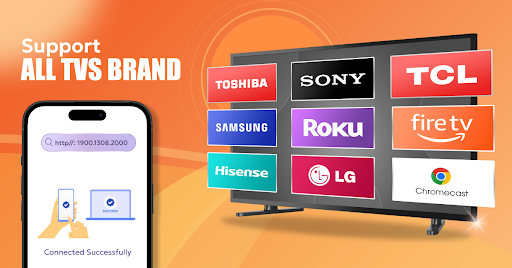
TV Cast & Cast for Chromecast app also helps you enjoy your library on any kind of smart TV like TV cast for Chromecast, Roku, Fire TV, TV cast for Samsung, LG TV, and more. With the TV Cast & Cast for Chromecast app, you are no longer annoyed because the screen is too small, greatly affecting your eyes. Screen mirroring helps you enjoy sitting anywhere just looking at the screen.
With Chromecast, Roku, and Fire TV integration, our TV Cast & Cast for Chromecast app extends your device's capabilities by enabling you to cast a wide array of content directly to your television. Our TV Cast & Cast for Chromecast app ensures your experience is seamless, vibrant, and dynamic.
Key Features:
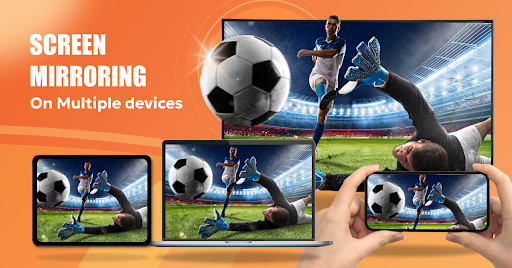
Screen Mirroring: Screen mirroring from a phone to a TV. Effortlessly project your device's screen onto a larger display.
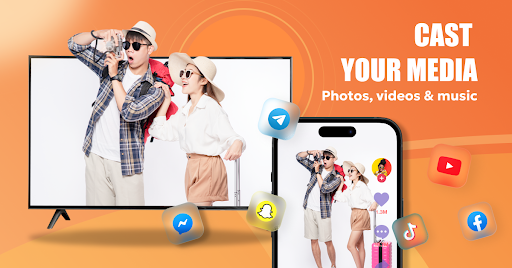
Cast Photos: Share your cherished memories on the big screen by mirroring your photos with just a tap, making gatherings and special moments even more memorable.
Cast Videos: Immerse yourself in entertainment as you cast videos from your device to the TV, bringing your favorite content to life with stunning clarity.
Cast Music: Elevate your auditory experience by wirelessly streaming music from your device to your sound system
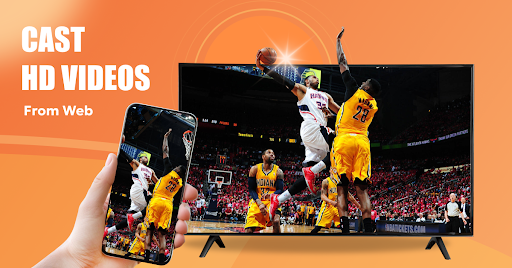
Cast Web Videos: Explore the vast realm of online videos on a grand scale as you seamlessly cast web content onto your TV, expanding your viewing options.
Google Drive Cast: Access your cloud-stored media with ease by casting content directly from your Google Drive, giving you instant access to your personal library.
Cast YouTube: Dive into the world of viral videos, tutorials, and entertainment by effortlessly casting YouTube videos to your TV, keeping everyone engaged.
TV cast is now available for all Chromecast products including Chromecast, Chromecast Audio, and TVs with Chromecast built-in.
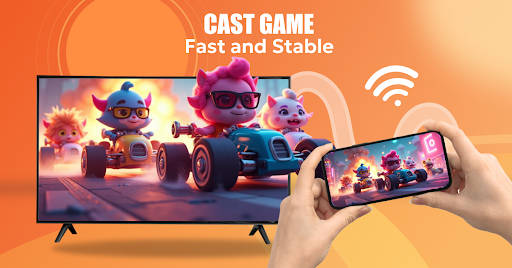
Using screen mirroring while doing presentations, playing games, surfing social networks. With its seamless synchronization, versatile compatibility with Chromecast, Roku, and Fire TV, and the dynamic world of screen mirroring and TV cast at your fingertips, your television experience is poised to reach new heights. Discover a new dimension of entertainment with our TV Cast & Cast for Chromecast app today.
Privacy
Given the app's lack of permissions requested, users should be cautious about the potential for data collection through other means, such as tracking user behavior or collecting device information. To minimize risks, users should review the app's terms of service and privacy policy, and consider using a VPN or other security measures to protect their data. Additionally, users should be aware of the app's in-app purchases and ads, and take steps to limit their exposure to unwanted content.
Tips
To get the most out of this app, users should first ensure that their device and smart TV are connected to the same network, and then follow the in-app setup instructions to configure the casting settings. Users can also optimize performance by closing other resource-intensive apps and ensuring that their device has a stable internet connection. Additionally, users can explore the app's settings and features to discover hidden functionality, such as support for multiple devices or advanced casting options.
What's New
In-app purchases
$4.99 - $40.99 per item
Version Information
- Version
- 54.0
- Downloads
- 100K+
- Updated on
- Oct 23, 2025
- Released
- Aug 26, 2023
- Requires
- Android 9
Statistics
Google Play Rating History
Rating Distribution
Downloads Over Time
Cast for Chromecast & TV Cast has been downloaded times. Over the past 30 days, it averaged downloads per day.
Shaded area shows 30-day prediction based on historical trends
Historical data collection started recently. More data points will be available over time.
Cast for Chromecast & TV Cast users say on Google Play
 Konstance Johansen
Impressively easy
 Jedideah Pryor
it's a good app
 HOLYST LEAHREMINI
HolyCHROME
 ryan flores
I don't want to pay
 sora cullen
Good app just annoying that you have to pay in order to share your screen. What's the point of saying we can connect our phone to different devices then contradicting yourself by constantly throwing in the user's face they have to pay in order to connect
ApkTrusted Ratings & Reviews
More from Starnest JSC
See more apps
Invitation Card Maker & RSVP
Free

Study Tutor: AI Math - Chis
Free
Kebo Keyboard : Emoji, Fonts
Free

Cute Calendar Schedule Planner
Free

Cute Notes Notebook & Organize
Free

Email: AI Email, Mail Cleaner
Free
TV Remote: Universal Remote
Free

Themes : Wallpapers & Widgets
Free

Mood Journal: Habit Tracker
Free

Voice Recorder
Free
Authenticator App
Free
Cute Grocery & Shopping List
Free

VPN - Fast Secure & Privacy
Free
Password Manager Authenticator
Free

SweetKey: Love Advisor & Chat
Free

AR Ruler: Tape Measure Tools
Free
Similar Apps

HQ Video Player & Casting
Paid

Video Downloader & HLS Player
Free

Smart Switch - File Transfer
Paid

Video Downloader & HD Player
Paid

Earth Map App - Live Cam View
Paid

Video Recorder
Paid

Home V
Free

DramaFlix: Stream Drama Short
Paid

Yubii Home
Free

Yatse: Kodi remote and cast
Free
Groundwire: VoIP SIP Softphone
Paid

Castro Premium - system info
Paid

Nedis SmartLife
Free

SuperCam Plus
Free
Nest
Free
Scan this QR code to download

Forwarding you to the page at Google Play market in seconds...
Open Google Play market now