
TVV Minimal 2 Watch Face vVARY
ThemeVerse Visuals




About this app
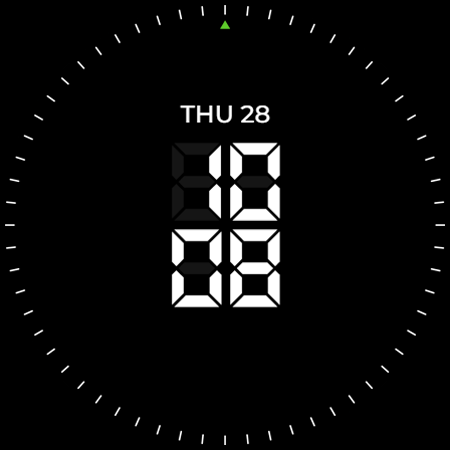
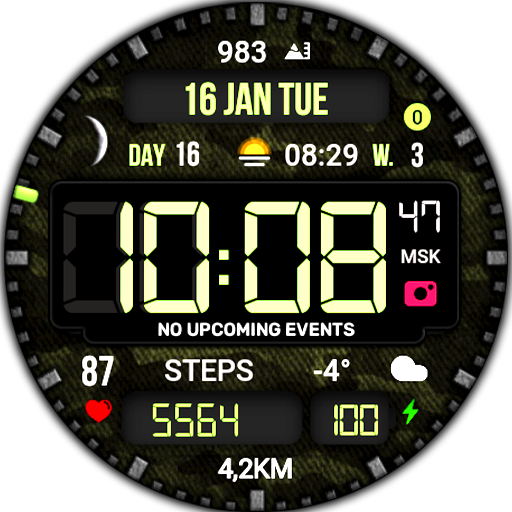
The TVV Minimal 2 Watch Face app solves the problem of bland and cluttered watch faces by providing a sleek, digital minimal design. This app benefits users who value simplicity and modern aesthetics, particularly those with smartwatches. Compared to alternatives in the Personalization category, TVV Minimal 2 stands out with its unique design, but falls short in terms of customization options and user ratings data. Its paid model without ads is a significant advantage, ensuring an uninterrupted user experience.
Pros
- The app's minimal design is a significant advantage for users who prefer a clean and simple watch face, making it easy to read and understand at a glance.
- With no ads and a one-time payment model, users can enjoy an uninterrupted experience without the annoyance of advertisements or in-app purchases.
- The developer's focus on visuals, as indicated by their name ThemeVerse Visuals, suggests a strong attention to detail in the design of the watch face, which could appeal to users seeking high-quality visuals.
- The lack of permissions requested by the app is a major pro, as it indicates a low risk of data collection or privacy breaches, making it a trustworthy choice for users concerned about their personal data.
- The app's offline capability, implied by the lack of required permissions, means users can enjoy their watch face without needing a constant internet connection, which is convenient for daily use.
Cons
- A significant concern is the lack of user ratings and reviews, which makes it difficult for potential users to gauge the app's quality and performance based on social proof.
- The app's limited customization options might be a drawback for users who prefer to personalize their watch faces extensively, potentially limiting its appeal to a broader audience.
- The fact that the app requires varying Android versions and has varying sizes might indicate inconsistencies in its development or compatibility issues across different devices, which could affect its performance and user experience.
- Without a developer website or more extensive contact information, users might find it challenging to report issues or request features, which could impact the app's support and update frequency.
Best for: The ideal user for the TVV Minimal 2 Watch Face app is a tech-savvy individual, likely between the ages of 25 and 45, who values modern design, simplicity, and has a basic understanding of smartwatch customization, seeking a unique and clutter-free watch face experience without the hassle of ads or complex setups.
Developer Description
Digital minimal watch face design.
- Digital minimal watch face design.
- For complications:
1. Touch and hold the display
2. Tap on customize option
- It contains:
- Digital Clock - 12h/24h
- Date
- 4 Changeable Complications
- 4 Changeable Shortcuts
- 1 Preset Shortcut - tap to open app
• Calendar
- Always on Display (AOD) - 2 styles
About Heart Rate:
- The watch measures the heart rate automatically every 10 minutes.
- Heart Rate app shortcut only for compatible devices.
About Always on Display (AOD)
- AOD Styles are not previewed in the same way as backgrounds and colors, but can be changed following the same steps.
Important Note:
- Certain devices may not support all the features and 'Open App' action.
- If you want to hide the Customizable Shortcuts, but keep their functionality ON,
go to ‘Shortcuts On/Off’ and choose your desired background. The shortcuts will open the assigned App, but will remain hidden.
Privacy
Given that the TVV Minimal 2 Watch Face app requests no permissions, it poses a minimal risk to user data and privacy. However, users should still be cautious when installing any app, ensuring they are downloading from trusted sources like the Play Store or ApkTrusted.com. Regularly reviewing the app's permissions and updates can also help maintain privacy and security.
Tips
To get the most out of the TVV Minimal 2 Watch Face, users should first ensure their smartwatch is compatible with the app's requirements. Setting up the watch face is straightforward, but exploring the app's settings for any available customization options can enhance the user experience. Additionally, users can optimize the app's performance by ensuring their smartwatch's software is up to date and closing unnecessary apps to conserve battery life.
What's New
- Added the option to hide the 'Second' indicator
- Changed the movement effect for 'Second' from 'Tick' to 'Sweep'
- Added a secondary Always on Display style
Version Information
- Version
- -
- Downloads
- 100+
- Updated on
- Jul 29, 2025
- Released
- Mar 15, 2024
- Requires
- Android Varies with device
Statistics
Google Play Rating History
Rating Distribution
Downloads Over Time
TVV Minimal 2 Watch Face has been downloaded times. Over the past 30 days, it averaged downloads per day.
Shaded area shows 30-day prediction based on historical trends
Historical data collection started recently. More data points will be available over time.
ApkTrusted Ratings & Reviews
More from ThemeVerse Visuals
See more apps
TVV06 Elegant Watch Face
Paid
TVV Digital 6 Watch Face
Paid
TVV Floral Digital Watch Face
Paid
TVV Fitness Watch Face
Free
TVV Saint Patrick's Day 2
Free
TVV Saint Patrick's Day 3
Free
TVV Workout 3 Watch Face
Free
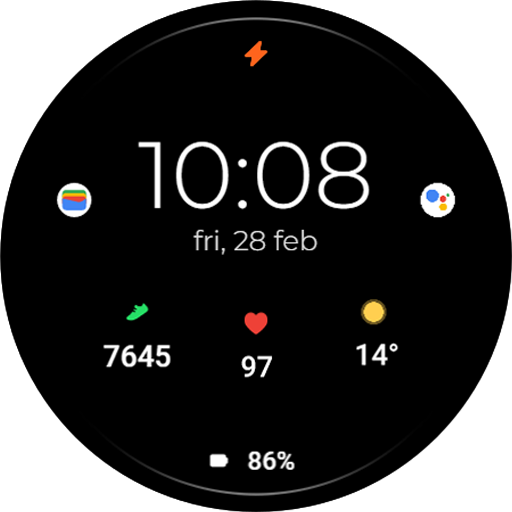
TVV Minimal 5 Watch Face
Paid
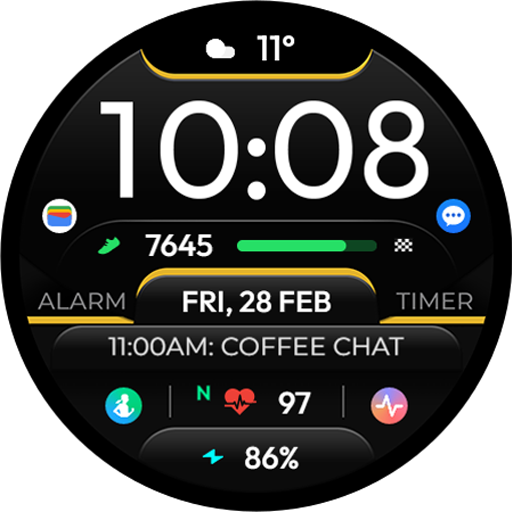
TVV Sport 6 Digital Watch Face
Paid
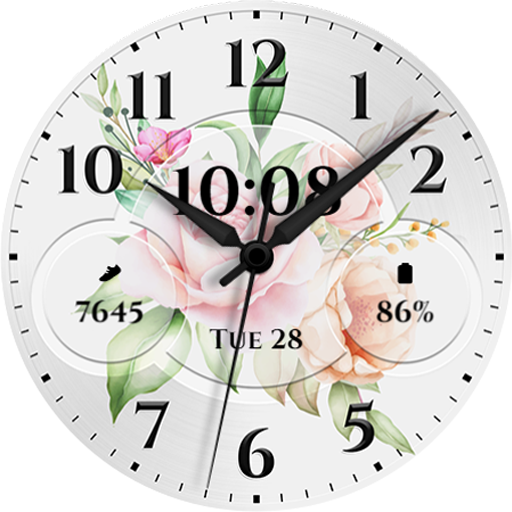
TVV Analog Spring Watch Face
Free

TVV Easter 3 Watch Face
Free

TVV Easter 4 Watch Face
Free

TVV Easter 5 Watch Face
Free

TVV Dynamic Earth Watch Face
Free
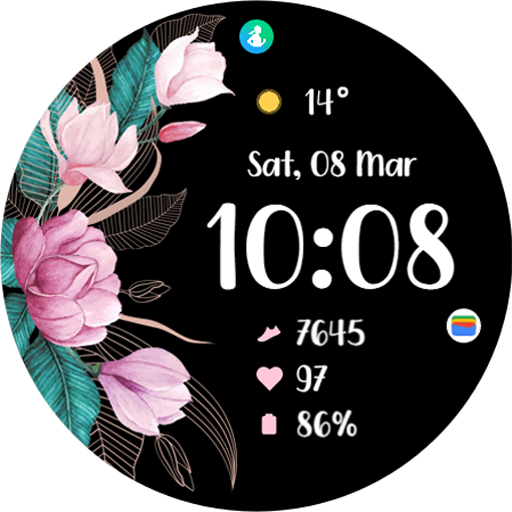
TVV Spring 2 Watch Face
Free

TVV Sport 7 Digital Watch Face
Free
Similar Apps

Minimal 70 Digital Watch Face
Paid

Minimal 69 Digital Watch Face
Free
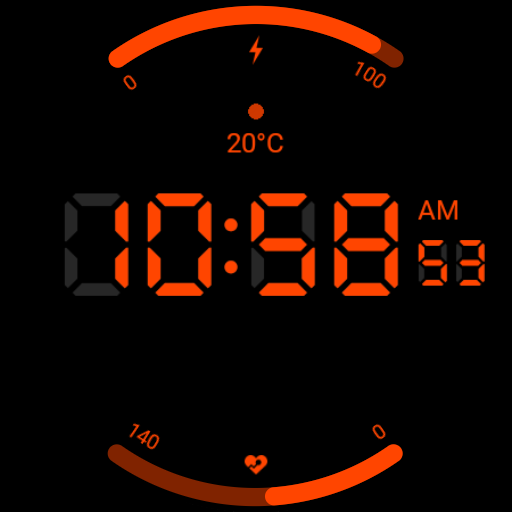
Super Digital Watch Face
Free

Minimus Digitalis Watch Face
Paid
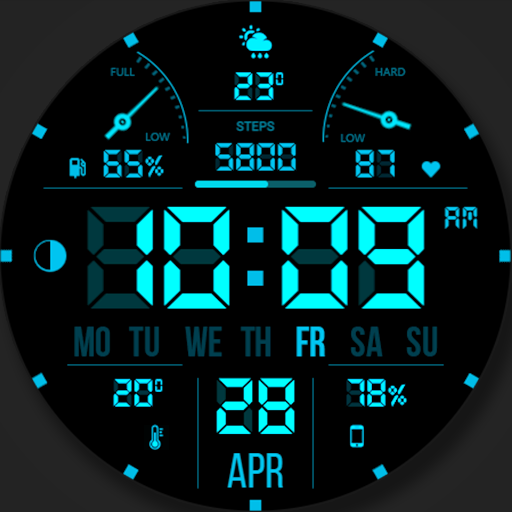
WFP 104 LCD watch face
Free
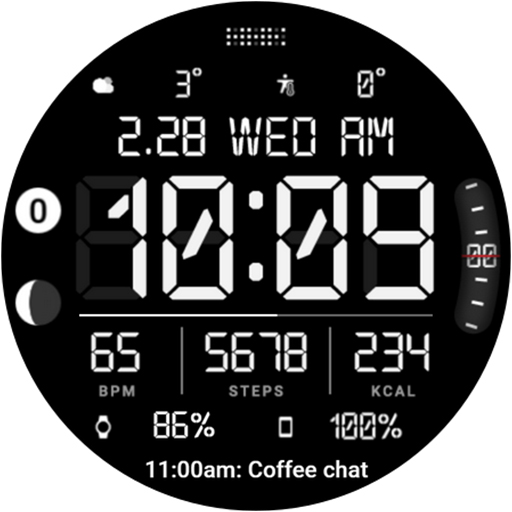
HMKWatch Digital 371
Free
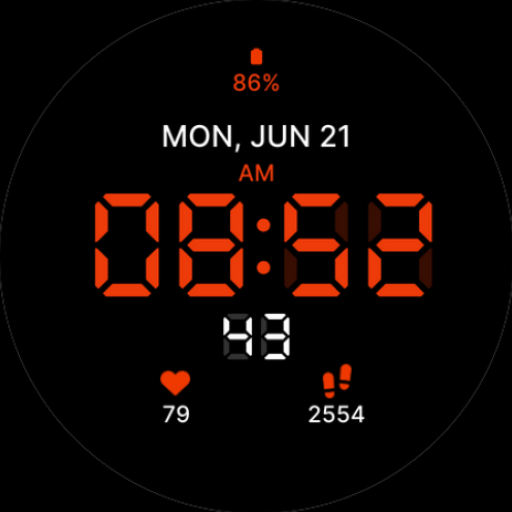
Digital LED Watch Face
Free

Regarder Minimal 62
Paid
Digital Mod Black watchface
Free

MW34 Minimal Digital Watch
Free

LCD Watch face
Free

Minimal Watch Face Black X
Free

GRBL Nothing 2 Glyph Watchface
Free

GRBL Nothing Bars V Watchface
Paid

HMKWatch Digital 050
Paid

MW44 Digital Watch
Free
Scan this QR code to download

Forwarding you to the page at Google Play market in seconds...
Open Google Play market now