
Status Saver and Tools vVARY
InnovoSoft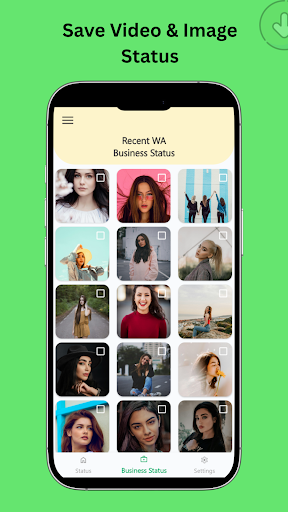



About this app
Developer Description
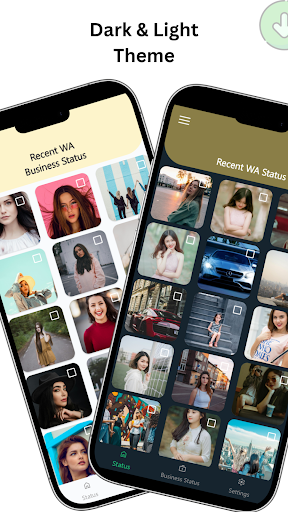
Status Saver and Video Downloader - Save Status Direct Chat and Recover Messages
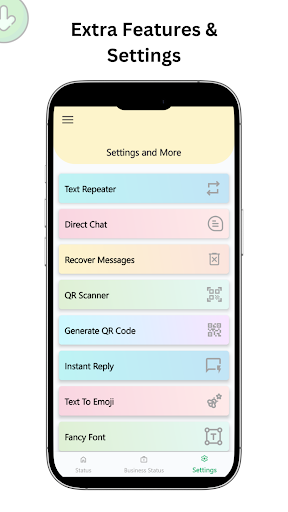
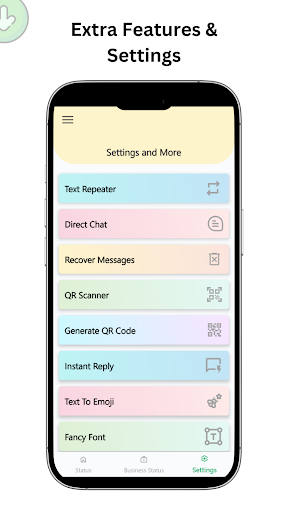
The app also includes a QR code generator and scanner, direct chat to unsaved numbers, a text repeater, a stylish font generator, and a text-to-emoji converter. With support for multiple languages and a clean, user-friendly interface, managing your content has never been easier.
Key Features:
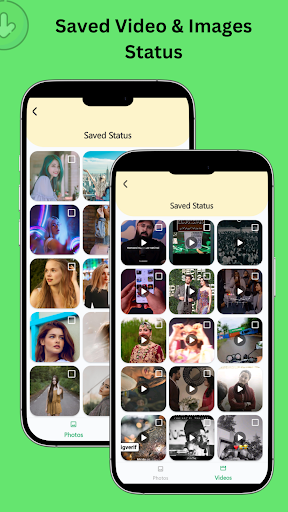
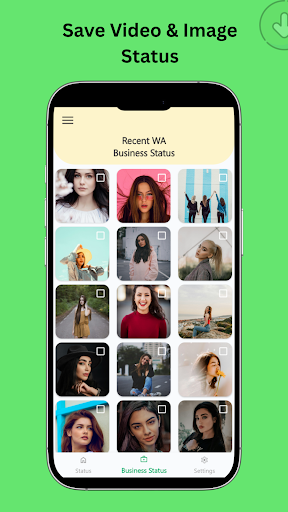
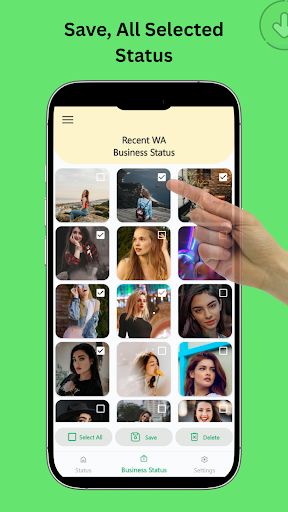
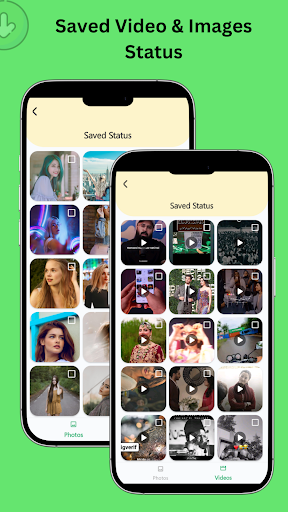
✔ Status Saver: Save and download multiple status photos and videos in one tap.
✔ Offline Mode: No internet required – save statuses anytime, even without a connection.
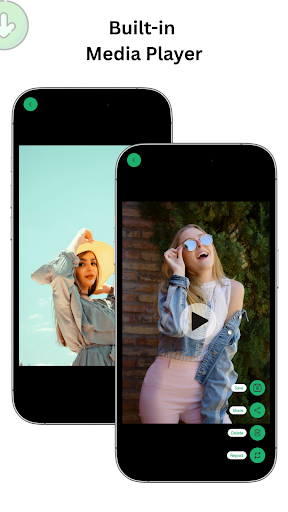
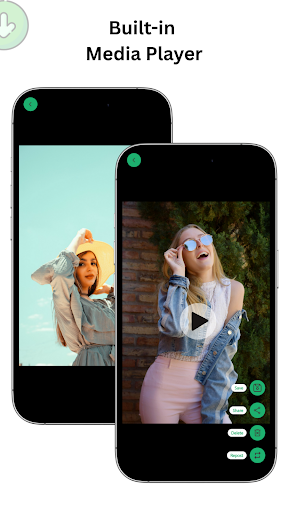
✔ Status Gallery: View, manage, and share all your saved statuses, or repost them easily.
✔ Save & Repost: Download and save multiple status updates effortlessly in HD. Share or repost them directly from the app!
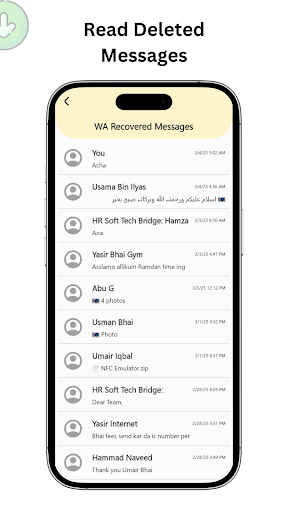
✔ Deleted Messages Recovery: Restore and read messages deleted by senders.
✔ Direct Chat: Send messages or documents to any number without adding it to your contacts.
✔ QR Code Generator & Scanner: Create and scan QR codes to quickly share links and information.
✔ Text Tools: Auto-repeat messages, generate stylish fonts, or convert text to emoji art for fun chats.
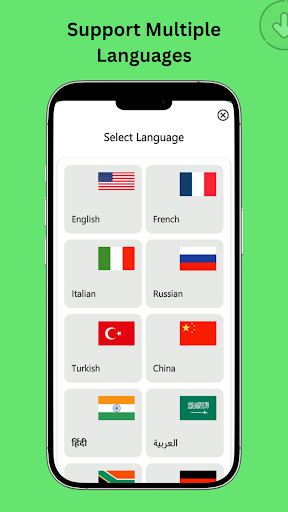
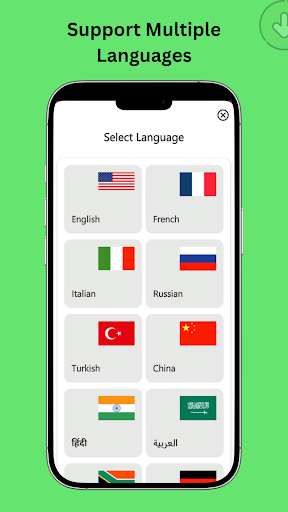
✔ Multilingual Support: Available in English, Hindi, Spanish and more for users worldwide.
How to Use:
1- Save a Status: Open messaging app and view the status you want. Then open the status saver app, select the status, and tap the save button to download it.
2- Recover Deleted Messages: Grant the app notification access in settings. It will then capture and display any deleted messages so you can read them.
3- Direct Chat: Go to Direct Chat, enter the phone number (with country code) and your message, then send – no need to save the contact.
4- QR Codes: Tap the QR Code feature to generate a new code or scan an existing one for quick sharing of links or information.
5- Text Tools: Open Text Tools and choose the Text Repeater, Stylish Fonts, or Text-to-Emoji feature to create unique, fun messages.
Click Install now and start saving your favorite WA statuses!
Disclaimer: Status Saver and Tools is not affiliated with WhatsApp, Inc. All trademarks and copyrights belong to their respective owners.
Please respect content copyright and do not download or repost media without permission.
Version Information
- Version
- -
- Downloads
- 5K+
- Updated on
- -
- Released
- Sep 3, 2024
- Requires
- Android Varies with device
Statistics
Google Play Rating History
Rating Distribution
Downloads Over Time
Status Saver and Tools has been downloaded times. Over the past 30 days, it averaged downloads per day.
Shaded area shows 30-day prediction based on historical trends
Historical data collection started recently. More data points will be available over time.
Status Saver and Tools users say on Google Play
 Hassan Ali
Very fast and responsive. Very happy with the service.♥️
 Arif Arif
English shahrukh Khan
ApkTrusted Ratings & Reviews
More from InnovoSoft
See more apps
True Love Messages Offline
Free

Pick up lines - Flirt messages
Free

Sad Urdu Poetry offline
Free

Gold and Silver rates live
Free

Daily Inspirational Quotes
Free

Funny Prank Sounds Offline
Free
Translate Korean to English
Free

Voice Message - SMS by Voice
Free

Image to Text Offline
Free

LangGo Offline translation
Free

Tic Cross Game
Free

Text Repeater / Stylish Name
Free
Similar Apps

Status Saver App
Paid

Smart Video Downloader
Paid

Video Downloader Stream Saver
Paid

Video downloader: Vid Play
Paid

TIKTOK Meme
Paid

iStatus: Video Saver Reposter
Paid

Stylish Name: Fancy Text Style
Paid

Al Quran- Qibla & Prayer Times
Free

Quick Bill Admin
Free

Funny Ringtones - Ai Sound App
Paid

Qibla Direction- GPS Compass
Paid
Scan this QR code to download

Forwarding you to the page at Google Play market in seconds...
Open Google Play market now