
UsA Chalk - USA126 vVARY
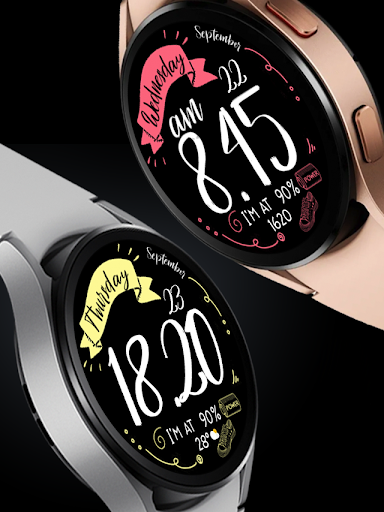
USA Design Watch Face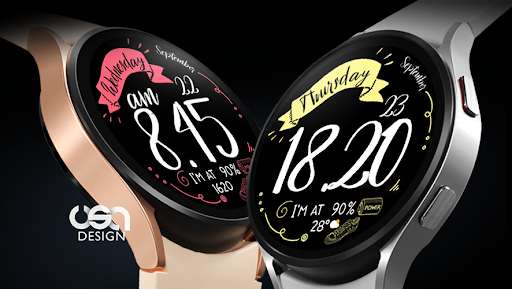

About this app
Developer Description
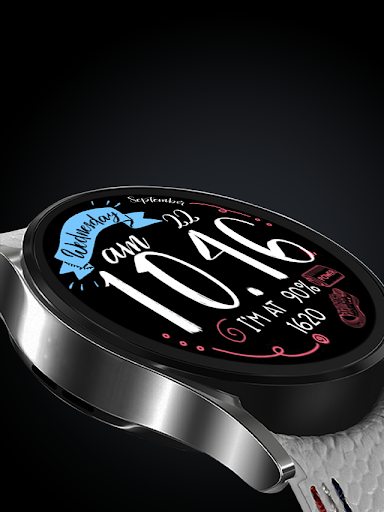
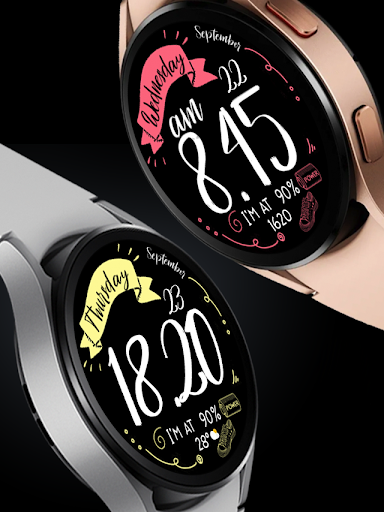
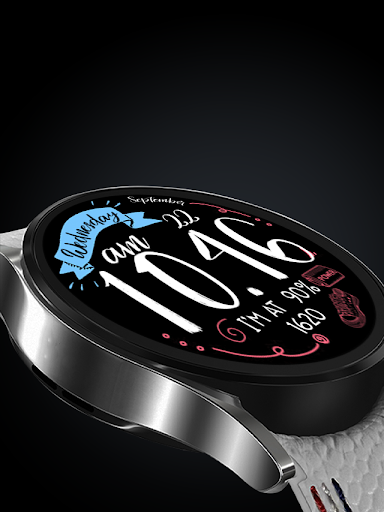
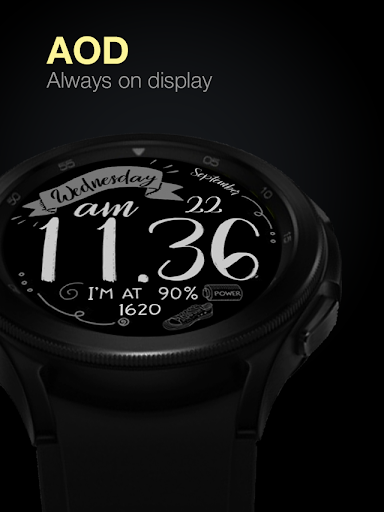
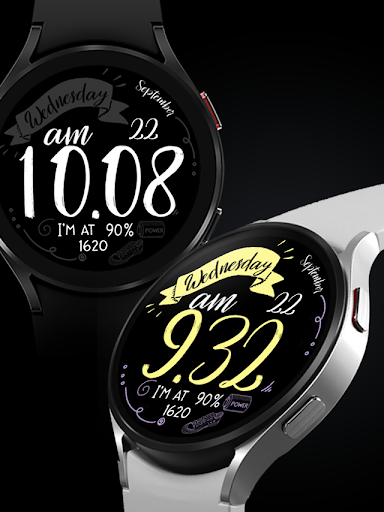
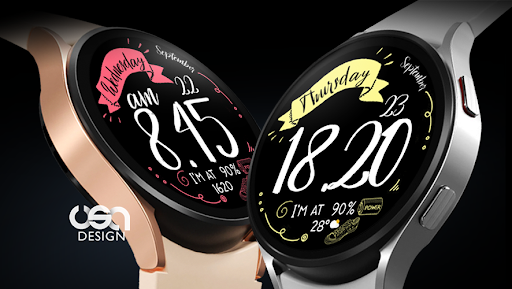
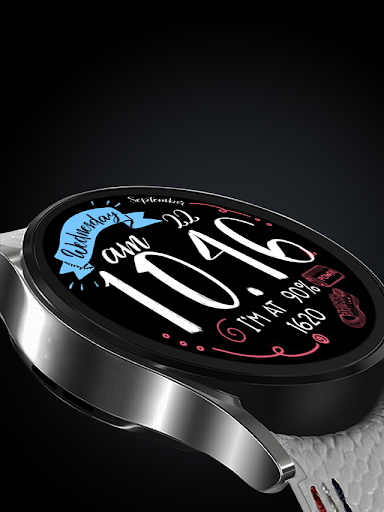
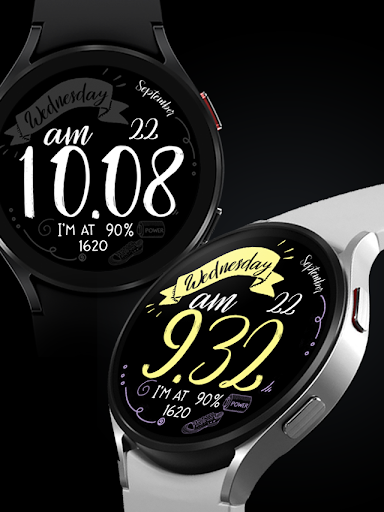
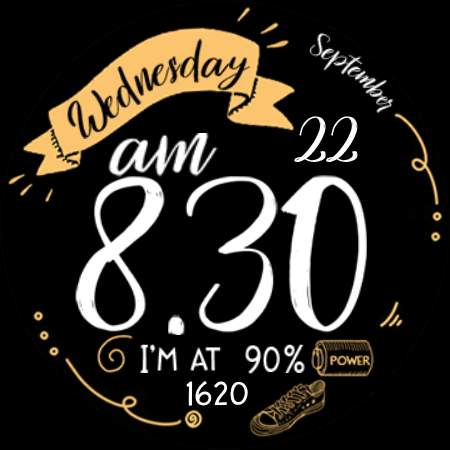
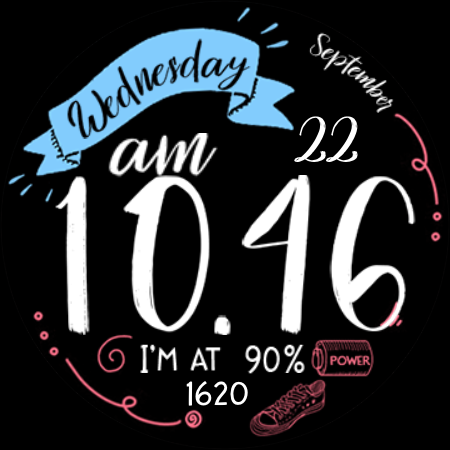
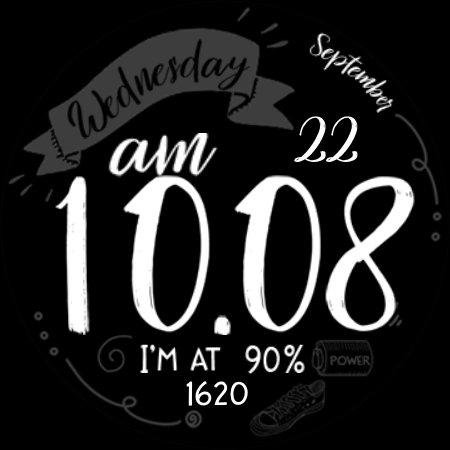
Vintage chalkboard for Wear OS
This watch face requires Wear OS API 33+ (Wear OS 4 or newer). Compatible with Galaxy Watch 4/5/6/7/8 Series and newer, Pixel Watch series and other watch face with Wear OS 4 or newer.
Features:
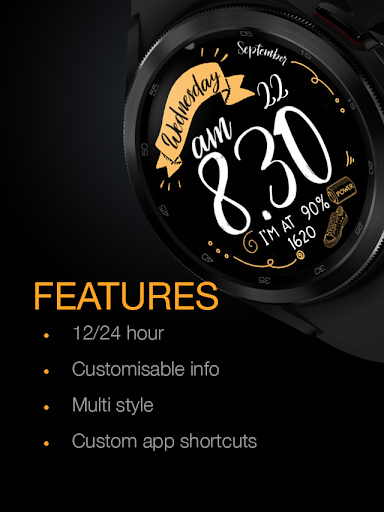
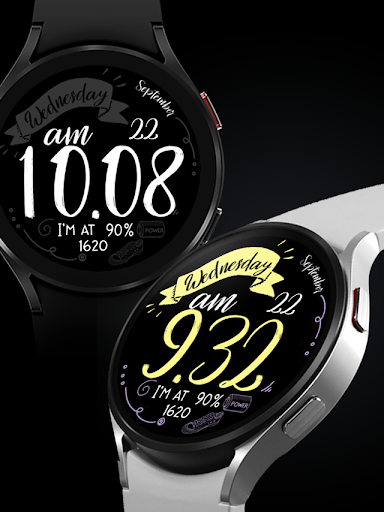
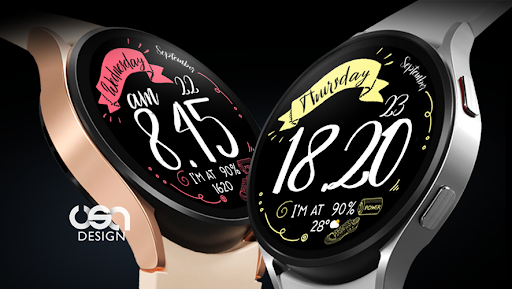
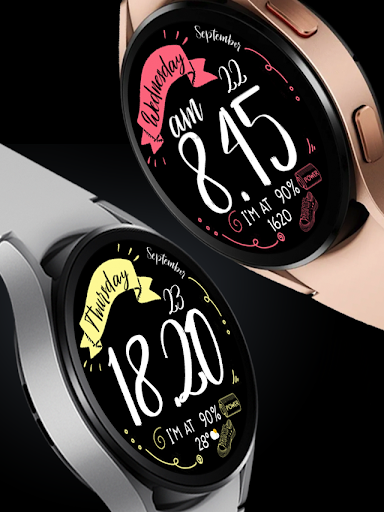
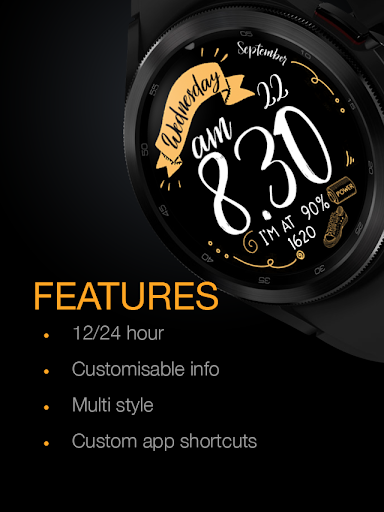
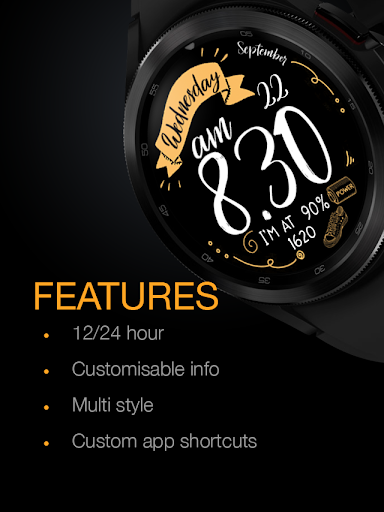
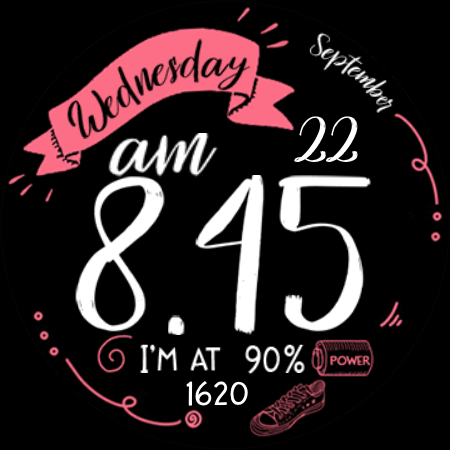
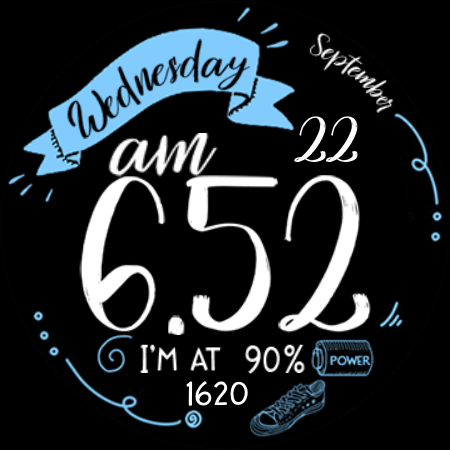
- Customize background style color
- Customize hour minutes color
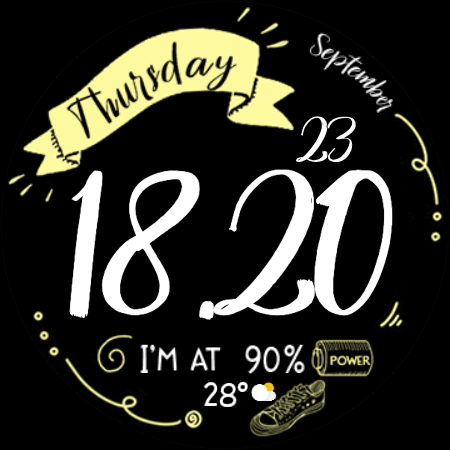
- 12/24 hour mode
- Battery information
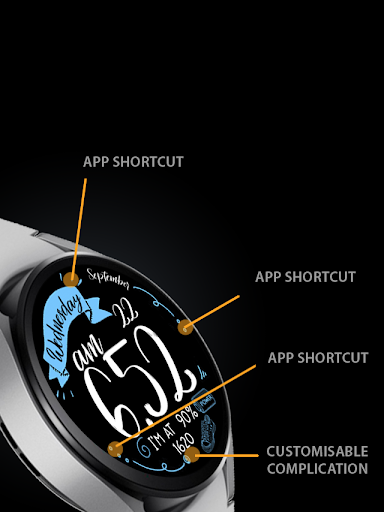
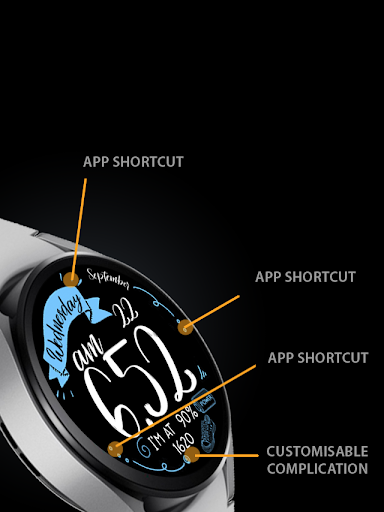
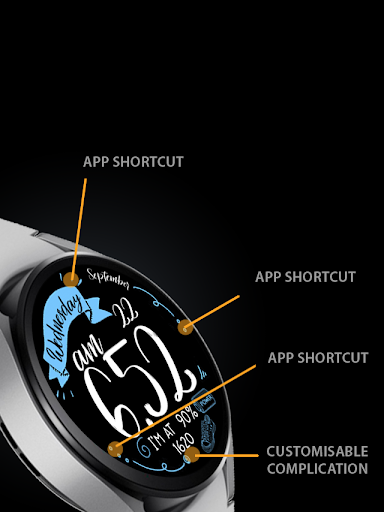
- Customisable Steps information ( you change it to weather or other available info)
- 3 custom app shortcuts
Make sure you are purchasing using the same Google account registered on your watch. The installation should begin automatically on the watch after a few moments.
After the installation is completed on your watch, do these steps to open the watch face on your watch :
1. Open the watch face list on your watch (tap and hold the current watch face)
2. Scroll to the right and tap "add watch face"
3. Scroll down and find new installed watch face in the "downloaded" section
Tap and hold the watch face and go to the "customize" menu (or settings icon under the watch face) to change the styles and also manage the custom shortcut complication.
To change between 12 or 24-hour mode, go to your phone date and time settings and there is an option to use 24-hour mode or 12-hour mode. The watch will sync with your new settings after a few moments.
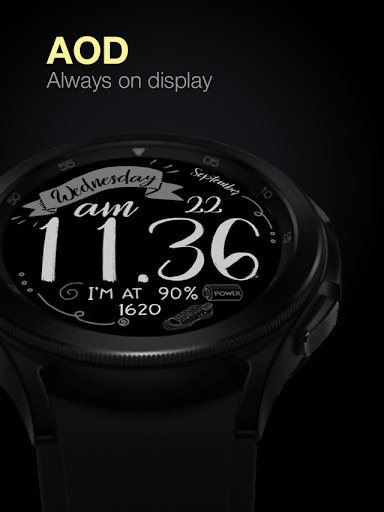
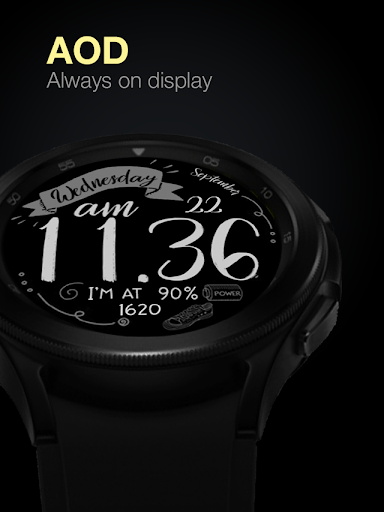
Special designed Always On Display ambient mode. Turn on the Always On Display mode on your watch settings to show a low power display on idle. Please be aware, this feature will use more batteries.
Join our Telegram group for live support and discussion
https://t.me/usadesignwatchface
What's New
Version Information
- Version
- -
- Downloads
- 10K+
- Updated on
- Oct 29, 2025
- Released
- Feb 24, 2022
- Requires
- Android Varies with device
Statistics
Google Play Rating History
Rating Distribution
Downloads Over Time
UsA Chalk - USA126 has been downloaded times. Over the past 30 days, it averaged downloads per day.
Shaded area shows 30-day prediction based on historical trends
Historical data collection started recently. More data points will be available over time.
UsA Chalk - USA126 users say on Google Play
 monica hill
At first it felt like finding a needle in a hay stack lol hunting the app down. Apparently,I was using another email on the watch than what I used to purchase the watch face. All I ended up doing was adding the same email to my watch and it instantly displayed install. The installation took like a minute and boom I have a beautiful watch face that's in my opinion well worth a $1.00.
 Karla Nolan
I like it but the 4 & 1 are very similar in this font. I can't tell the difference at a glance. Wish the font was changeable.
 Chauna Salinas
Edit - you have to go into GooglePlay on your watch and install it. Once you do you can apply it through the wearable app.. My watch4 is fully updated, I've uninstalled and reinstalled - app says install soon.. creator has responded to issues like this saying wait an hour.. you wait an hour and the option to refund goes away...
 Carolina Pappas
It's nice but it doesn't work. It freezes too much, and the calendar shortcut does not work. I restarted my phone and watch, but it didn't fix the problem. I would like my money back, please.
 Toni McDowell
Refund!!! I've tried 3 different times to add this to my watch! It kept telling me that I have to go to the play store on my phone to complete the purchase WHEN IT WAS ALREADY PURCHASED AND DOWNLOADED ON MY PHONE! REFUND! IM NOT TRYING AGAIN
ApkTrusted Ratings & Reviews
More from USA Design Watch Face
See more apps
UsA Circular Analog - USA146
Paid

UsA Blazing Digital - USA144
Paid

UsA Bigger Watch Face - USA122
Paid

UsA Golden Flower - USA157
Paid

UsA Balancia Neo - USA178
Paid
UsA Butter Animated - USA154
Paid

UsA Balancia - USA112
Paid

UsA Big Color - USA101
Paid
UsA Bubblegum Tiles - USA139
Paid

UsA Bigger Hybrid - USA123
Free
UsA Butter Analog - USA155
Paid
UsA Circle Bar - USA121
Free

UsA Circle Bubble - USA118
Paid
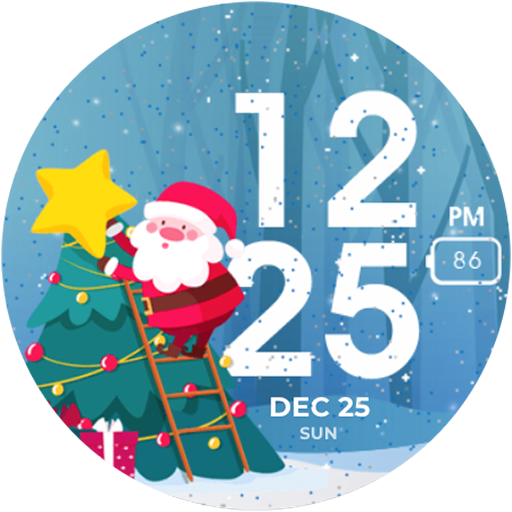
Santa Christmas Snow - USA135
Paid
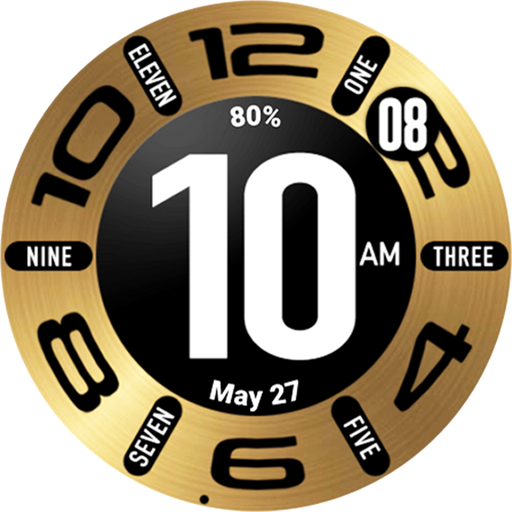
UsA Circular Classic - USA148
Paid
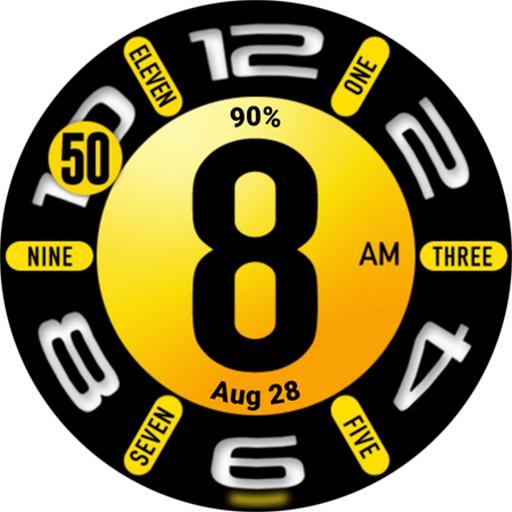
UsA Circular Hybrid - USA147
Paid
Similar Apps
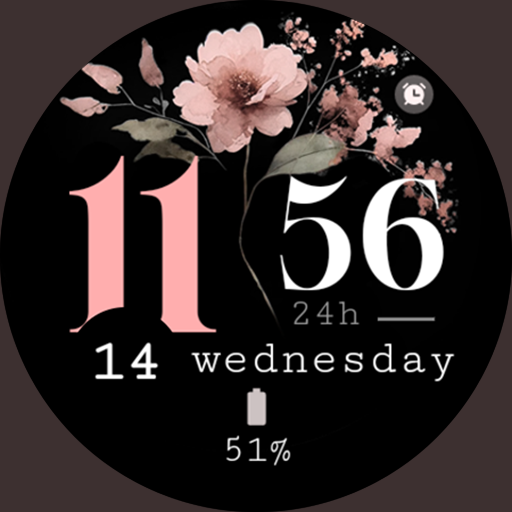
Minimal Bloom pink watch face
Free

New Year's Fireworks July 4th
Paid
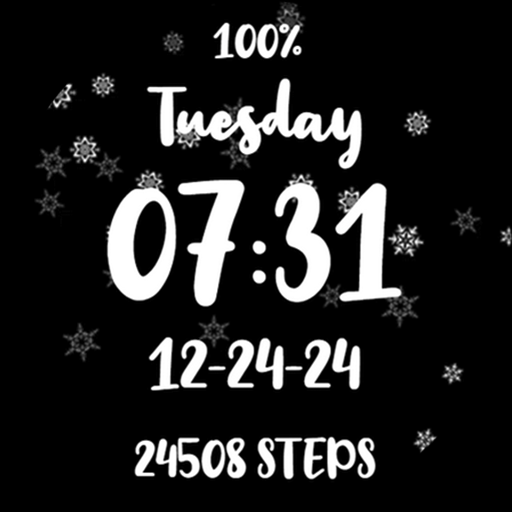
Merry Christmas Winter Snowing
Paid
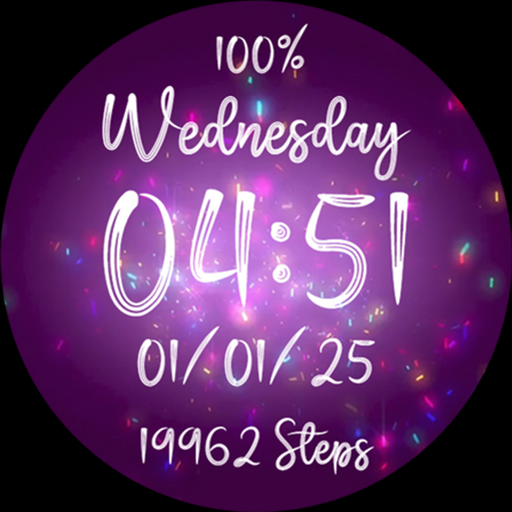
Confetti Fireworks Glitter
Free
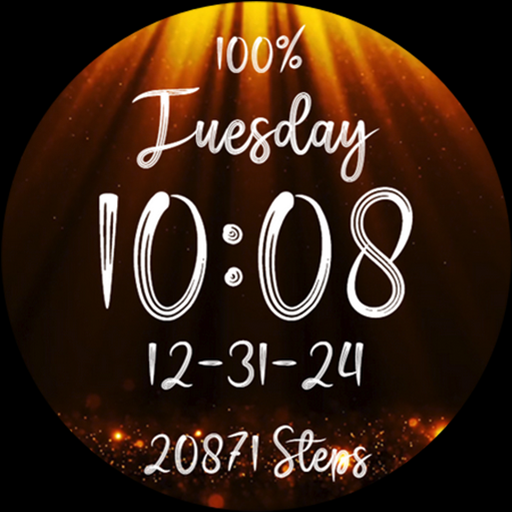
Gold Glitter Christmas Sparkle
Free

Golden Glitter Stars Watchface
Paid
Clean Watch Face
Free

Halloween Horror Scary Bloody
Free
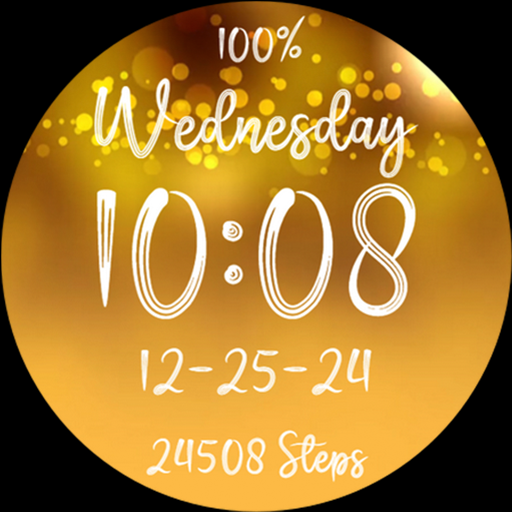
Merry Christmas Gold Glitter
Free

Beauty Floral Watch Face
Free
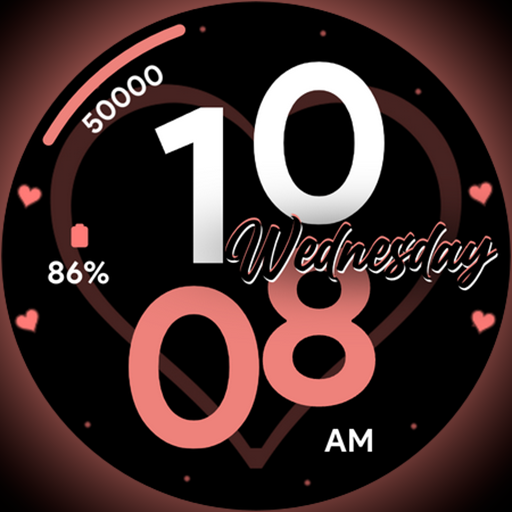
Valentine Dial - Watch face
Paid
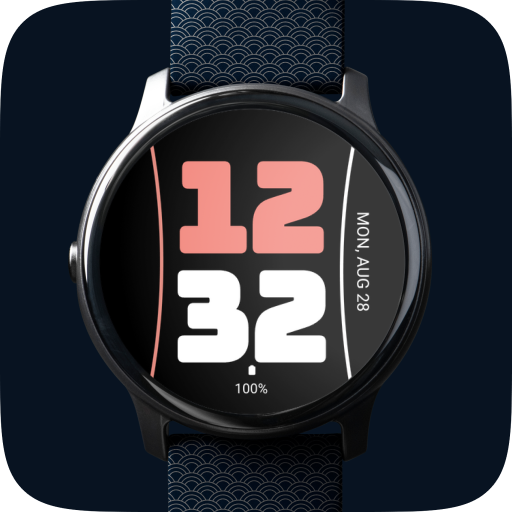
Simplistic Watch Face
Free

Ice Cream Large Watch Face
Free
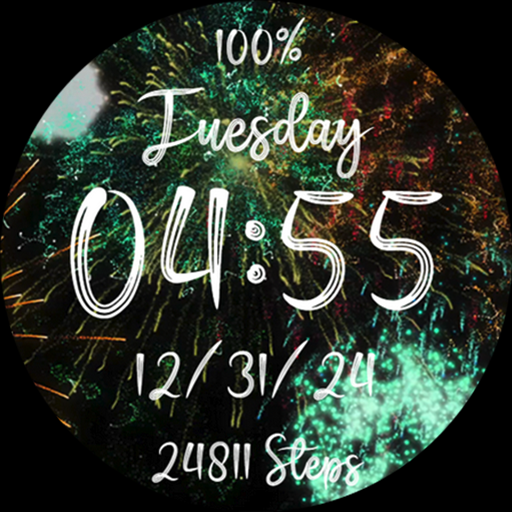
Fireworks New Year Celebration
Free
Paint Watch Face by KYB
Free
Ice Cream Bold Watch Face
Paid
Scan this QR code to download

Forwarding you to the page at Google Play market in seconds...
Open Google Play market now