myCME v6.8.0.1964
Haymarket Media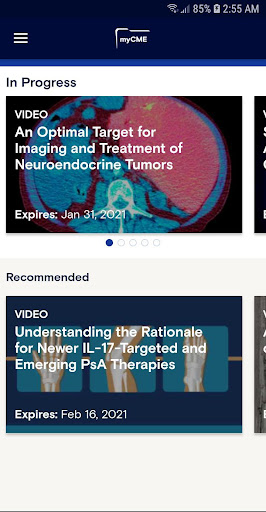







About this app
Developer Description
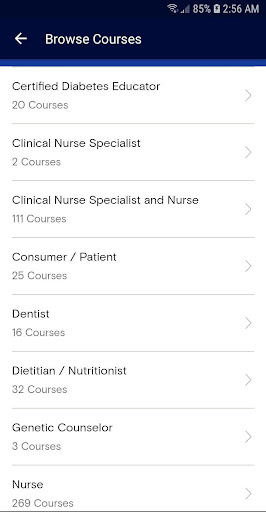
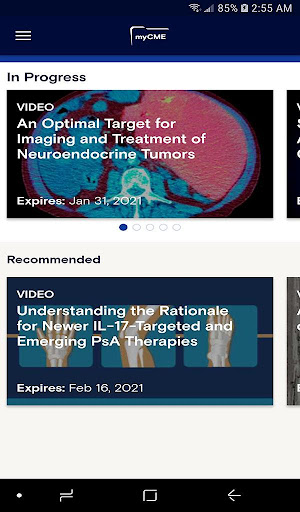
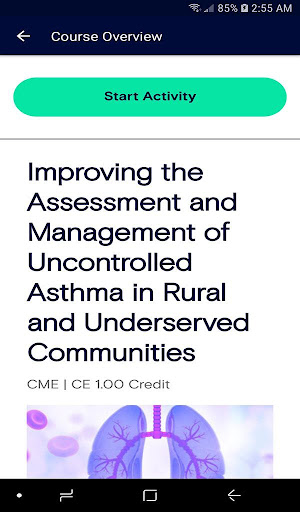
myCME offers complimentary educational courses for you to earn CME/CE credits
With the myCME app you can:
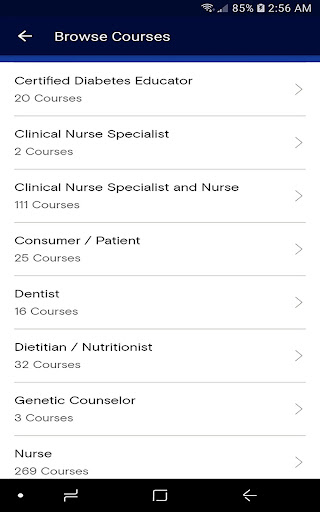
• Choose from relevant activities tailored to your profession and specialty
• Conveniently pick up an activity where you left off
• Claim credits straight from the app
• Upload and store ALL of your CME/CE certificates from any source in one place
• Enjoy 24/7 access to all of your certificates. Easily email your certificates straight from the app
• Set personalized goals and let the myCME app track your progress for you
If you have any questions about myCME or experience any technical problems while using the app, please email support@atmoapps.com.
Privacy Policy - https://www.haymarketmediaus.com/haymarket-media-inc-privacy-policy/
Terms of Use - https://www.haymarketmediaus.com/haymarket-media-inc-terms-and-conditions-of-service/
What's New
In-app purchases
$0.99 - $200.00 per item
Version Information
- Version
- 6.8.0.1964
- Downloads
- 10K+
- Updated on
- Oct 29, 2025
- Released
- May 23, 2012
- Requires
- Android 8.0
Statistics
Google Play Rating History
Rating Distribution
Downloads Over Time
myCME has been downloaded times. Over the past 30 days, it averaged downloads per day.
Shaded area shows 30-day prediction based on historical trends
Historical data collection started recently. More data points will be available over time.
myCME users say on Google Play
 A Google user
Very easy to use, contents appropriate, thoroughly reseached and very comprehensive. It provides a very accessible resource for personal development. I recommend my medical colleagues to check it out for themselves.
A Google user
The app is good. But there is no option to download our completed Certificates neither do we receive the certificate per email even though it says so. Would be grateful if you could rectify this issue. But all in all, great job guys
A Google user
I would like it if I were able to change screens or search for CME The only screen available is the featured and recommended few CME..... It is suppose to be available in the app, however I have downloaded it twice and am unable to access the feature
ApkTrusted Ratings & Reviews
More from Haymarket Media
See more apps
Similar Apps








Scan this QR code to download

Forwarding you to the page at Google Play market in seconds...
Open Google Play market now