Cnc Taper & Radius Coordinator vVARY
Vaani Applications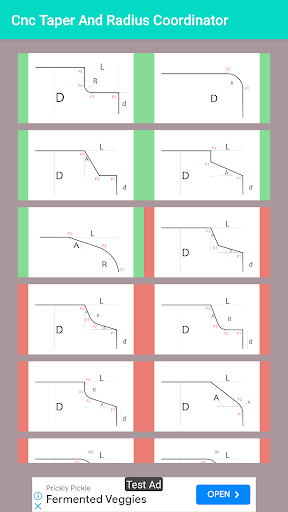
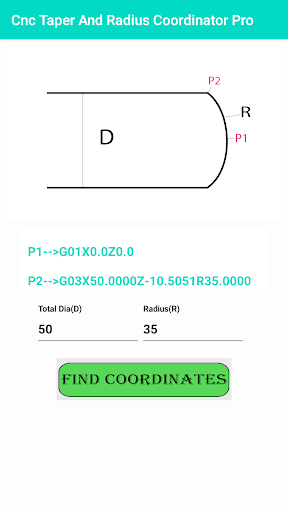
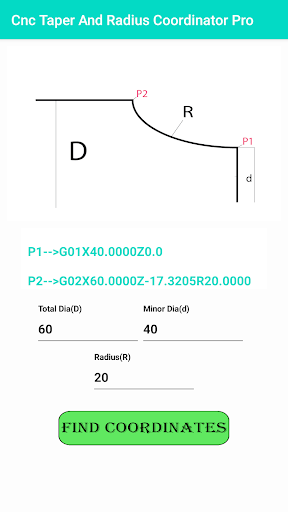
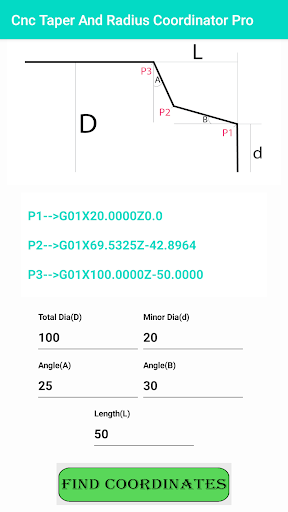

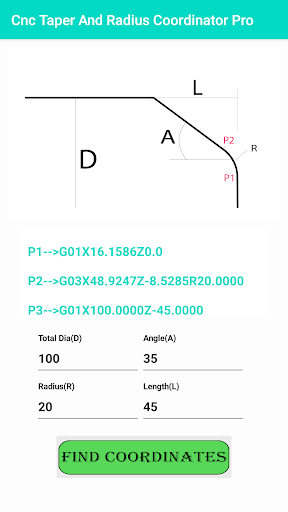
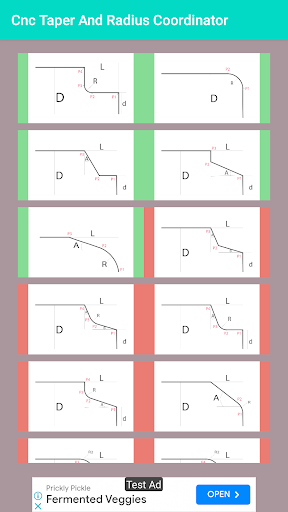
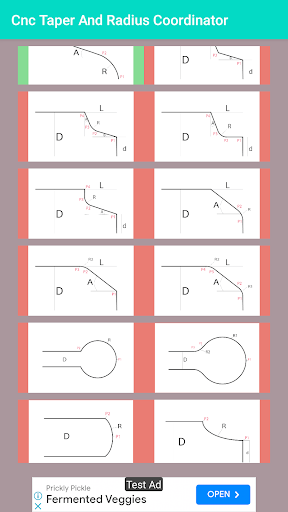
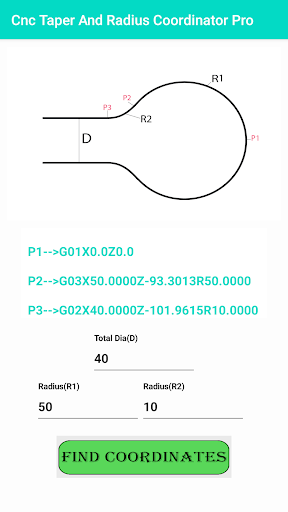
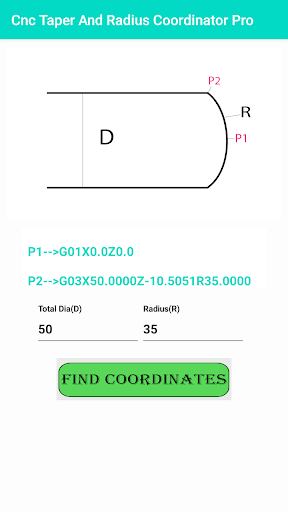
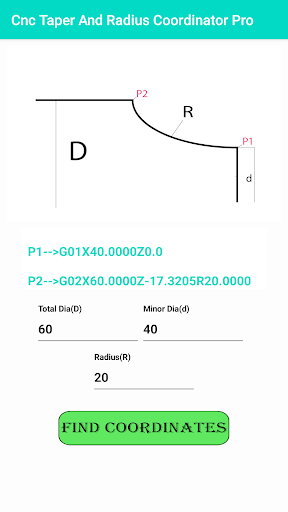
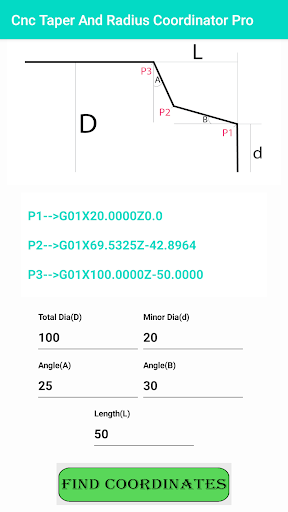
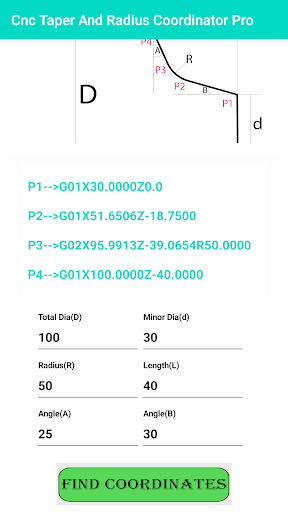
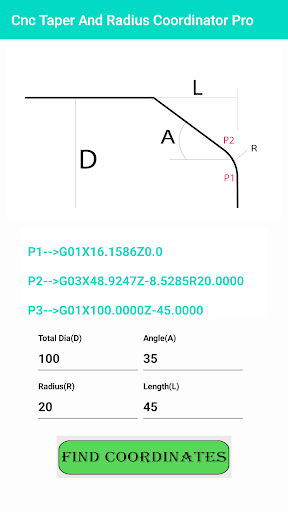
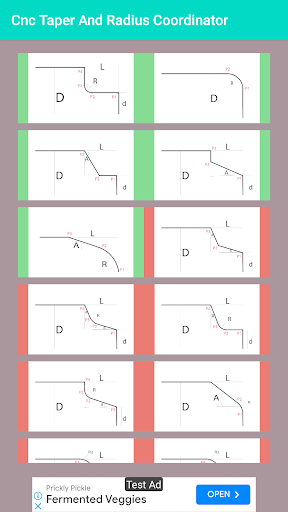
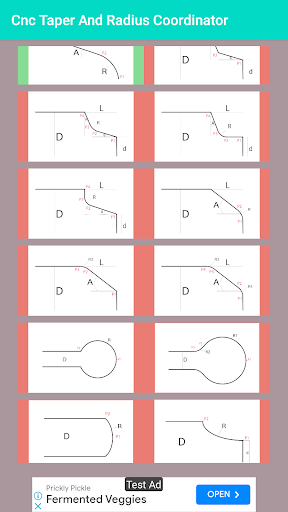
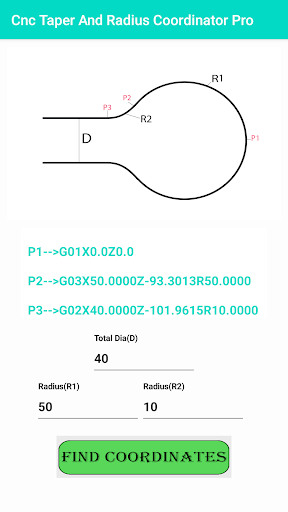
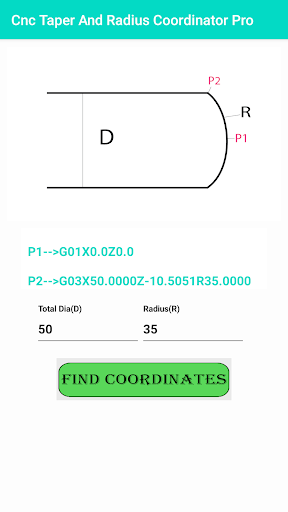
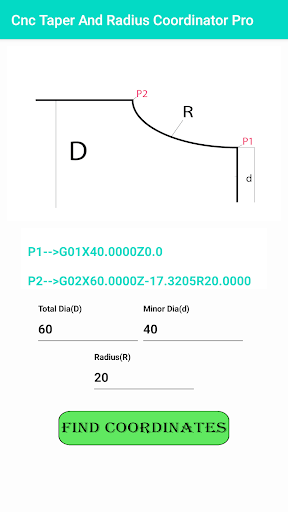
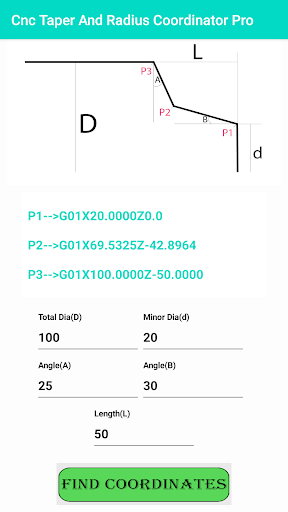
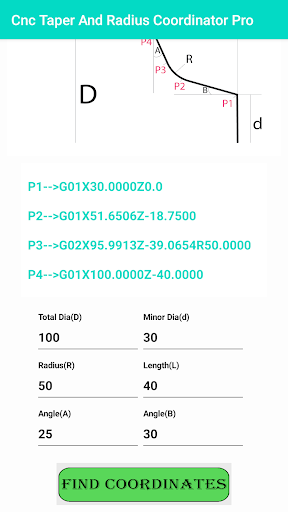
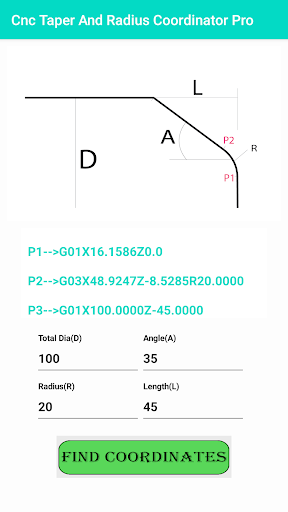
About this app
Developer Description
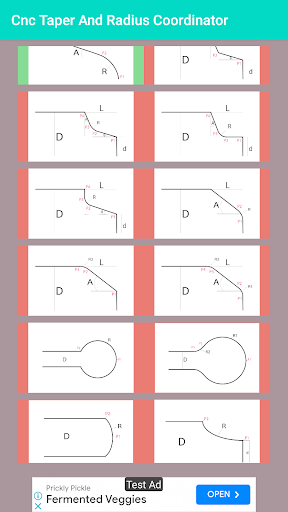
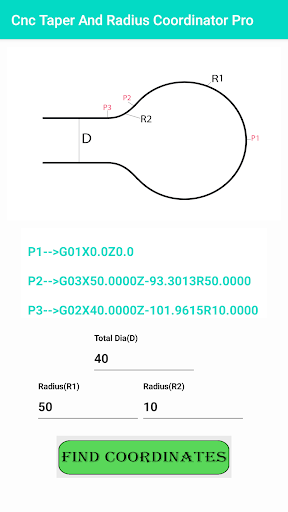
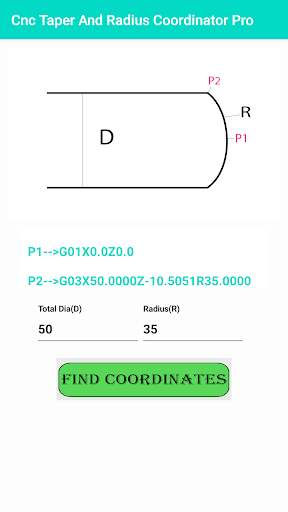
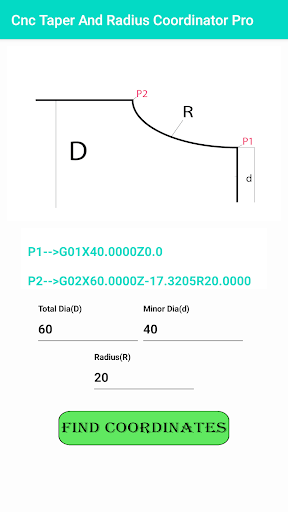
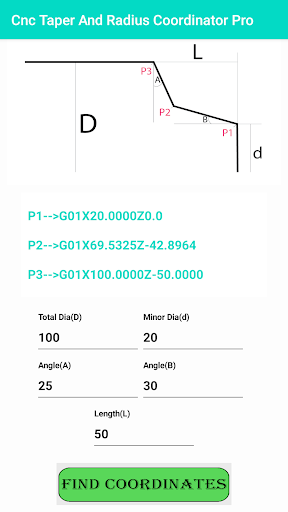
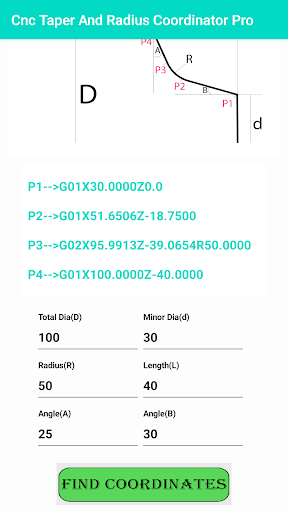
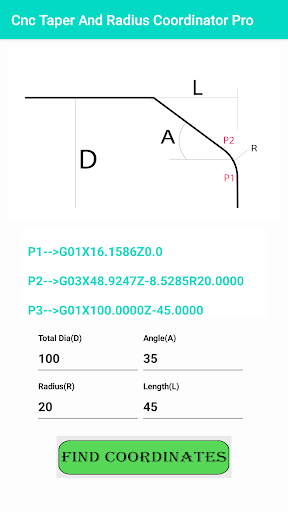
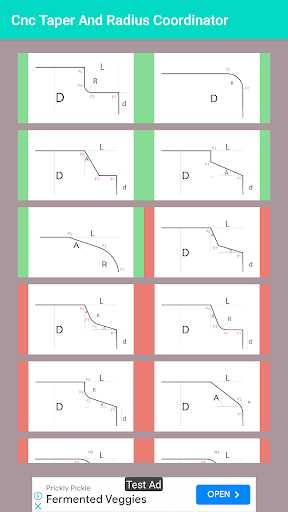
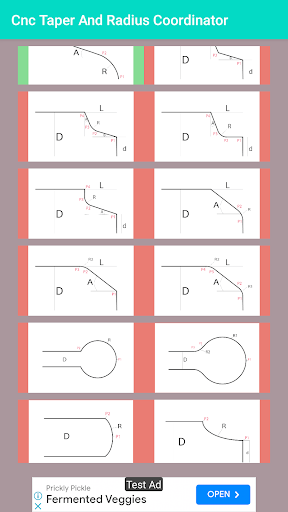
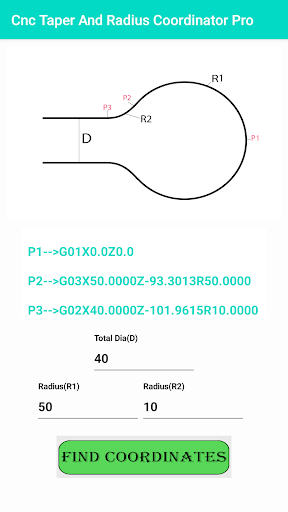
The App Is Very Useful App For Find Or Calculate CNC Taper And Radius Coordinate
How To Program A Radius On A CNC Lathe?
To program a radius on a CNC lathe, you need to know how to work with the machine’s control system. There are two options:
– Using the program editor
– Using the G Code Editor
In terms of ease of use, G Code editor is preferable, with this knowledge, you can create any kind of motion with your program.
Automatic chamfering C and automatic rounding R tutorial for CNC lathe:
Automatic chamfering C and automatic rounding R
Project command tool movement chamfer C
G01 X.Z()…C(+)
G01 X30. Z-20.
G01 X50. C2.
G01 Z0 This block, move to the X axis
Place a single block and move to the positive (+) direction of the Z axis Chamfer C
G01 X.Z()…C(-)
G01 X30. Z-20.
G01 X50. C-2.
G01 Z-30. This block, move to the X axis
Place a single block and move to the positive (-) direction of the Z axis Chamfer C
G01 X.Z()…C(+)
G01 X30. Z0
G01 Z-30. C2.
G01 X50. This block, move to the Z axis
Place a single block and move to the negative (+) direction of the X axis Chamfer C
G01 X.Z()…C(-)
G01 X30. Z0
G01 Z-30. C-2.
G01 X20. This block, move to the Z axis
Place a single block, move the X axis in the positive (-) direction Chamfer C
G1 X…R(+)G01 X30. Z-20.
G01 X50. R2.
G01 Z0. This block, move to the X axis
Place a single block, move to the positive (+) direction of the X axis, round corner R
G01 X…R(-)
G01 X30. Z-20
G01 X50. R-2.
G01 Z-30. This block, move to the X axis
Place a single section, move to the negative (-) direction of the Z axis, round corner R
G01 Z…R(+)
G01 X30. Z0
G01 Z-30. R2.
G01 X50. This single block, move to the Z axis direction
Place a single section and move to the positive (+) direction of the X axis
Round R
G01 Z…R(-)
G01 X30. Z0
G01 Z-30. R-2.
G01 X20. This block, move to the Z axis
Place a single block, move to the negative (-) direction of the X axis, C and R usually specify a radius value
Front slope or chamfer Turning arc R radius External angle (greater than 180 degrees) External arc + tool nose radius Internal angle (less than 180 degrees) External arc-tool nose radius
It is much easier to calculate the absolute XY coordinates for a simple contour, such as a rectangle, but it is much harder to calculate points where the contour includes angles and partial radiuses. These parts are usually programmed with the assistance of a CAD/CAM system (CAM), but if such system is not available or in other situations, the CNC programmer must resort to the old fashion way, by using a pocket calculator. Most calculations will be using trigonometric functions, but knowing the basic arithmetic and algebraic operations, knowing formulas, being familiar with solving triangles is still the major requirement. This chapter will present some techniques that have proven to be suitable for solving a majority of problems associated with calculation of more difficult contour points.
Tools and Knowledge
Any tool can only be used correctly if the user has a sufficient amount of knowledge about the purpose of the tool and how to use such a tool. In CNC manual programming, we are talking about three major tools pencil, paper, and a calculator. An old cartoon has also shown a fourth tool a very large eraser. Of course, in these days, pencil is most likely replaced by a text editor (even Windows Notepad will do in an emergency), and actual printing on paper is not always necessary, as the program can be transferred to the control system via a cable, using DNC software. Eraser is part of the editor, and Windows even provide a simple calculator. In practice, a physical..
Version Information
- Version
- -
- Downloads
- 10K+
- Updated on
- -
- Released
- May 7, 2023
- Requires
- Android Varies with device
Statistics
Google Play Rating History
Rating Distribution
Downloads Over Time
Cnc Taper & Radius Coordinator has been downloaded times. Over the past 30 days, it averaged downloads per day.
Shaded area shows 30-day prediction based on historical trends
Historical data collection started recently. More data points will be available over time.
Cnc Taper & Radius Coordinator users say on Google Play
 Rajkishore Senapati
Best Sir , How to use it
 Papu Prakash
Not bad value for money but update some new features
 Purna chandra Reddy
Very nice
 Ramona Dumitrascu
Very poor.No calculations on OD and ID. If I got D,d and R , I no need this program . I don't want the program I need to calculate coordinates for R if I get only D or d . In this program can you work on ID ? It's not option.
ApkTrusted Ratings & Reviews
More from Vaani Applications
See more apps




Scan this QR code to download

Forwarding you to the page at Google Play market in seconds...
Open Google Play market now